Change Facial Expression In Photo

Choose the Expression Style That Fits Your Mood
Explore multiple AI filters designed for facial expression editing, from subtle smiles to dramatic emotional shifts.
Key Features of AI Facial Expression Editing
gloglo combines advanced face detection with style transfer technology so you can modify emotions, expressions, and facial details without losing the original likeness.

Natural Expression Transformation
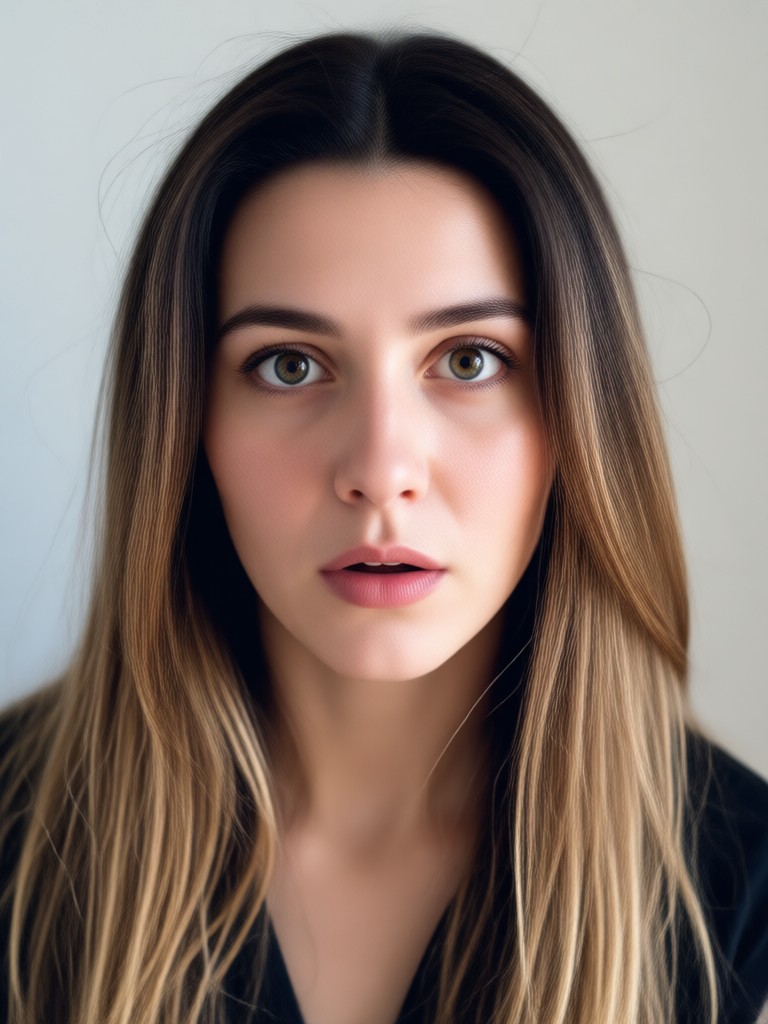
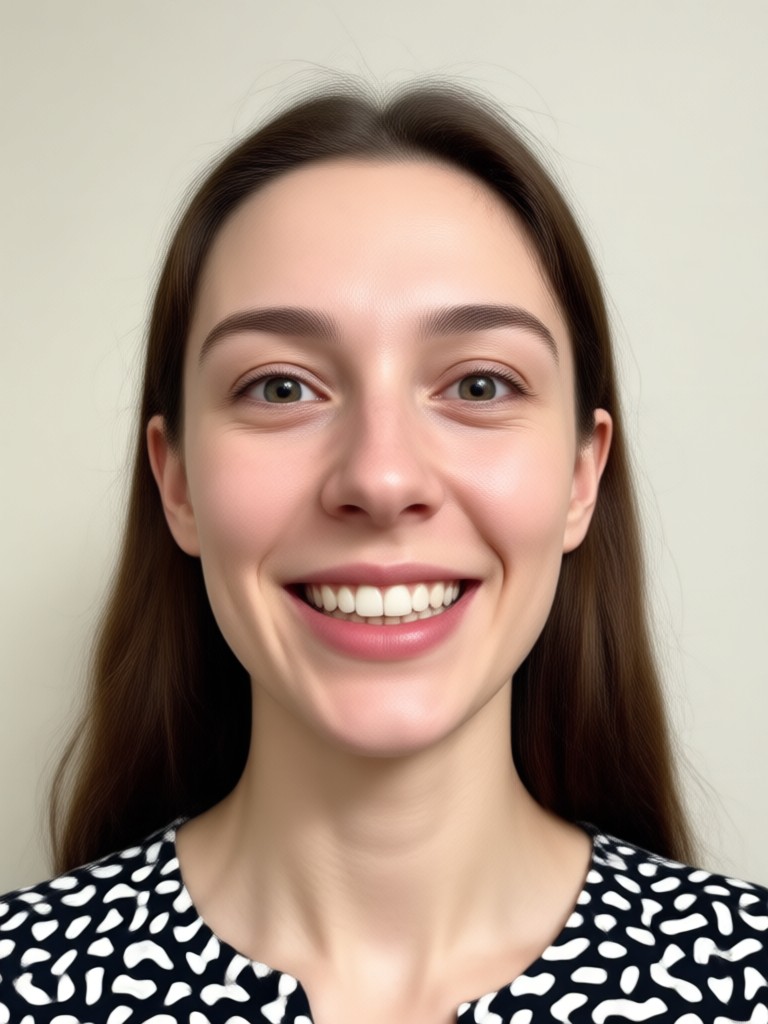
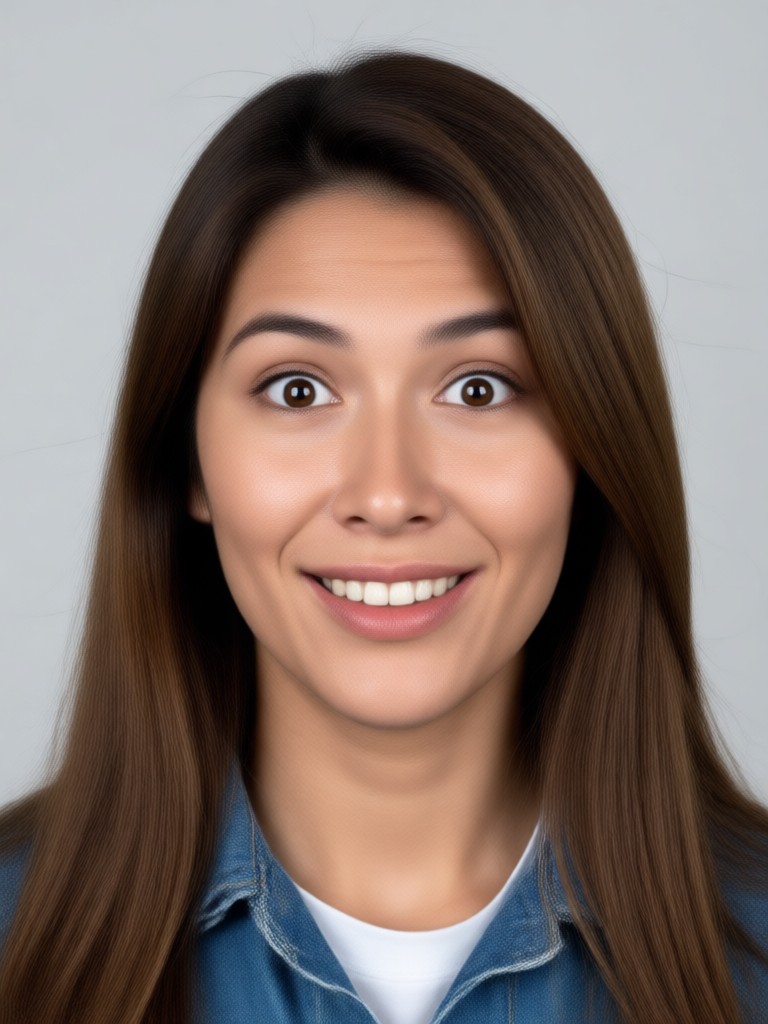
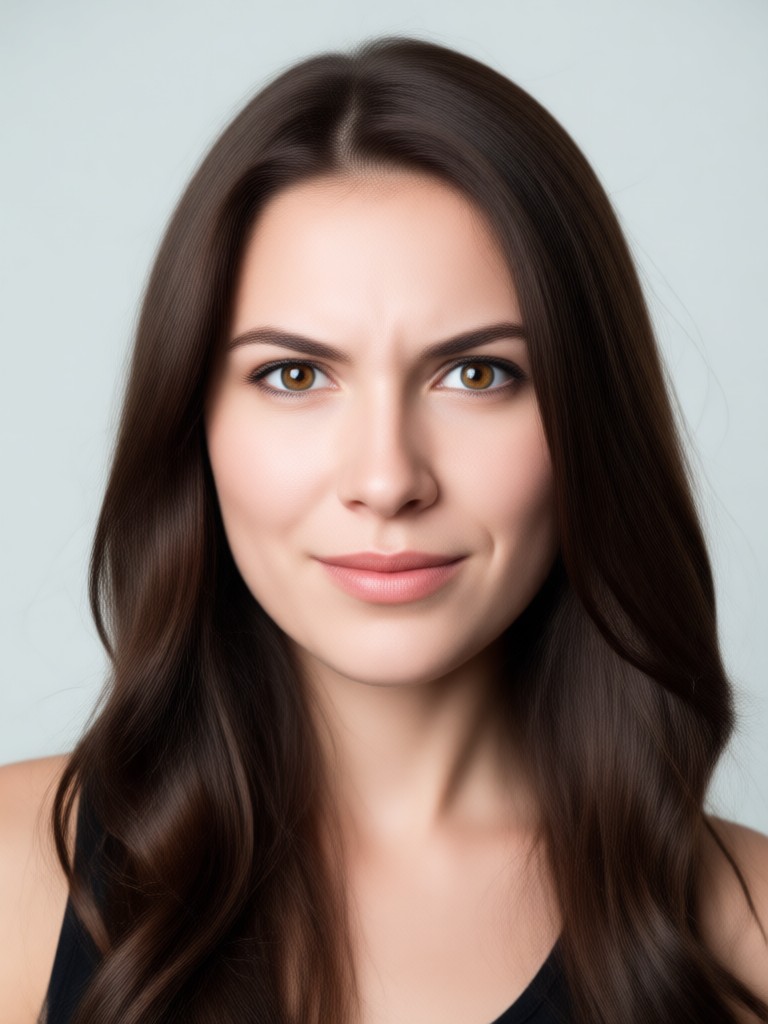
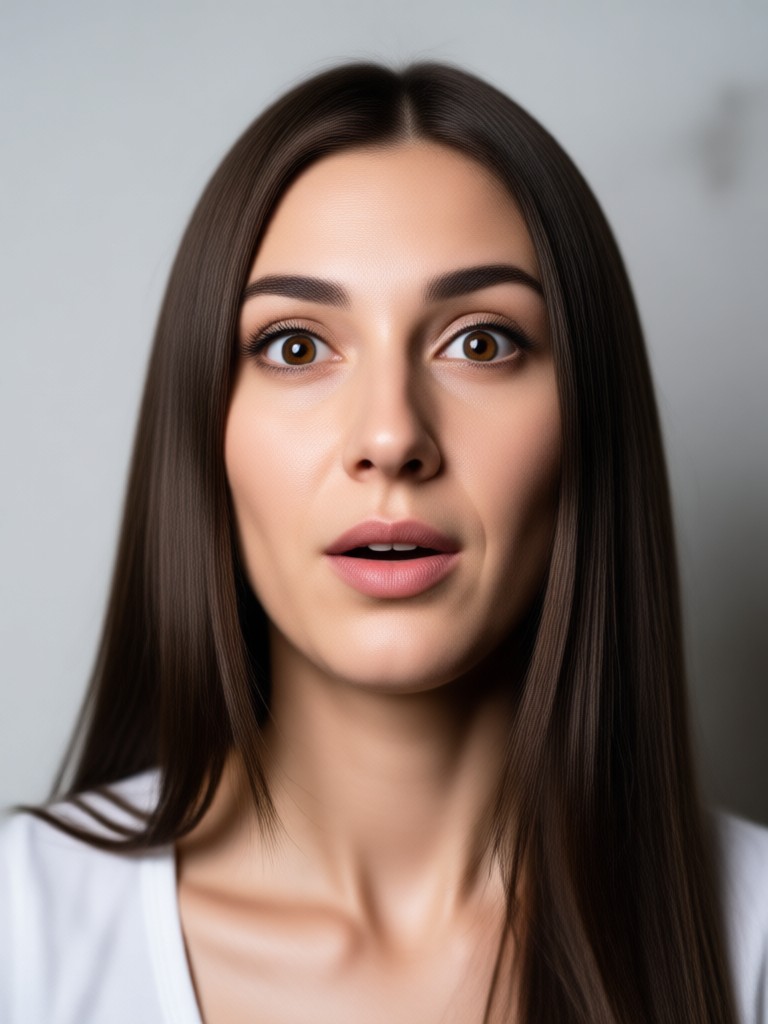
Adjust smiles, frowns, smirks, and surprise with realistic results. The AI understands facial anatomy so expressions look authentic instead of warped or cartoonish.
Natural Expression Transformation
Adjust smiles, frowns, smirks, and surprise with realistic results. The AI understands facial anatomy so expressions look authentic instead of warped or cartoonish.

Preserve Identity And Details
The face shape, skin tone, hair, and background remain untouched. Only the expression shifts based on your selected style template, keeping every portrait recognizable.
Preserve Identity And Details
The face shape, skin tone, hair, and background remain untouched. Only the expression shifts based on your selected style template, keeping every portrait recognizable.
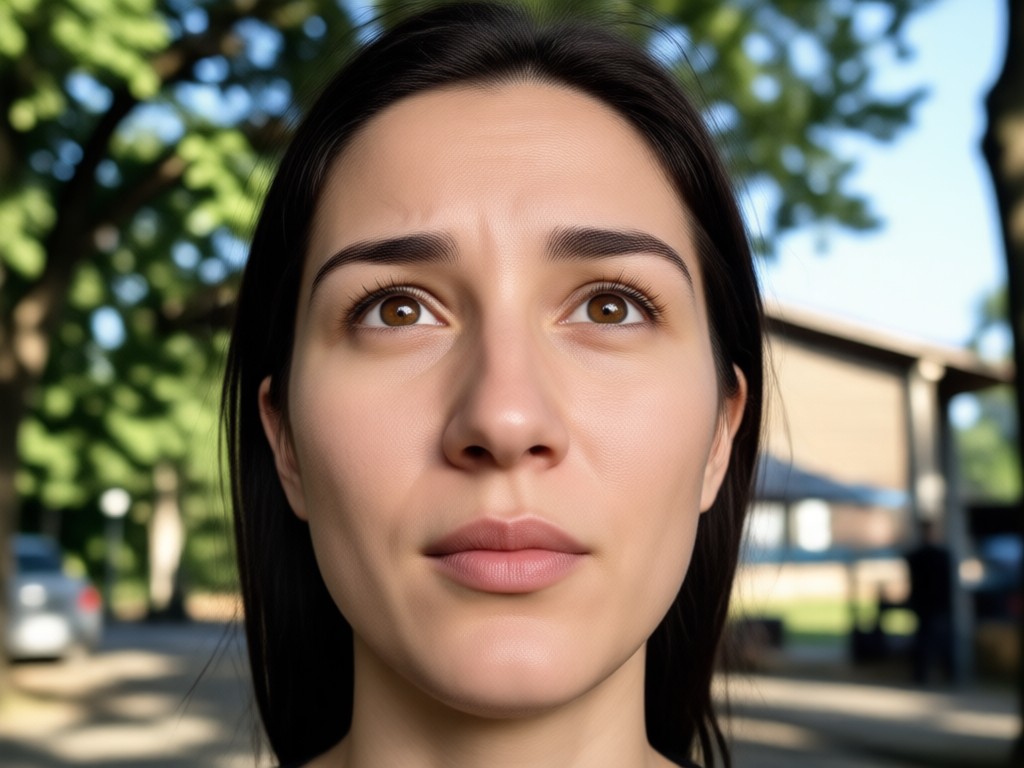
One Tap Expression Swap
No sliders, no masking, no tutorials needed. Pick a photo, choose an expression filter, and generate a completely new look in less than ten seconds.
One Tap Expression Swap
No sliders, no masking, no tutorials needed. Pick a photo, choose an expression filter, and generate a completely new look in less than ten seconds.
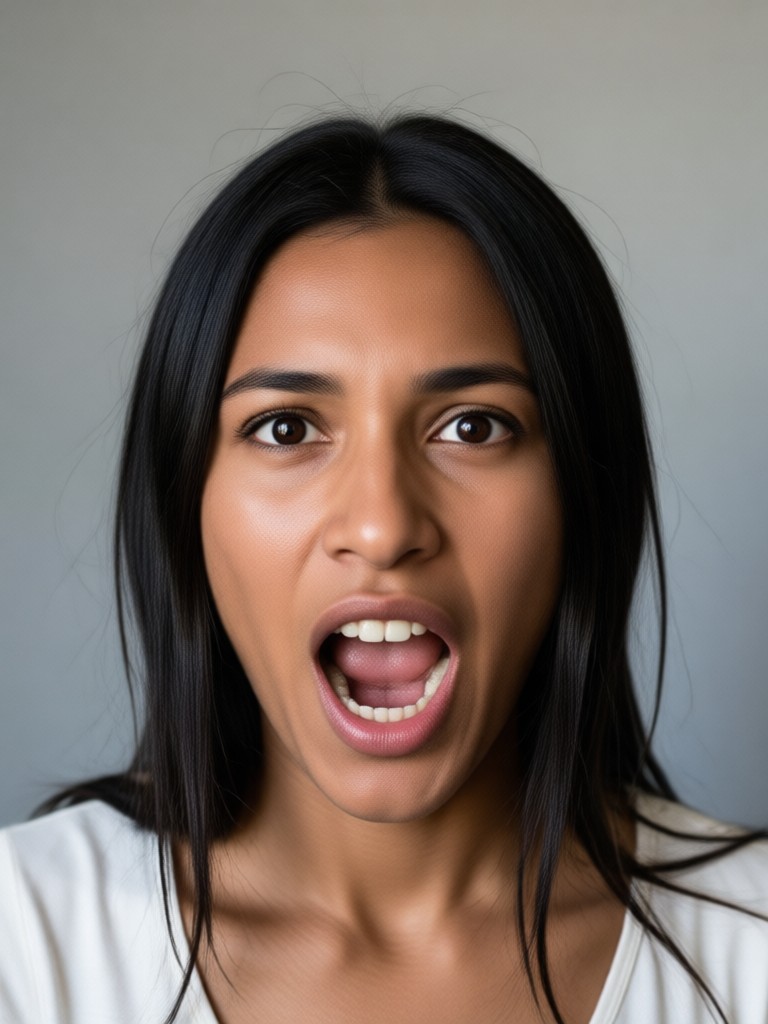
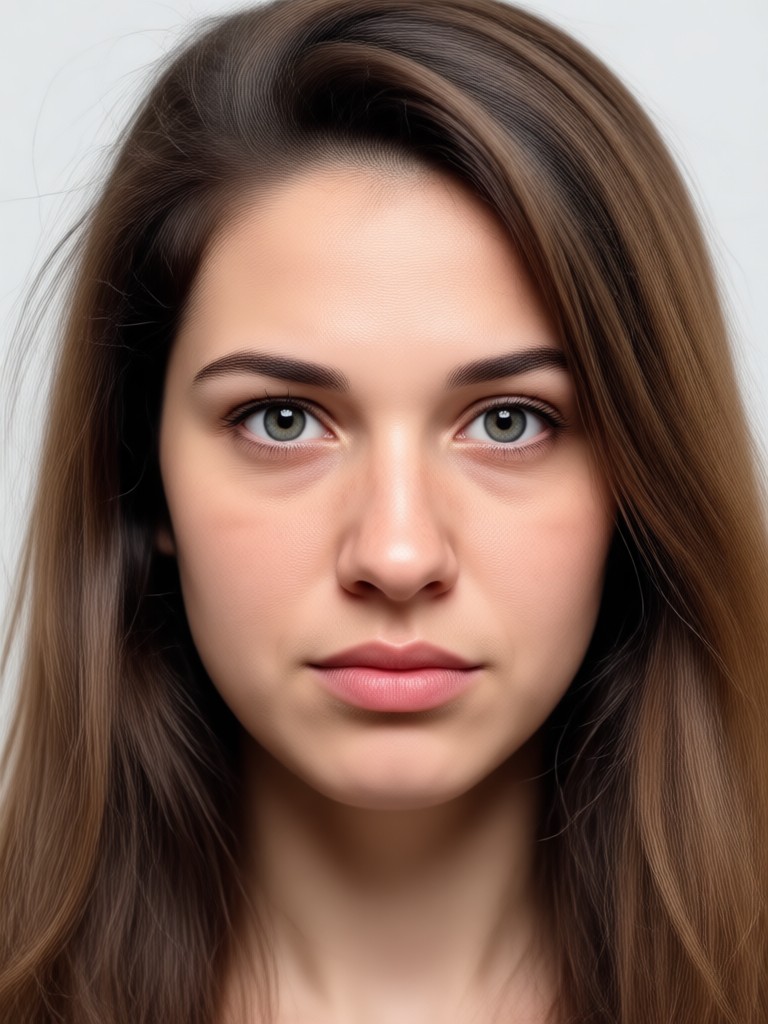
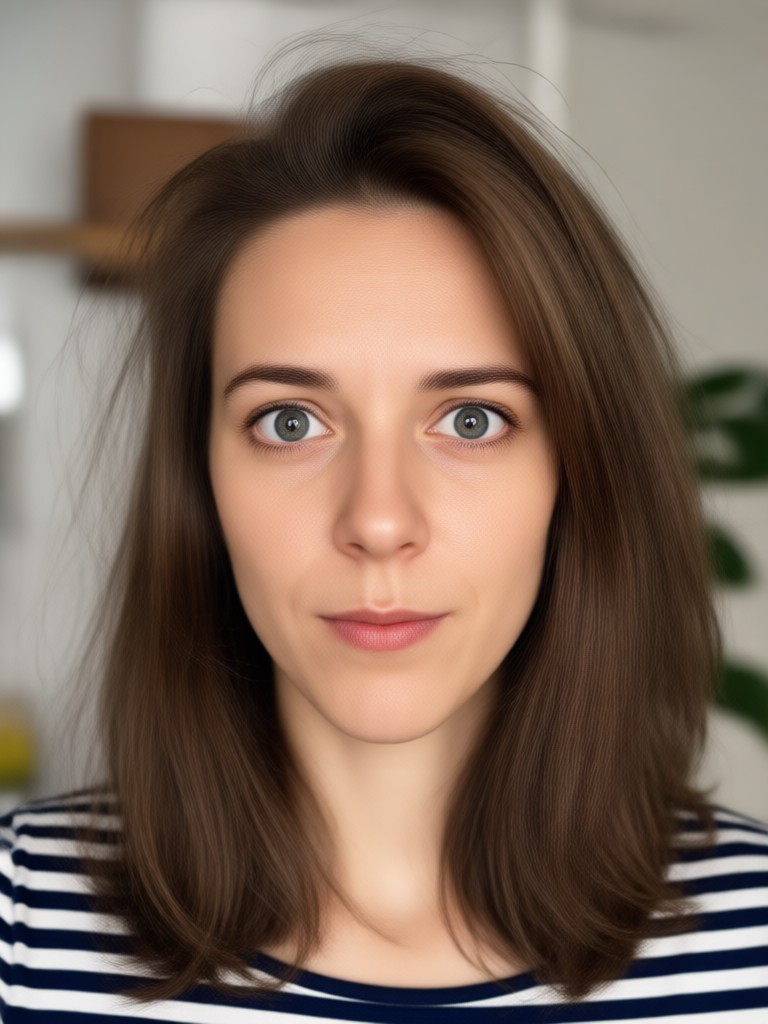
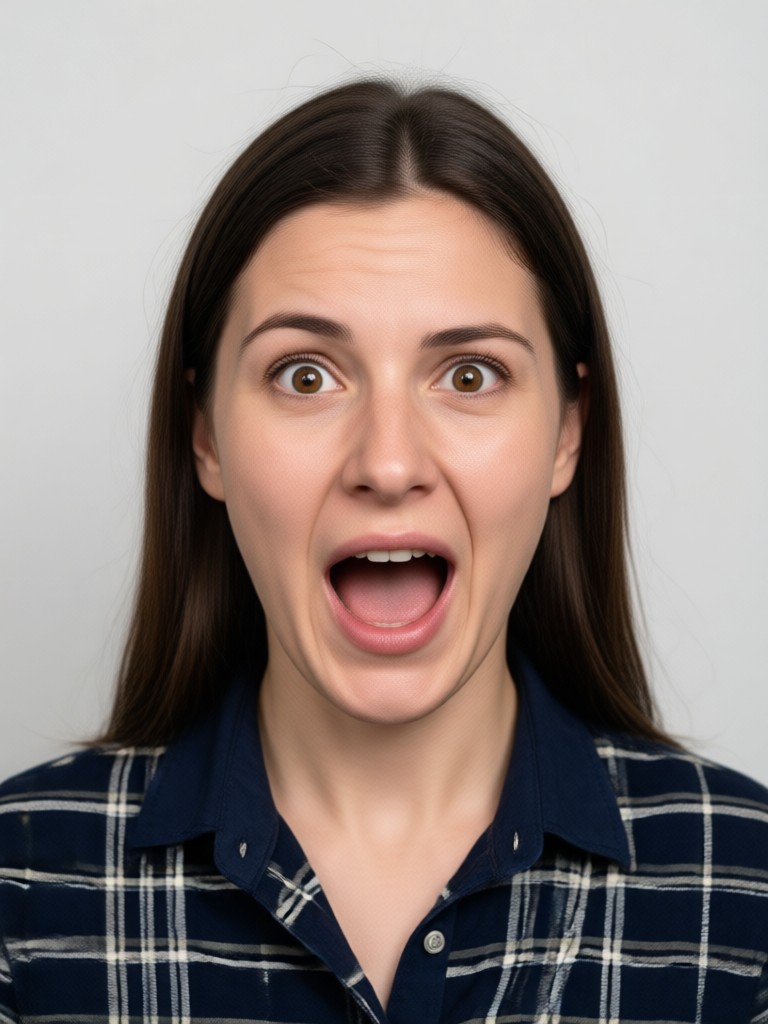
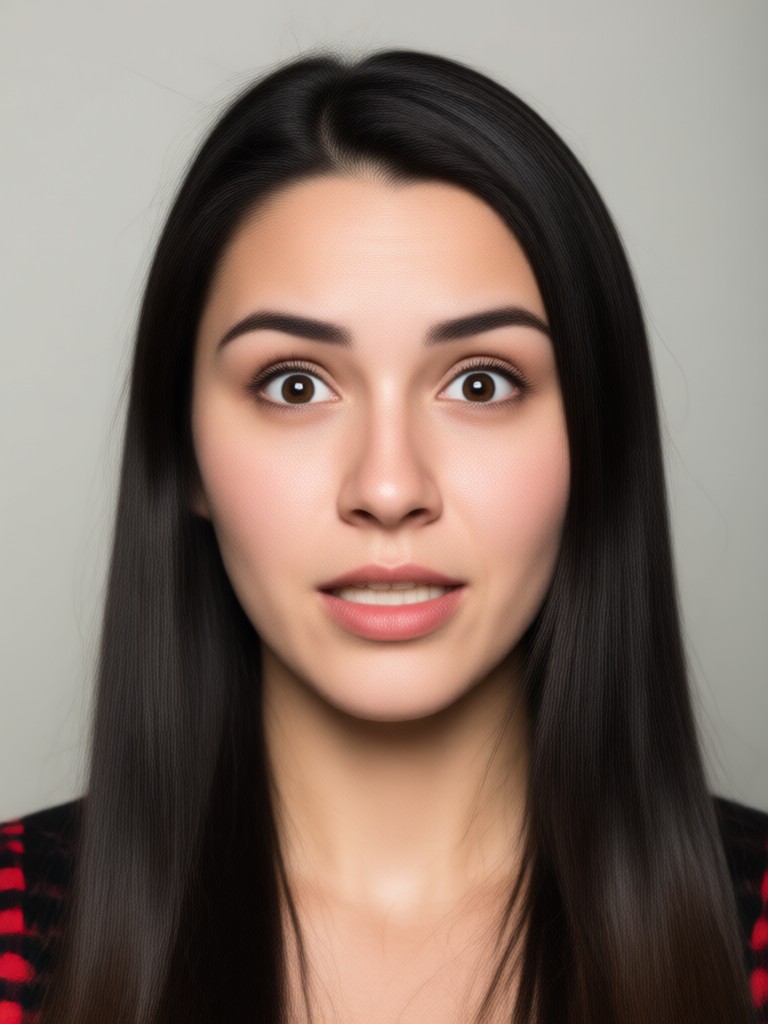
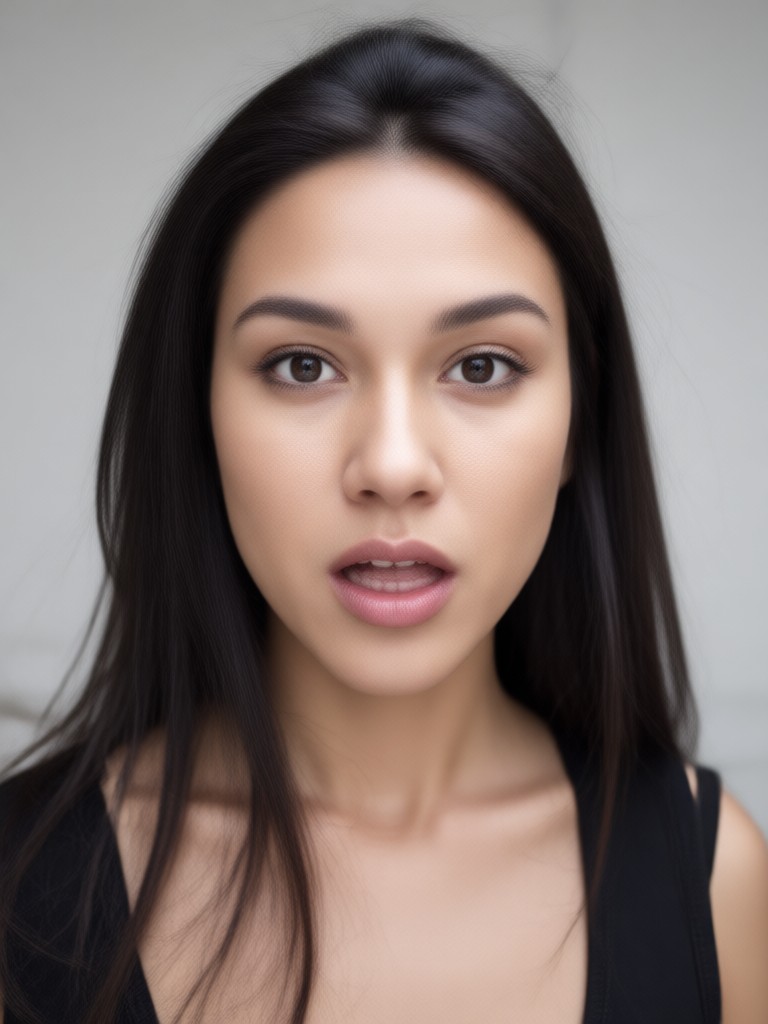
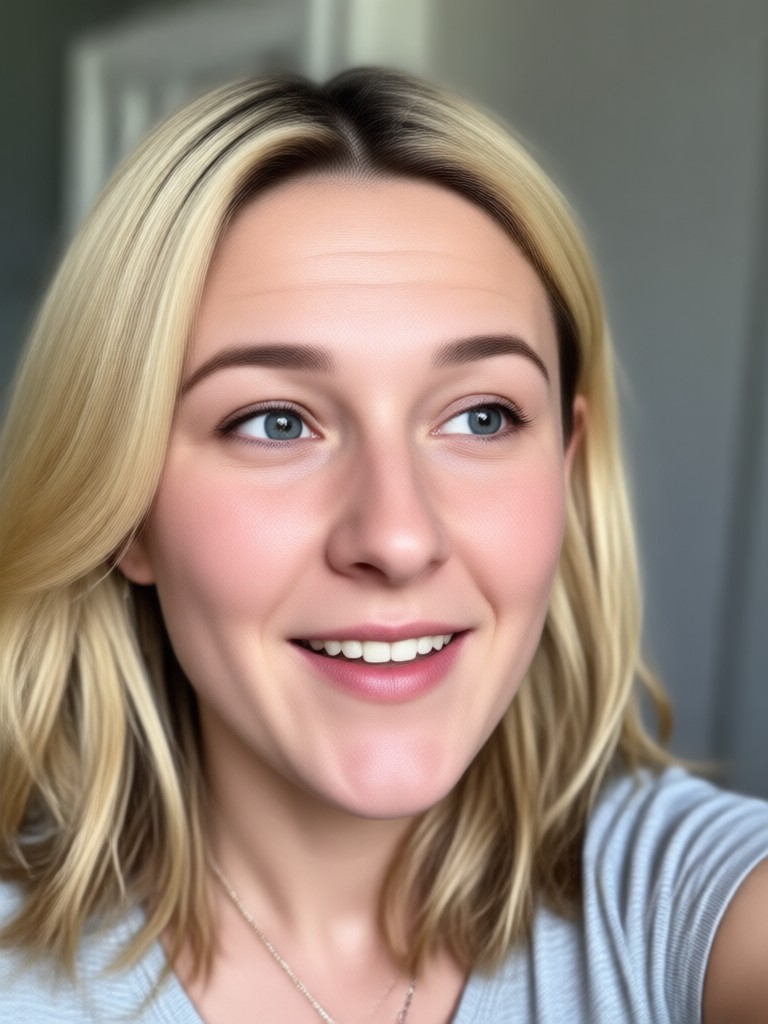
AI Facial Expression Transformation Gallery
See how gloglo changes facial expressions in photos while keeping every other detail intact. Browse realistic examples created by AI.

Why Use gloglo to Change Facial Expressions
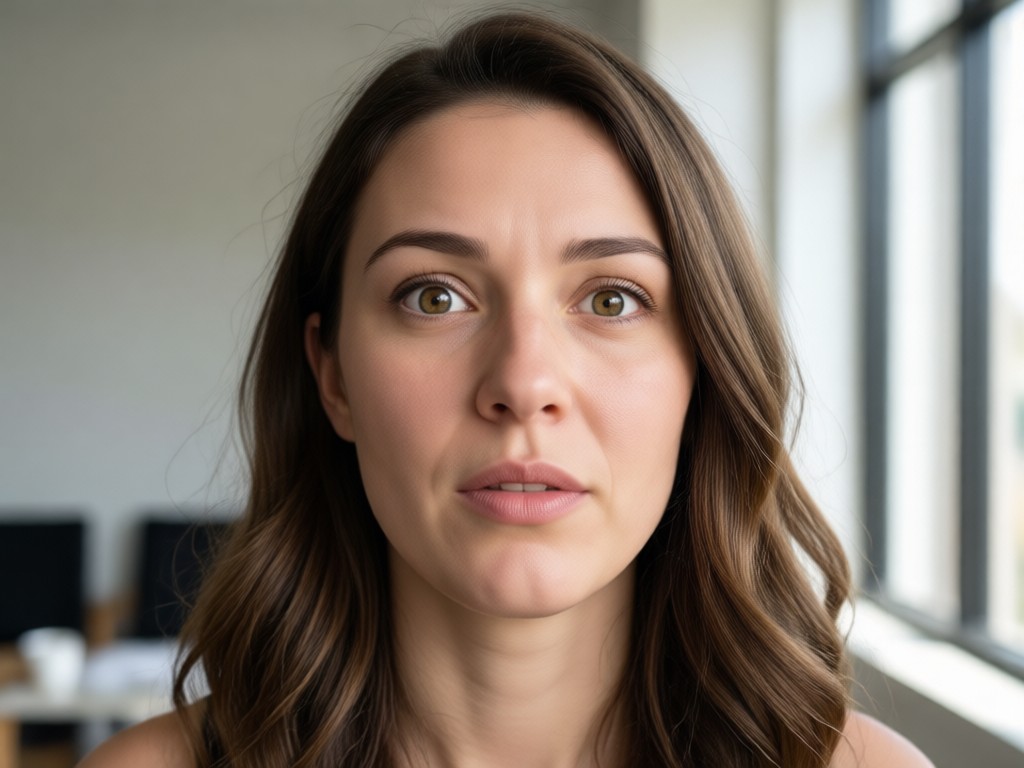
Most photo editors force you to warp, liquify, or manually paint over faces. gloglo uses generative AI to create natural, believable expression changes that match the photo's lighting and angle.
A Smarter Way to Edit Facial Expressions
Forget complicated desktop software. gloglo is built for mobile creators who need fast, realistic results. The app detects facial landmarks automatically, applies your chosen expression template, and renders a high quality image that looks like it was originally captured that way. Whether you need a professional headshot with a subtle smile or a fun social media post with an exaggerated shocked face, gloglo handles it. The AI preserves skin texture, lighting, and facial structure while altering only the emotional cues you select. It is the fastest path from a stiff portrait to a lively, expressive image.
A Smarter Way to Edit Facial Expressions
Forget complicated desktop software. gloglo is built for mobile creators who need fast, realistic results. The app detects facial landmarks automatically, applies your chosen expression template, and renders a high quality image that looks like it was originally captured that way. Whether you need a professional headshot with a subtle smile or a fun social media post with an exaggerated shocked face, gloglo handles it. The AI preserves skin texture, lighting, and facial structure while altering only the emotional cues you select. It is the fastest path from a stiff portrait to a lively, expressive image.
How to Change Facial Expression In Photo
Transform any portrait in three simple steps using the gloglo mobile app.

Step 01.
Download gloglo from Google Play and open the app on your mobile device.

Step 02.
Upload a clear portrait photo and choose an expression style like smile, wink, surprised, or serious.

Step 03.
Generate the new expression, preview the result, and save or share your transformed photo instantly.
What Creators Say About gloglo Facial Expression Editing
Fixed my awkward headshot in seconds
I had a great headshot but my expression looked uncomfortable. I uploaded it to gloglo, chose the subtle smile filter, and got a professional result I actually want to use on my resume. The face still looks like me, just more approachable.
Perfect for fun social content
My friends and I love making dramatic reaction photos. gloglo lets us take one group shot and create five different expression versions. The AI handles multiple faces without mixing them up, and the results always get great reactions online.
No more reshoots for product photos
Running a small online store means doing my own product modeling. Sometimes the lighting is perfect but my face is tired. gloglo changes my expression to look fresh and cheerful without reshooting. It saves me hours every week.
Frequently Asked Questions About Changing Facial Expressions
Find clear answers about using gloglo to change facial expressions in photos, including image requirements, privacy, and output quality.
Change Facial Expression In Photo On Android
Download gloglo from Google Play and start editing expressions on your phone. No desktop software, no subscriptions required to try.

More Topics You May Like
Explore more AI photo editing guides and creative tools to transform your portraits and social content.

Happy Diwali Poster Maker App: Festive Design Ideas
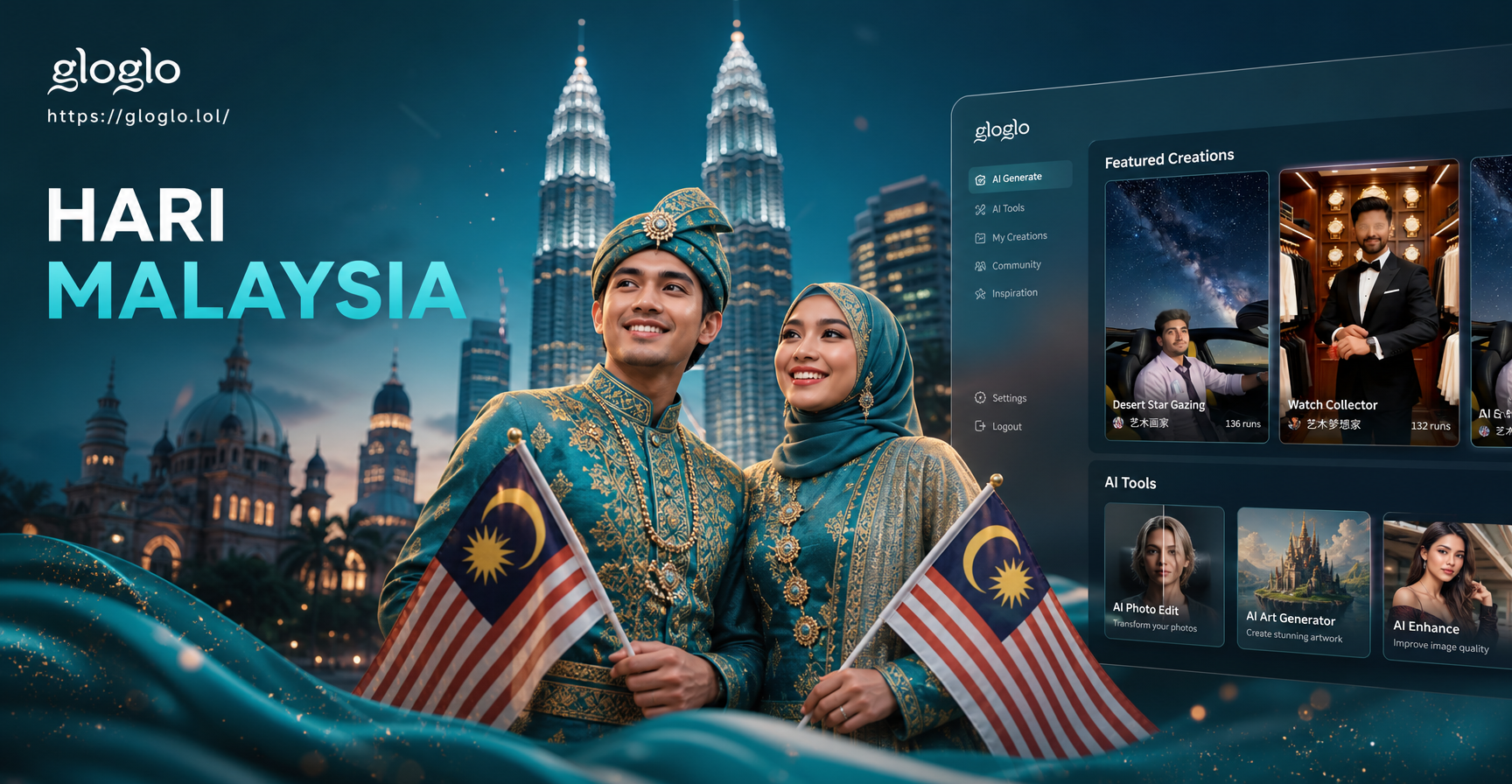
Hari Malaysia Photo Edit: AI Merdeka Filters
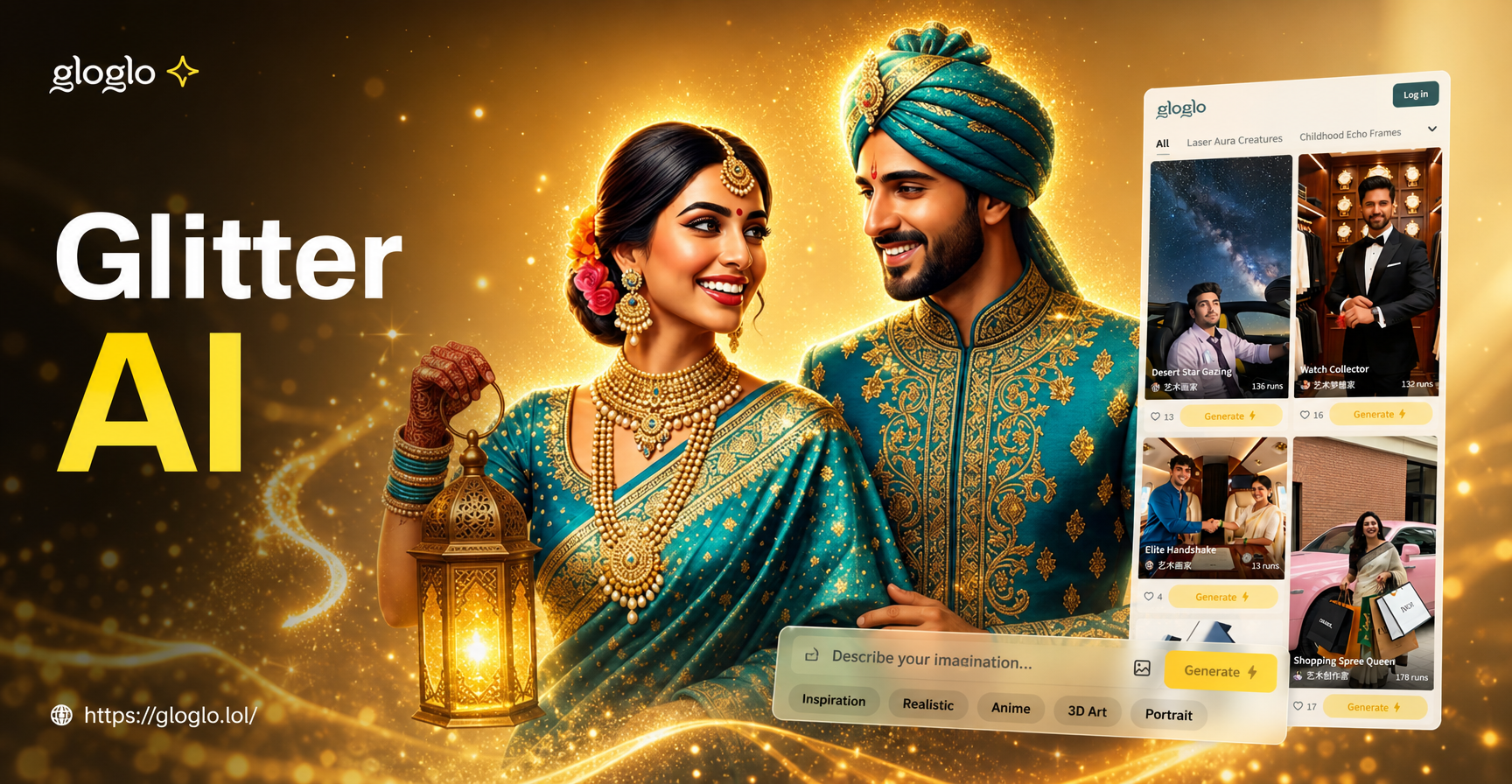
Add Dazzling Sparkle with Glitter AI Effects
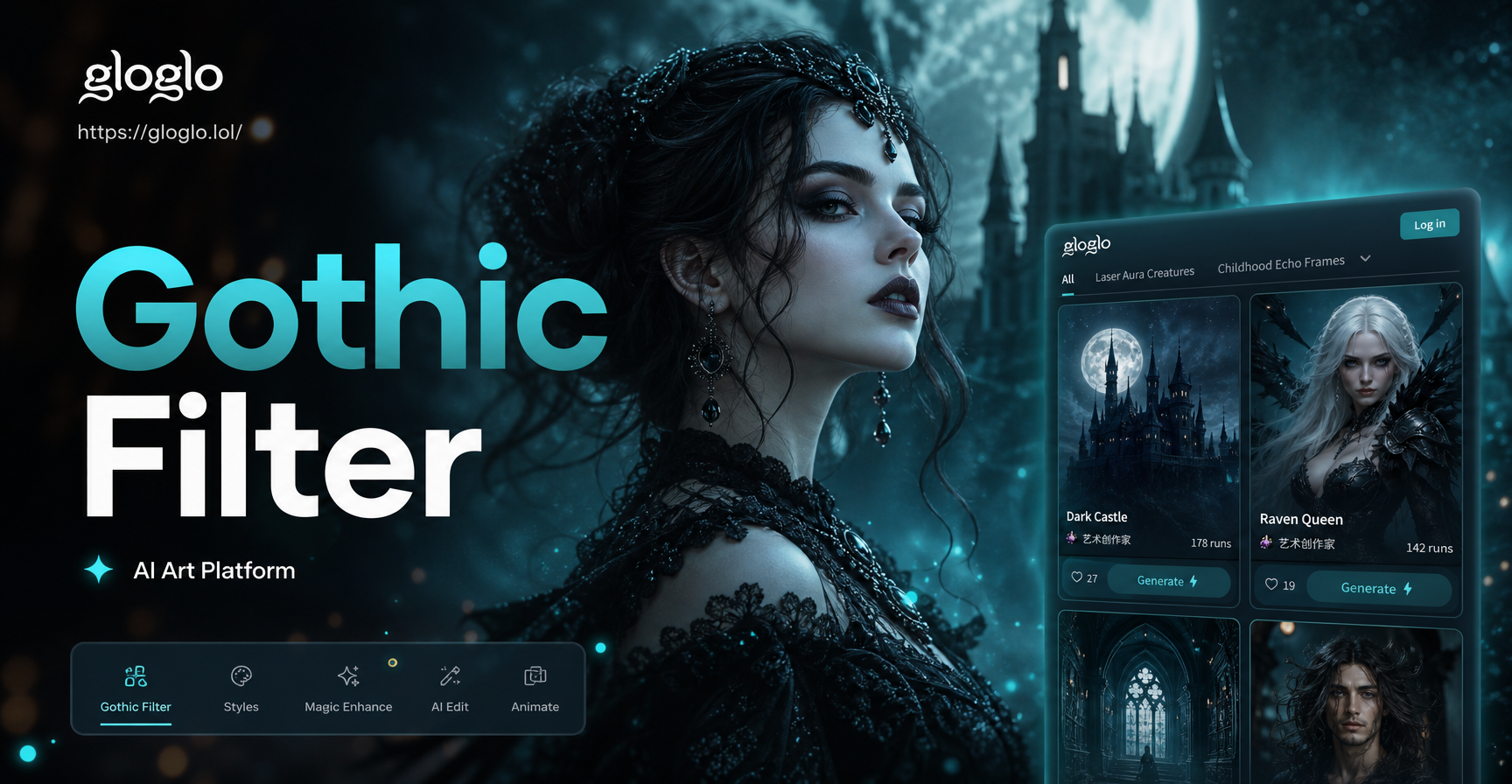
Gothic Filter: Turn Photos into Dark, Dramatic Art
Happy Diwali Poster Maker App: Festive Design Ideas
Hari Malaysia Photo Edit: AI Merdeka Filters
Add Dazzling Sparkle with Glitter AI Effects
Gothic Filter: Turn Photos into Dark, Dramatic Art
Ready to Change Any Facial Expression?
Download gloglo now and turn stiff portraits into expressive, engaging photos that match your mood, your brand, or your feed.
Ready to Change Any Facial Expression?
Download gloglo now and turn stiff portraits into expressive, engaging photos that match your mood, your brand, or your feed.