Face Slim Editor
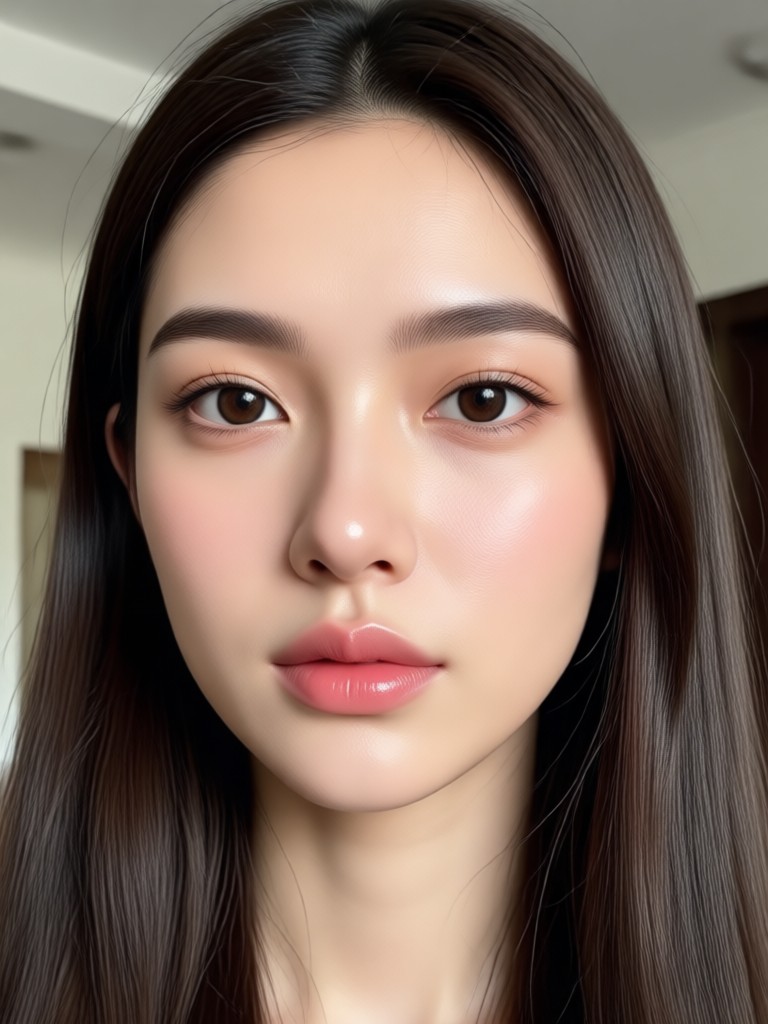
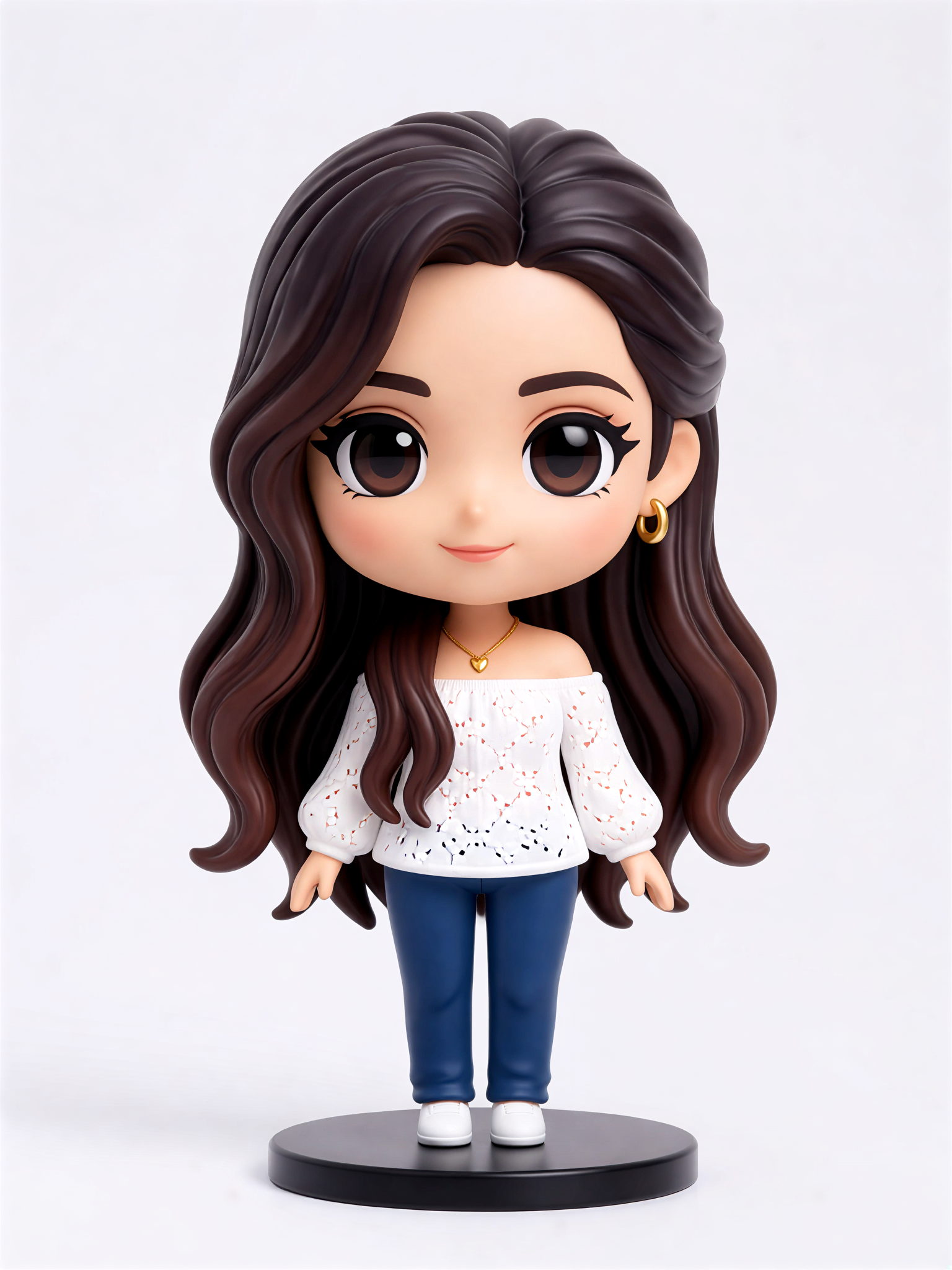
Cute Figurine


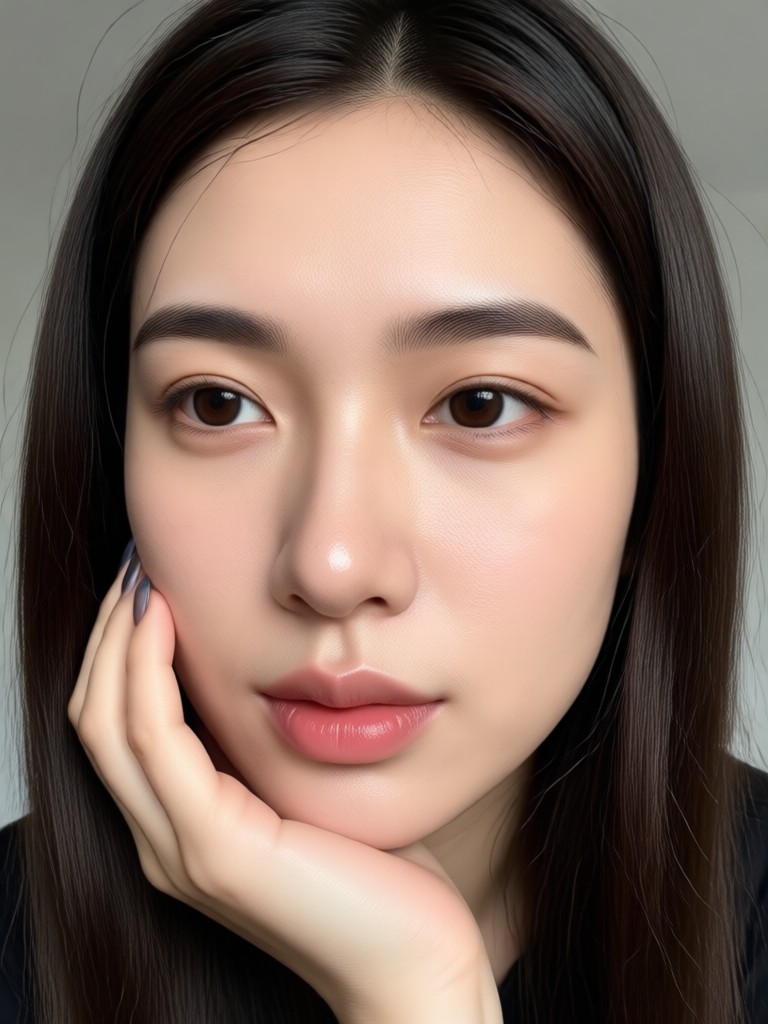
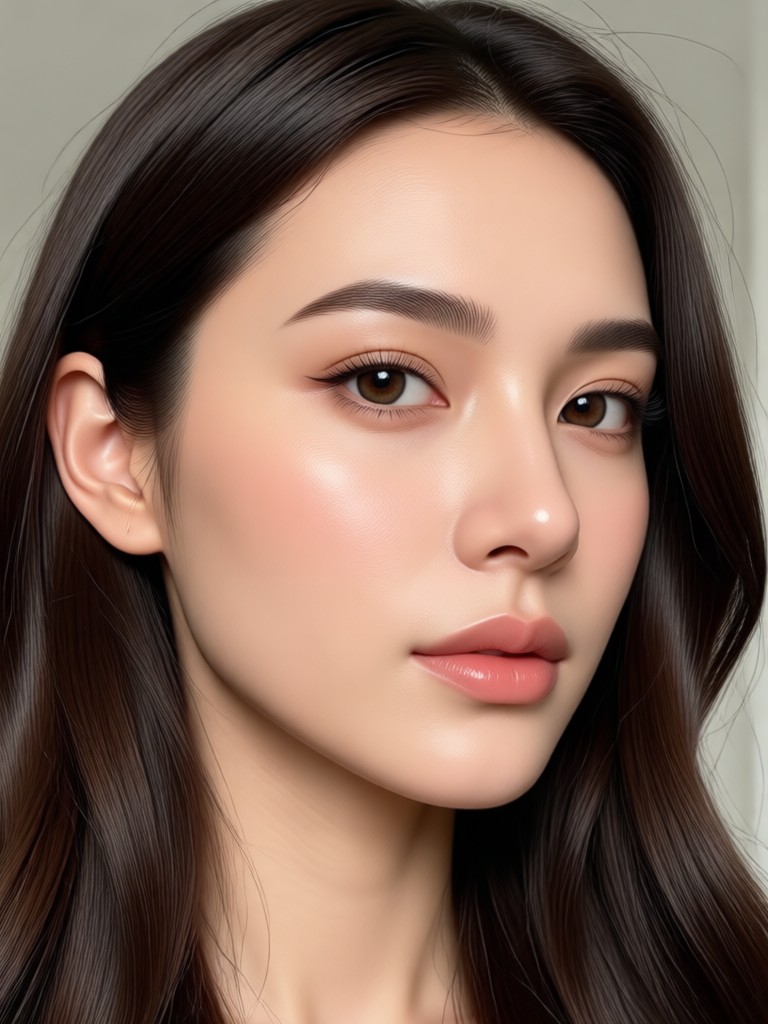
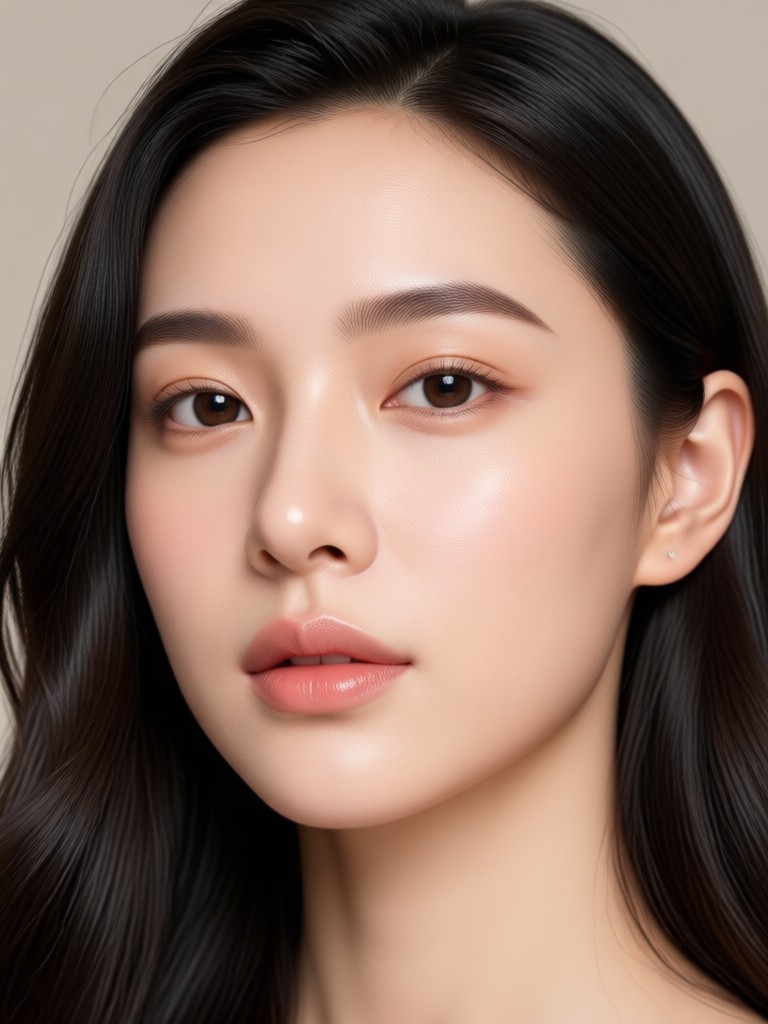
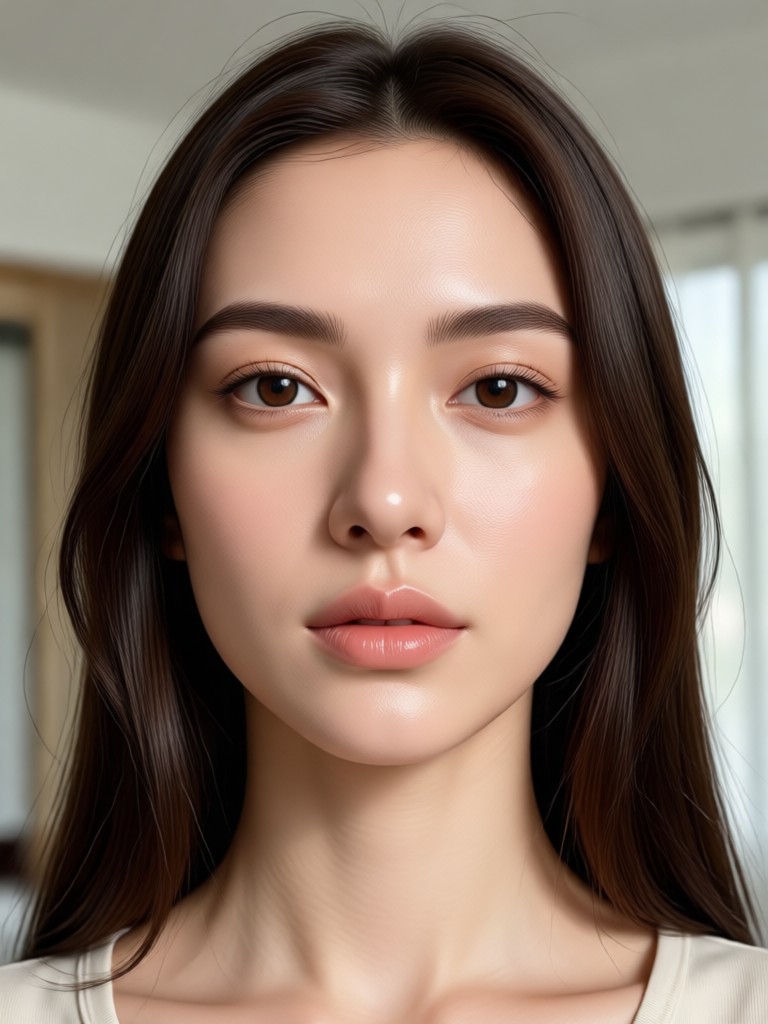
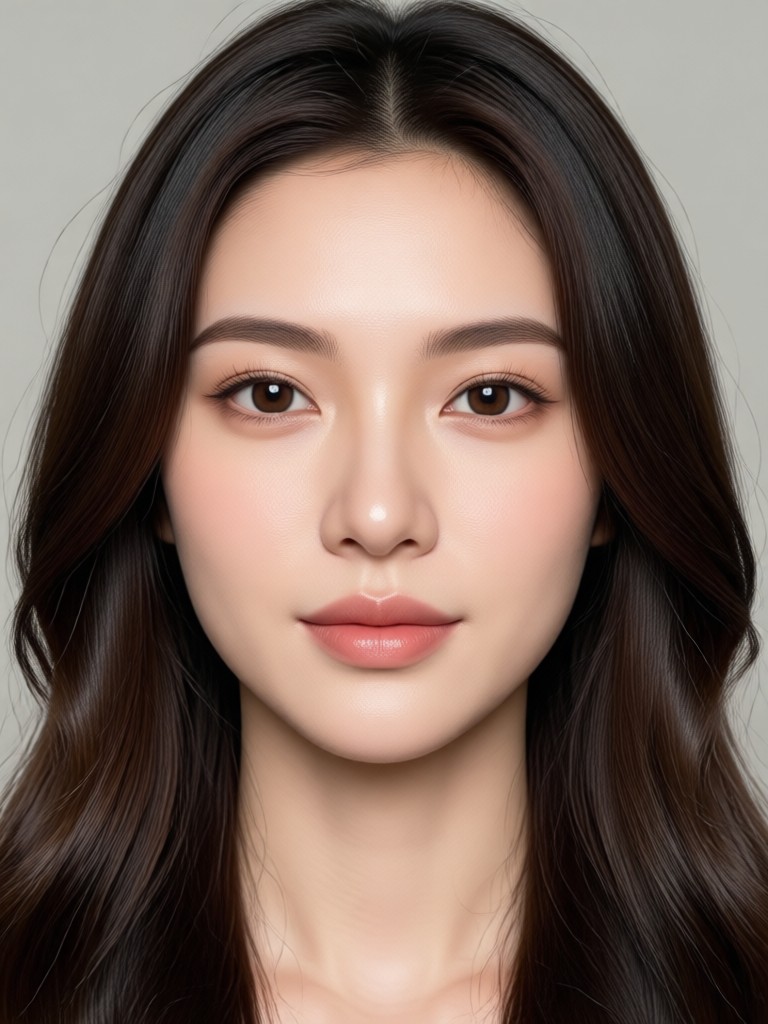
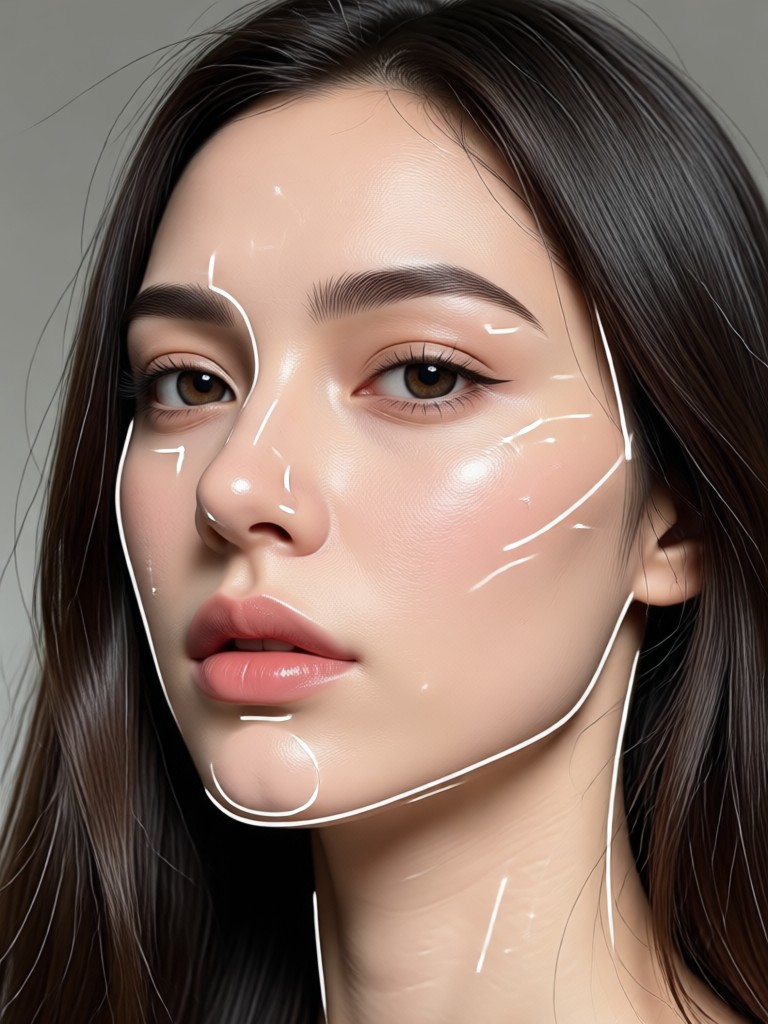
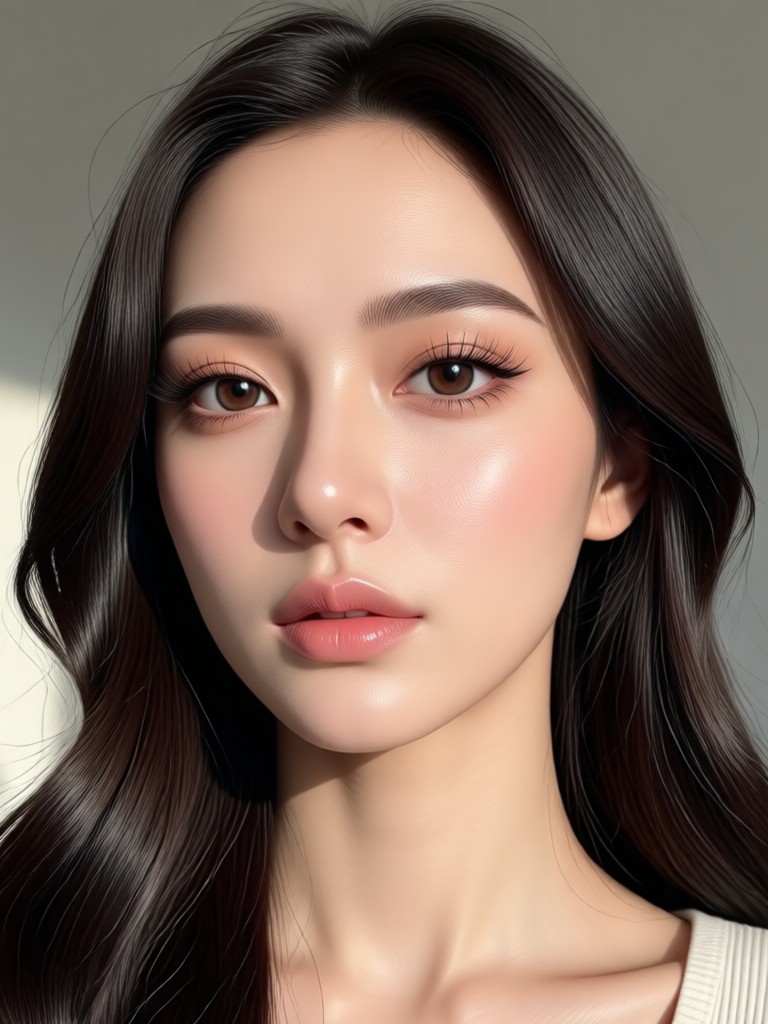
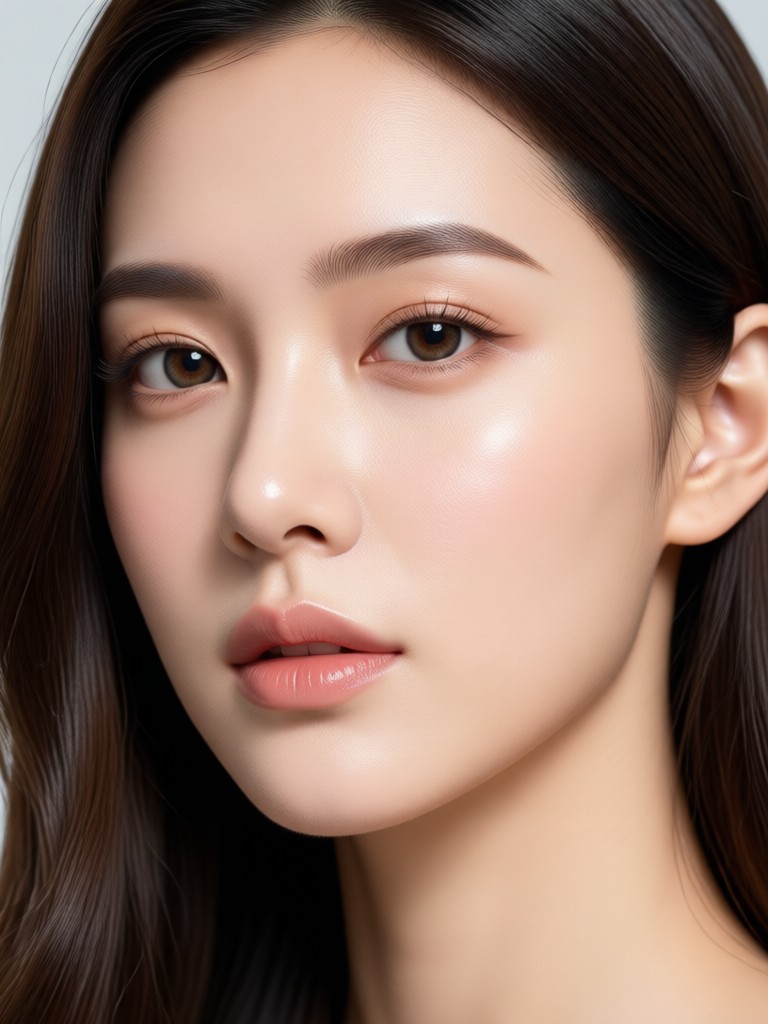
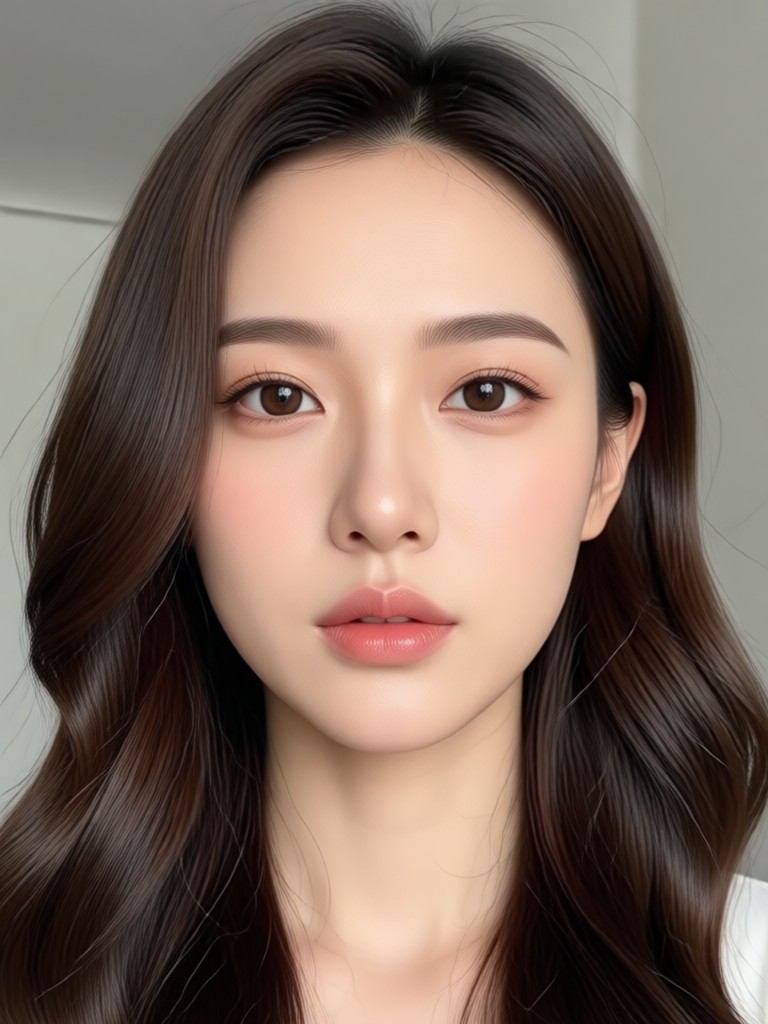
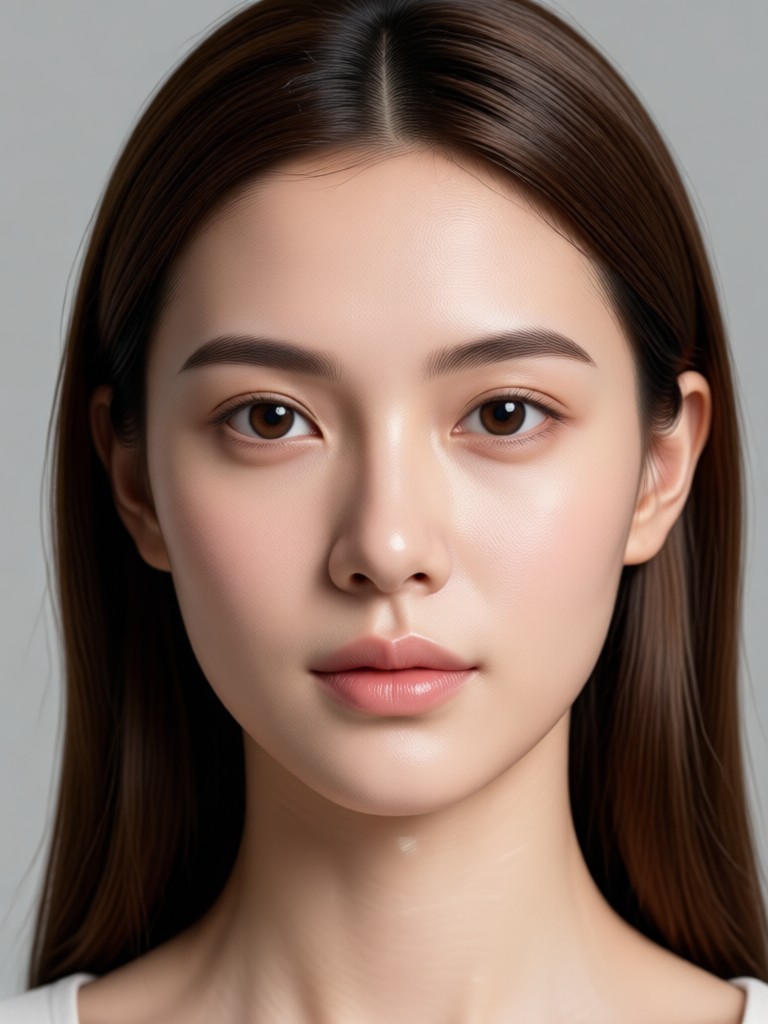
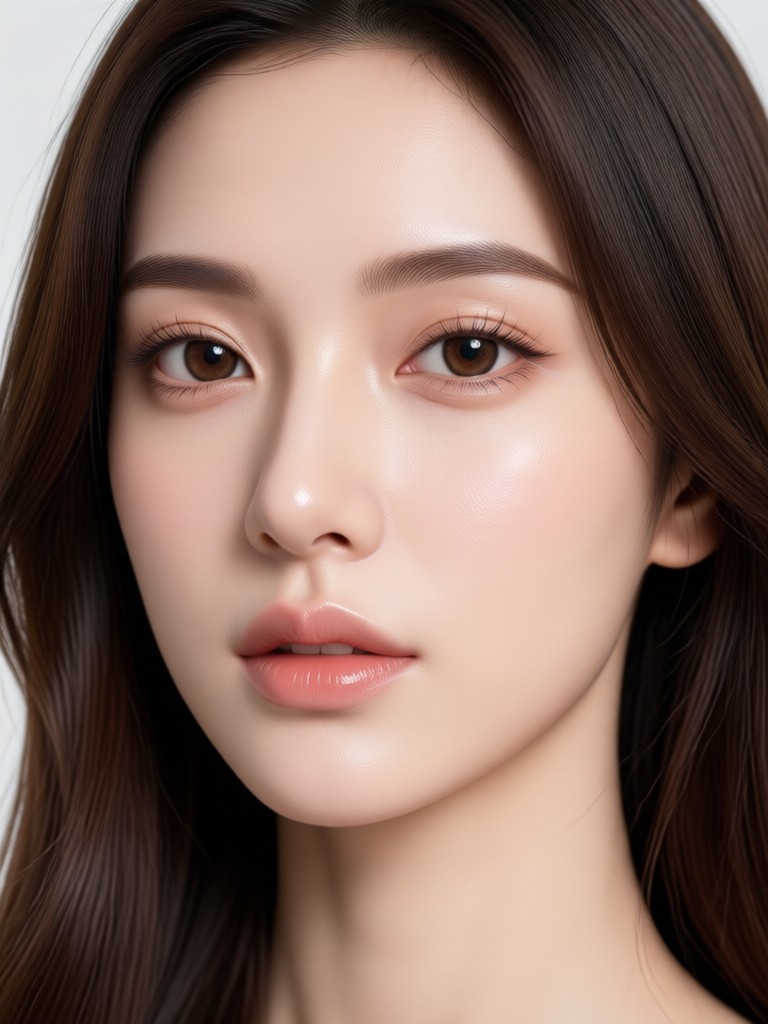
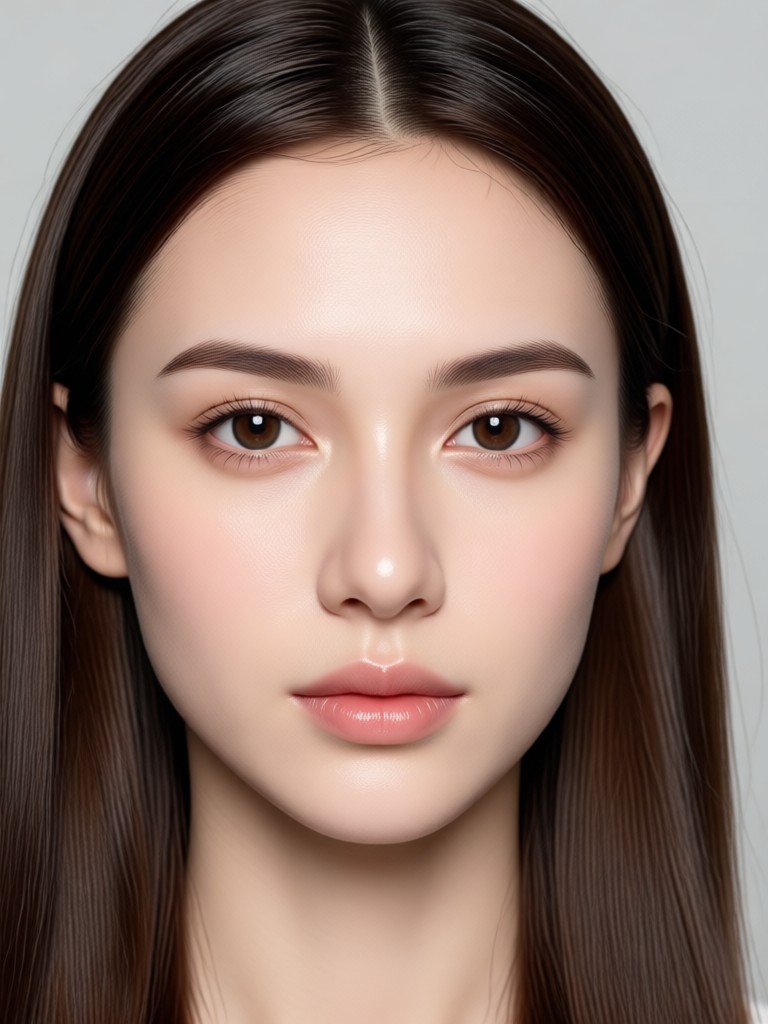
Realistic Face Slimming Results
Browse stunning examples created with the Face Slim Editor. See how gloglo preserves skin texture and lighting while refining facial contours.
How to Use the Face Slim Editor
Achieve a naturally sculpted look in three simple steps. No design background is needed.

Step 01.
Download the gloglo app from Google Play and open it on your mobile device. Your photo editing studio is always with you.

Step 02.
Upload a clear selfie or portrait photo. The AI will automatically detect your facial features and landmarks for precise adjustments.

Step 03.
Move the slider to adjust the slimming intensity. Watch your jawline refine in real time, then save and share your new photo instantly.
Professional Tools for a Perfect Contour
Beyond basic slimming, gloglo offers a full suite of facial refinement tools to give you complete creative control over your portraits.
Natural Face Reshaping
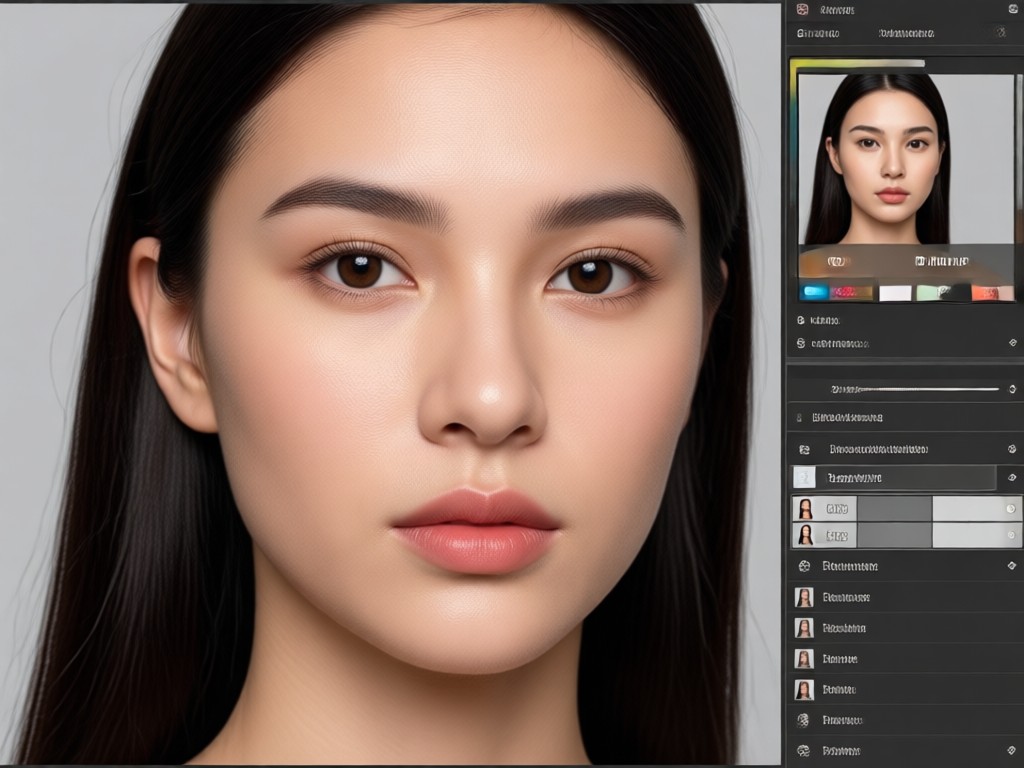
Our AI targets only the facial geometry. Skin texture, pores, and lighting remain completely untouched, ensuring the result looks like you, just slightly more sculpted.
Natural Face Reshaping
Our AI targets only the facial geometry. Skin texture, pores, and lighting remain completely untouched, ensuring the result looks like you, just slightly more sculpted.
Advanced Face Mapping
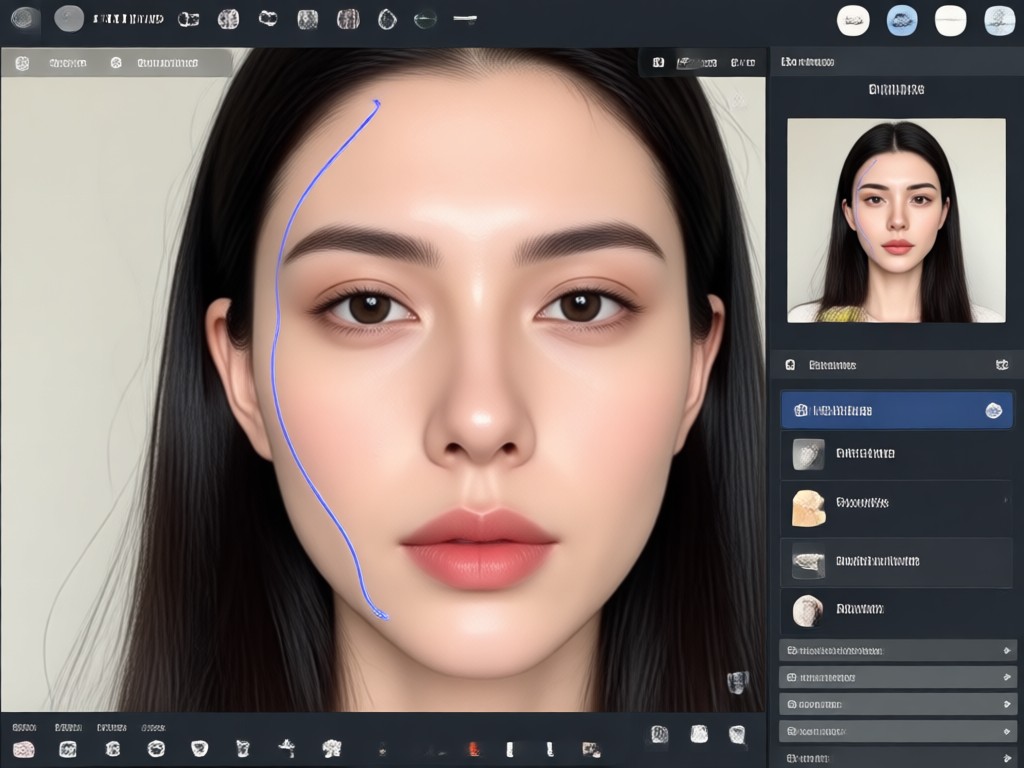
The algorithm recognizes multiple face shapes and angles. It intelligently adjusts cheekbones, jawline, and temples without blurring edges or losing detail.
Advanced Face Mapping
The algorithm recognizes multiple face shapes and angles. It intelligently adjusts cheekbones, jawline, and temples without blurring edges or losing detail.
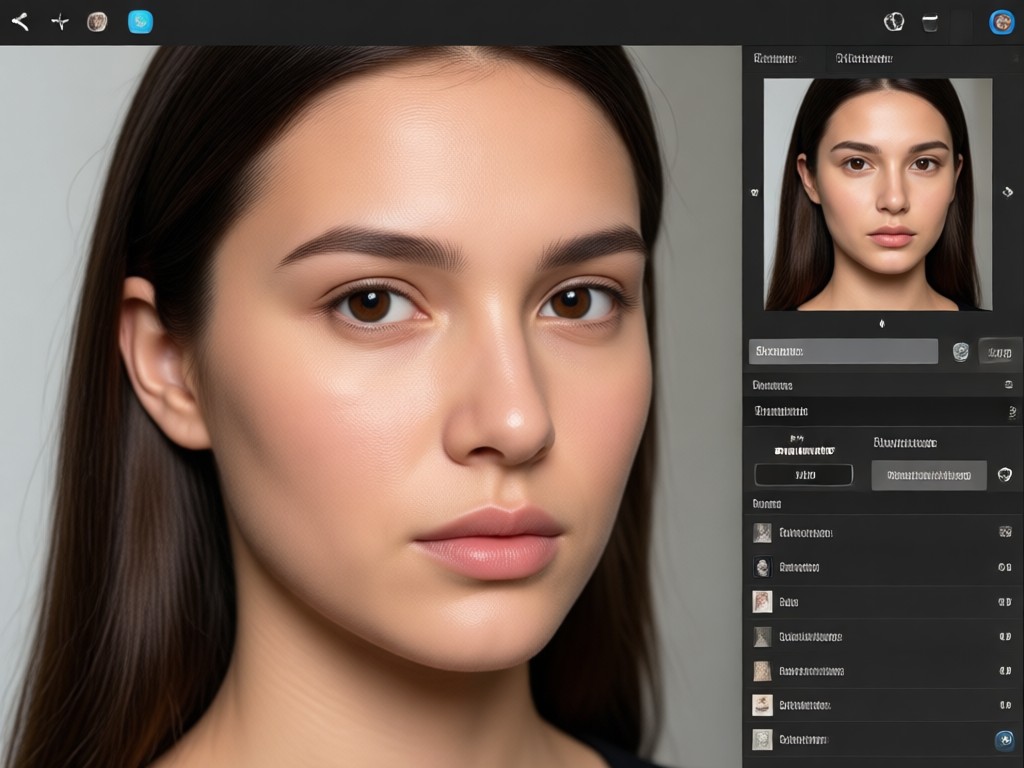
Creative Style Freedom
Combine the slimming tool with exclusive filters, lighting boosts, and artistic backgrounds to completely transform your social media presence in one sitting.
Creative Style Freedom
Combine the slimming tool with exclusive filters, lighting boosts, and artistic backgrounds to completely transform your social media presence in one sitting.
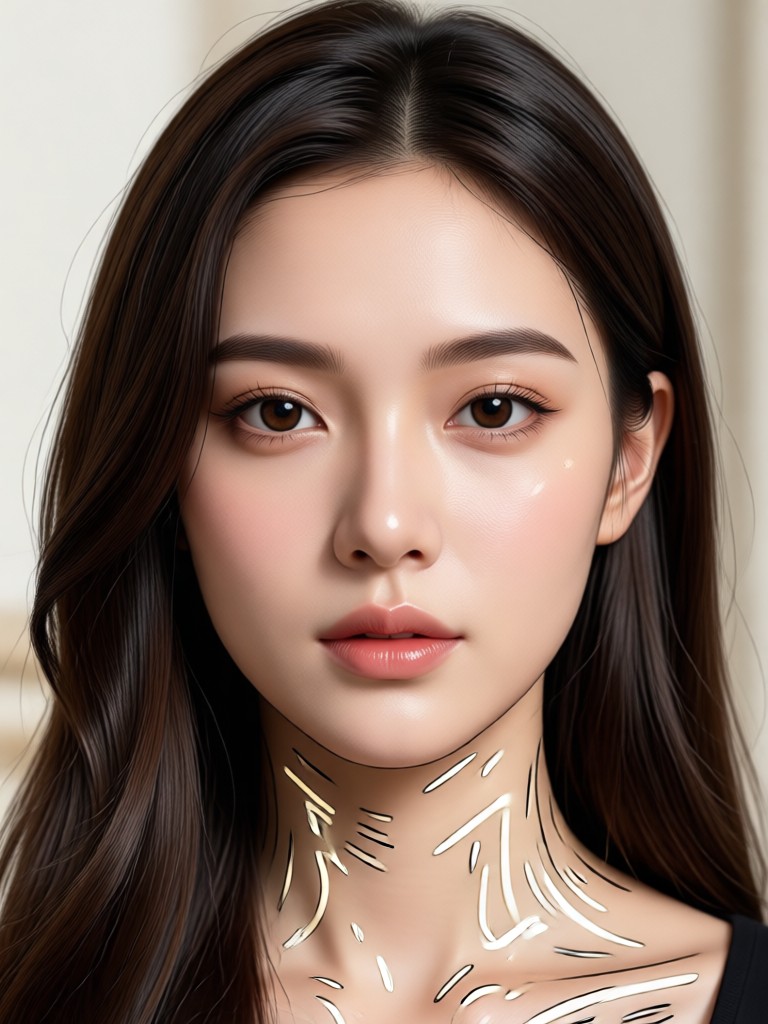
Your Personal Beauty Suite on Android
Take the Face Slim Editor anywhere. The gloglo app delivers powerful fast editing tools specifically optimized for your phone's camera roll.

Why Choose gloglo for Face Slimming
We prioritize your natural beauty. Unlike heavy filters that warp the background, gloglo focuses exclusively on your features.
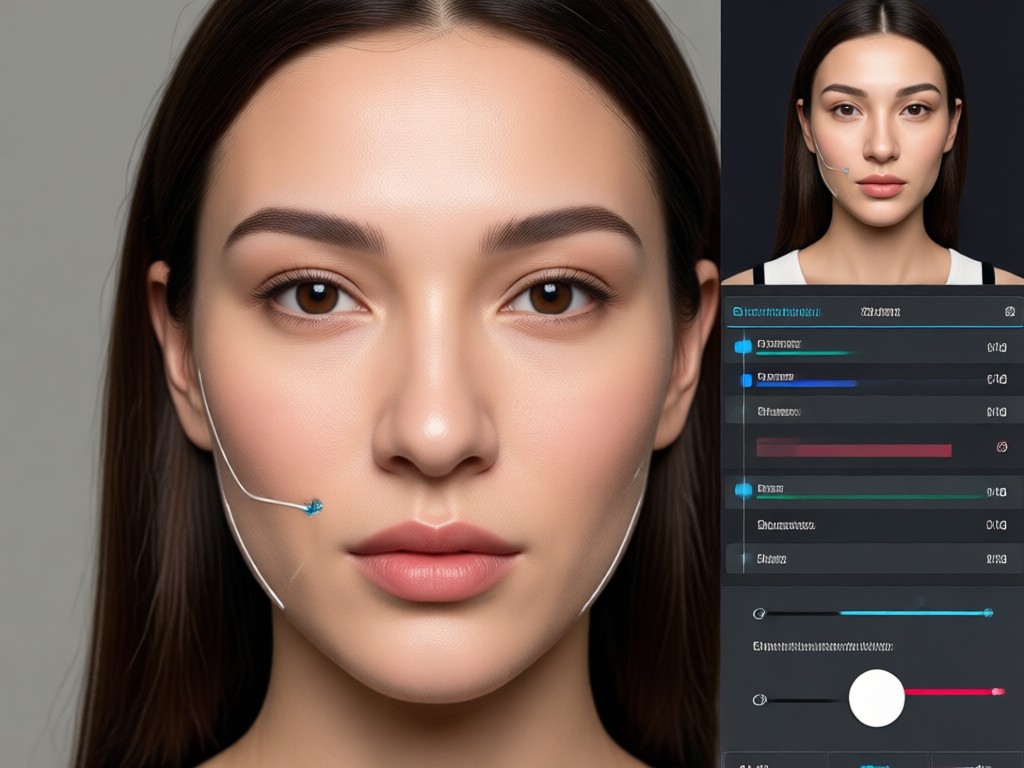
Authentic Results, Zero Distortion
Many editors stretch the entire image, causing curved lines and warped backgrounds. gloglo reconstructs the facial map independently from the scene. This means you can slim your face in a group photo without bending the arms of the person next to you. The result is a clean, believable photo that highlights your natural bone structure. You maintain your unique identity while enhancing your confidence. This deep understanding of human anatomy sets gloglo apart from basic pixel pushers. It is not about changing who you are, it is about revealing your best angles.
Authentic Results, Zero Distortion
Many editors stretch the entire image, causing curved lines and warped backgrounds. gloglo reconstructs the facial map independently from the scene. This means you can slim your face in a group photo without bending the arms of the person next to you. The result is a clean, believable photo that highlights your natural bone structure. You maintain your unique identity while enhancing your confidence. This deep understanding of human anatomy sets gloglo apart from basic pixel pushers. It is not about changing who you are, it is about revealing your best angles.
Who Uses the Face Slim Editor

Chloe M.
I use this before posting every selfie. It lowers my cheekbones just enough to look like I have highlighter on. It never looks fake.
David K.
As a photographer, I need quick retouching tools for clients who are sensitive about their jawline. This app saves me hours in Photoshop.

Priya S.
I sell clothes online and model them myself. I use the Face Slim Editor to make my face match the professional studio lighting I use.

Marco L.
The face mapping is scary good. It knows where my chin is even when I am turned to the side. Best contour tool on Android.
Chloe M.
I use this before posting every selfie. It lowers my cheekbones just enough to look like I have highlighter on. It never looks fake.
David K.
As a photographer, I need quick retouching tools for clients who are sensitive about their jawline. This app saves me hours in Photoshop.
Priya S.
I sell clothes online and model them myself. I use the Face Slim Editor to make my face match the professional studio lighting I use.
Marco L.
The face mapping is scary good. It knows where my chin is even when I am turned to the side. Best contour tool on Android.
Chloe M.
I use this before posting every selfie. It lowers my cheekbones just enough to look like I have highlighter on. It never looks fake.
David K.
As a photographer, I need quick retouching tools for clients who are sensitive about their jawline. This app saves me hours in Photoshop.
Priya S.
I sell clothes online and model them myself. I use the Face Slim Editor to make my face match the professional studio lighting I use.
Marco L.
The face mapping is scary good. It knows where my chin is even when I am turned to the side. Best contour tool on Android.
Frequently Asked Questions
Answers to common questions about using the Face Slim Editor and gloglo's AI retouching capabilities.
More Topics You May Like
Explore more topics you may like and discover fresh ideas tailored to your interests.
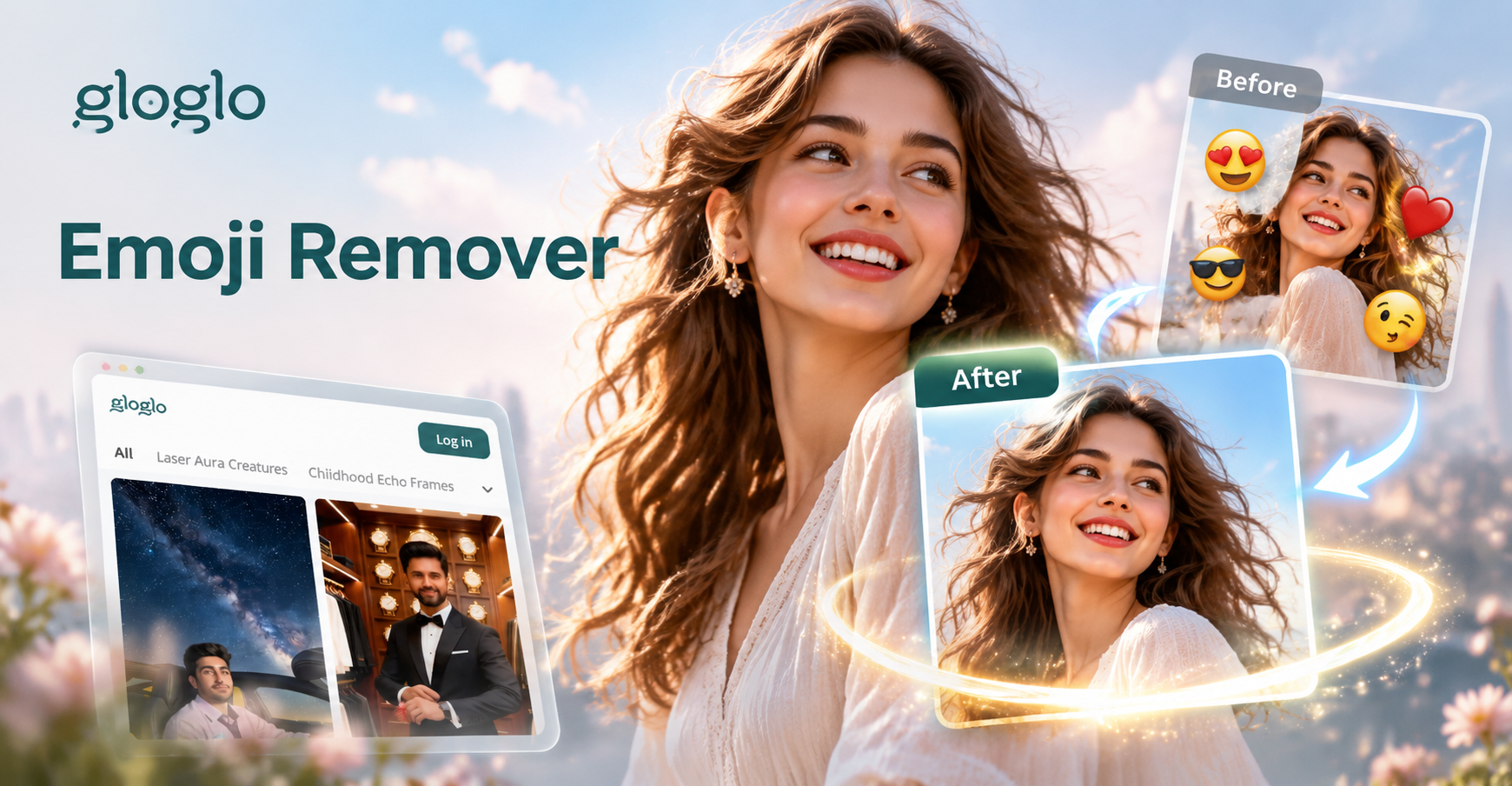
Erase Emojis From Any Picture Instantly
Remove emojis and stickers from photos with AI precision. Upload a picture, brush over the emoji, and restore a clean background in seconds. Try gloglo.

AI MOV Converter: Change Video to MOV Format Instantly
Convert video to MOV format in seconds with gloglo. Upload your file, choose the MOV output setting, and get a high-quality result. Perfect for Apple devices and video editing. No desktop software needed. Download the app to start.
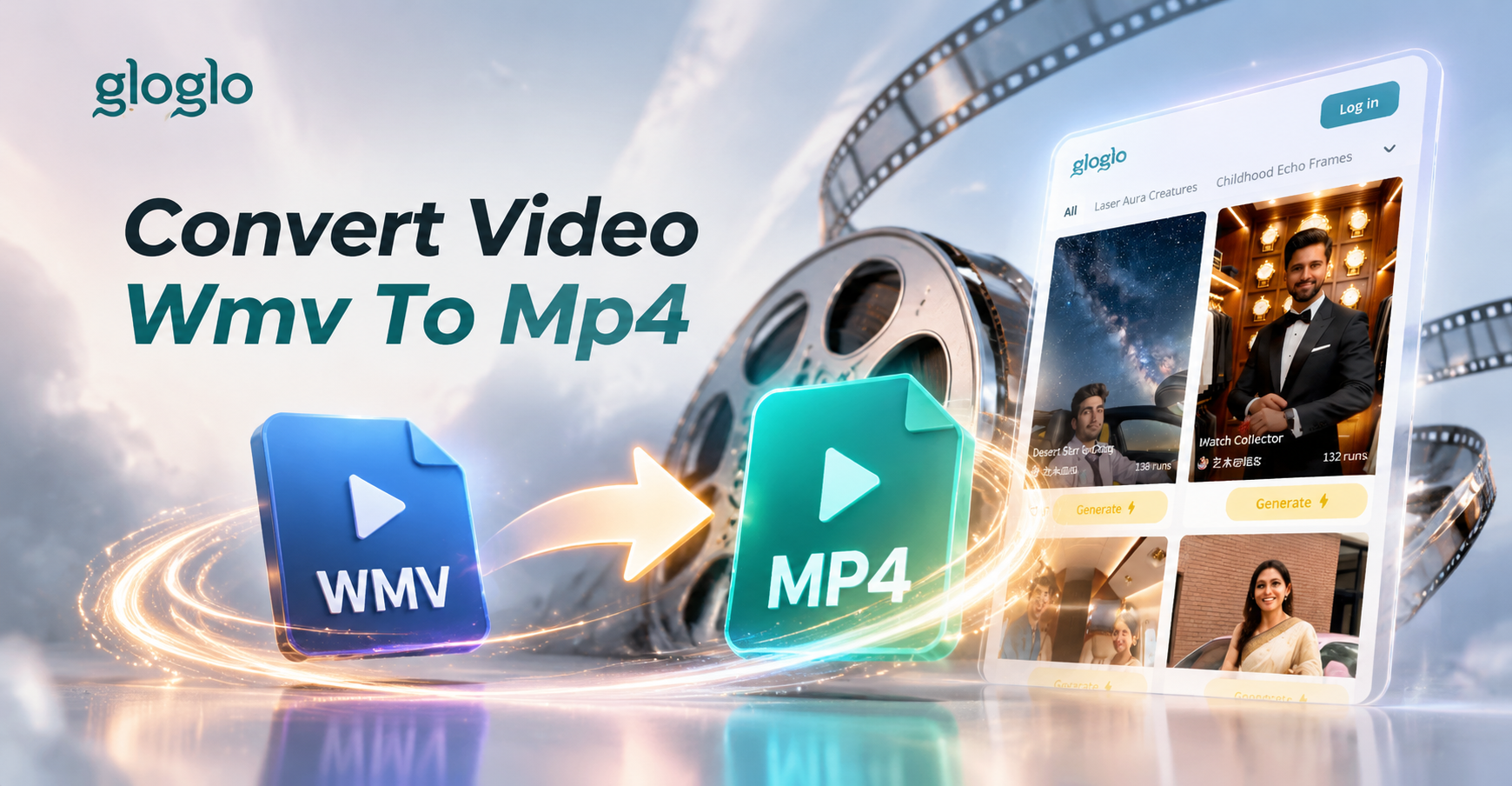
Convert Video WMV to MP4: Simple AI App for Playback
Convert video WMV to MP4 format directly in the gloglo app. Upload a WMV file, pick a format, and export a universal MP4 for smooth playback on any device.
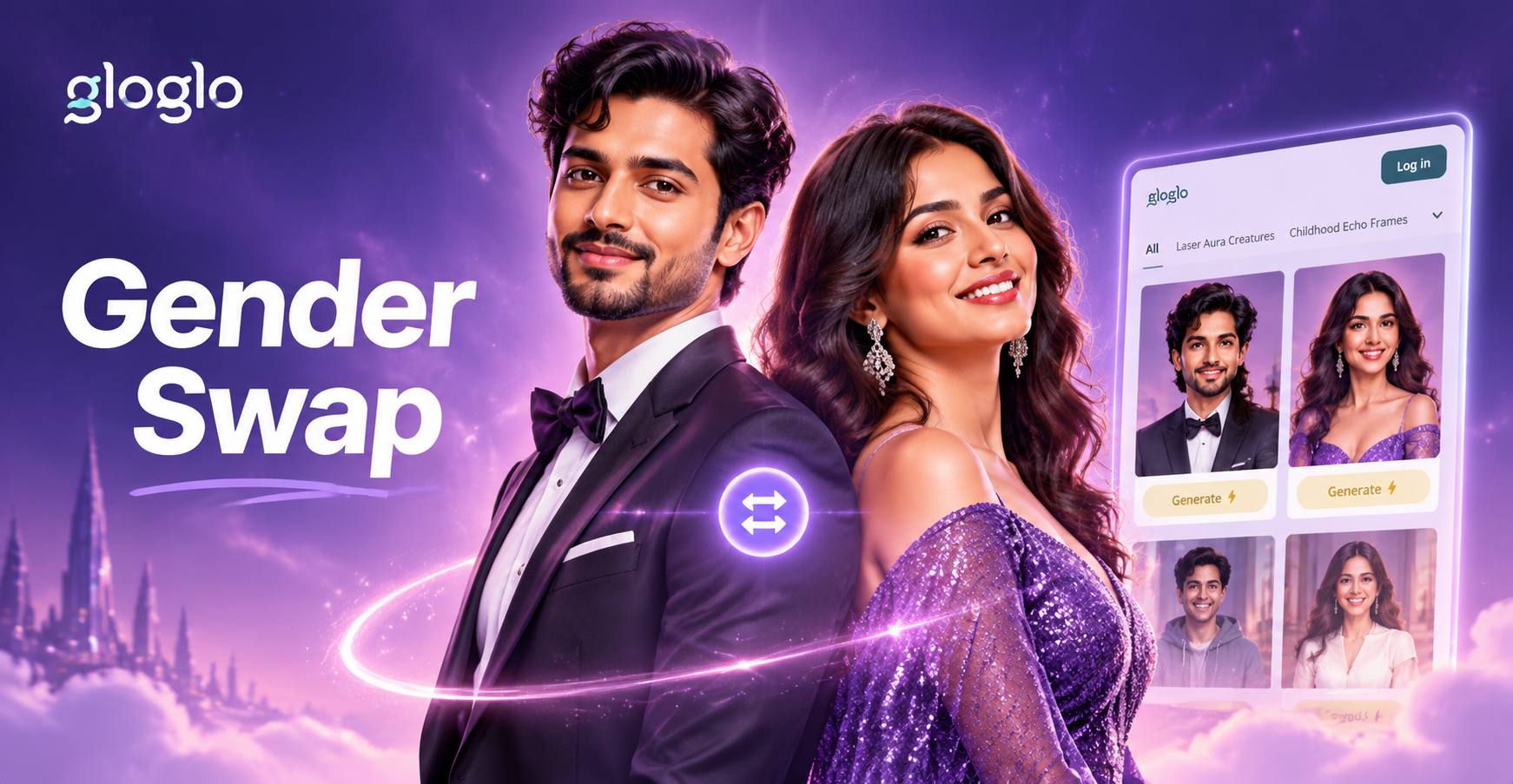
Gender Swap Picture: AI Face & Body Transformation
See your gender-bent self with AI. Upload a photo and get a realistic gender swap picture in seconds. Try masculine to feminine or feminine to masculine looks with gloglo.
Ready to Sculpt Your Perfect Selfie?
Download the gloglo app now and discover the most natural way to slim your face and boost your confidence.

Ready to Sculpt Your Perfect Selfie?
Download the gloglo app now and discover the most natural way to slim your face and boost your confidence.