Ginger Hair Filter: Transform Your Look Instantly
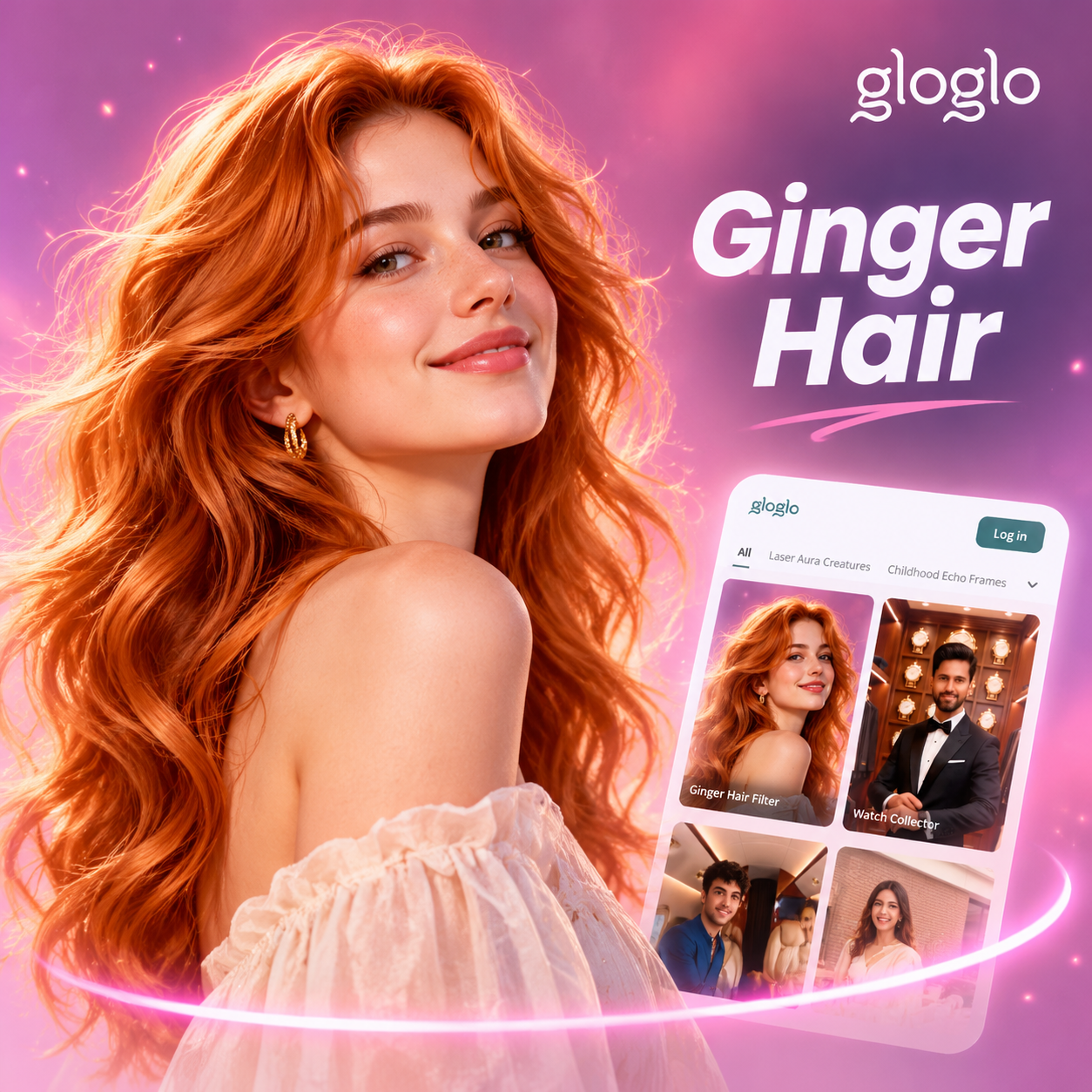
Choose the Ginger Hair Filter That Suits You Best
Discover a range of ginger hair tones and related style filters for your photos and videos. Find the shade that matches your skin tone and mood.
Key Features of the Ginger Hair Filter
See what makes gloglo one of the easiest tools for trying ginger hair colors without dye.

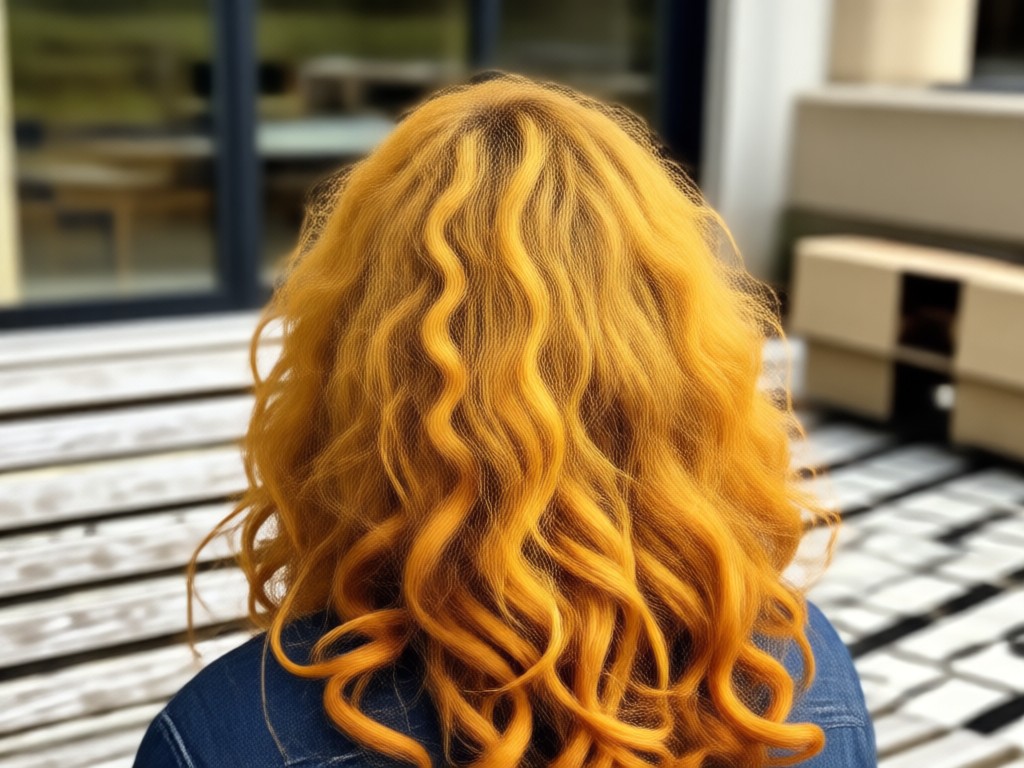
Realistic Ginger Color Matching
Preview natural copper, auburn, and red tones that adapt to your original hair texture and lighting for a believable result.
Realistic Ginger Color Matching
Preview natural copper, auburn, and red tones that adapt to your original hair texture and lighting for a believable result.

Preserve Hair Strand Detail
The AI keeps individual strands and highlights visible, so the ginger tone blends smoothly instead of looking painted on.
Preserve Hair Strand Detail
The AI keeps individual strands and highlights visible, so the ginger tone blends smoothly instead of looking painted on.
Quick Social Sharing
Save and share your ginger hair previews directly to Instagram, TikTok, or WhatsApp in high resolution.
Quick Social Sharing
Save and share your ginger hair previews directly to Instagram, TikTok, or WhatsApp in high resolution.
How to Apply a Ginger Hair Filter
You do not need editing skills. Follow three simple steps to preview ginger hair on your own photo.

Step 01.
Get started by downloading the gloglo app from Google Play to access the ginger hair filter on your Android device.

Step 02.
Upload a selfie and choose one of the ginger hair filter templates from the style gallery.

Step 03.
Generate your image or video and download it to share with friends or on social media.
Ginger Hair Filter Results Gallery
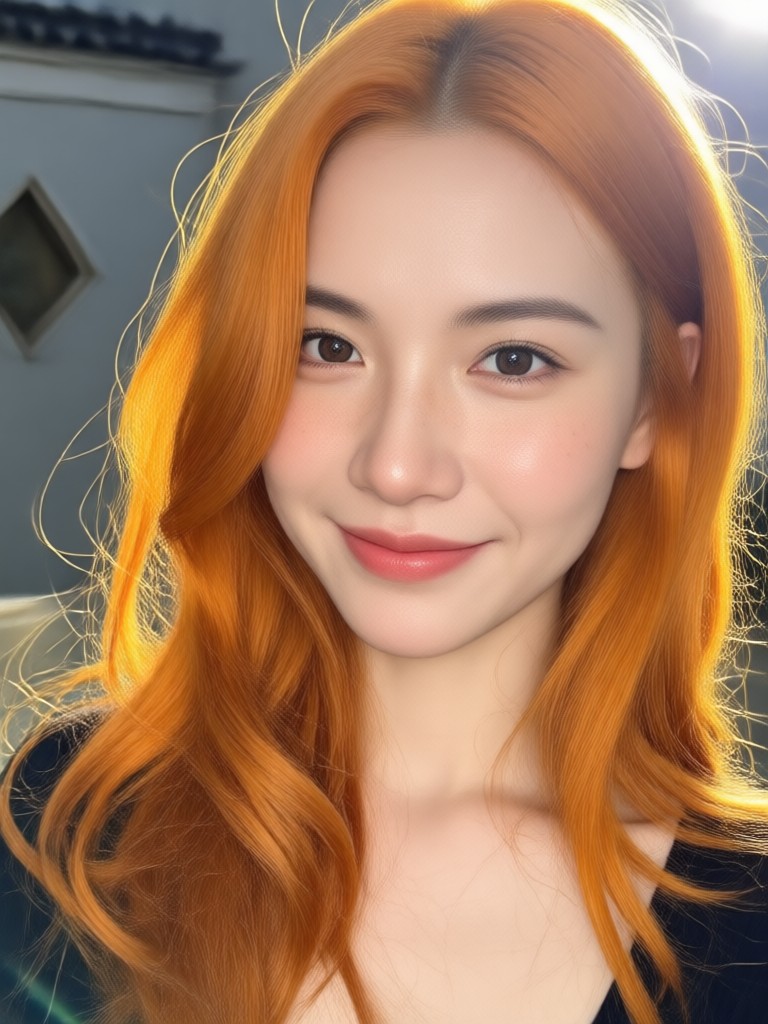
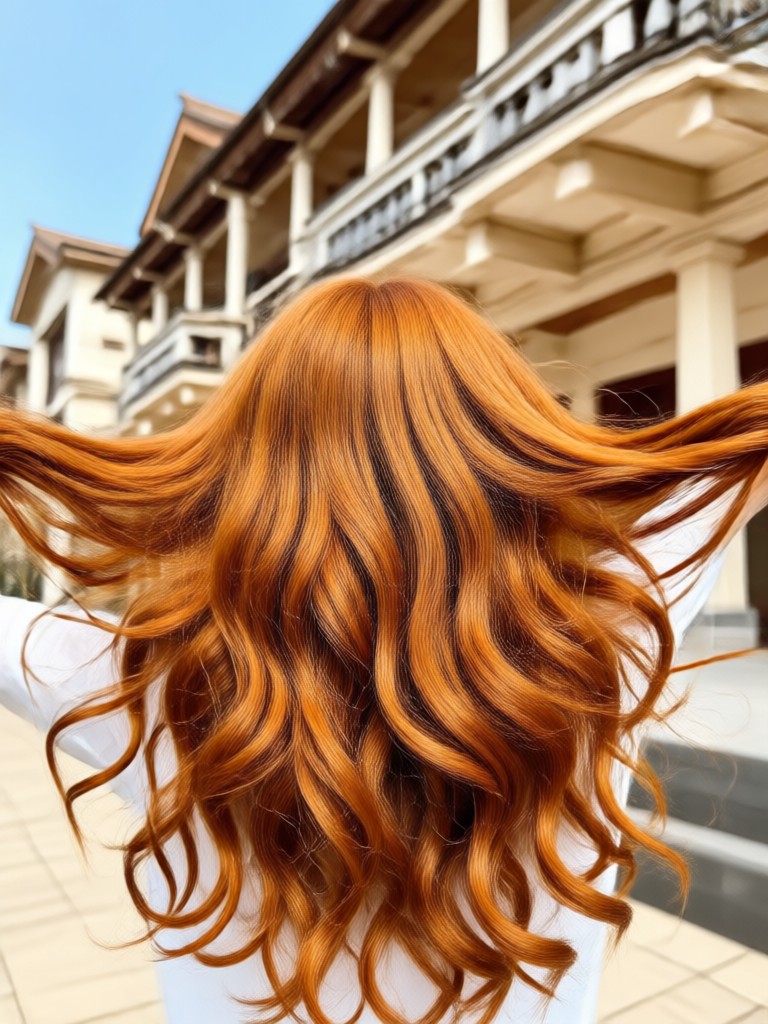
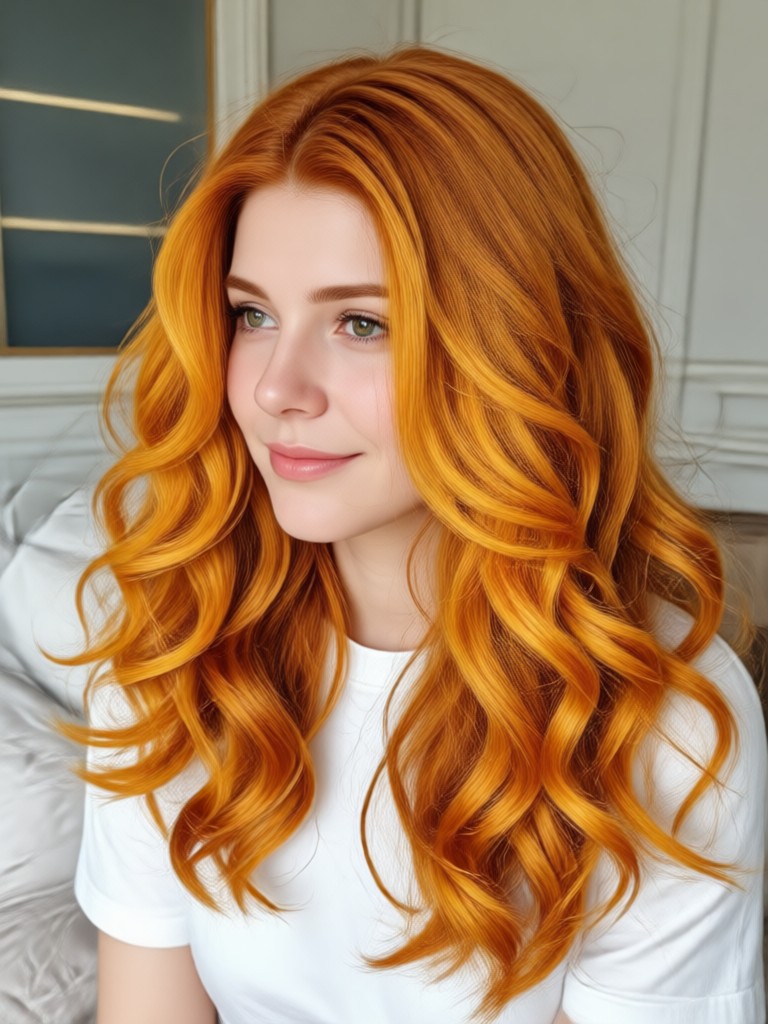
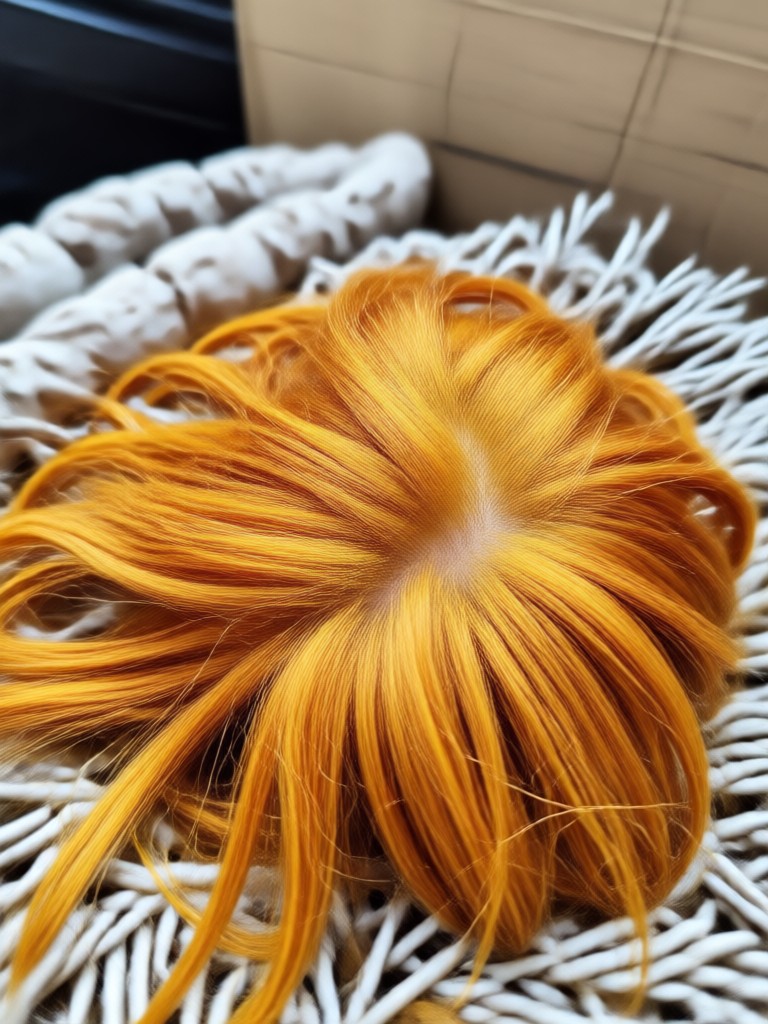
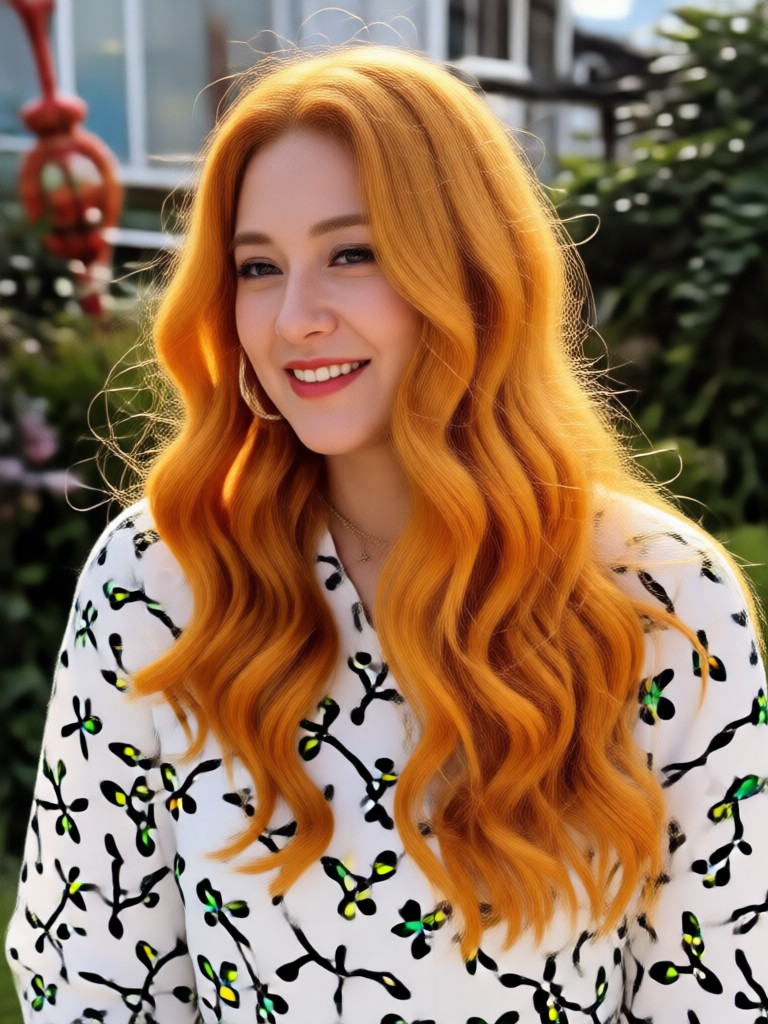
Browse AI generated ginger hair transformations and find the shade inspiration you need for your next style experiment.





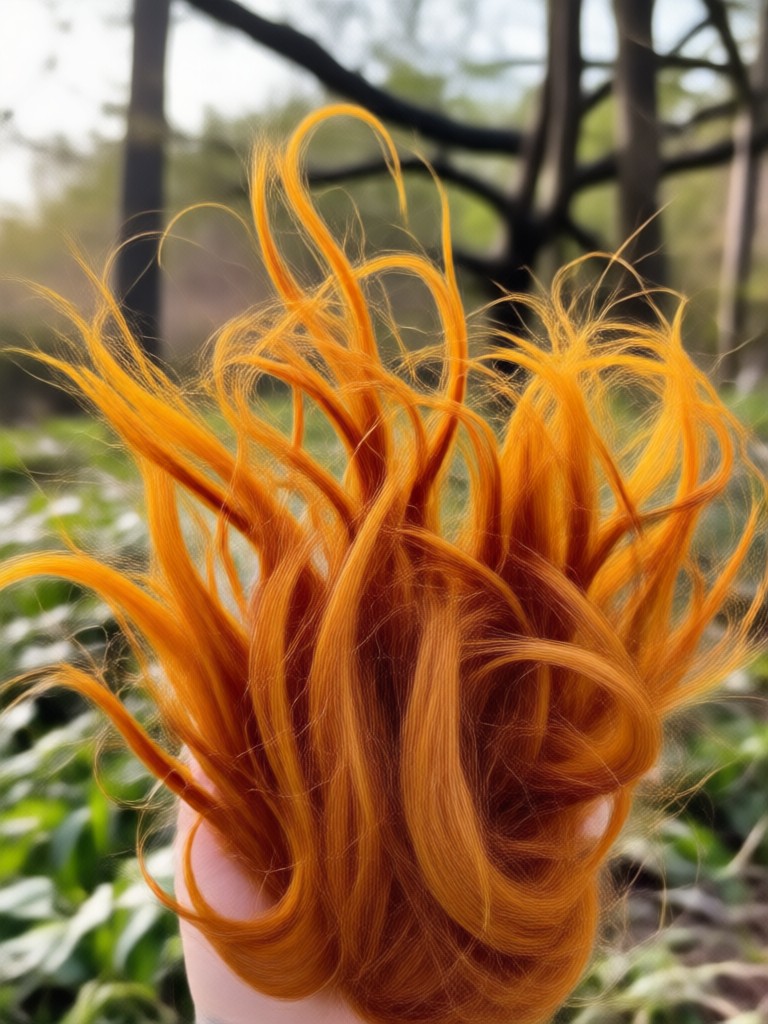
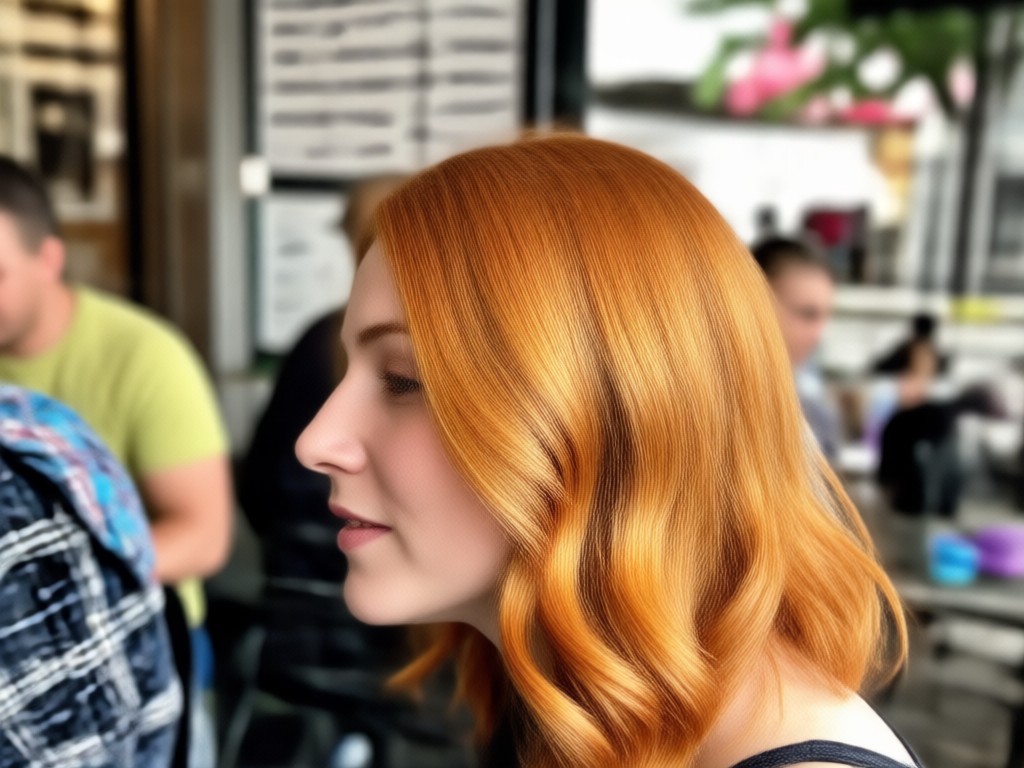
Why Use a Ginger Hair Filter Before Dyeing?
Testing ginger hair color with AI removes the risk of a permanent dye mistake. You can compare copper, auburn, and red tones on your own face, in your own lighting. The app gives you a realistic preview without bleaching, damage, or salon appointments. It is the fastest way to find your perfect ginger shade.
Why Use a Ginger Hair Filter Before Dyeing?
Testing ginger hair color with AI removes the risk of a permanent dye mistake. You can compare copper, auburn, and red tones on your own face, in your own lighting. The app gives you a realistic preview without bleaching, damage, or salon appointments. It is the fastest way to find your perfect ginger shade.
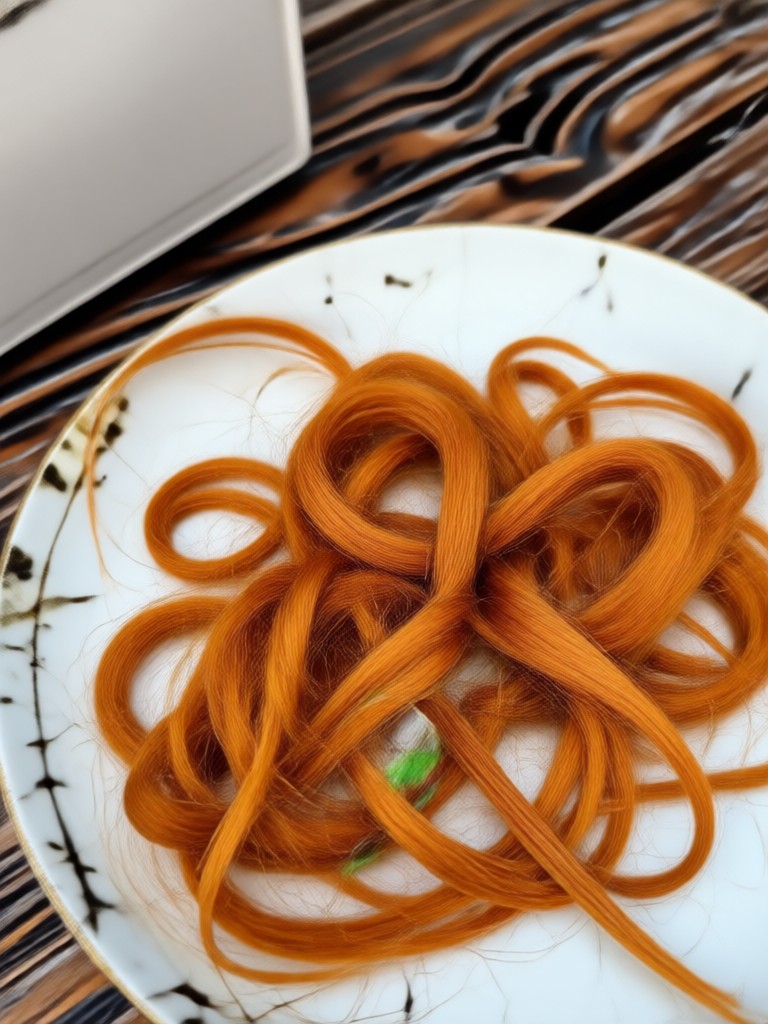
Get the Ginger Hair Filter on Android
Download gloglo from Google Play and transform your hair color in seconds. No design skills needed and new style templates are added regularly.

What Creators Say About the Ginger Hair Filter
I finally found my perfect copper shade
I uploaded three selfies and compared auburn and copper tones side by side. The results looked so real that I showed my stylist before going red. Saved me from a terrible dye job.
So easy to use with no editing skills
I do not know anything about photo editors. I just picked the ginger hair filter, tapped generate, and shared it on Instagram. My followers thought I actually dyed my hair.
Great for testing red hair on dark brown
My hair is very dark and I was worried ginger would not show up. The filter let me see the result first. It gave me the confidence to book a salon appointment.
Frequently Asked Questions
Find clear answers to common questions about the ginger hair filter, hair color previews, and how to get started.
More Topics You May Like
Explore more topics you may like and discover fresh ideas tailored to your interests.

Create Stunning AI Generated Presentation Visuals
Turn ideas into AI generated presentation visuals. Create slide backgrounds, infographics, and video intros in seconds with the gloglo mobile app. No design skills needed.
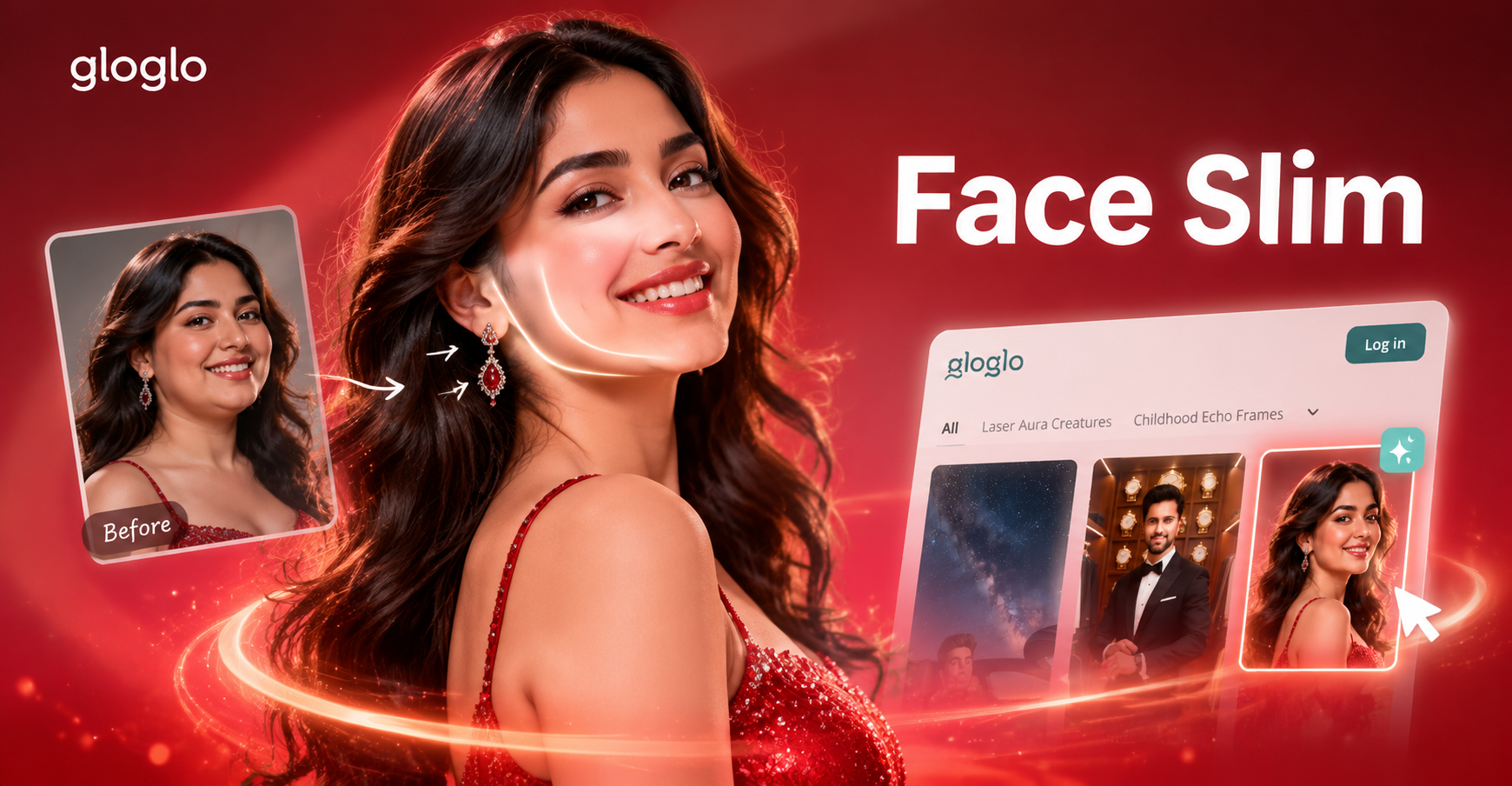
Face Slim Editor: Reshape Your Look Naturally
Use the Face Slim Editor to refine your jawline and cheekbones in seconds. Upload a selfie on gloglo, pick a natural preset, and get a slimmer face instantly. No editing skills required.
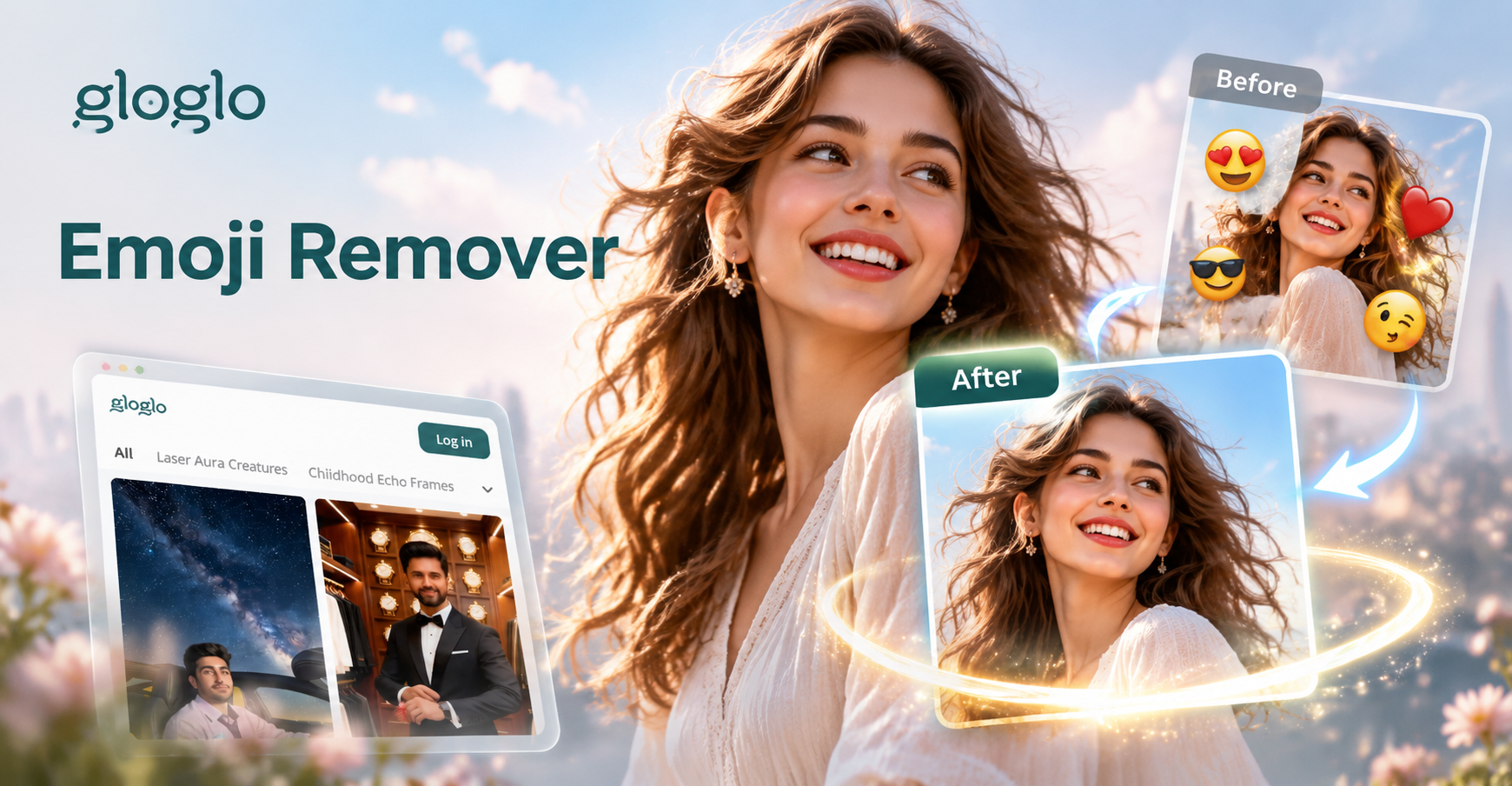
Erase Emojis From Any Picture Instantly
Remove emojis and stickers from photos with AI precision. Upload a picture, brush over the emoji, and restore a clean background in seconds. Try gloglo.

AI MOV Converter: Change Video to MOV Format Instantly
Convert video to MOV format in seconds with gloglo. Upload your file, choose the MOV output setting, and get a high-quality result. Perfect for Apple devices and video editing. No desktop software needed. Download the app to start.
Ready to Try the Ginger Hair Filter?
Download gloglo today and preview realistic ginger, copper, and red hair colors on your own photos. No editing skills needed and no permanent commitment.

Ready to Try the Ginger Hair Filter?
Download gloglo today and preview realistic ginger, copper, and red hair colors on your own photos. No editing skills needed and no permanent commitment.