HDR Photo Converter
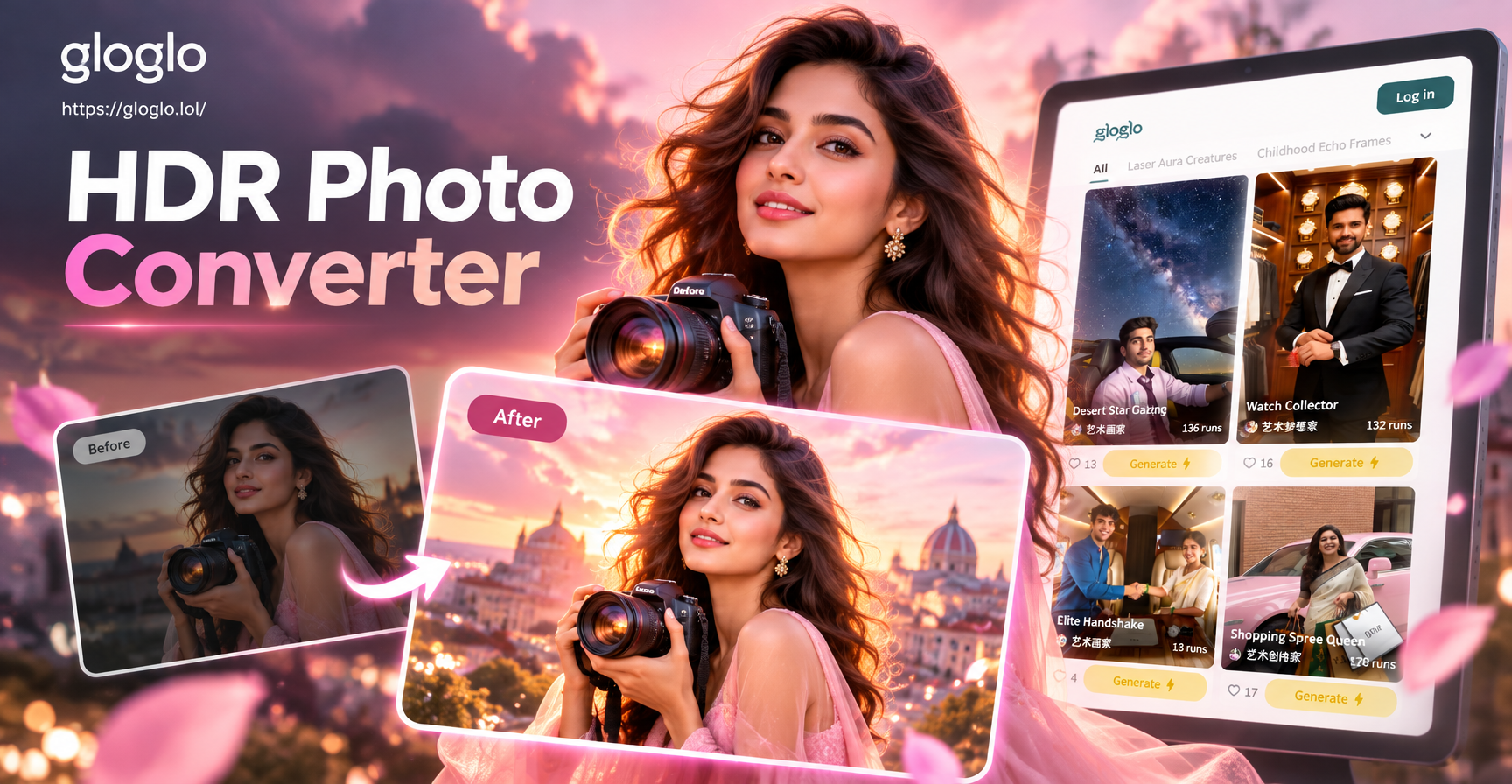
Discover the Best HDR Photo Filters
Explore a curated collection of HDR filters designed for every mood and scene, from dramatic landscapes to glowing portraits. Convert photo to HDR with styles that match your vision exactly.
Powerful Features of HDR Photo Converter
Turn ordinary images into professional HDR photos with state of the art AI technology. Our app makes high dynamic range editing simple, fast, and accessible to everyone.
Instant HDR Transformation
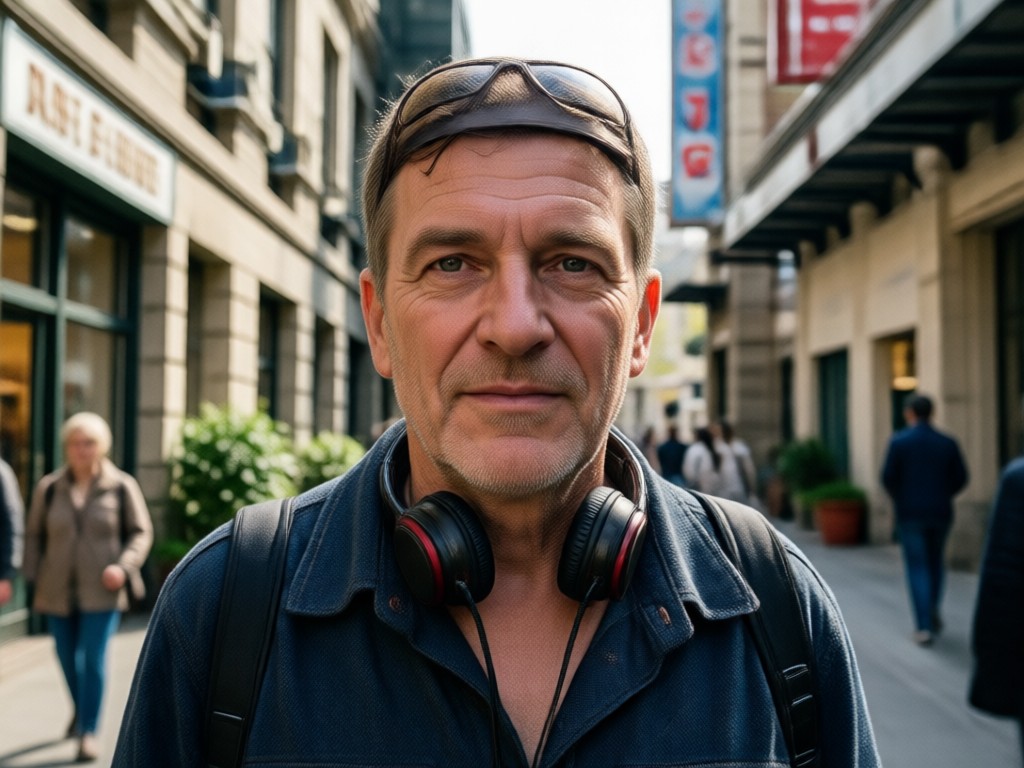
Upload any photo and let AI analyze exposure, midtones, and shadows in real time. The app balances highlights and dark areas automatically so every detail stays crisp and rich. Perfect for anyone who wants an HDR photo editor on the go.
Instant HDR Transformation
Upload any photo and let AI analyze exposure, midtones, and shadows in real time. The app balances highlights and dark areas automatically so every detail stays crisp and rich. Perfect for anyone who wants an HDR photo editor on the go.
Pro Grade HDR Filters
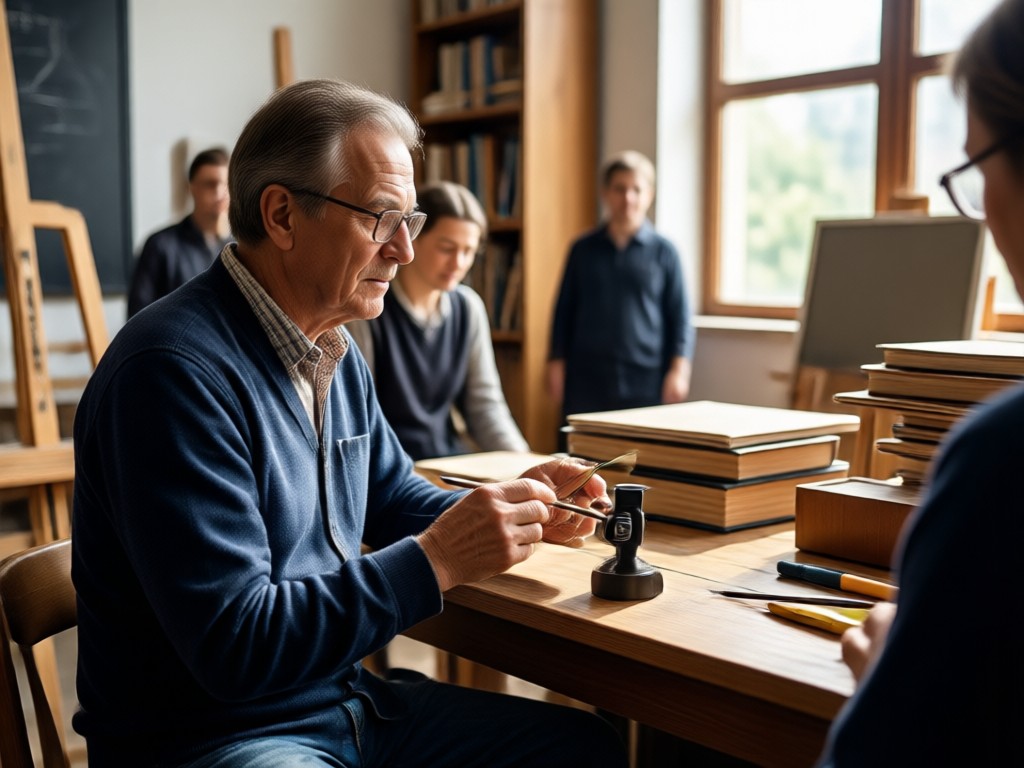
Choose from hundreds of carefully tuned HDR presets. Whether you want a cinematic sunset look or a clean urban style, there is a filter that matches your vision exactly. Each HDR filter is crafted to deliver natural colors and rich contrast.
Pro Grade HDR Filters
Choose from hundreds of carefully tuned HDR presets. Whether you want a cinematic sunset look or a clean urban style, there is a filter that matches your vision exactly. Each HDR filter is crafted to deliver natural colors and rich contrast.
Adjustable Intensity Control
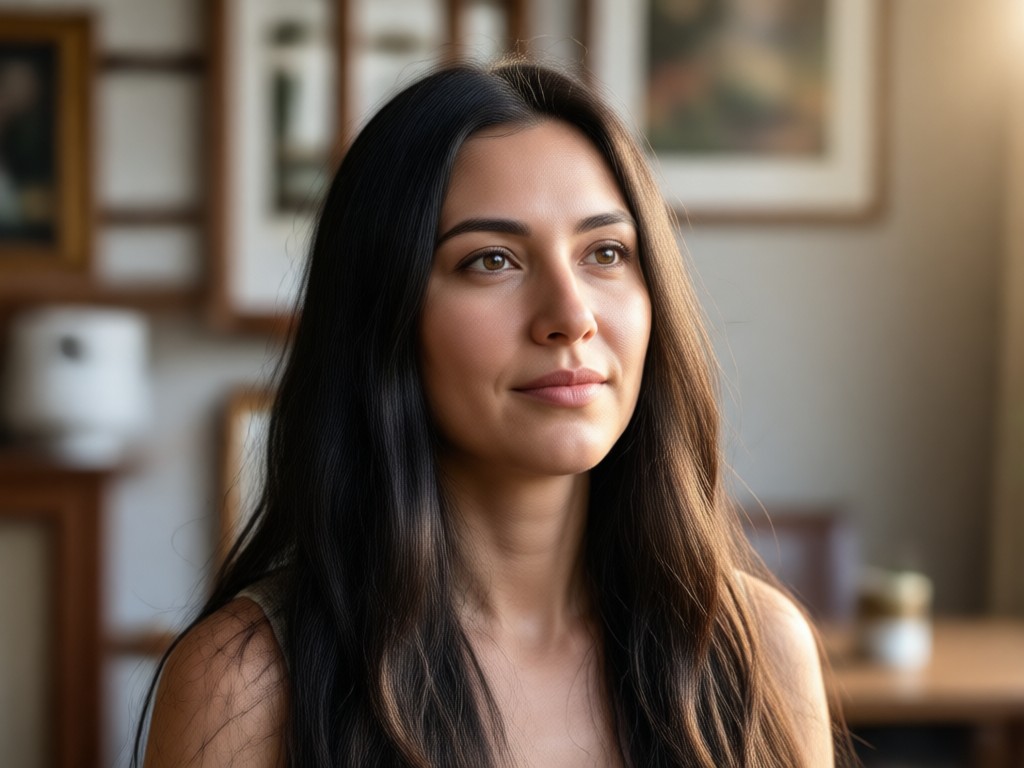
Fine tune every conversion with a simple slider. Increase or decrease the HDR effect to achieve a subtle enhancement or a bold dramatic result that suits your photo perfectly. You stay in full control of the final look.
Adjustable Intensity Control
Fine tune every conversion with a simple slider. Increase or decrease the HDR effect to achieve a subtle enhancement or a bold dramatic result that suits your photo perfectly. You stay in full control of the final look.
How to Convert Photo to HDR?
Follow three simple steps to create stunning HDR images in under a minute with the gloglo mobile app. No complicated software or photography degree required.

Step 01.
Download gloglo from Google Play and open the app. No account complexity, no signup friction, just instant access to AI photo tools.

Step 02.
Upload your photo and browse the HDR filter collection. Pick from vibrant natural tones, dramatic high contrast looks, or professional editorial presets.

Step 03.
Tap to generate and watch AI enhance your image in seconds. Adjust intensity if needed, then save and share your HDR photo anywhere.
Stunning HDR Photo Conversion Examples
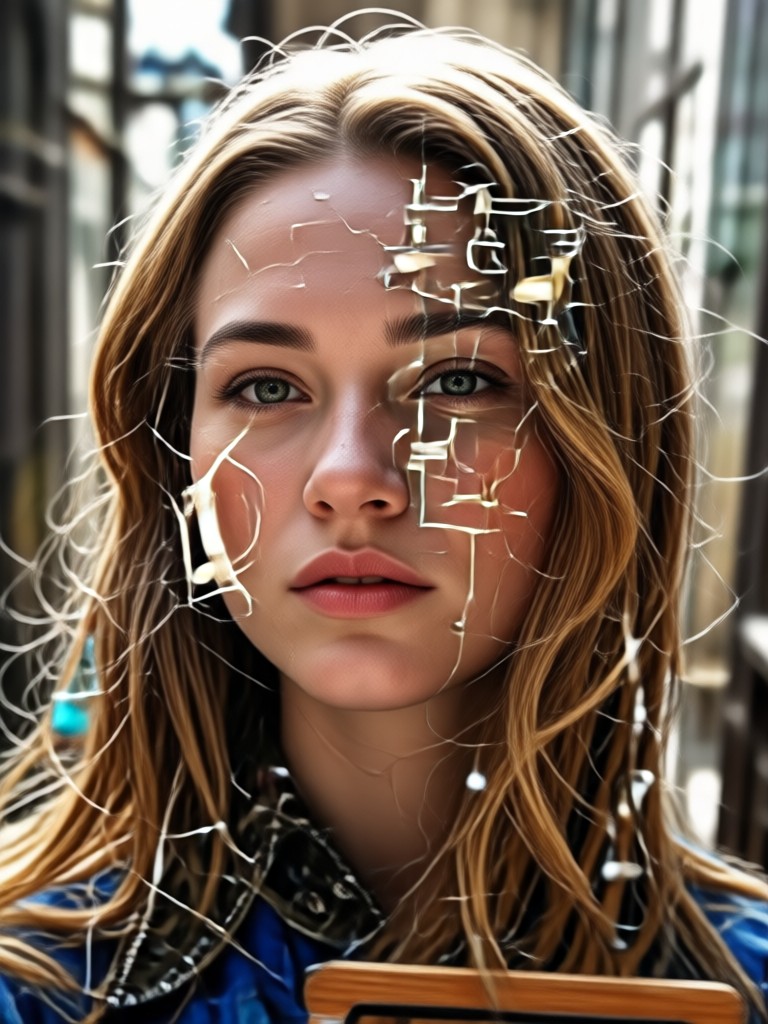
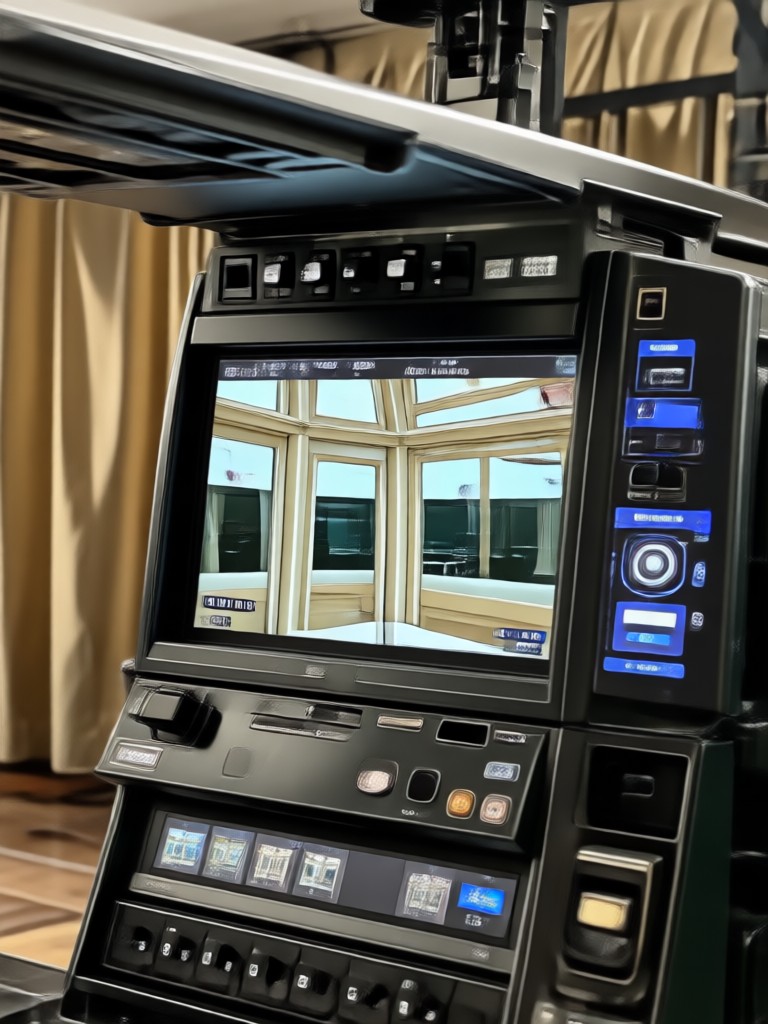
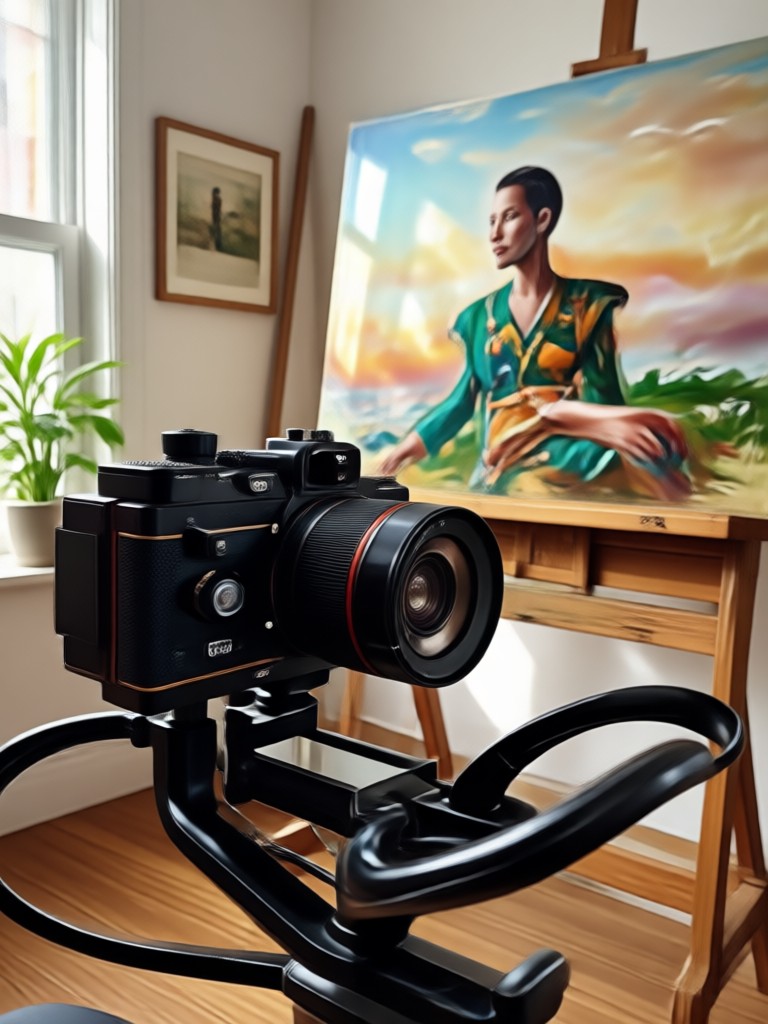
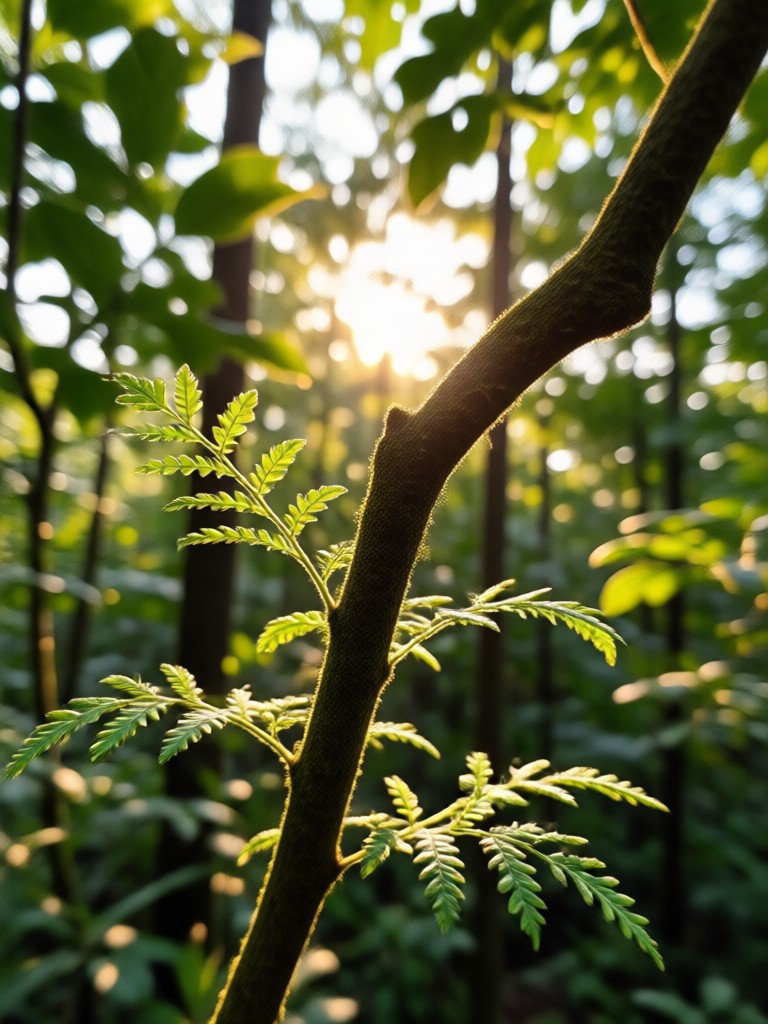
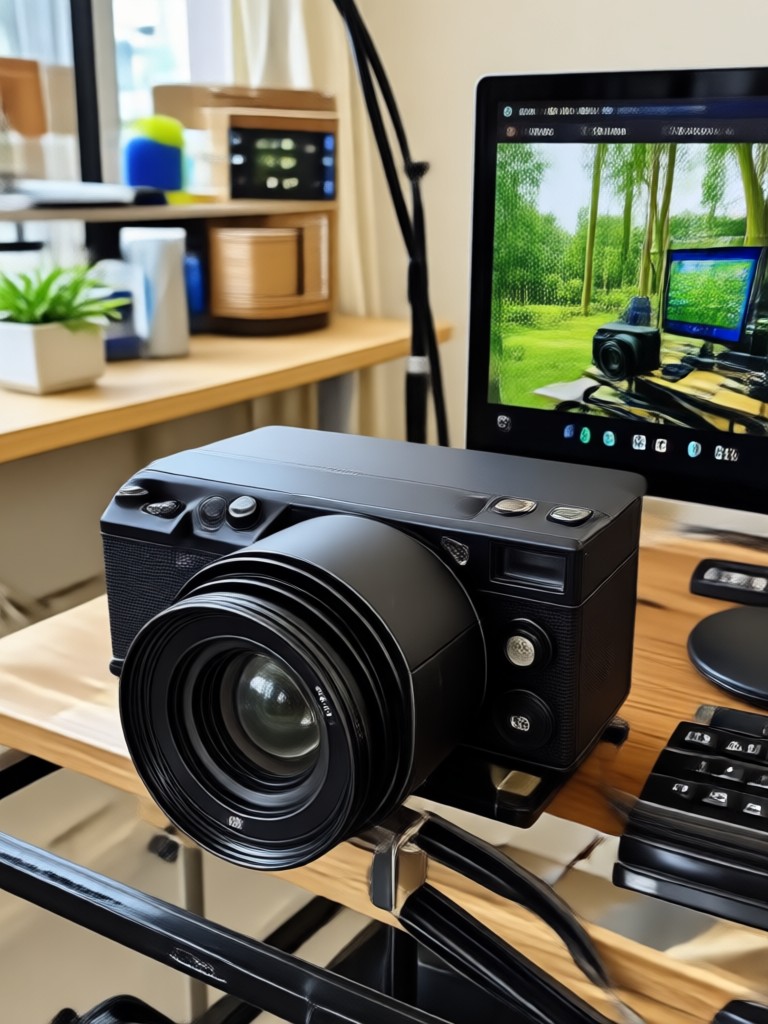
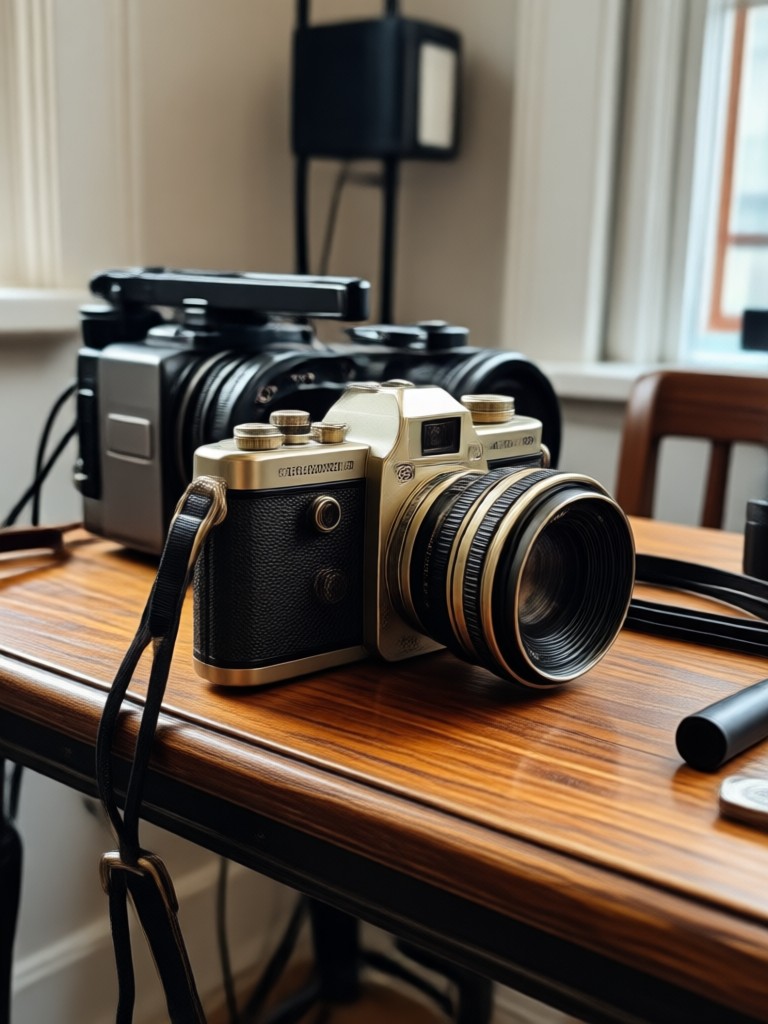
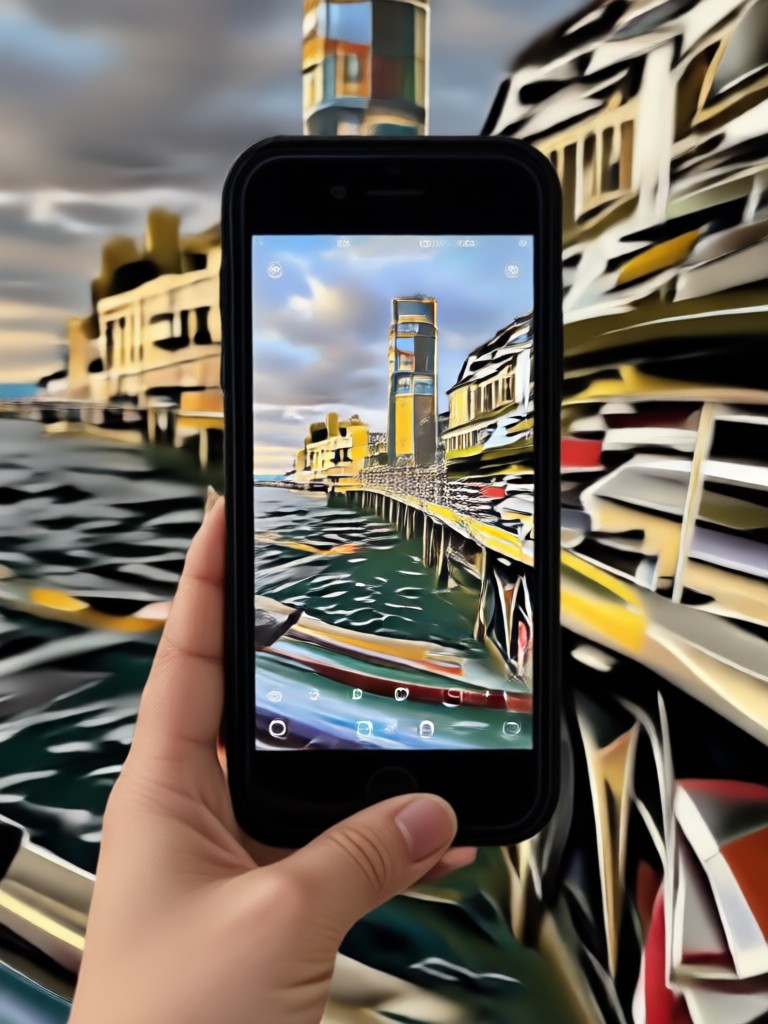
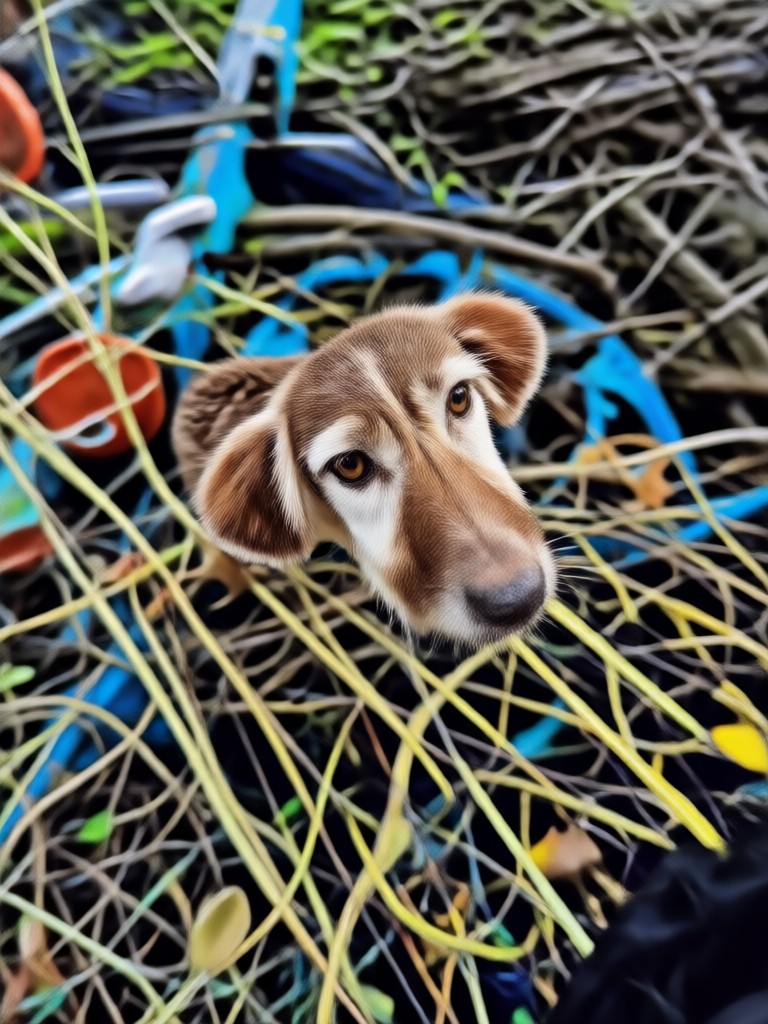
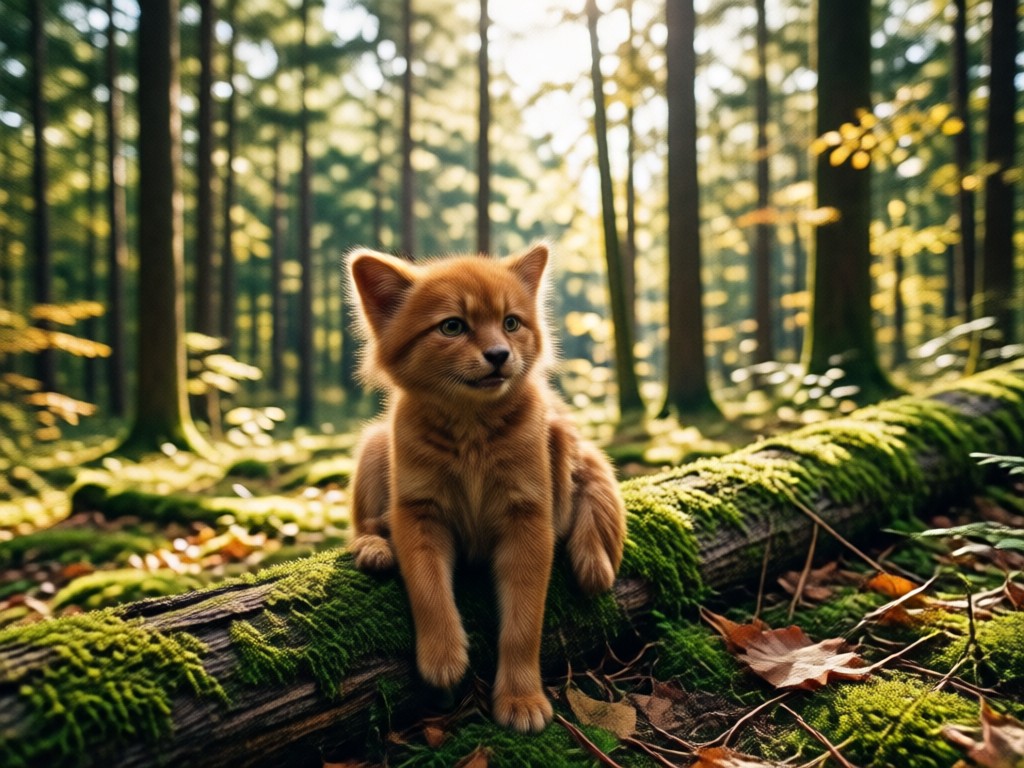
See how ordinary snapshots transform into vibrant HDR images. Each example below was created with the gloglo HDR photo converter, showing impressive detail recovery and color depth.
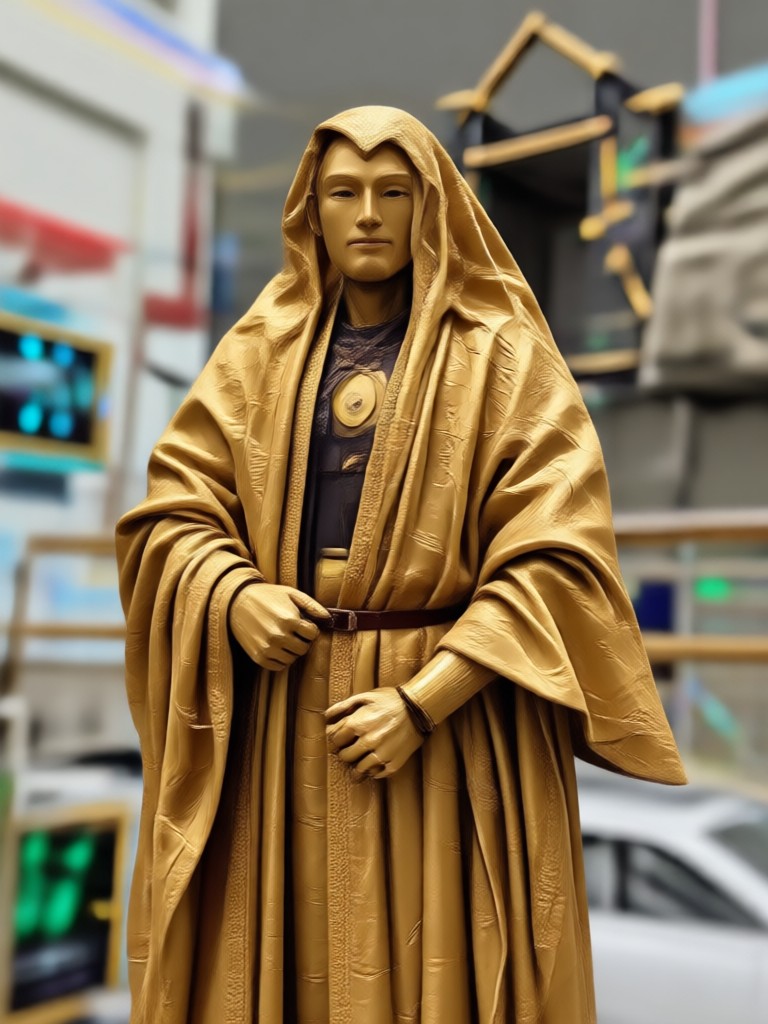
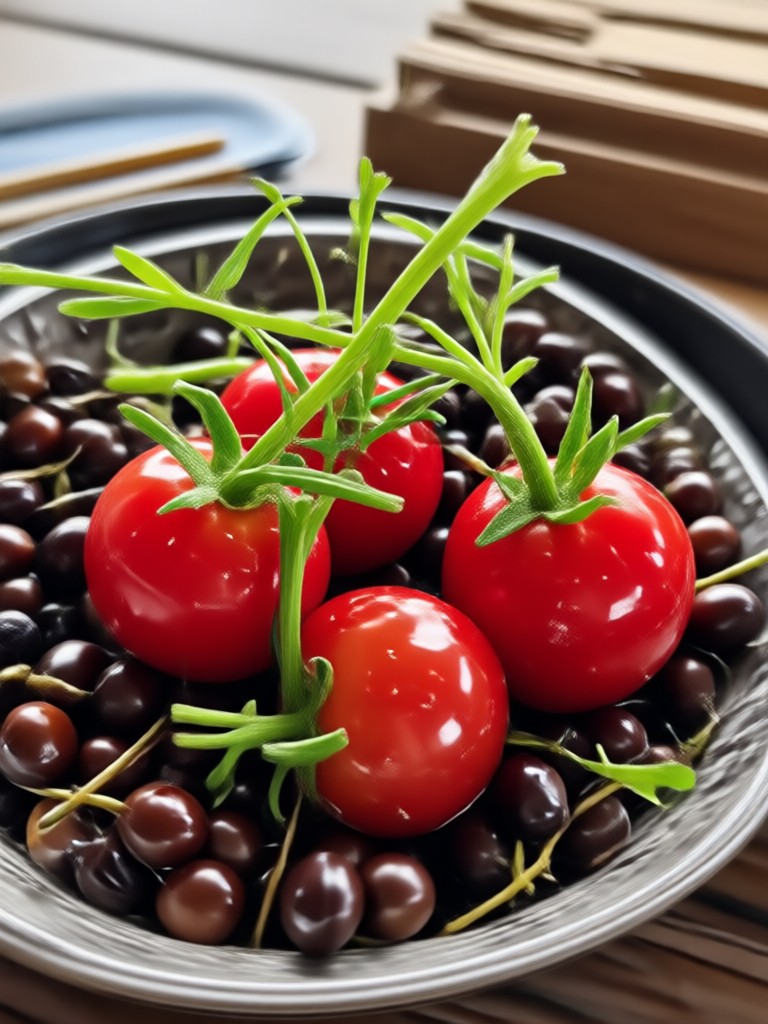
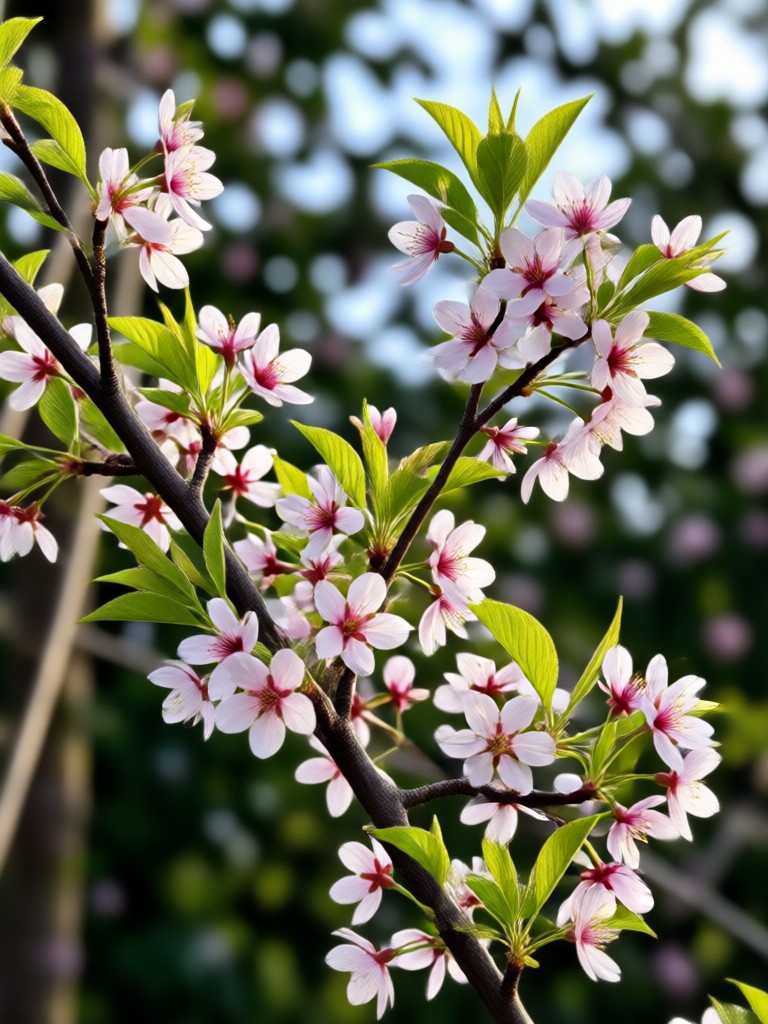
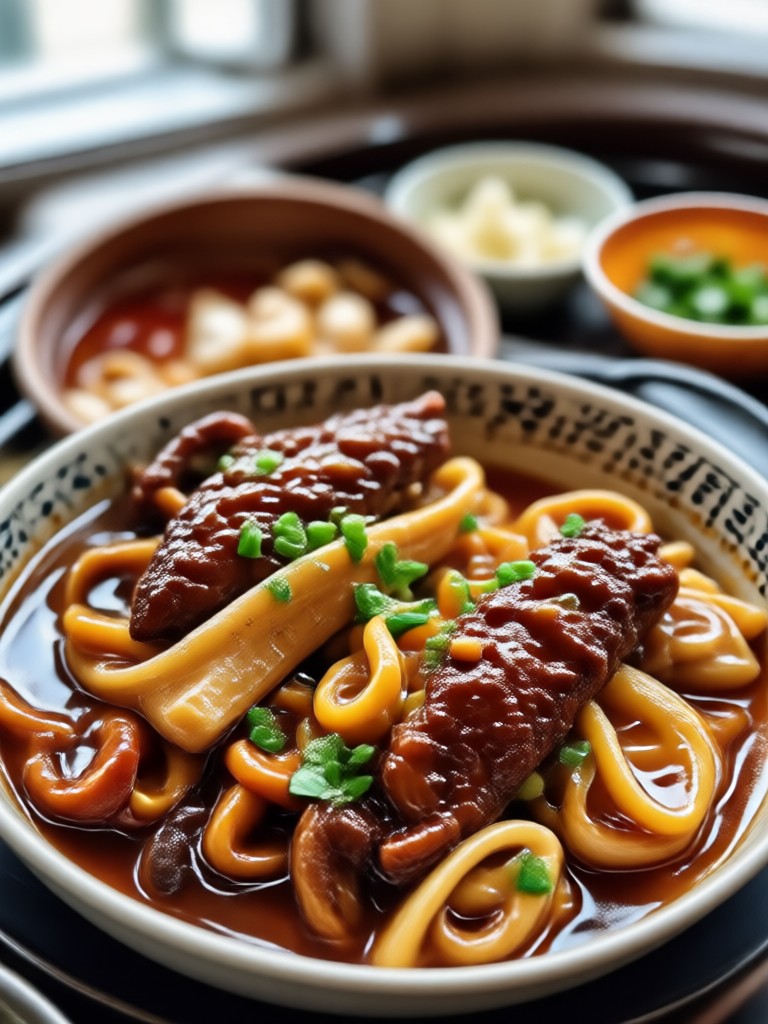
Why Use gloglo for HDR Photo Conversion?
Because powerful HDR editing should not require expensive desktop software or advanced photography knowledge. gloglo puts professional HDR tools in your pocket and makes them genuinely easy to use. Every filter is one tap away and every result is ready to share in seconds.
Why Use gloglo for HDR Photo Conversion?
Because powerful HDR editing should not require expensive desktop software or advanced photography knowledge. gloglo puts professional HDR tools in your pocket and makes them genuinely easy to use. Every filter is one tap away and every result is ready to share in seconds.
What Users Say About Our HDR Photo Converter
Maya K.
I shot my entire vacation on my phone and the daylight shots looked washed out. The HDR converter brought back the sky, the sand, everything. It saved my gallery.
Rohan Patel
I sell shoes online and need product photos that pop. The HDR effect makes every texture and stitch stand out. Sales went up because the photos finally look premium.
Daniel S.
As a hobby photographer I was skeptical about mobile HDR. But gloglo surprised me. The dynamic range it pulls from a single JPEG is seriously impressive.
Elena V.
My indoor family photos always had harsh shadows. I ran them through the HDR converter and now every face is bright, warm, and natural. It feels like magic.
Maya K.
I shot my entire vacation on my phone and the daylight shots looked washed out. The HDR converter brought back the sky, the sand, everything. It saved my gallery.
Rohan Patel
I sell shoes online and need product photos that pop. The HDR effect makes every texture and stitch stand out. Sales went up because the photos finally look premium.
Daniel S.
As a hobby photographer I was skeptical about mobile HDR. But gloglo surprised me. The dynamic range it pulls from a single JPEG is seriously impressive.
Elena V.
My indoor family photos always had harsh shadows. I ran them through the HDR converter and now every face is bright, warm, and natural. It feels like magic.
Maya K.
I shot my entire vacation on my phone and the daylight shots looked washed out. The HDR converter brought back the sky, the sand, everything. It saved my gallery.
Rohan Patel
I sell shoes online and need product photos that pop. The HDR effect makes every texture and stitch stand out. Sales went up because the photos finally look premium.
Daniel S.
As a hobby photographer I was skeptical about mobile HDR. But gloglo surprised me. The dynamic range it pulls from a single JPEG is seriously impressive.
Elena V.
My indoor family photos always had harsh shadows. I ran them through the HDR converter and now every face is bright, warm, and natural. It feels like magic.
Get the HDR Photo Converter App for Android
Download gloglo from Google Play and start converting photos to stunning HDR images today. Fast, free, and incredibly simple.

Frequently Asked Questions About HDR Photo Converter
Find clear answers to common questions about converting photos to HDR with gloglo.
More Topics You May Like
Explore more topics you may like and discover fresh ideas tailored to your interests.
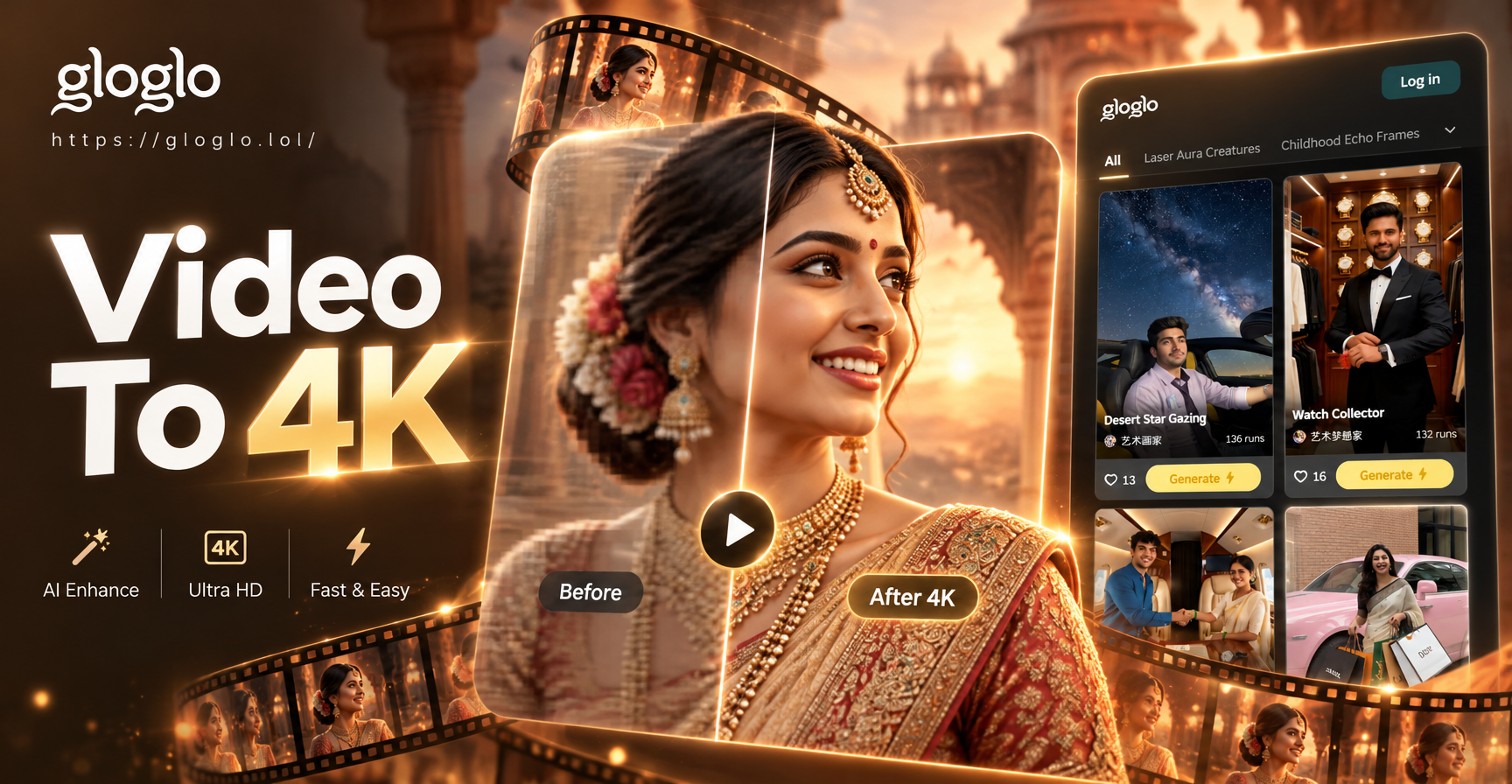
Convert Video To 4K Quality with AI in Seconds
Upscale your videos to 4K quality instantly with gloglo's AI video enhancer. Upload any clip, choose a style, and get sharp, detailed results in seconds. No skills needed. Download the app now.
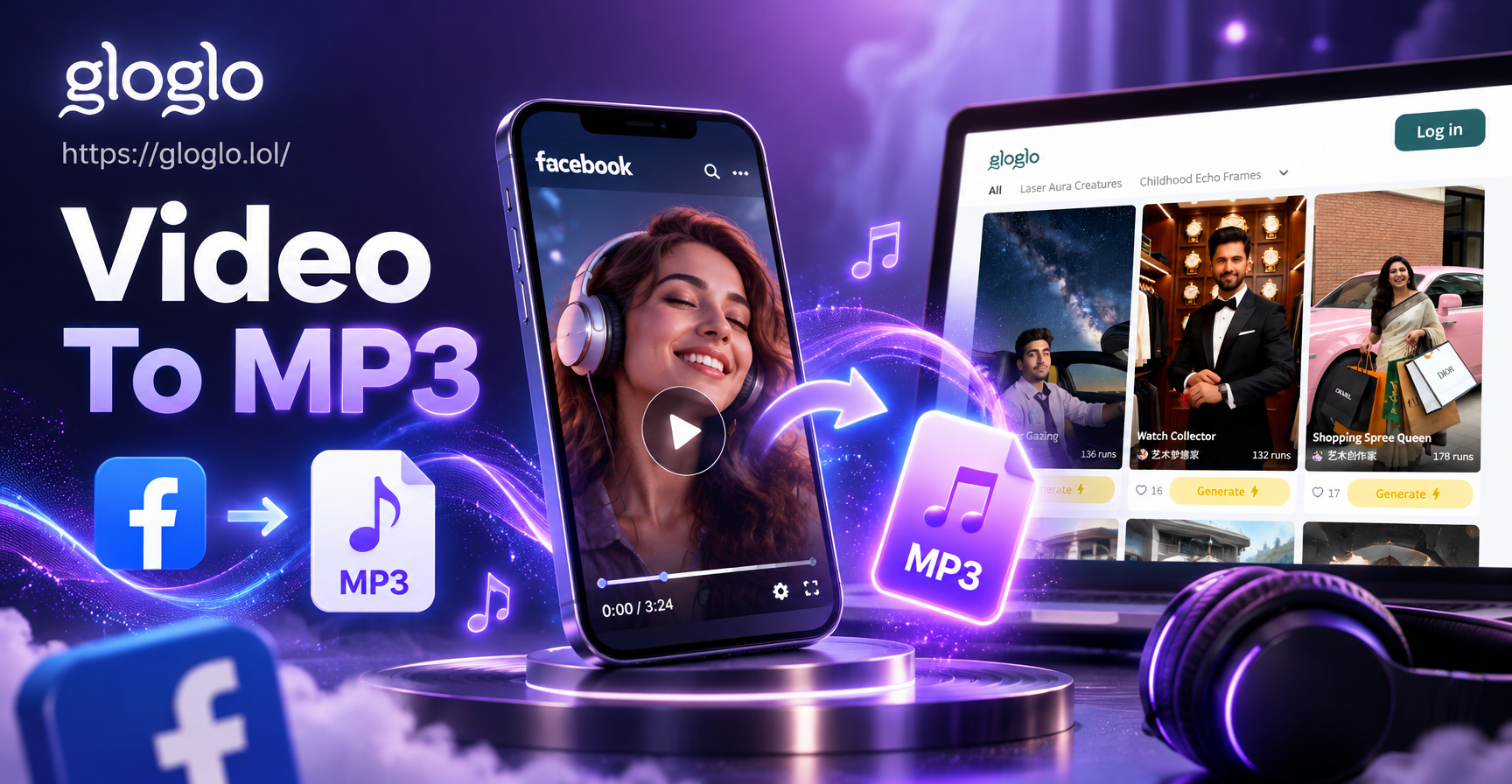
Facebook Video to Mp3 Convert: Fast Audio Extraction
Convert Facebook videos to high quality MP3 in seconds. Download gloglo to extract audio, enhance sound, and save files to your phone. No technical skills needed.
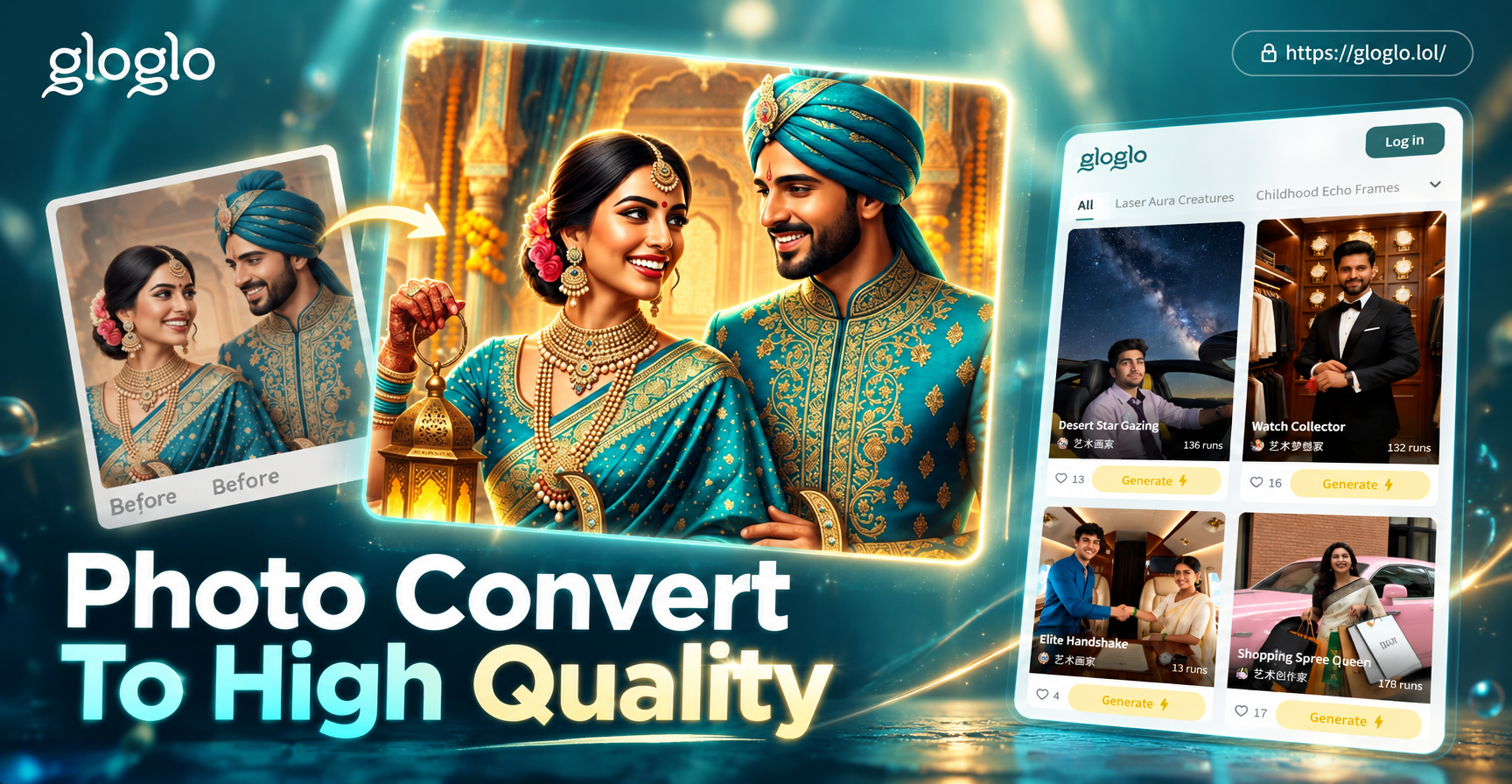
Turn Any Photo Into High Quality HD
Convert photo to high quality instantly. Upload any image, remove noise, upscale to HD, and enhance clarity. No design skills needed. Get stunning results in seconds.
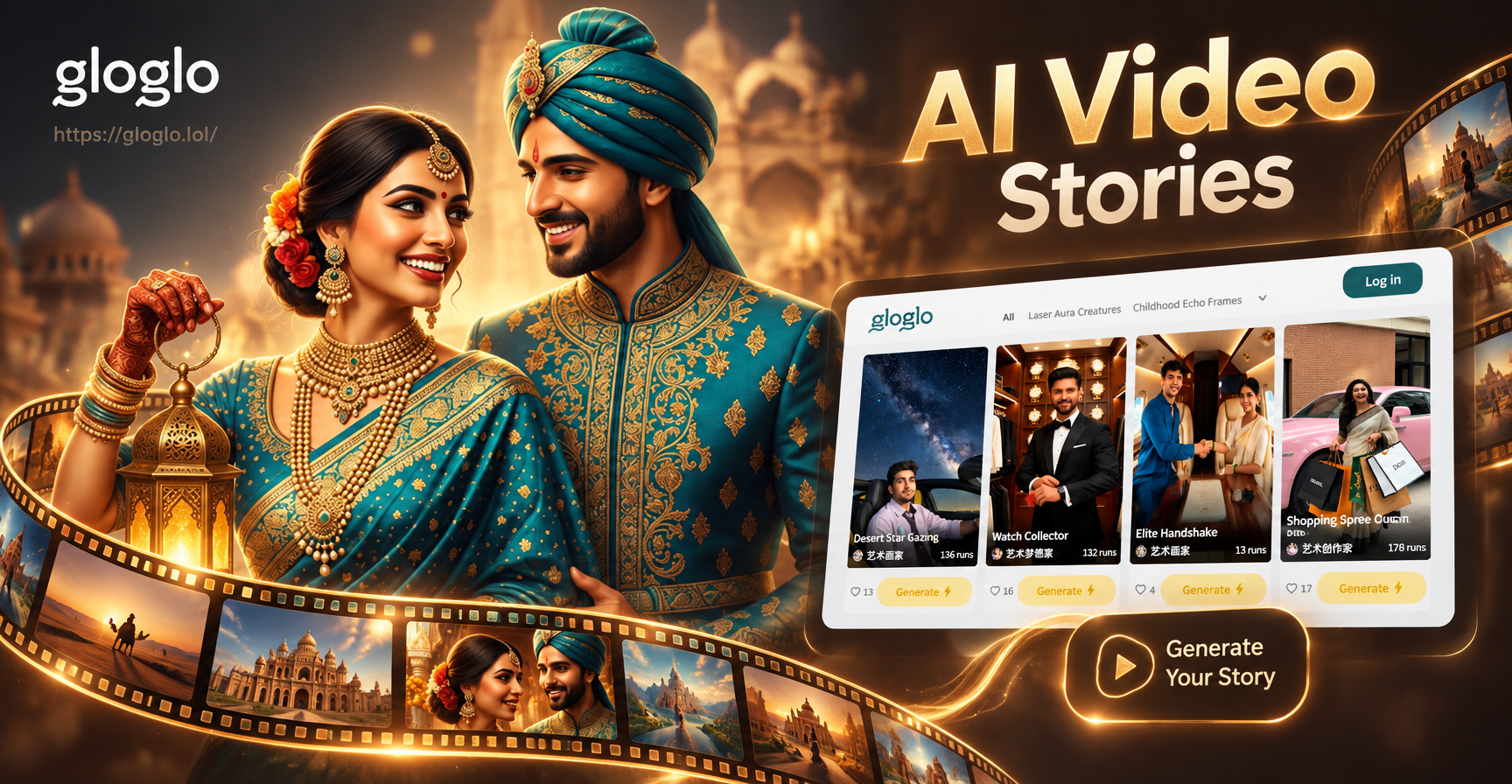
AI Video Story Generator: Turn Ideas Into Cinematic Clips
Create AI video stories from text or images with gloglo. Pick a style, generate cinematic clips, and share in seconds. No editing skills needed.
Ready to Create Stunning HDR Photos?
Download gloglo and turn any photo into a vibrant HDR image in seconds. Join thousands of creators who trust gloglo for professional quality photo effects.
Ready to Create Stunning HDR Photos?
Download gloglo and turn any photo into a vibrant HDR image in seconds. Join thousands of creators who trust gloglo for professional quality photo effects.