Photo Convert To High Quality
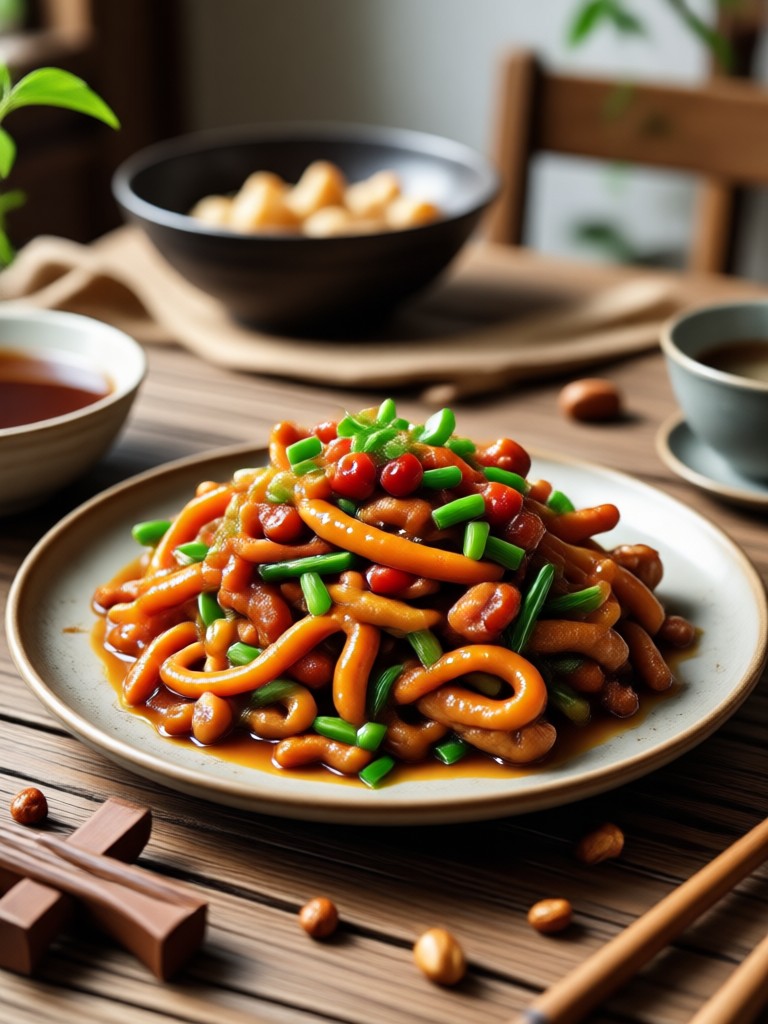
Choose the Photo Enhancement Filter That Suits You Best
Discover the filter that perfectly matches your photo quality needs, from HD upscaling to color correction.
Key Features of Photo Convert To High Quality
Turn low resolution images into high definition visuals with powerful AI tools that remove noise, enhance detail, and bring every picture to life.
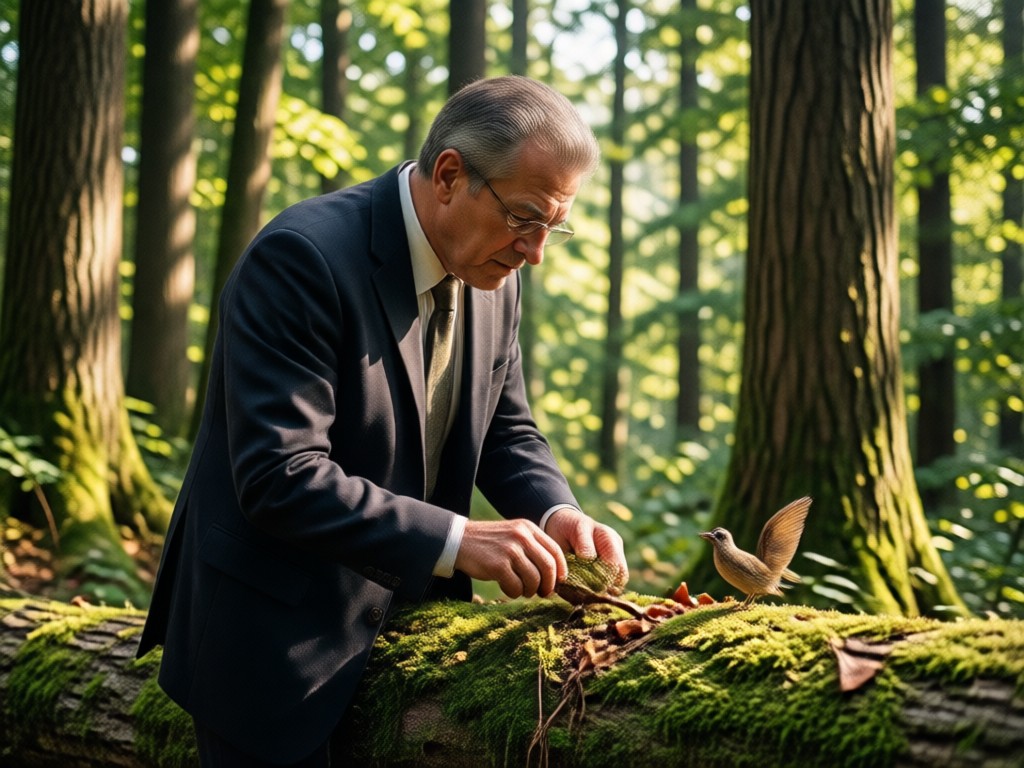
HD Resolution Upscaling
Enlarge small or pixelated photos without losing sharpness. gloglo's AI adds realistic detail so your images look crisp on any screen.
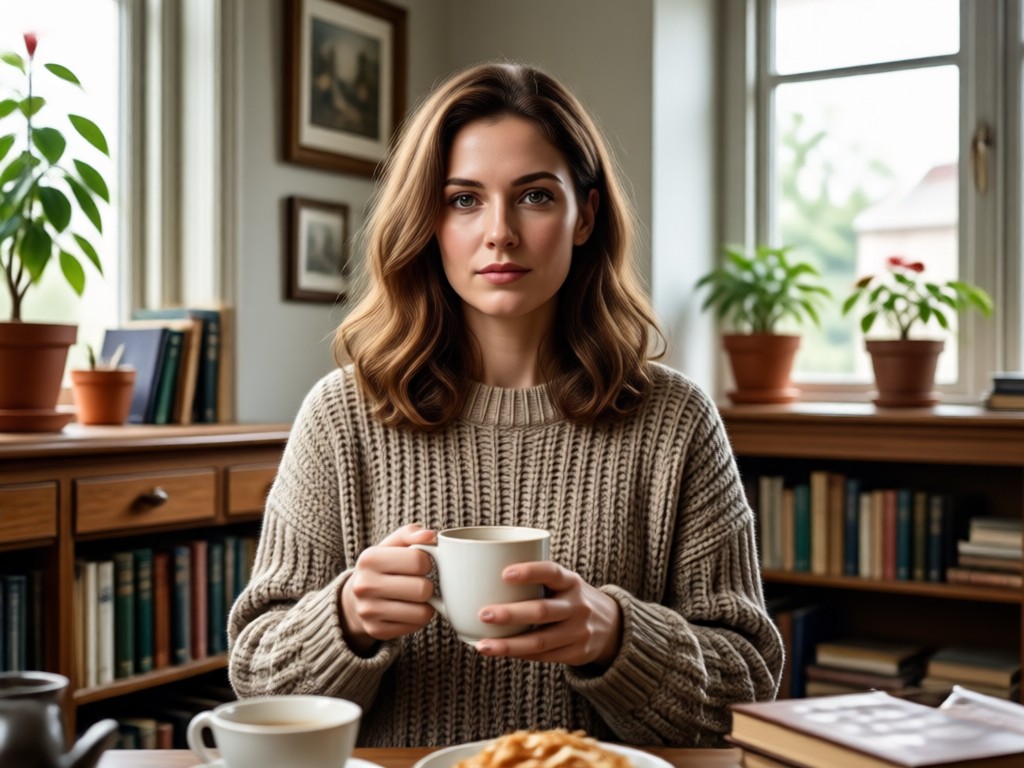
Noise and Blur Reduction
Automatically remove grain, compression artifacts, and motion blur. Recover fine details that were hidden in low quality shots.
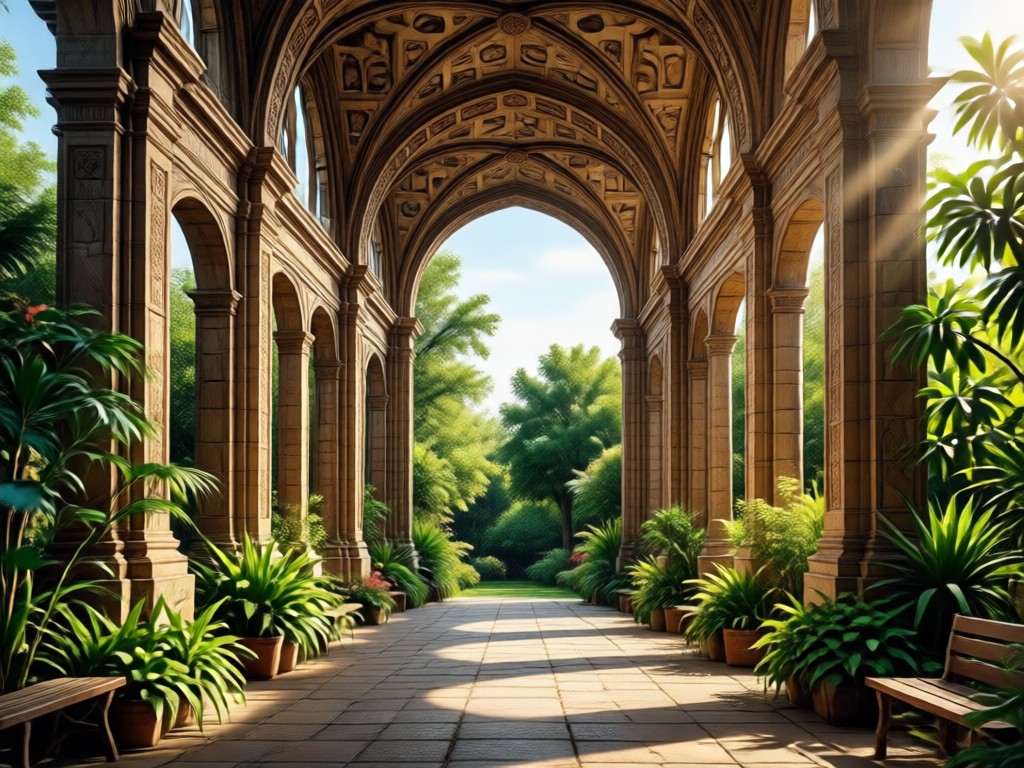
Color and Lighting Enhancement
Bring dull, dark, or washed out photos back to life. Improve brightness, contrast, saturation, and color accuracy in one tap.
Explore Photo Convert To High Quality Results
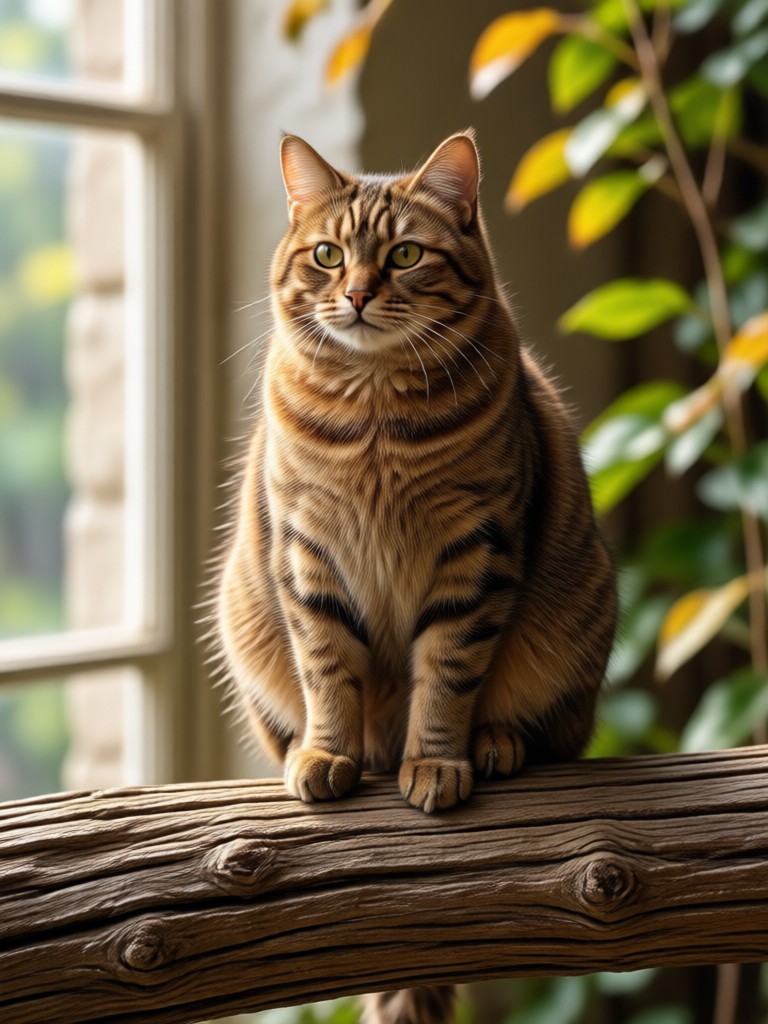
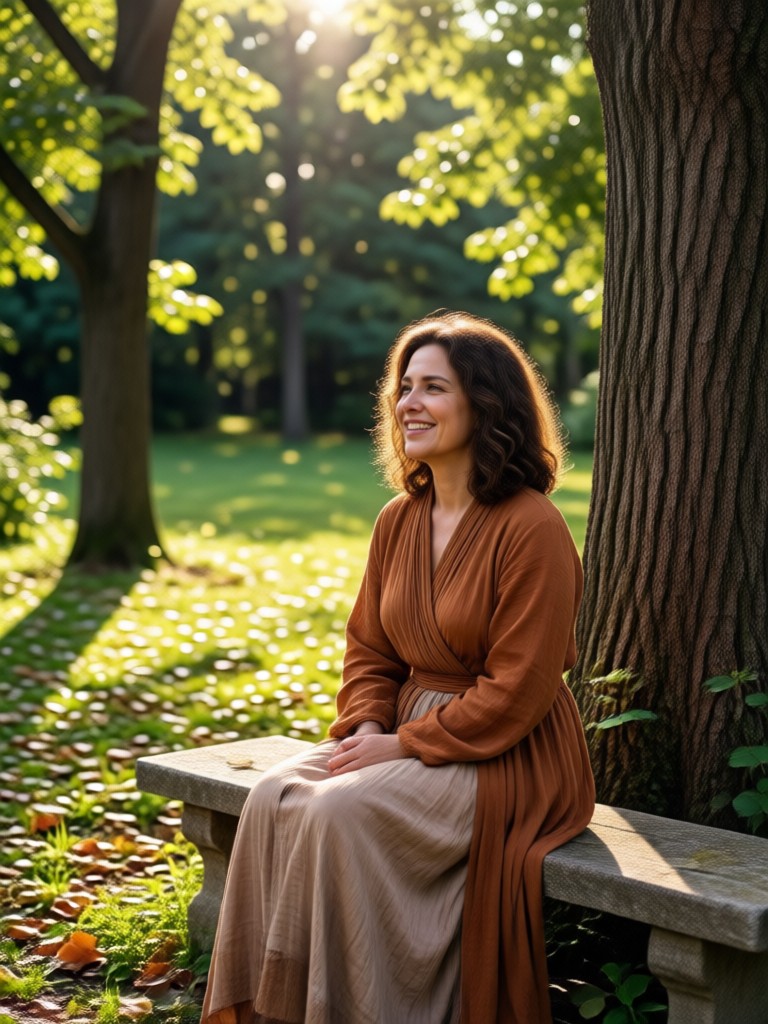
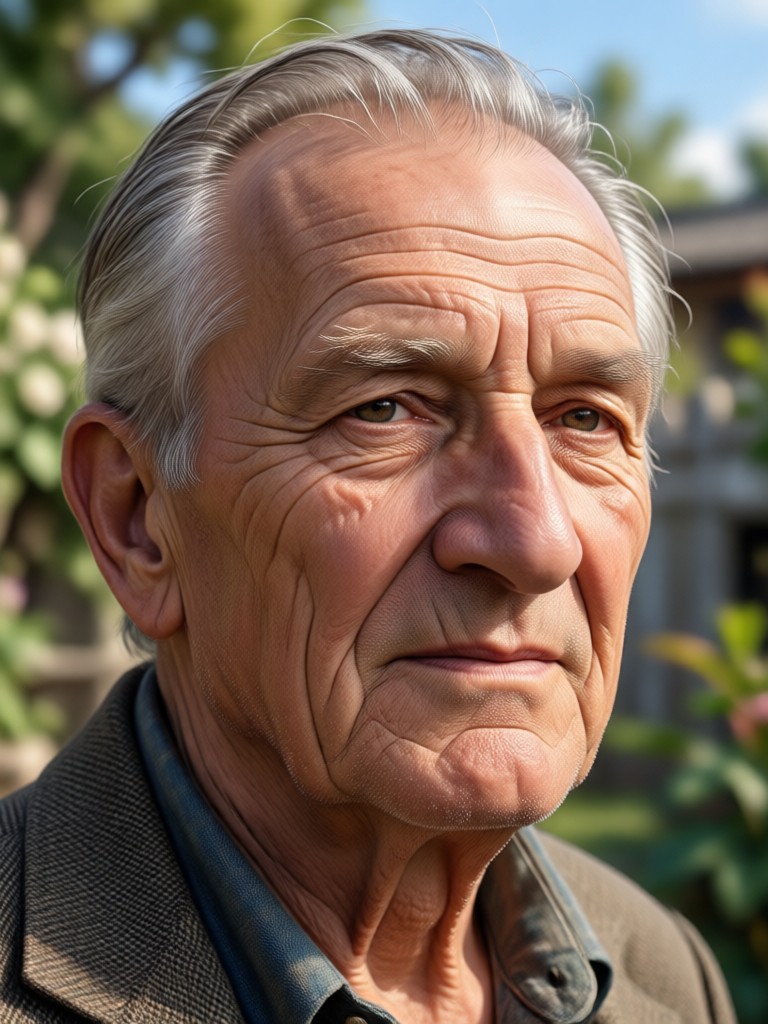
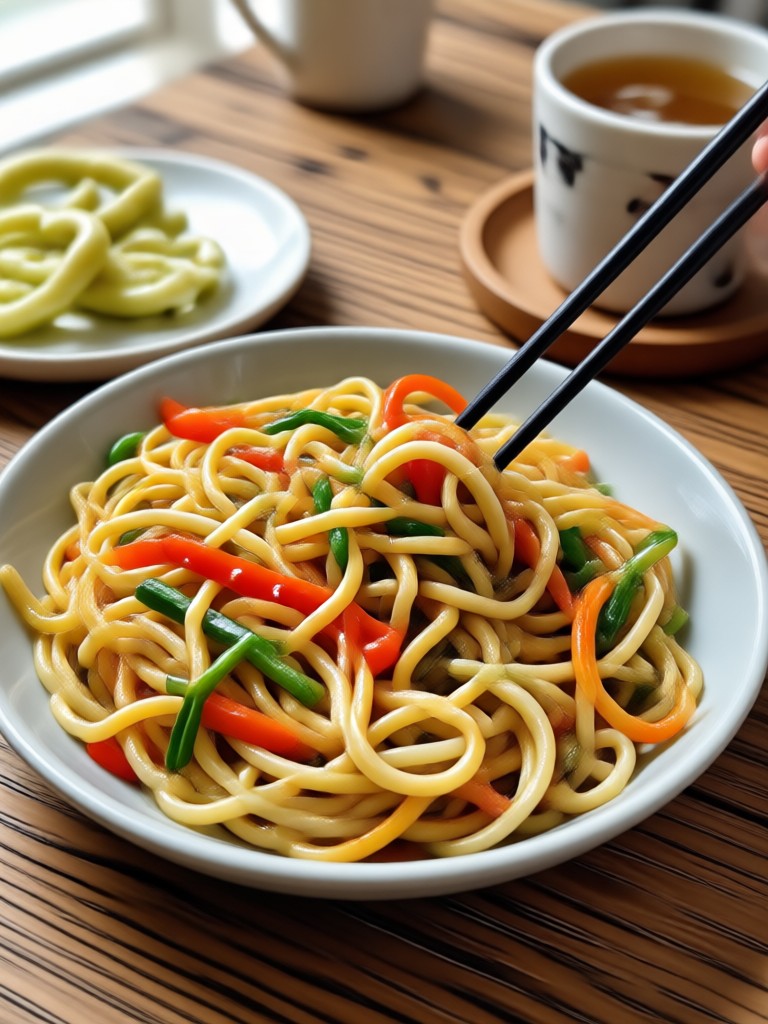
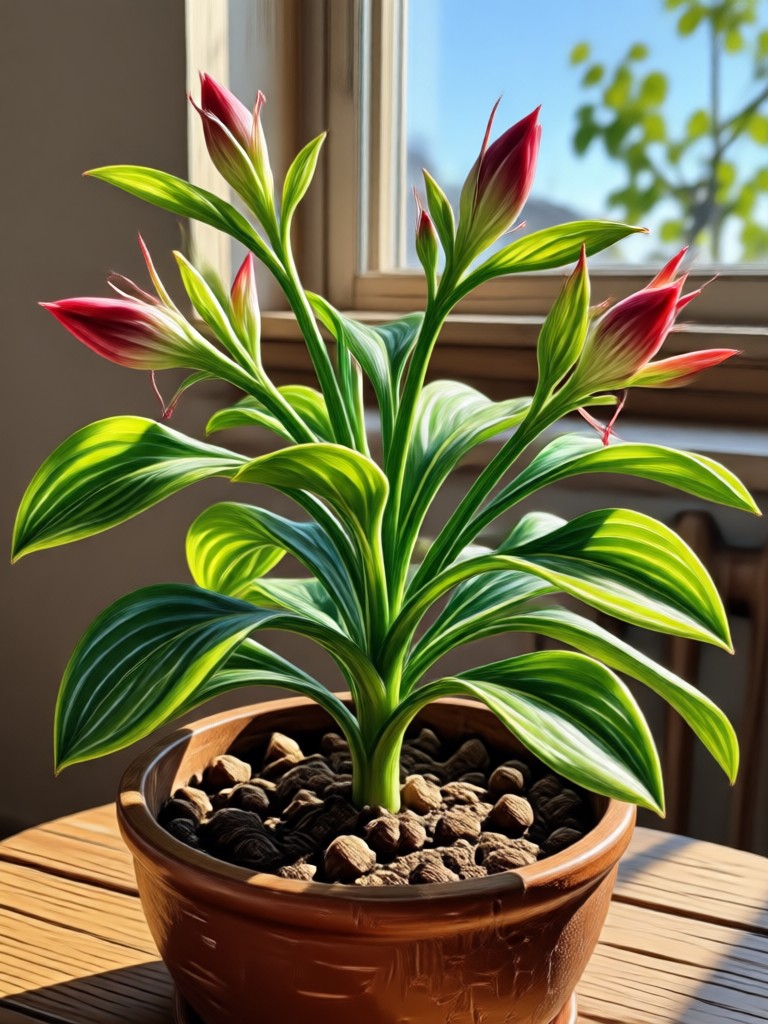
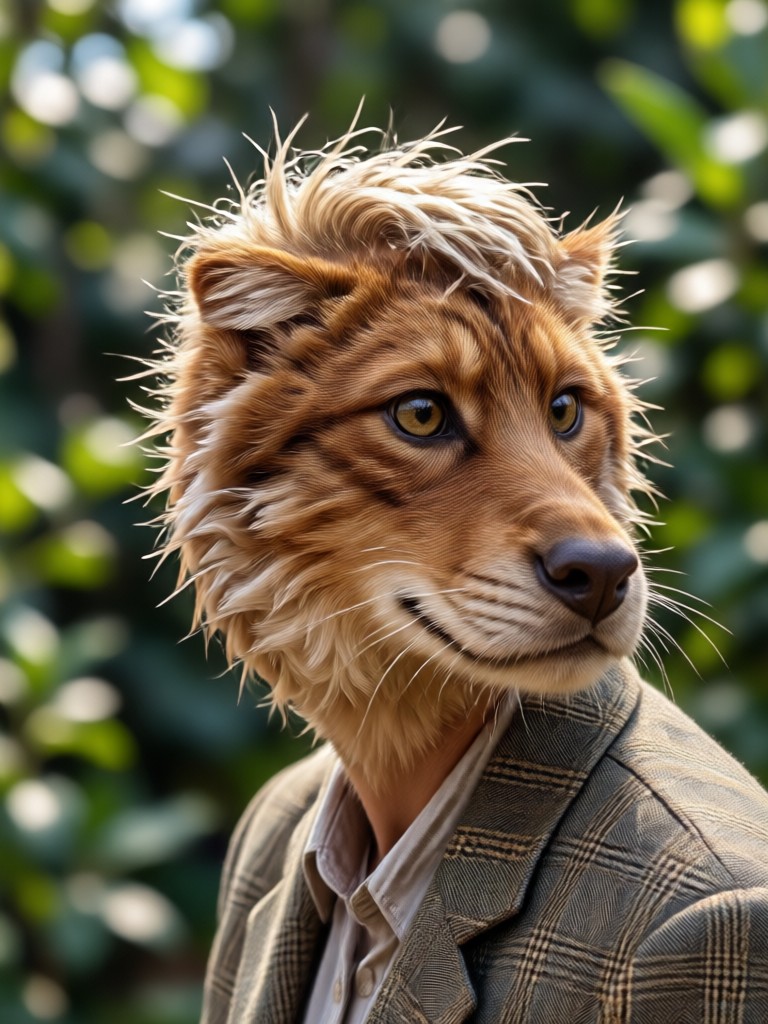
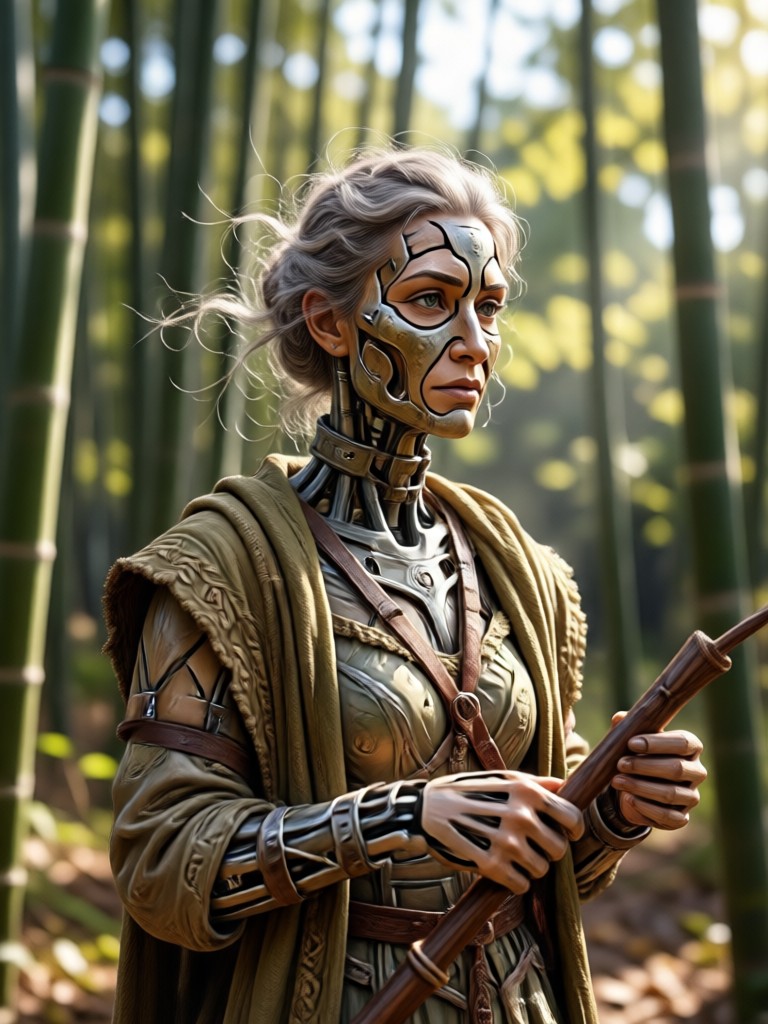
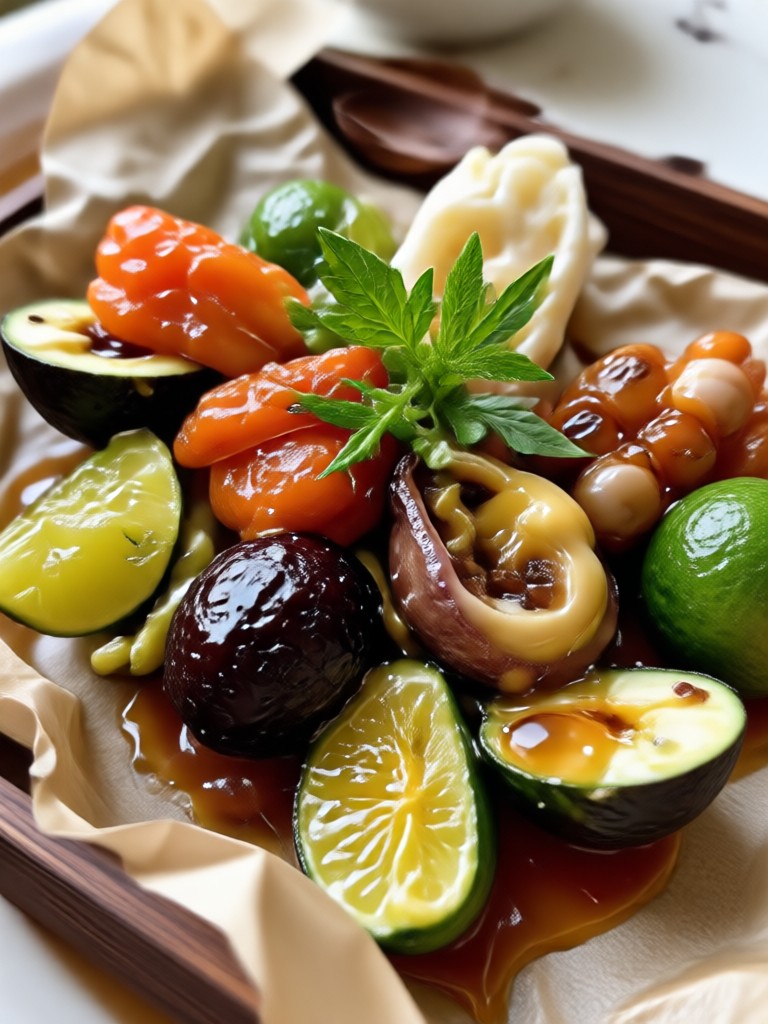
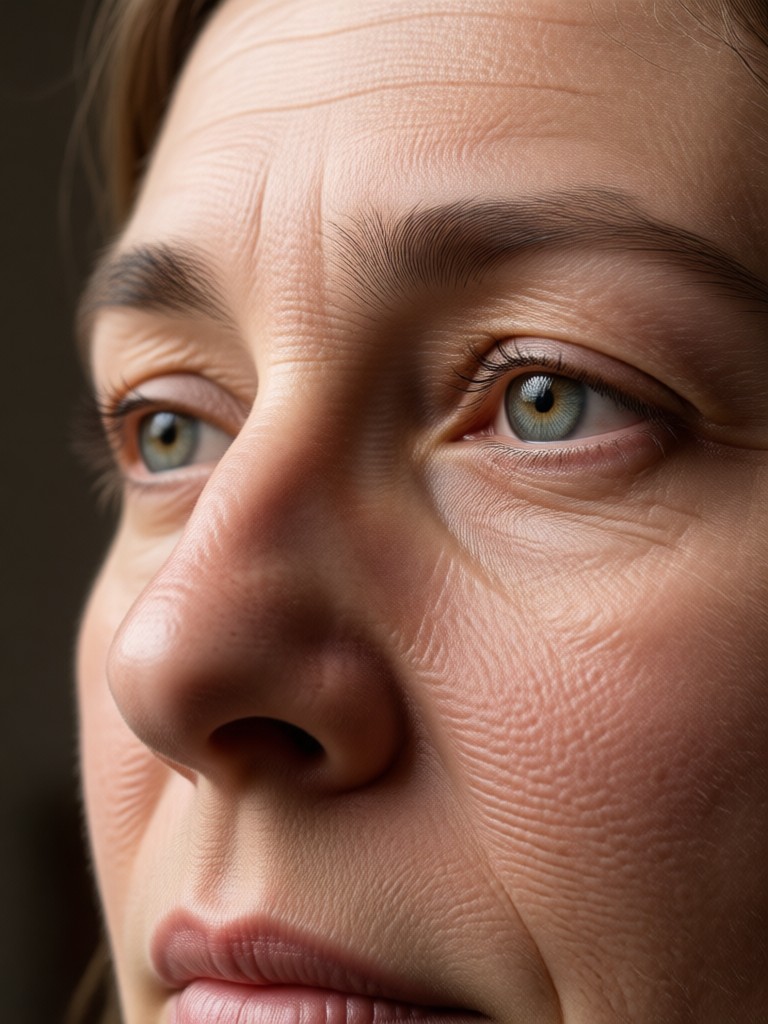
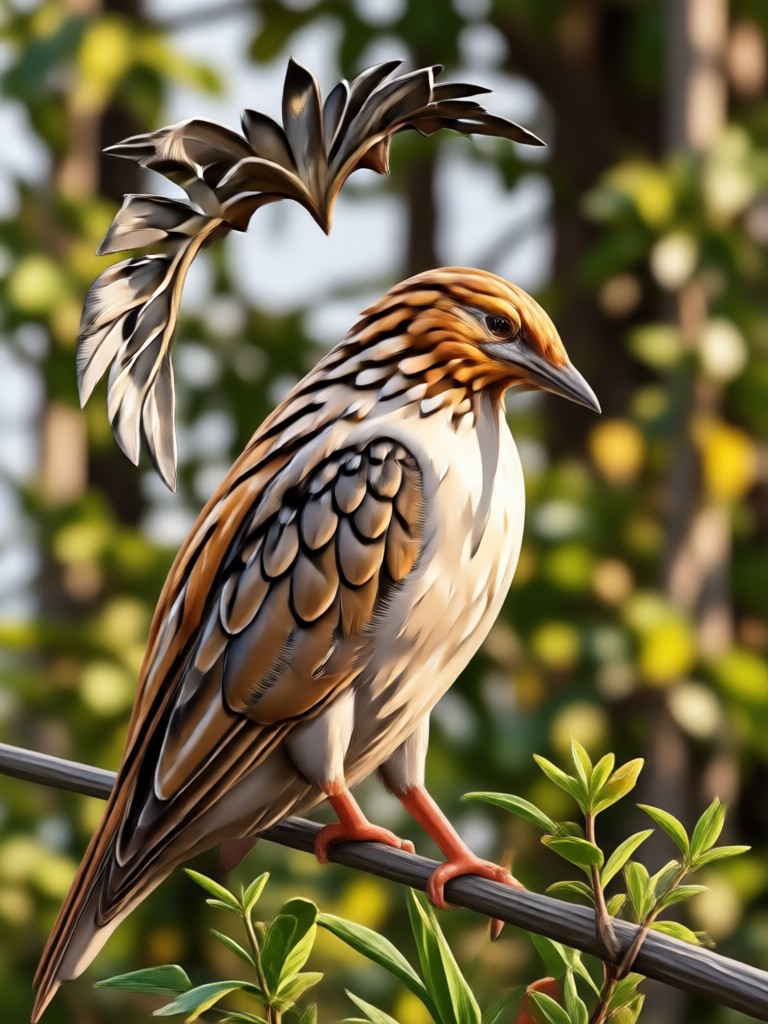
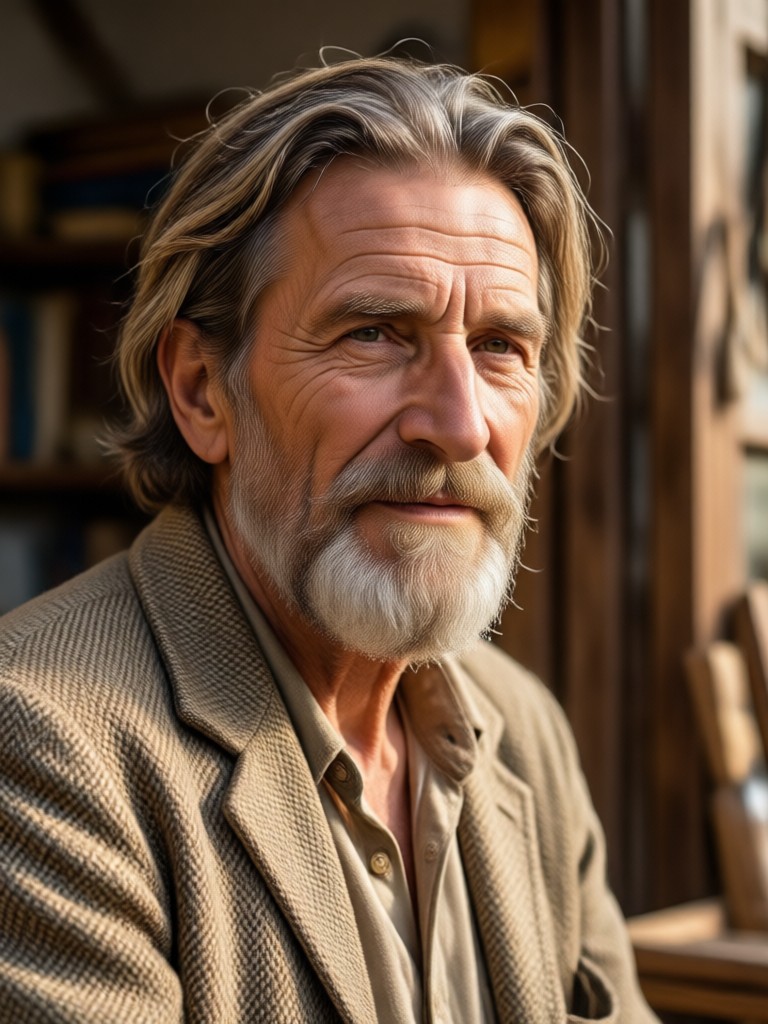
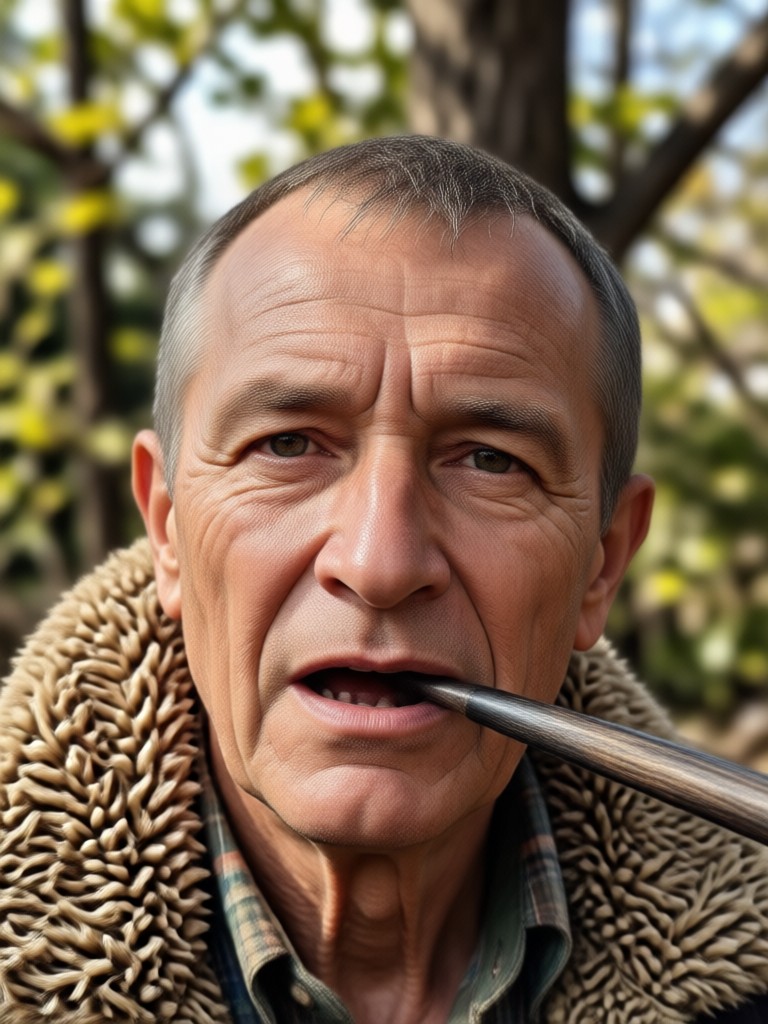
Browse stunning high quality photo conversions made with gloglo. See how blurry snapshots become sharp, vibrant, and ready to share.
How to Convert Photo to High Quality?
Create high definition photos in just a few simple steps using gloglo's powerful AI enhancement tools.

Step 01.
Get started by downloading gloglo from Google Play to access high quality photo conversion tools anytime, anywhere.

Step 02.
Select a photo from your gallery and choose a quality enhancement style or let AI automatically improve it.

Step 03.
Generate your high quality photo, then download and share the result with friends or on social media.
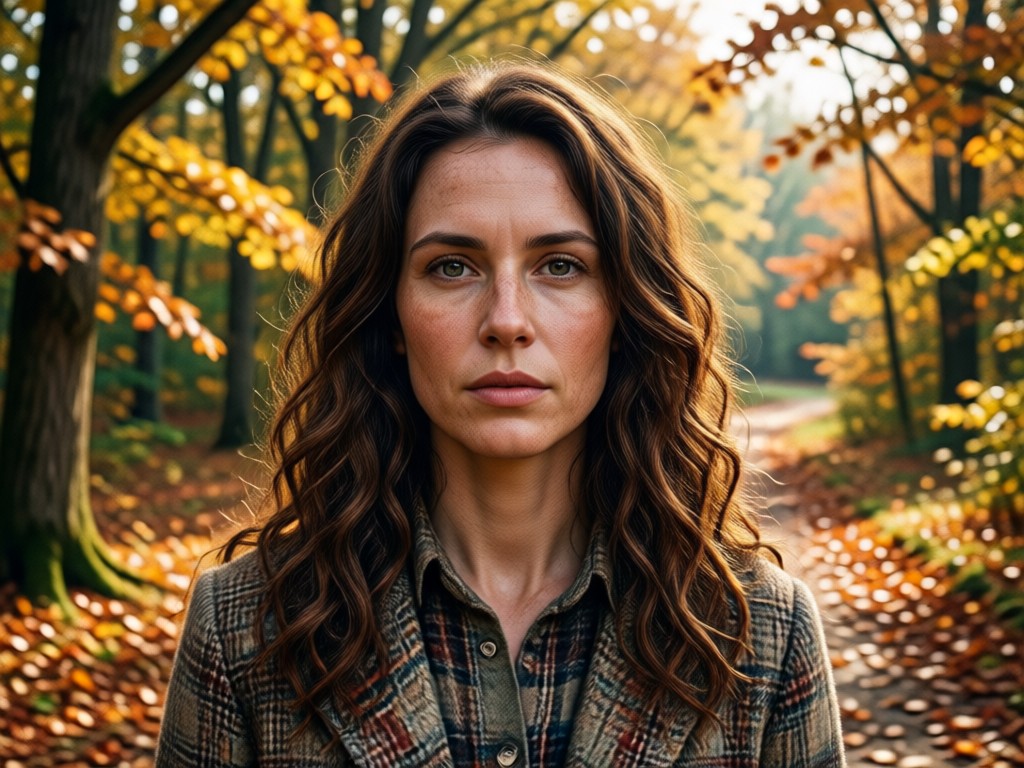
Why Choose gloglo for Photo Quality Enhancement
Unlike complicated desktop editors, gloglo is built for mobile. Upload a photo, pick a style, and get high definition results in seconds. With over one million filters and AI models trained for clarity, gloglo preserves natural details while removing blur, noise, and color issues. Perfect for social media, printing, or personal archives.
Why Choose gloglo for Photo Quality Enhancement
Unlike complicated desktop editors, gloglo is built for mobile. Upload a photo, pick a style, and get high definition results in seconds. With over one million filters and AI models trained for clarity, gloglo preserves natural details while removing blur, noise, and color issues. Perfect for social media, printing, or personal archives.
How to Make a Low Quality Photo High Quality?
Open gloglo on your Android device, upload your low quality photo, and let AI work its magic. The app automatically detects faces, edges, and textures to rebuild missing detail. Whether you need a sharper profile picture, clearer product shot, or restored old photo, gloglo delivers high quality results without watermarks or manual editing.
Who Uses Photo Convert To High Quality

Rita Mahmood
I used gloglo to fix old family photos that were too blurry to print. The high quality conversion made faces clear and colors natural. Absolutely recommend it for photo restoration.

Daniel Osei
As a small business owner I need sharp product photos for my online store. gloglo turned my phone photos into high definition images without needing a professional camera.

Yuki Tanaka
I post travel photos on Instagram and sometimes they get compressed. With gloglo I can convert them back to high quality before posting. The results look amazing.
Carlos Rivera
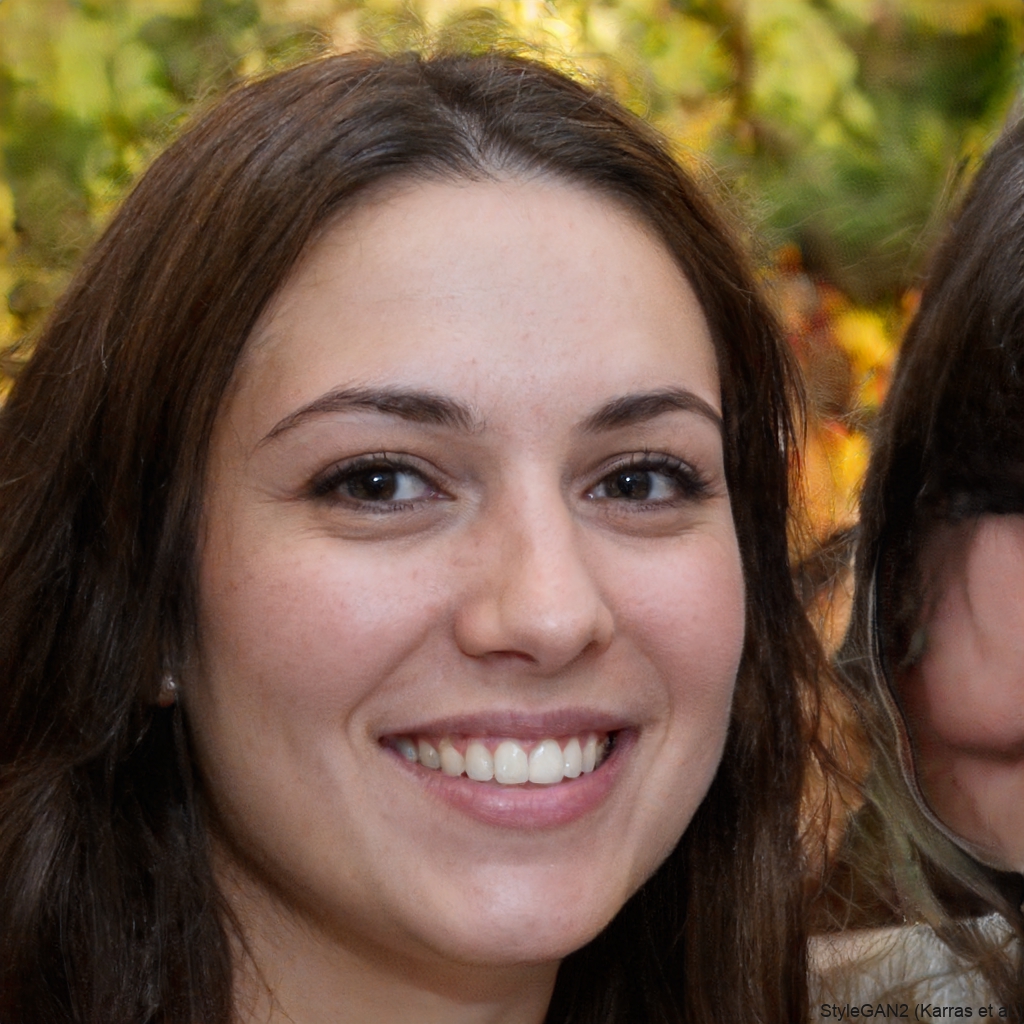
I took a screenshot from an old video and converted it to high quality. The AI added detail I thought was lost forever. This app is a game changer.
Rita Mahmood
I used gloglo to fix old family photos that were too blurry to print. The high quality conversion made faces clear and colors natural. Absolutely recommend it for photo restoration.
Daniel Osei
As a small business owner I need sharp product photos for my online store. gloglo turned my phone photos into high definition images without needing a professional camera.
Yuki Tanaka
I post travel photos on Instagram and sometimes they get compressed. With gloglo I can convert them back to high quality before posting. The results look amazing.
Carlos Rivera
I took a screenshot from an old video and converted it to high quality. The AI added detail I thought was lost forever. This app is a game changer.
Rita Mahmood
I used gloglo to fix old family photos that were too blurry to print. The high quality conversion made faces clear and colors natural. Absolutely recommend it for photo restoration.
Daniel Osei
As a small business owner I need sharp product photos for my online store. gloglo turned my phone photos into high definition images without needing a professional camera.
Yuki Tanaka
I post travel photos on Instagram and sometimes they get compressed. With gloglo I can convert them back to high quality before posting. The results look amazing.
Carlos Rivera
I took a screenshot from an old video and converted it to high quality. The AI added detail I thought was lost forever. This app is a game changer.
Frequently Asked Questions About Photo Convert To High Quality
Find clear answers about converting photos to high quality and getting the most from gloglo's AI enhancement tools.
More Topics You May Like
Explore more topics related to photo enhancement and AI image tools.
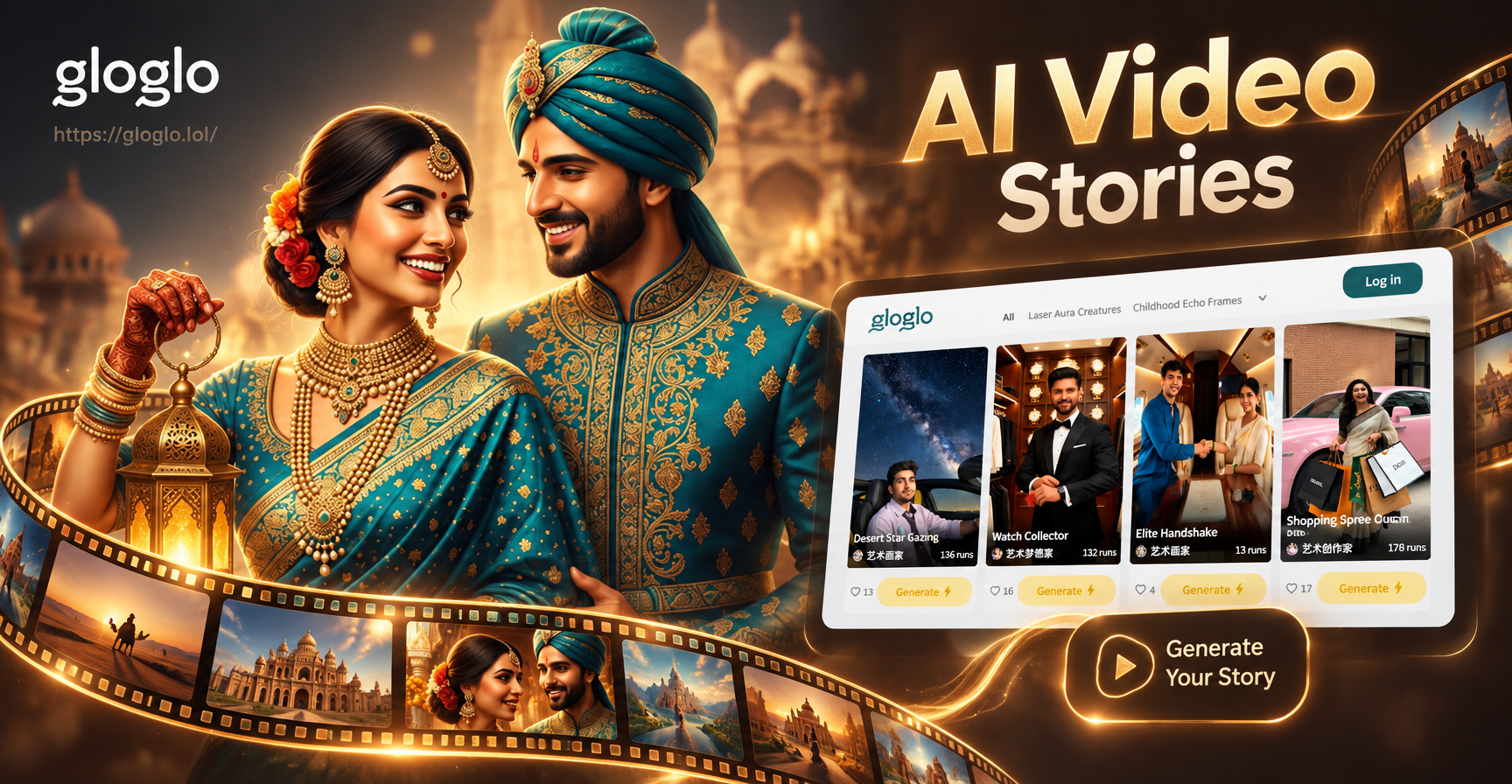
AI Video Story Generator: Turn Ideas Into Cinematic Clips
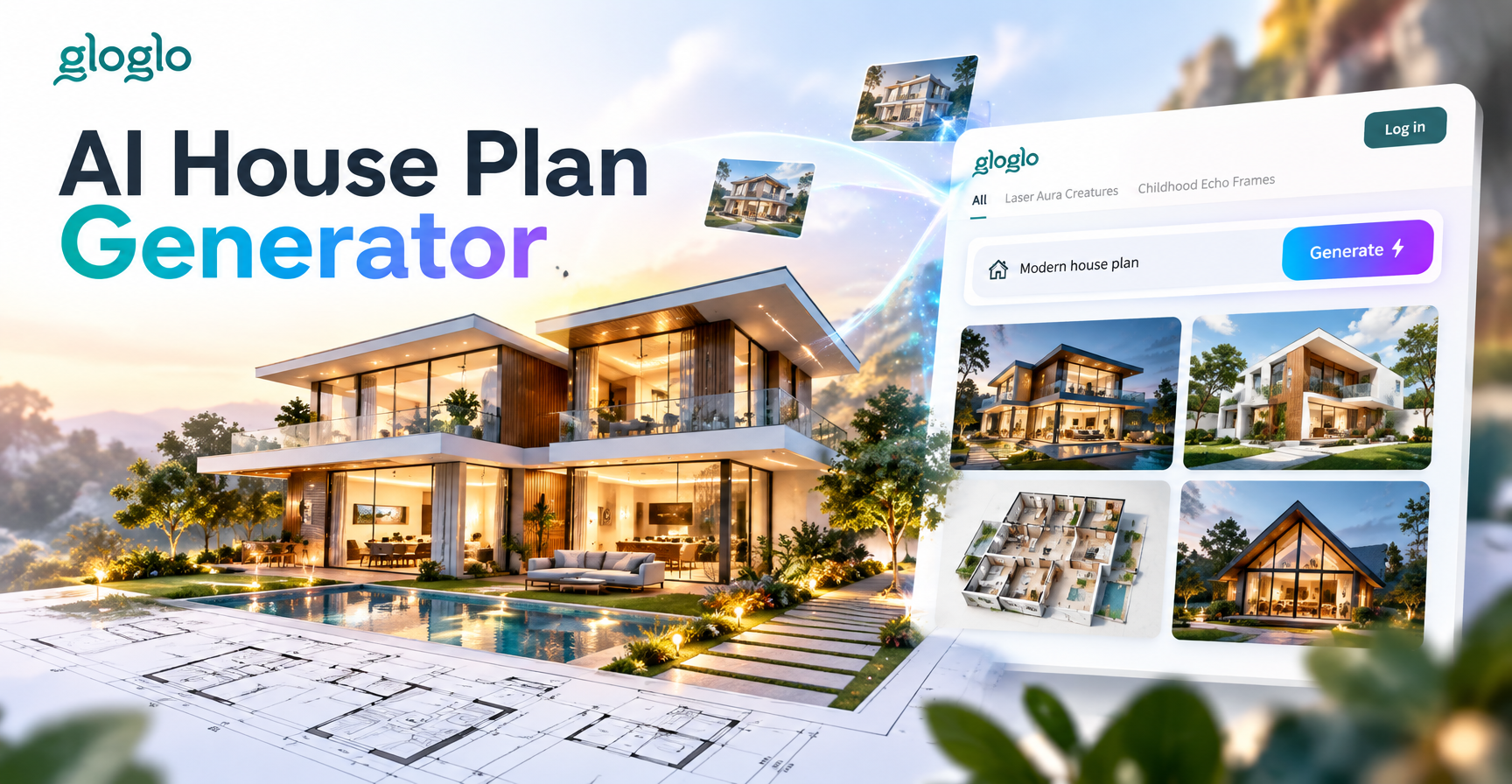
AI House Plan Generator: Design Floor Plans in Seconds
Transform Any Face: AI Facial Expression Changer
Happy Diwali Poster Maker App: Festive Design Ideas
AI Video Story Generator: Turn Ideas Into Cinematic Clips
AI House Plan Generator: Design Floor Plans in Seconds
Transform Any Face: AI Facial Expression Changer
Happy Diwali Poster Maker App: Festive Design Ideas
Convert Your Photos to High Quality Now
Download gloglo and turn any low quality photo into a crisp, high definition image with AI. Start enhancing today and see the difference.
Convert Your Photos to High Quality Now
Download gloglo and turn any low quality photo into a crisp, high definition image with AI. Start enhancing today and see the difference.