Old Age Photo Maker
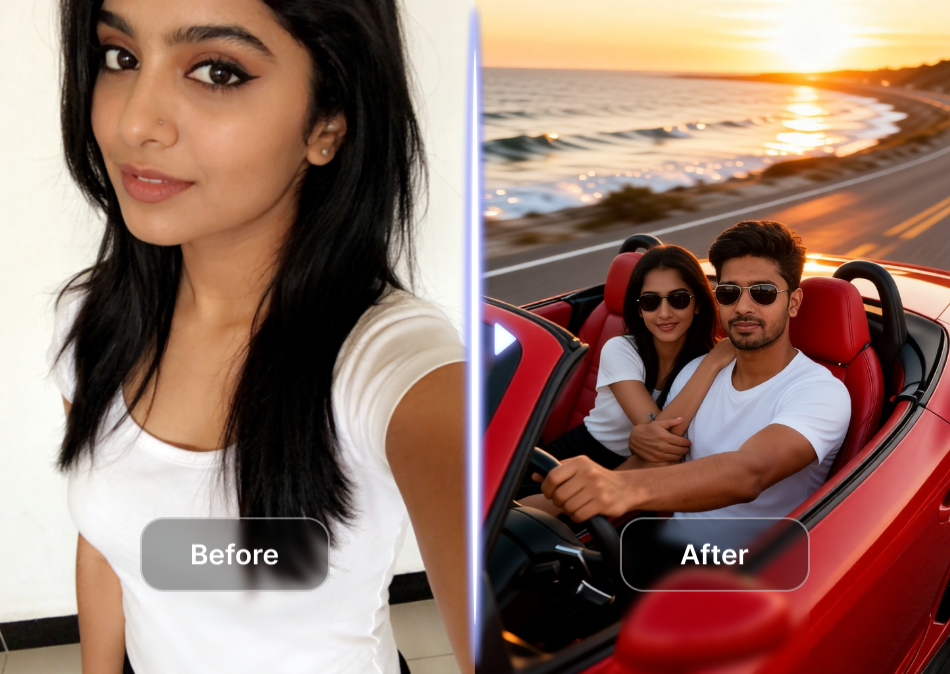
Choose the Aging Style That Feels Right
Explore a range of old age filters, from subtle mature looks to dramatic golden year transformations. Each style preserves your unique features while adding natural age related details.
Why Use the Old Age Photo Maker?
Gloglo combines advanced face detection with rich aging filters to create believable old age portraits. No design skills are needed. Just upload a photo and let the AI handle the details.
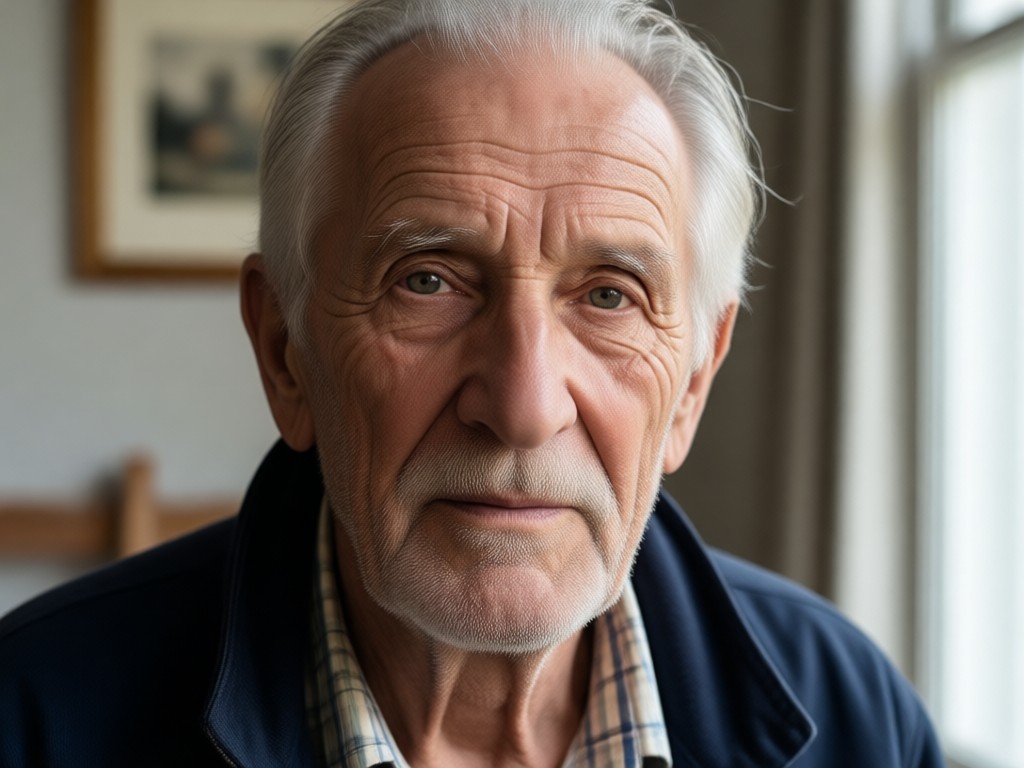
Realistic Age Progression
The AI adds wrinkles, fine lines, gray hair, and other natural aging markers without distorting your face shape or identity.
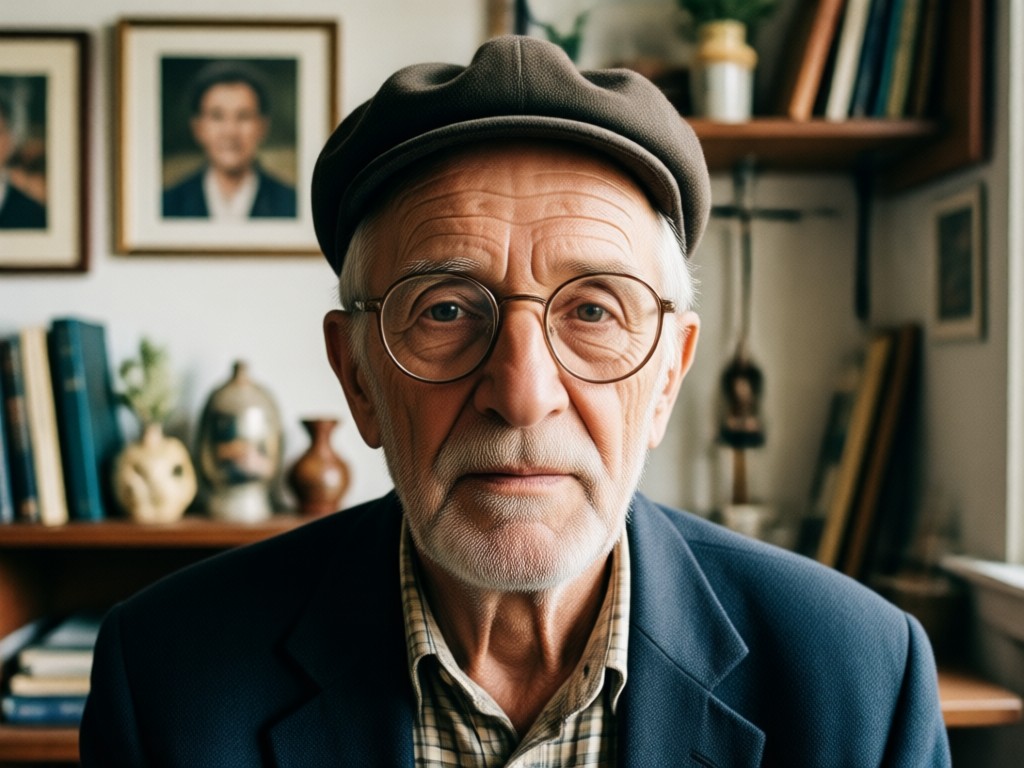
Full Face Preservation
Your eyes, smile, and unique bone structure stay intact while the filter layers mature textures over your original features.
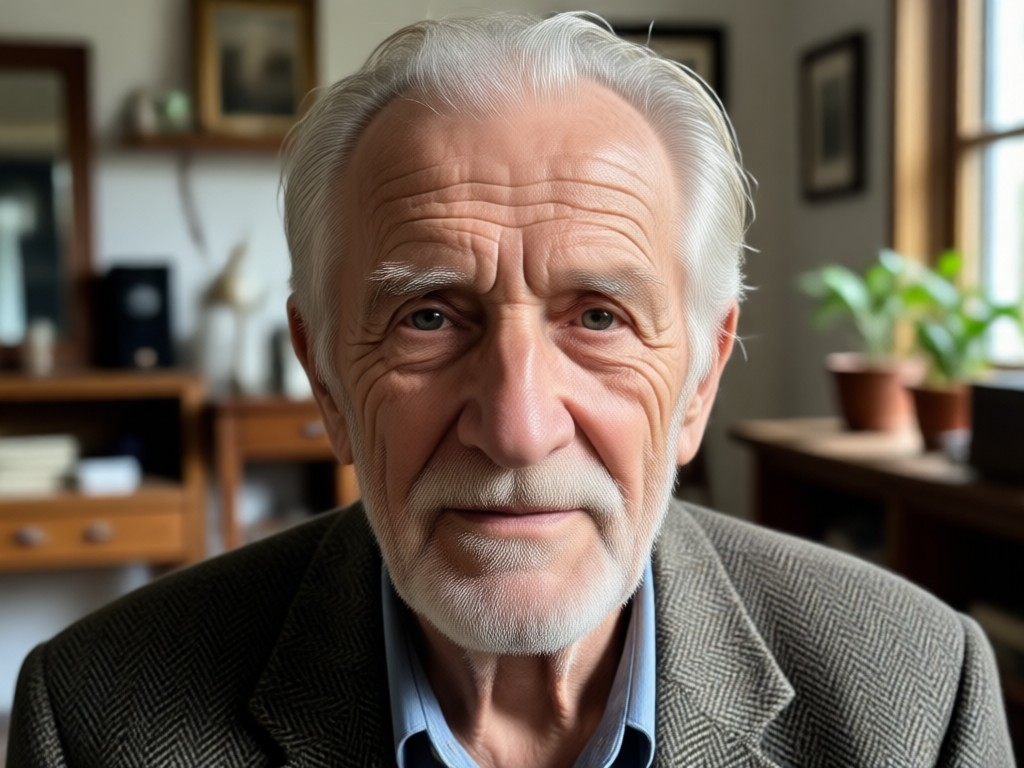
Multiple Aging Styles
Choose from subtle midlife looks, elegant senior styles, or dramatic future age transformations to match your curiosity or project.
How to Create an Old Age Photo in 3 Steps
Download gloglo, pick an aging filter, and generate a realistic old age portrait in less than a minute.

Step 01.
Download the gloglo app from Google Play and open it on your Android device to get started.

Step 02.
Upload a clear selfie and choose an old age filter from the style library that matches the look you want.

Step 03.
Tap generate, save your aged photo, and share the surprising result with friends or on social media.
Realistic Old Age Photo Examples
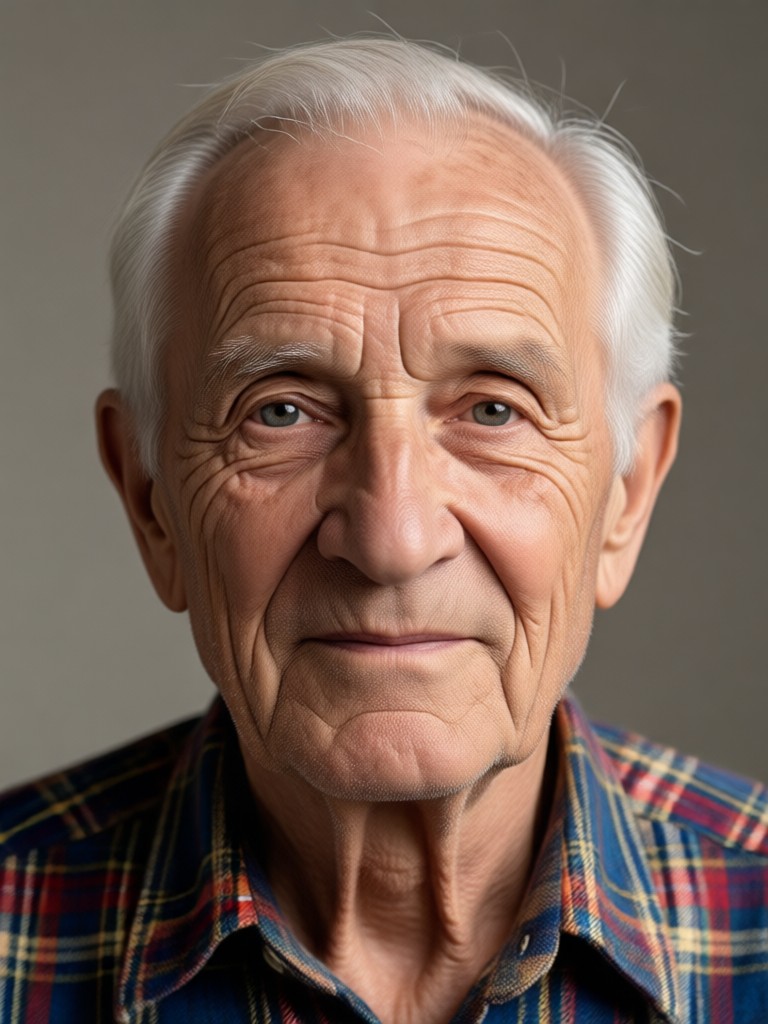
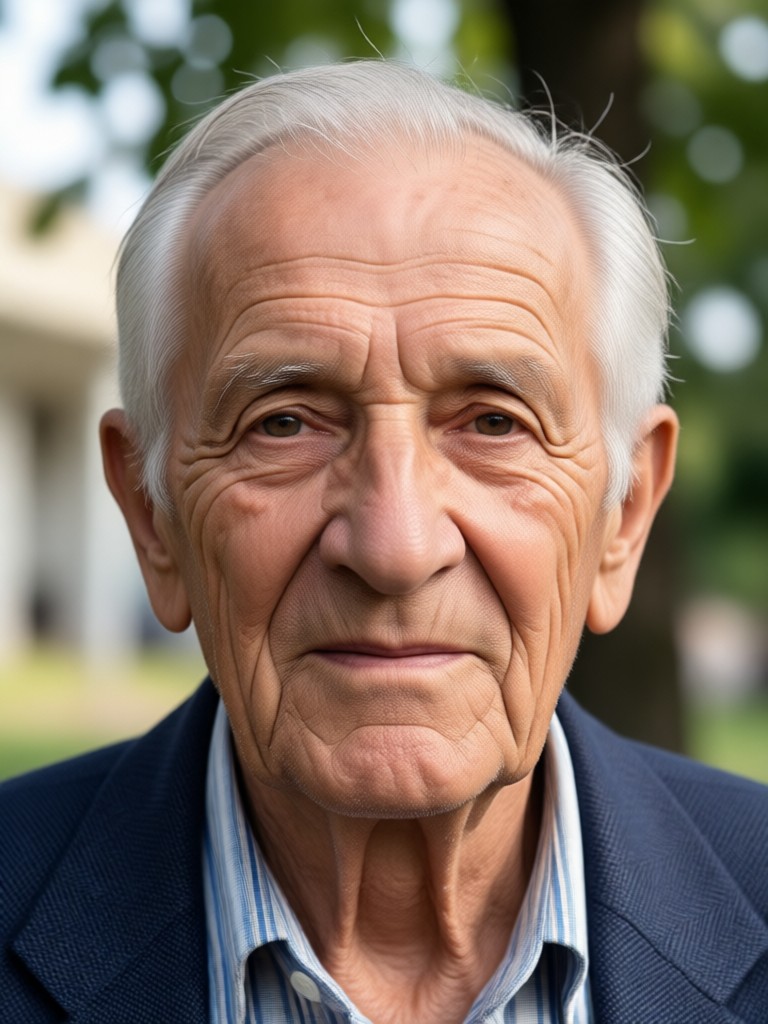
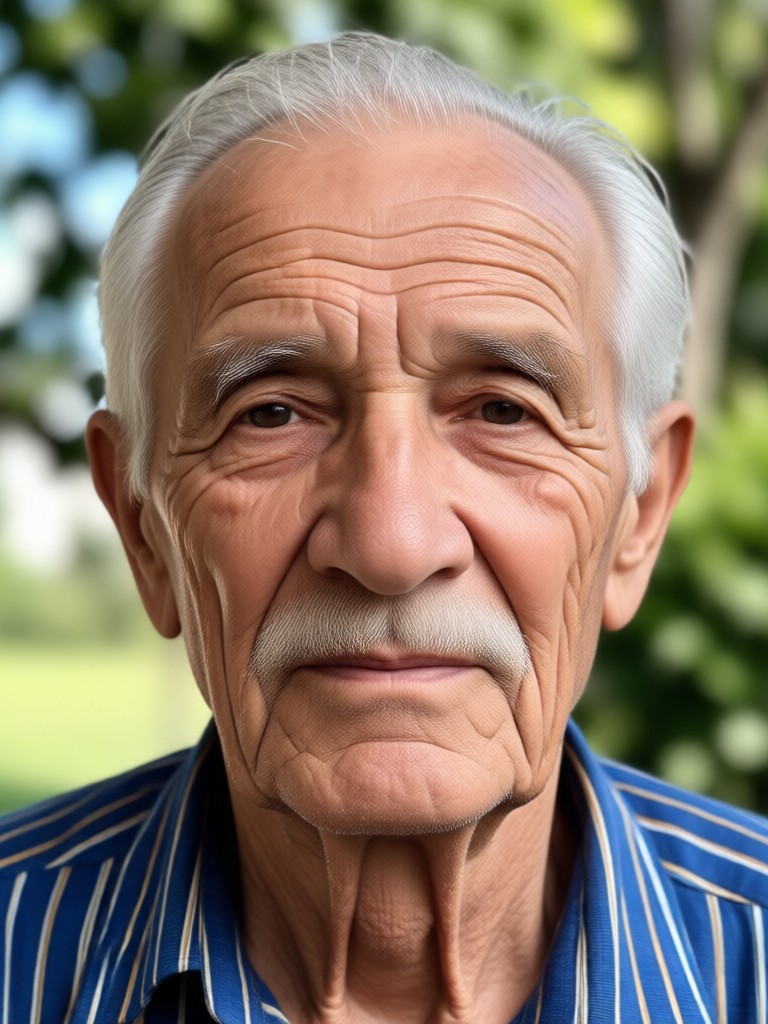
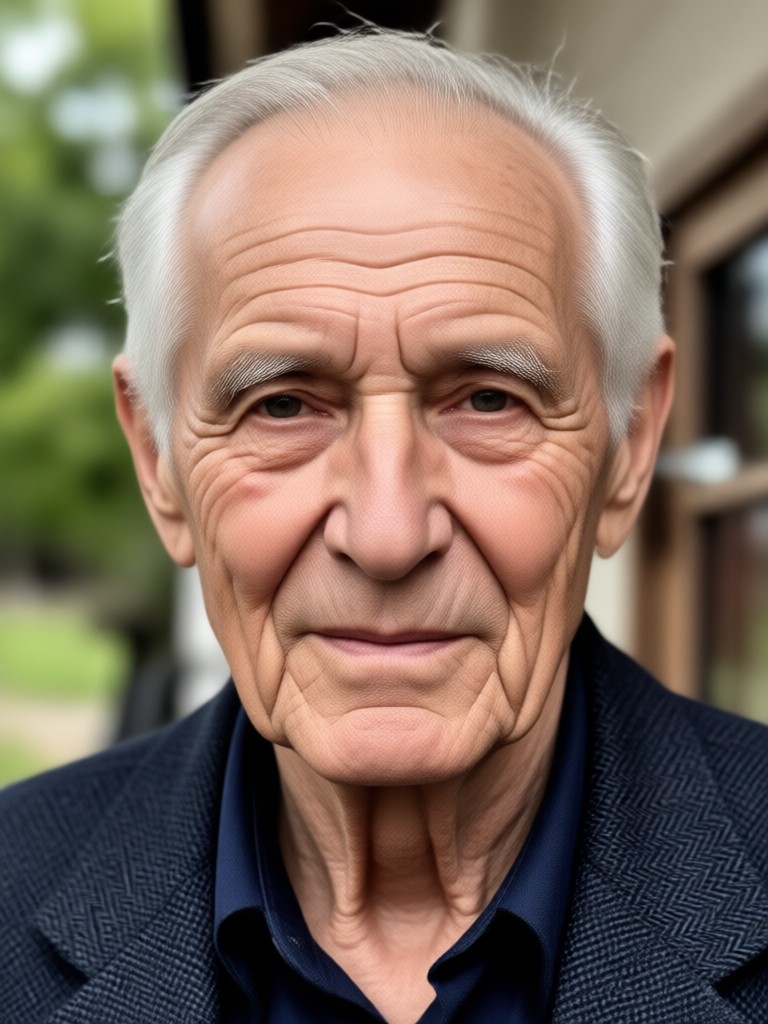
See how the Old Age Photo Maker transforms ordinary selfies into believable aged portraits. These examples show different filters, lighting, and facial types to help you imagine your own future face.
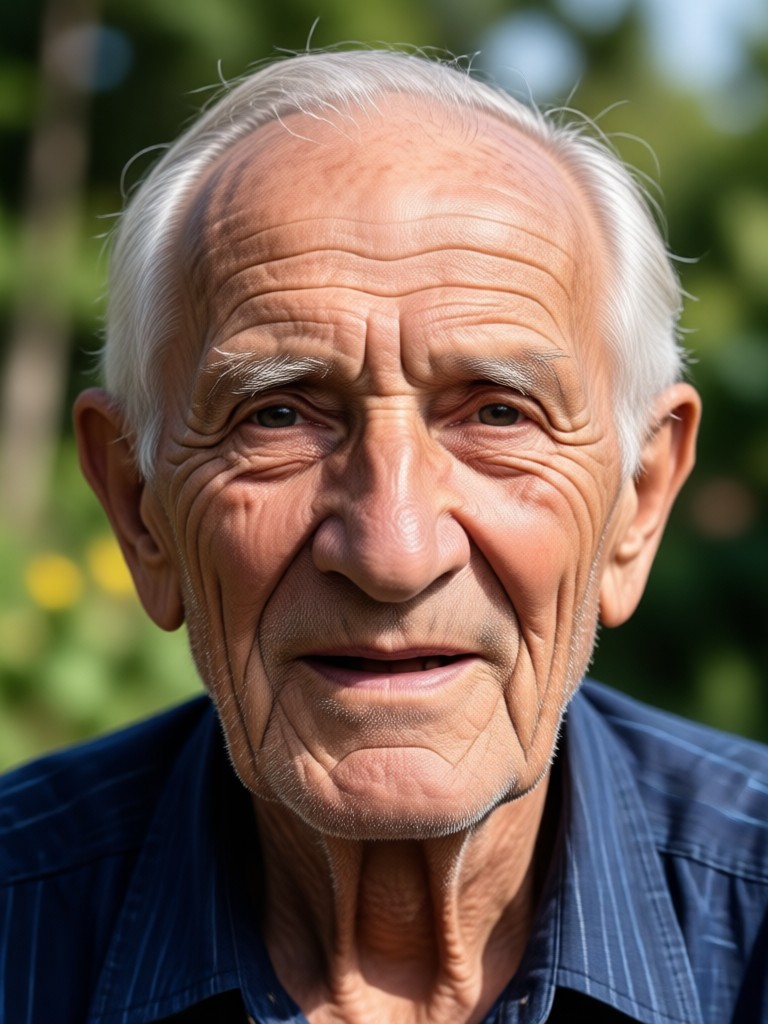
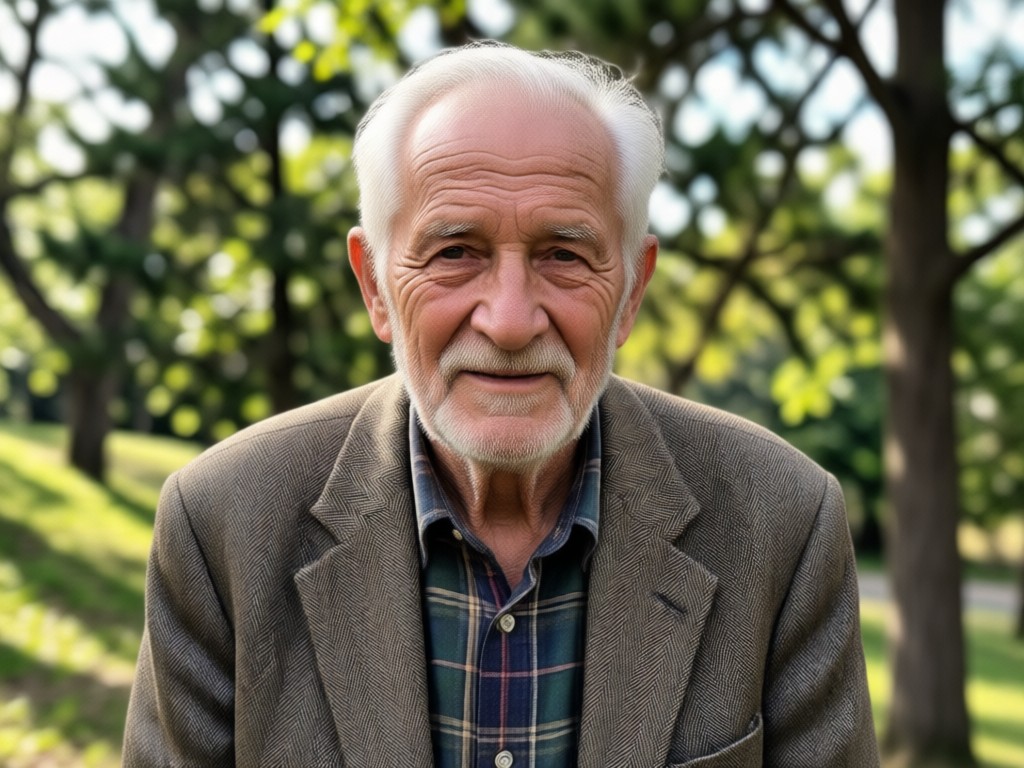
Aging Filter App Built for Realism
Gloglo uses high precision face mapping to add natural signs of aging without making you look like a caricature. The filters consider skin texture, hair color, and facial contours, so your old age portrait feels like a genuine glimpse into the future rather than a simple costume effect.
Aging Filter App Built for Realism
Gloglo uses high precision face mapping to add natural signs of aging without making you look like a caricature. The filters consider skin texture, hair color, and facial contours, so your old age portrait feels like a genuine glimpse into the future rather than a simple costume effect.
What Users Say About the Old Age Photo Maker
It looked like me in 30 years
I used the old age filter on a family selfie and everyone was shocked. The gray hair and wrinkles looked so natural, and we could still recognize every face. It was a fun way to start a conversation about the future.
Best aging effect app I have tried
The face preservation is impressive. Other apps made me look like a different person, but gloglo kept my eyes and smile exactly the same while adding realistic age details. The results were perfect for a birthday surprise.
Simple and surprisingly accurate
I downloaded the app just to try the old age photo maker, and I ended up making portraits for my whole family. The process took less than a minute per photo, and the filter options were fun without being overwhelming.
Old Age Photo Maker on Android
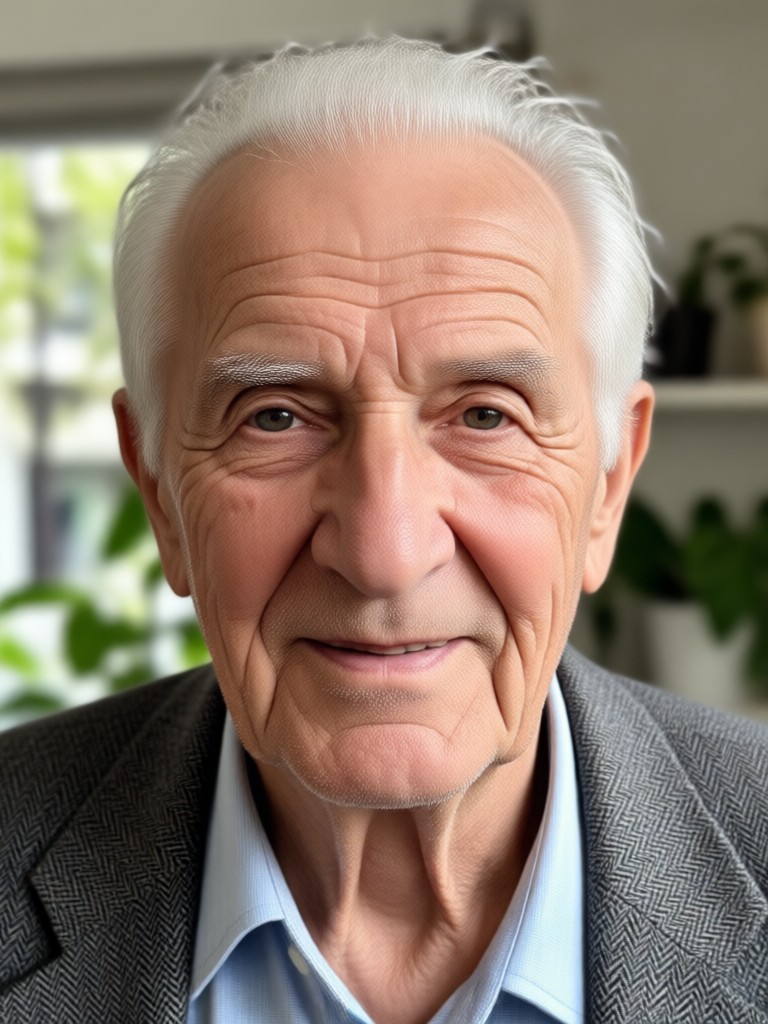
Download gloglo from Google Play and turn any selfie into a realistic aged portrait. Wrinkles, gray hair, and mature features appear in seconds.

Frequently Asked Questions About the Old Age Photo Maker
Find clear answers to common questions about aging filters, face preservation, and how to get the best results from gloglo.
More Topics You May Like
Explore more topics you may like and discover fresh ideas tailored to your interests.

Instant Photo Makeover: No Design Skills Needed

Remove Glare From Photo iPhone: Instant AI Fix

Add Date And Name To Photo: Quick Annotation Tool
Turn Any Photo Into Stunning 80s Retro Masterpieces
Instant Photo Makeover: No Design Skills Needed
Remove Glare From Photo iPhone: Instant AI Fix
Add Date And Name To Photo: Quick Annotation Tool
Turn Any Photo Into Stunning 80s Retro Masterpieces
See Your Future Face Today
Download gloglo and turn any selfie into a realistic old age portrait. Explore multiple aging styles and create a memorable photo in seconds.
See Your Future Face Today
Download gloglo and turn any selfie into a realistic old age portrait. Explore multiple aging styles and create a memorable photo in seconds.