Add Border To Image Online
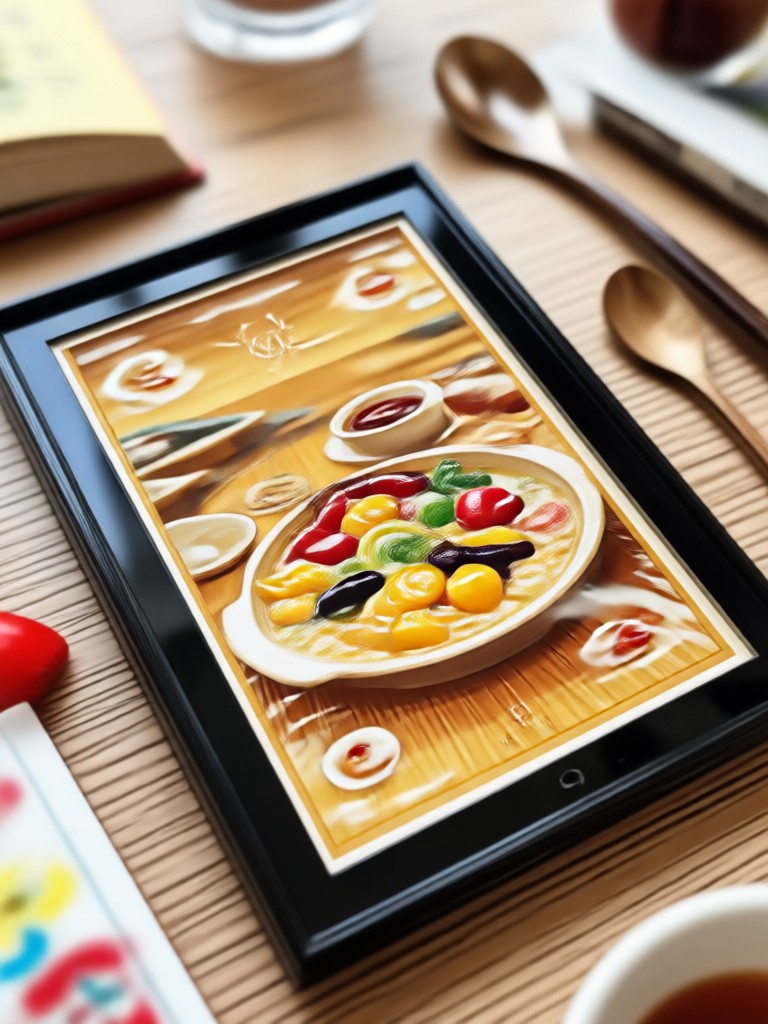
Choose the Perfect Border Style for Your Photo
Discover curated border and frame styles that match your photo's mood. From minimal white edges to bold decorative frames, find the right look instantly.
Key Features of Adding Borders With gloglo
Adding borders to images online has never been easier. gloglo combines AI precision with a massive style library so you can frame every photo perfectly.
AI Powered Edge Detection
gloglo automatically detects your photo's composition and applies borders that complement the image. The AI adjusts border width, color, and style based on the content of your photo for a natural look.
AI Powered Edge Detection
gloglo automatically detects your photo's composition and applies borders that complement the image. The AI adjusts border width, color, and style based on the content of your photo for a natural look.
Millions of Frame Templates
Access over one million style templates including retro film borders, clean minimal edges, vintage polaroid frames, and artistic decorative borders. Apply any of them with a single tap.
Millions of Frame Templates
Access over one million style templates including retro film borders, clean minimal edges, vintage polaroid frames, and artistic decorative borders. Apply any of them with a single tap.
Batch Processing for Multiple Photos
Add consistent borders to multiple photos at once. Perfect for social media carousels, product listings, or event albums where you need a uniform look across all images.
Batch Processing for Multiple Photos
Add consistent borders to multiple photos at once. Perfect for social media carousels, product listings, or event albums where you need a uniform look across all images.
How to Add Border To Image Online
Add borders to your images in three simple steps using the gloglo app. No design experience needed.

Step 01.
Download the gloglo app from Google Play and open it on your phone. The app is free to download and works entirely on mobile.

Step 02.
Upload your photo and browse the border style library. Pick from clean white edges, retro film frames, decorative patterns, or minimalist designs.

Step 03.
Apply the border and adjust the thickness or color if needed. Download your framed image and share it directly to social media.
Explore Border Style Inspiration
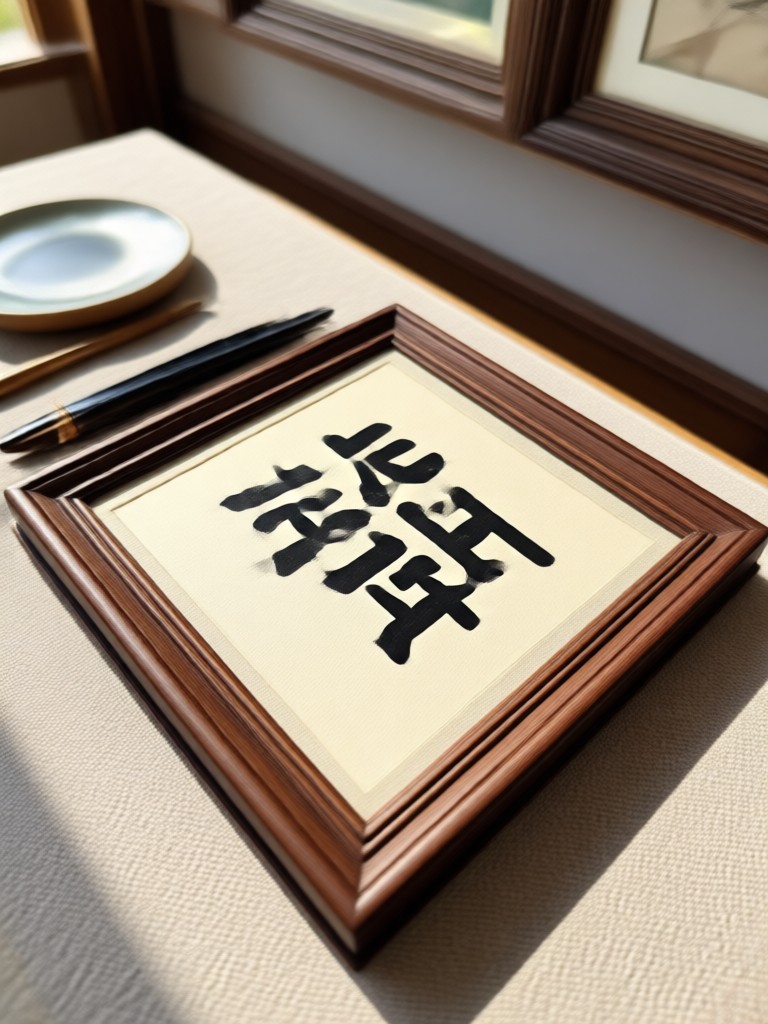
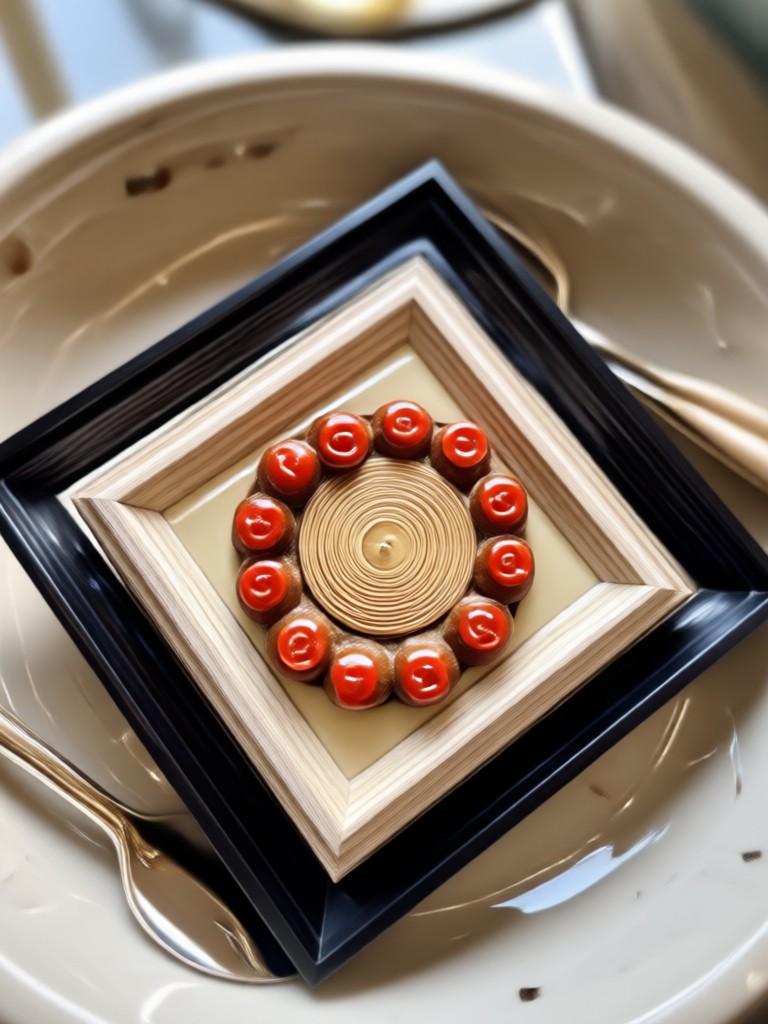
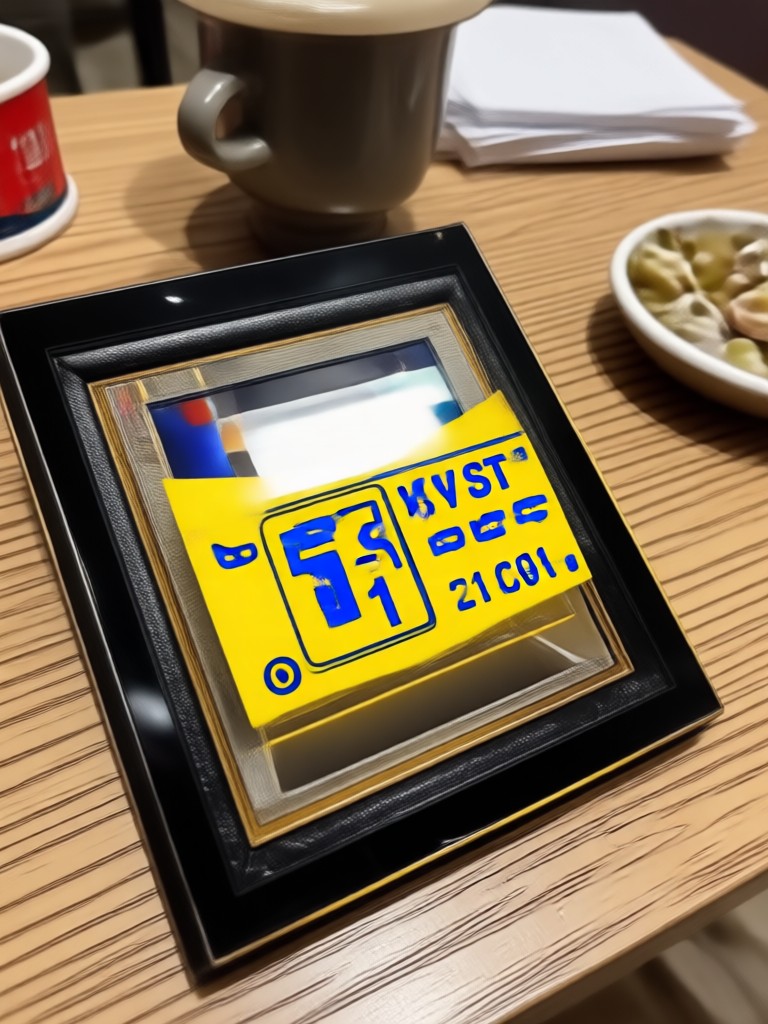
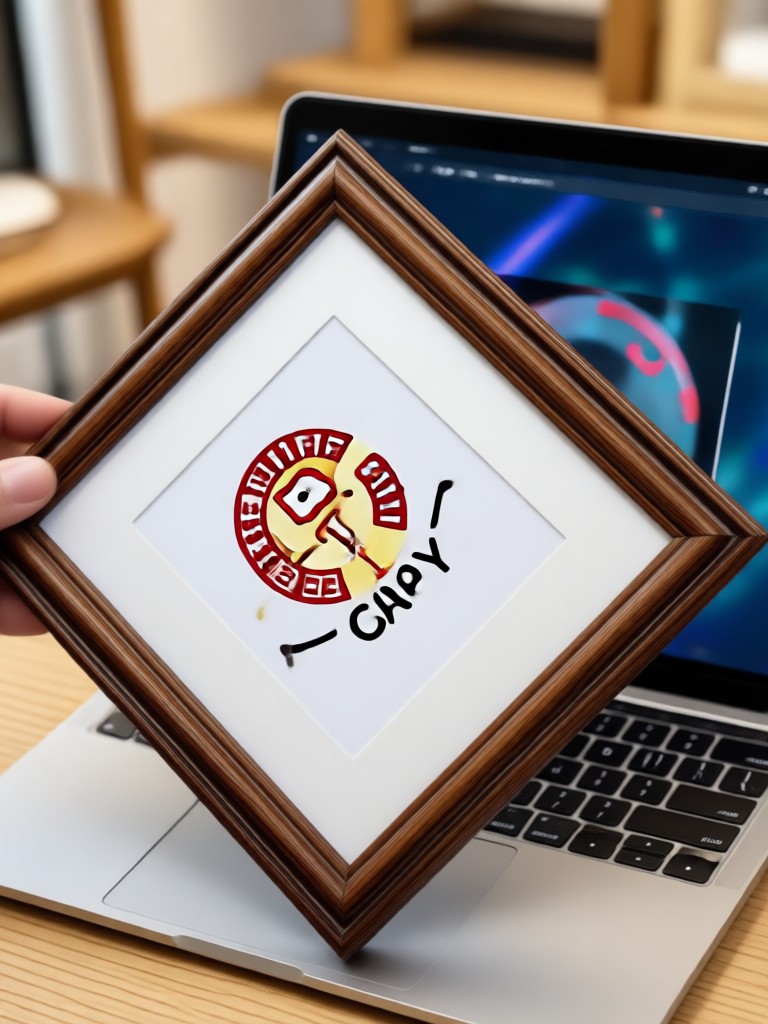
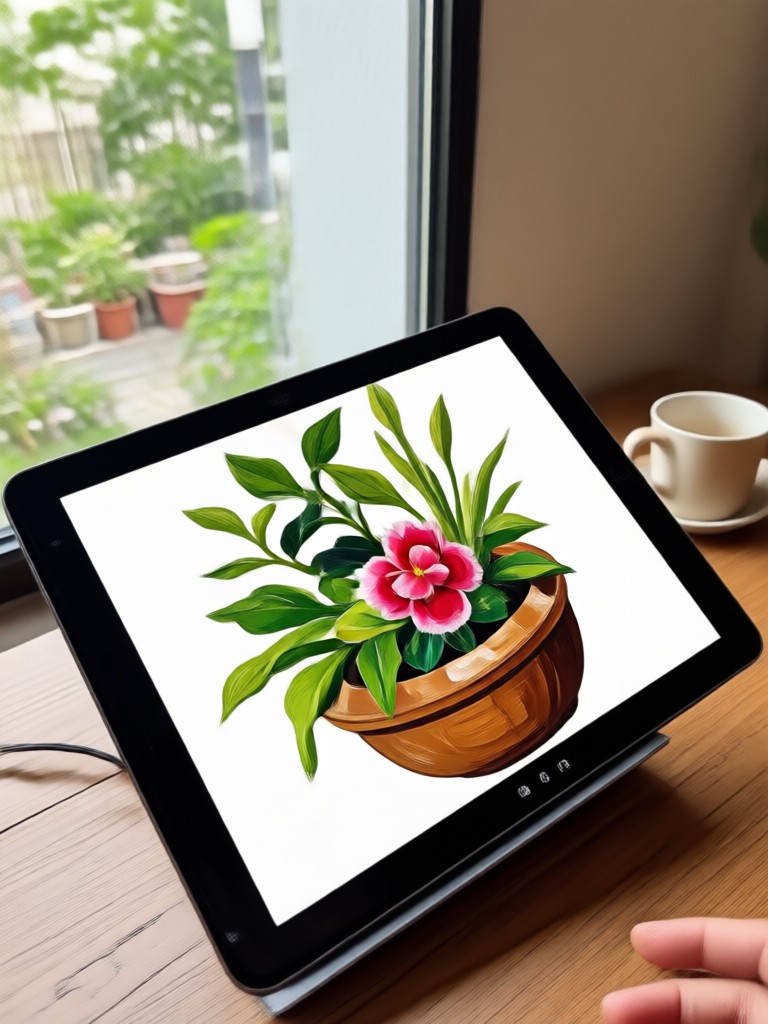
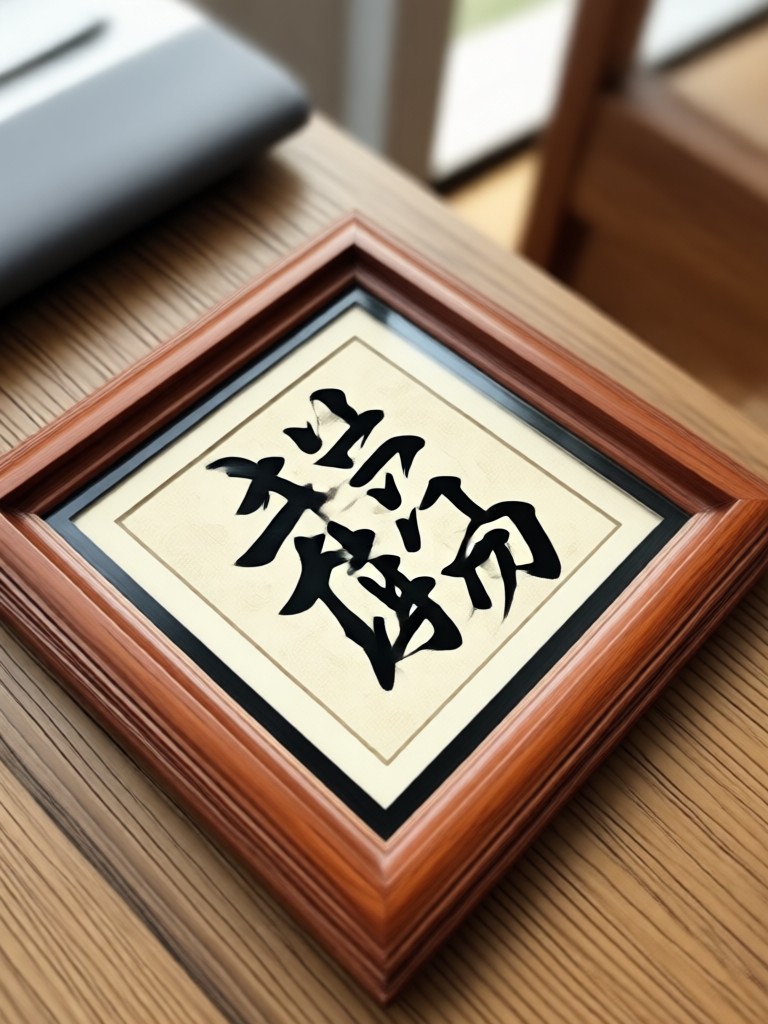
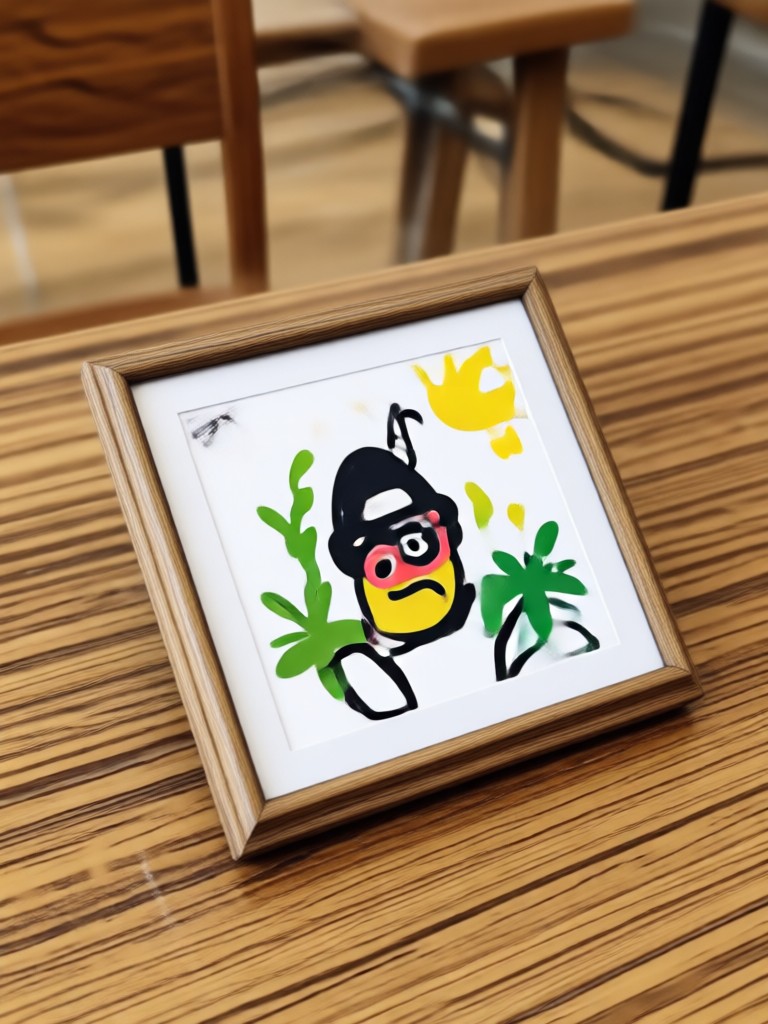
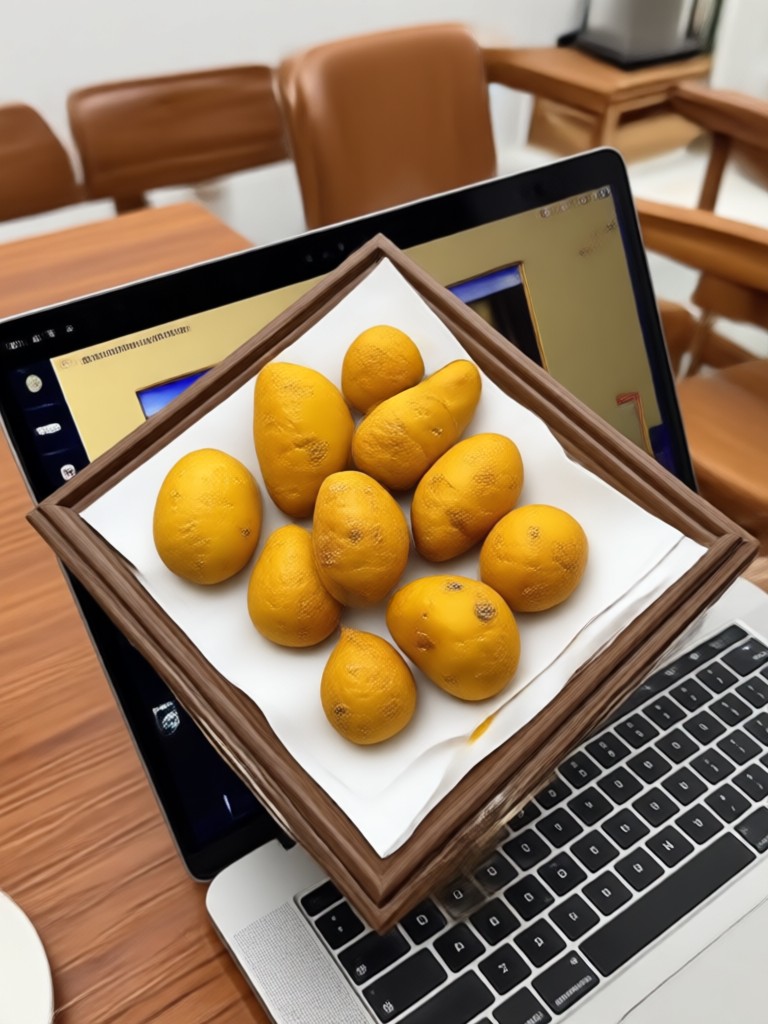
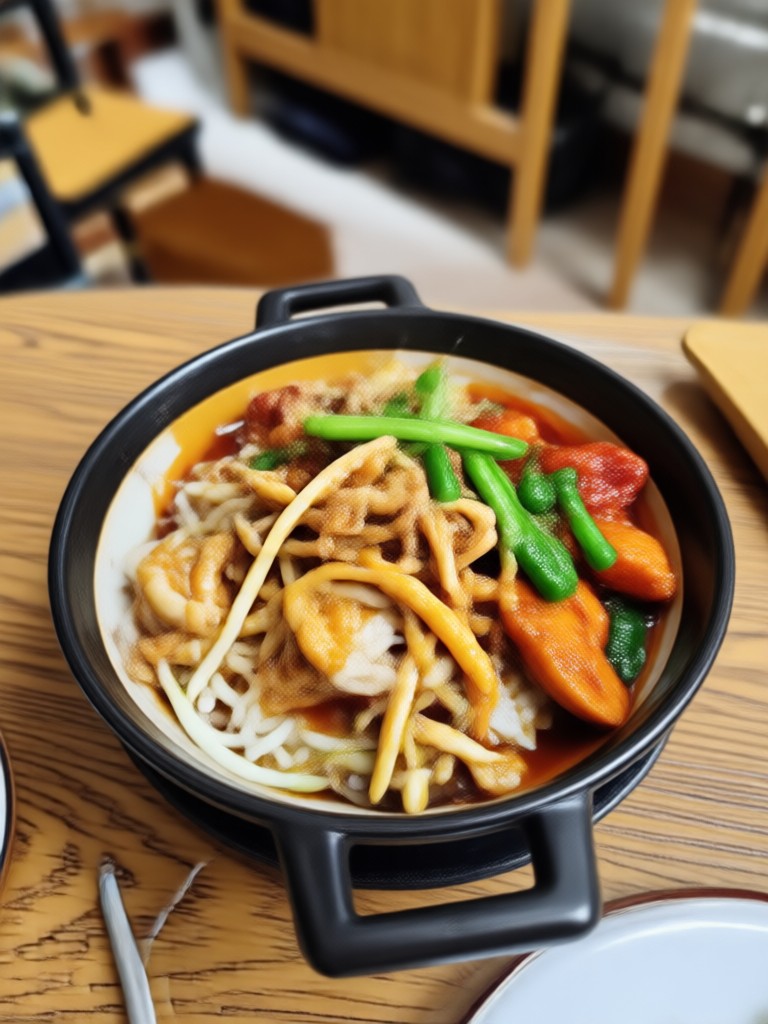
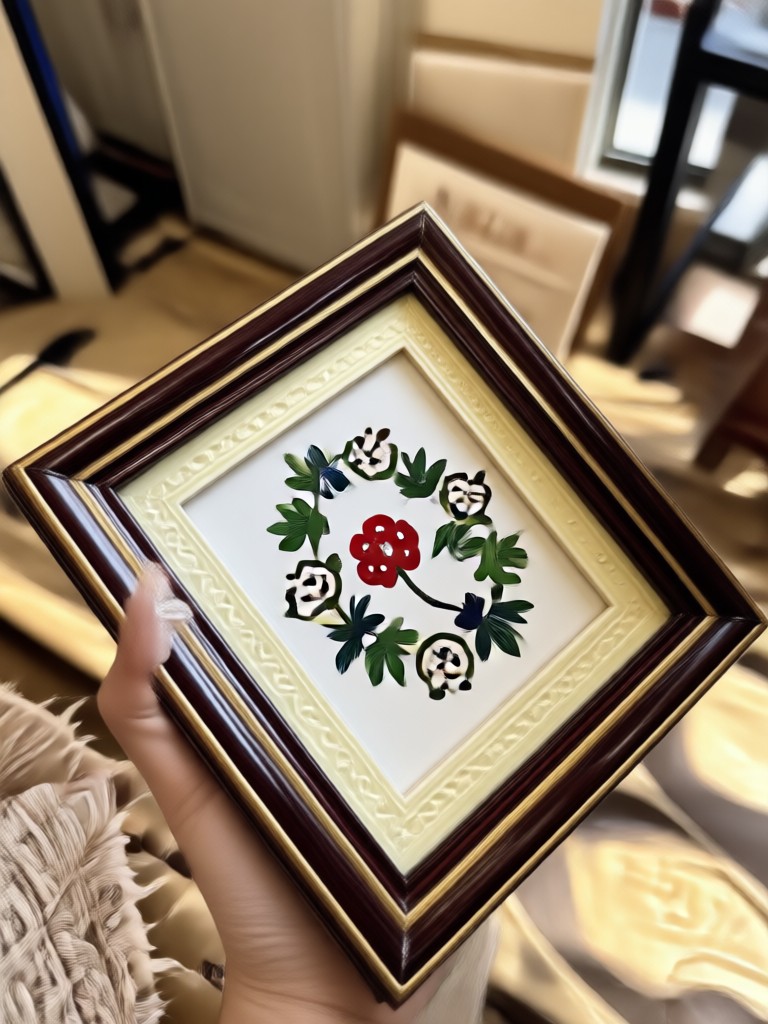
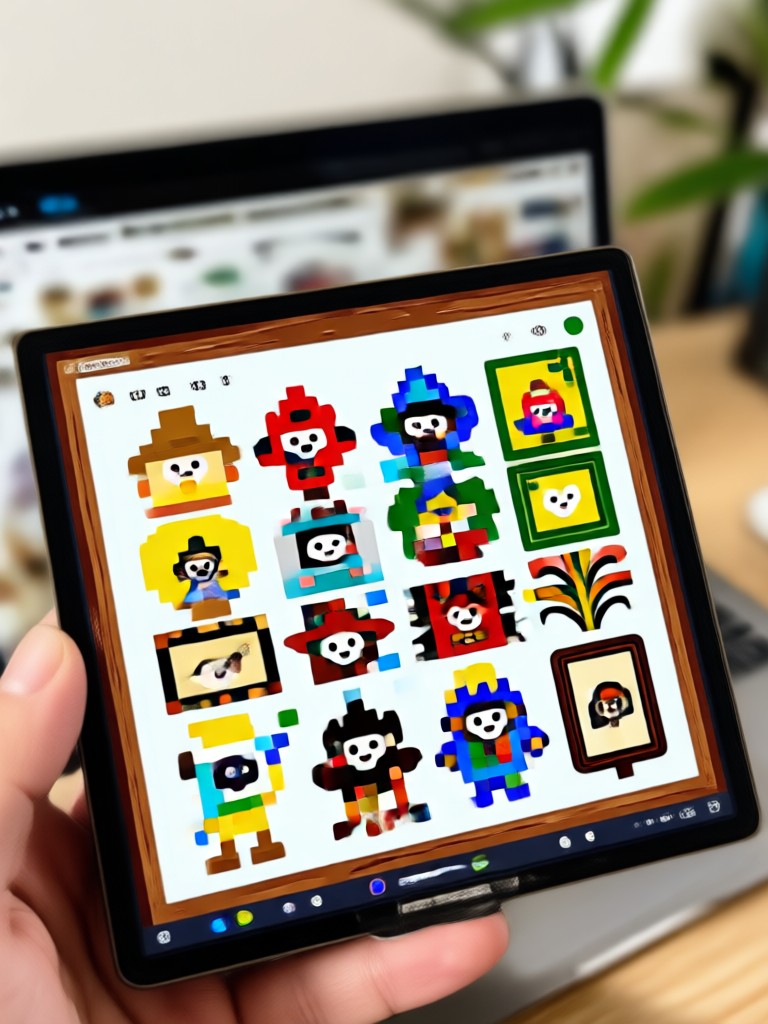
Browse stunning examples of photos enhanced with borders and frames made with gloglo. Discover creative possibilities and start framing your own images today.
Why Use gloglo to Add Borders to Images
Traditional photo editors require complex layers and manual adjustments. gloglo removes all the friction. Upload your photo, select a border, and get a polished result in seconds. The AI handles alignment, proportion, and color harmony automatically.
Why Use gloglo to Add Borders to Images
Traditional photo editors require complex layers and manual adjustments. gloglo removes all the friction. Upload your photo, select a border, and get a polished result in seconds. The AI handles alignment, proportion, and color harmony automatically.
Frequently Asked Questions About Adding Borders
Find clear answers to common questions about adding borders to images online with gloglo.
Here is What People Think About Adding Borders With gloglo
Perfect for my Instagram feed
I add white borders to every photo before posting. It takes less than ten seconds and my feed finally looks cohesive. The batch feature saves me so much time.
My Etsy shop looks professional now
I use the minimal black border style on all my product photos. The consistent framing makes my listings look clean and premium. Customers have noticed the difference.
Retro borders without the hassle
I love the vintage film frames. Before gloglo I was using three different apps to get this look. Now I do everything in one place on my phone.
More Topics You May Like
Explore more topics you may like and discover fresh ideas tailored to your interests.

See Your Future Face with the Old Age Photo Maker
See your future self with the Old Age Photo Maker. Upload a selfie, pick an aging style, and get realistic wrinkles, gray hair, and mature features in seconds. Download gloglo now.

Instant Photo Makeover: No Design Skills Needed
Ff Photo Edit swaps outfits, backgrounds, and style filters in seconds. Upload a photo, pick a template, get a realistic result. No design skills needed.

Remove Glare From Photo iPhone: Instant AI Fix
Remove glare from photo iPhone in seconds. Upload your image, let gloglo's AI remove reflections, lens flare, and window glare. Fix overexposed shine for crystal clear results. Download the app now.

Add Date And Name To Photo: Quick Annotation Tool
Add date and name to photo in seconds. Upload an image, pick a clean text style, and place a timestamp or signature anywhere you like. No design skills needed. Get a crisp, shareable result instantly.
Add Beautiful Borders to Your Photos Today
Download gloglo from Google Play and start framing your images with stunning borders. Over one million style templates are waiting for you.
Add Beautiful Borders to Your Photos Today
Download gloglo from Google Play and start framing your images with stunning borders. Over one million style templates are waiting for you.