Pika AI Video Prompts
Choose the Best Style for Your Video Prompt
Pick the filter that matches your creative direction and watch your Pika style prompt come alive with cinematic motion and vivid detail.
Top Features for Crafting Pika AI Video Prompts
Use these built-in tools to turn even simple prompts into polished AI videos. gloglo gives you full control over motion, style, and visual consistency without complex editing.
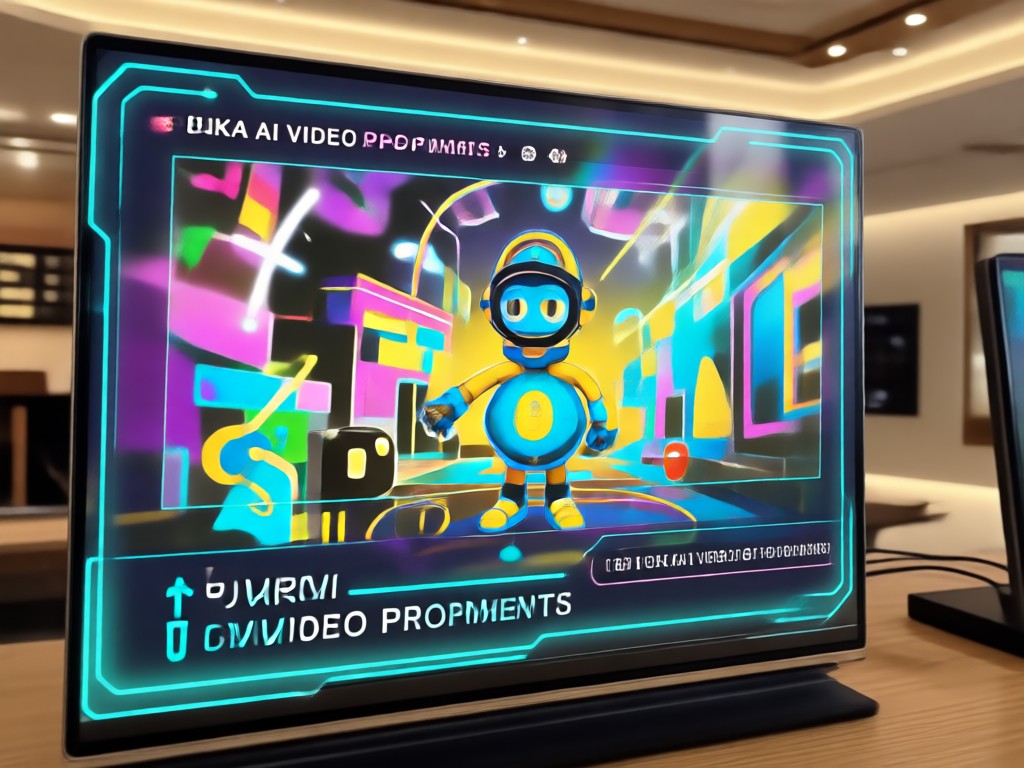
Text to Video Prompt Support
Turn detailed written prompts into dynamic video clips instantly. No complex editing or timeline skills required, just describe your scene and watch the AI bring it to life.
Image to Video Prompt Blending
Upload a reference image and combine it with text prompts to control motion, style, and camera movement while keeping your subject consistent.
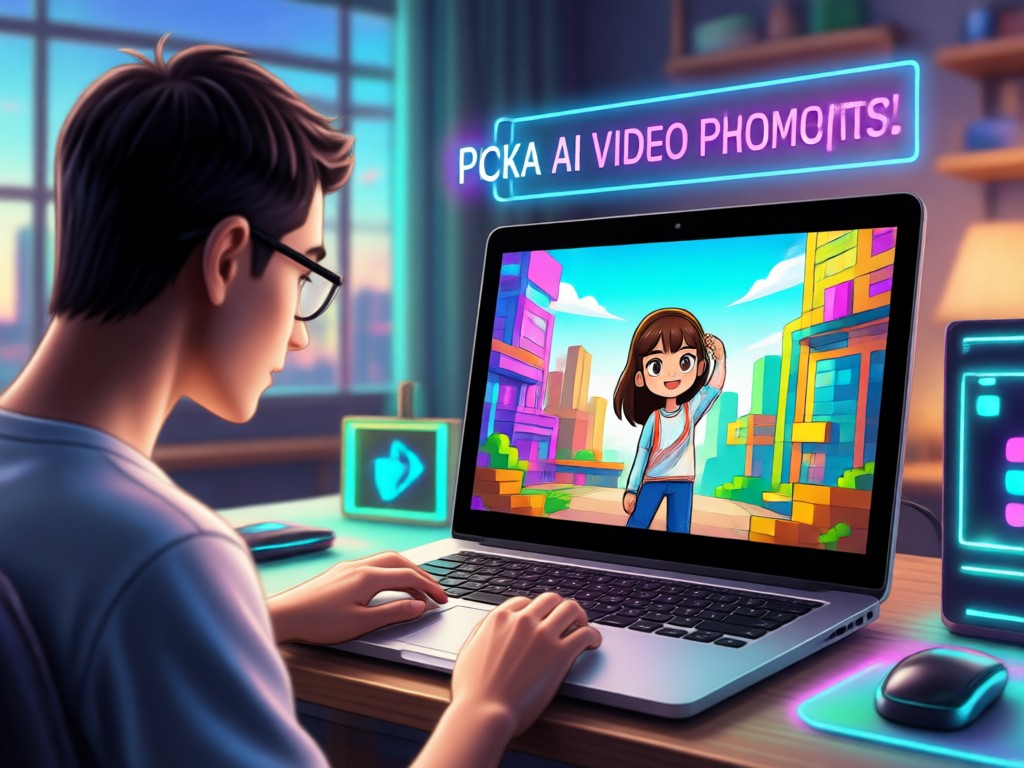
Massive Style Library
Access over one million filters and templates, from cinematic and anime to 3D clay and Ghibli inspired visuals, with one tap.
Video Prompt Result Inspirations
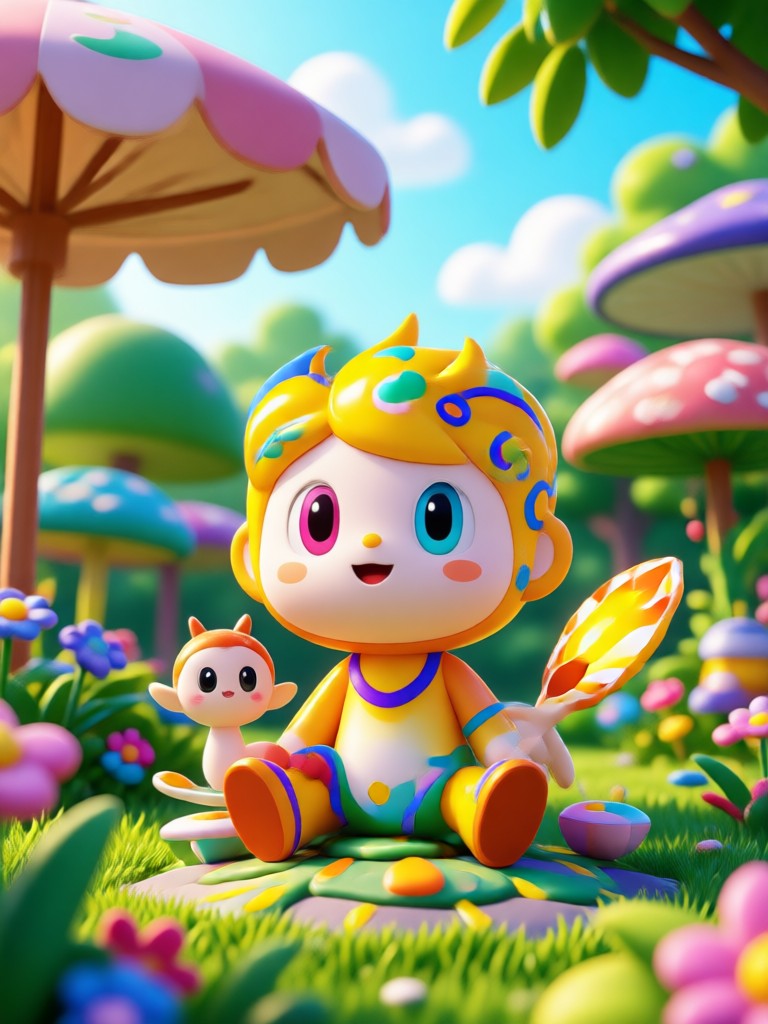
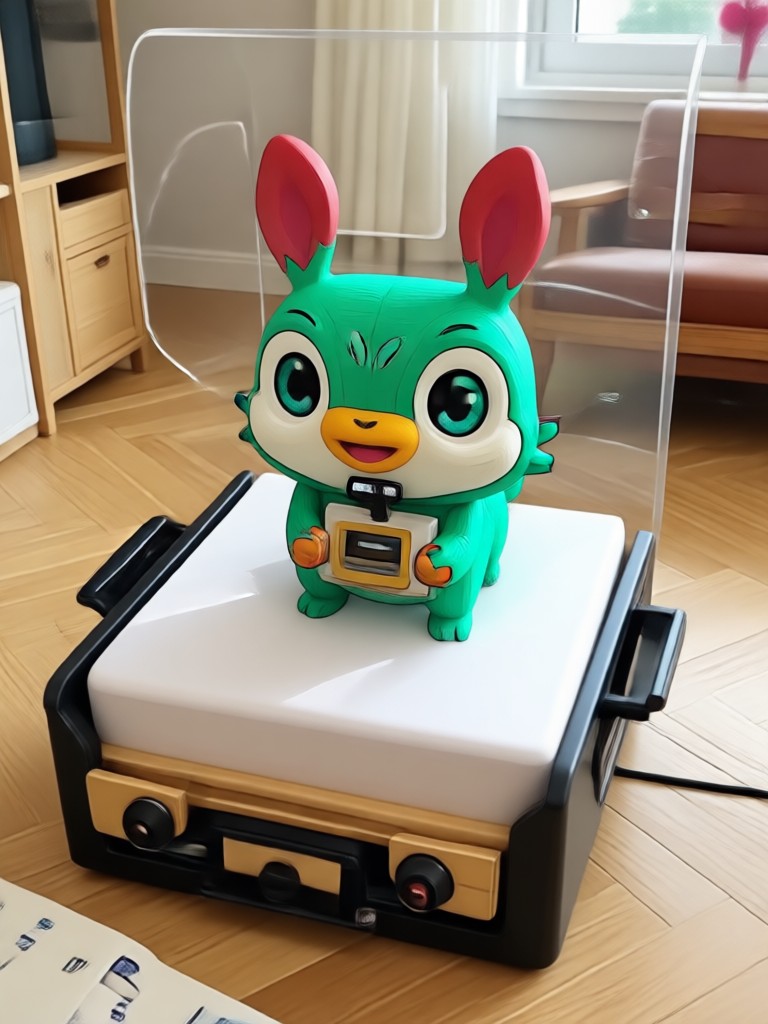
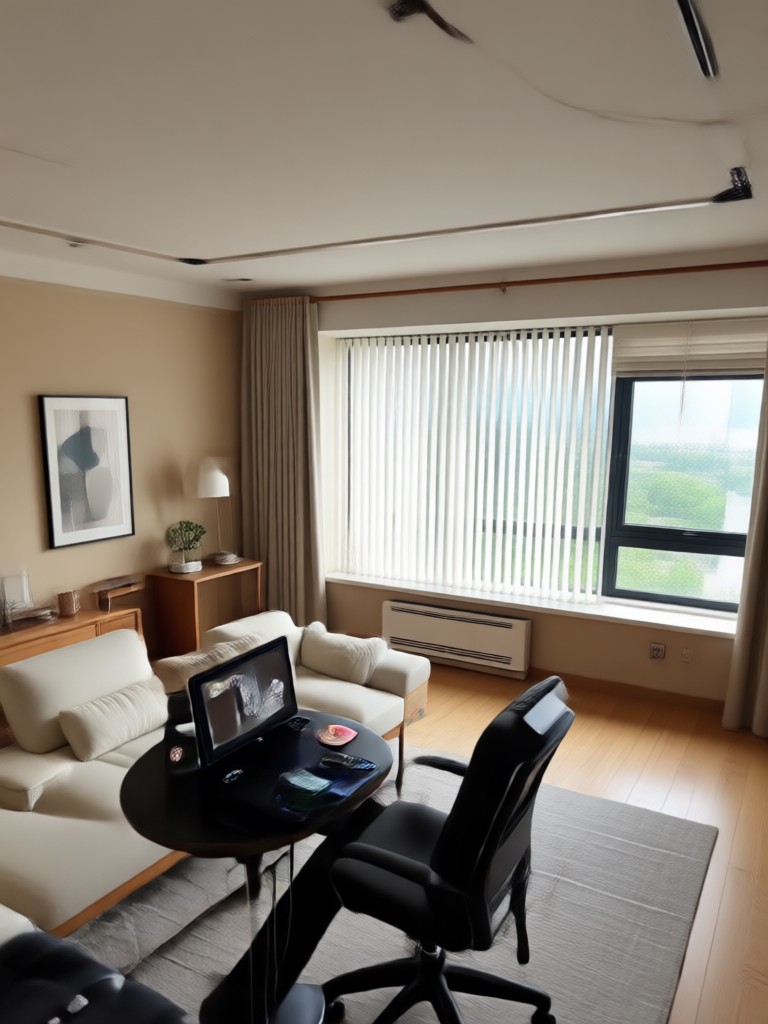
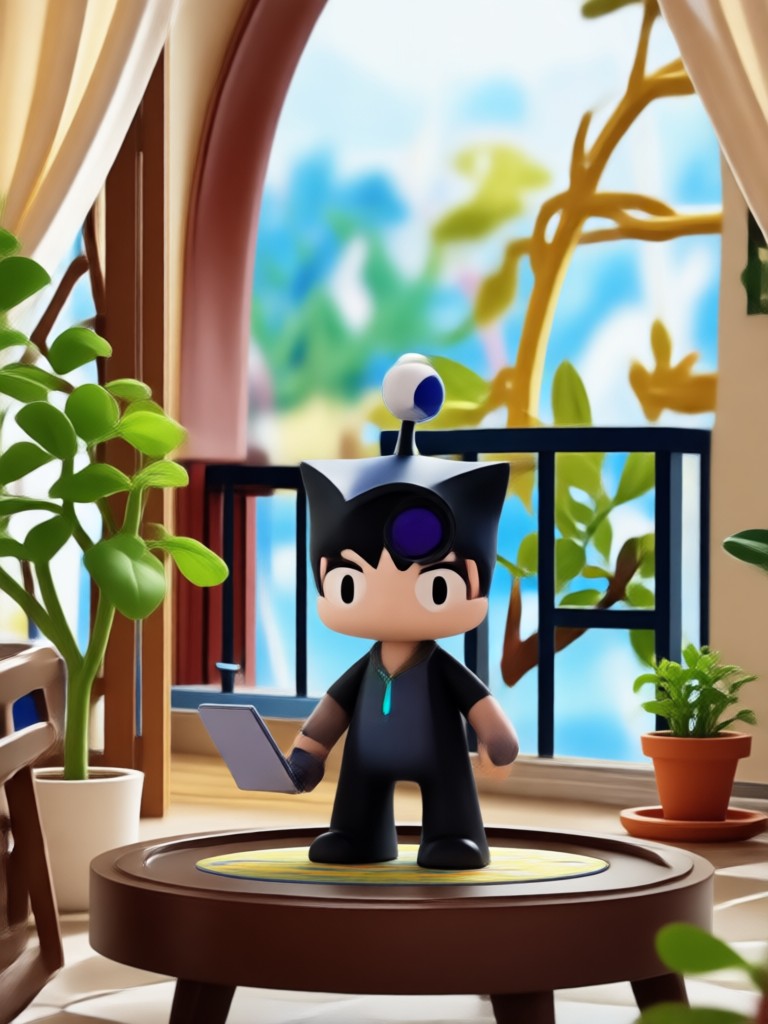
See the range of results you can get from different Pika style prompts. Each example shows how a detailed prompt, paired with the right style filter, creates a completely different mood and motion.

Why Use gloglo for Pika Style Video Prompts
gloglo is a mobile only AI studio designed for people who want professional looking videos without editing. You can generate from a text prompt or animate a still image using the same Pika style language. The app includes over one million style filters, fast rendering, and one tap sharing to social platforms.
Why Use gloglo for Pika Style Video Prompts
gloglo is a mobile only AI studio designed for people who want professional looking videos without editing. You can generate from a text prompt or animate a still image using the same Pika style language. The app includes over one million style filters, fast rendering, and one tap sharing to social platforms.
How to Use Pika AI Video Prompts
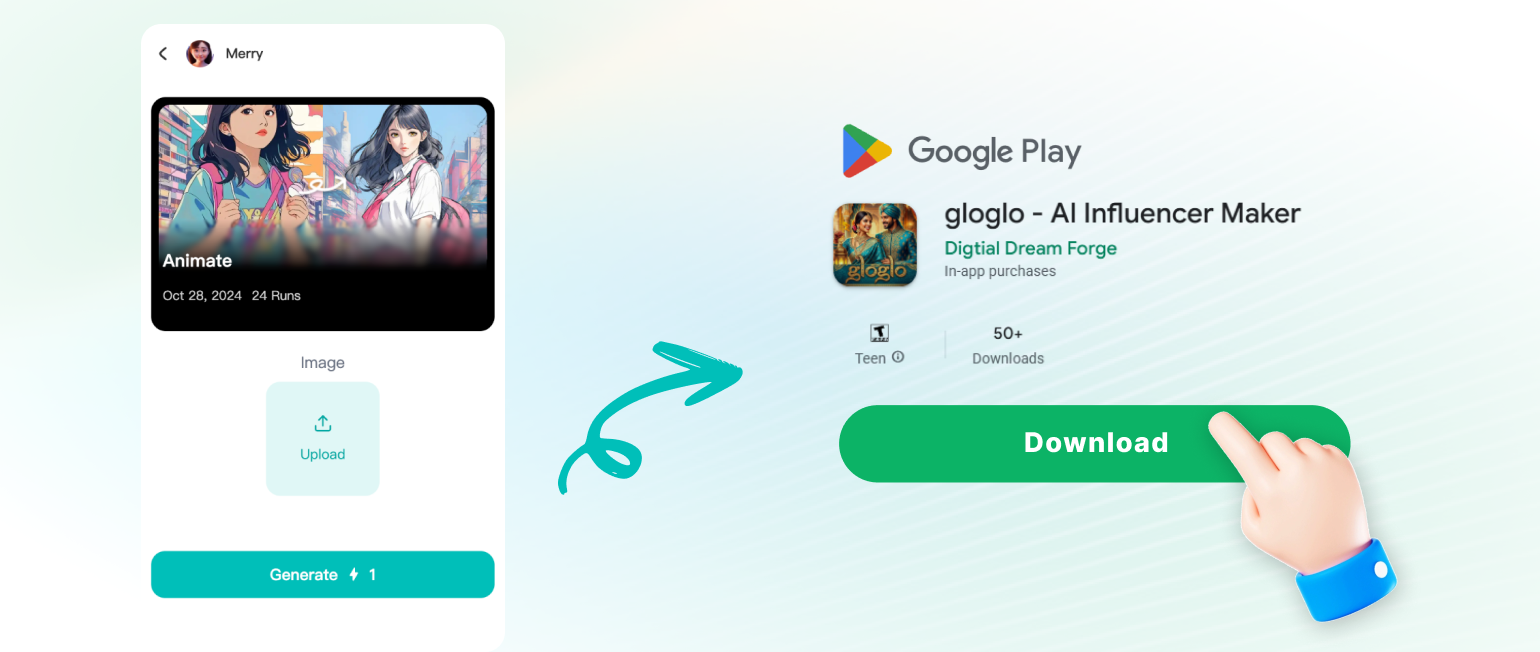
Follow these three simple steps to turn Pika style text prompts into actual videos inside the gloglo app. No timeline editing, no camera equipment, and no design experience required.
What Creators Say About gloglo Prompts
My prompts finally look cinematic
I have used other video tools, but gloglo understands Pika style prompts way better. I just type a few lines, pick a cinematic filter, and the motion feels natural. It saves me hours.
Perfect for quick social clips
I create daily product videos with the same prompt structure. gloglo gives me consistent results and the style library is huge. Downloading the app was the best decision for my content workflow.
Anime prompts actually work
I have tried many AI video generators for anime scenes. gloglo handles detailed anime prompts with accurate colors and motion. It feels like a full animation studio in my phone.
Frequently Asked Questions About Pika AI Video Prompts
Find clear answers to common questions about Pika AI video prompts, how they work in gloglo, and how to get the best results from your text ideas.
More Topics You May Like
Explore more topics you may like and discover fresh ideas tailored to your interests.
AI Captions Generator: Create Engaging Text for Videos
Best Retouch Photo Online: AI Portrait Magic in Seconds
Clothoff AI: Virtual Outfit Swap & Style Transformation
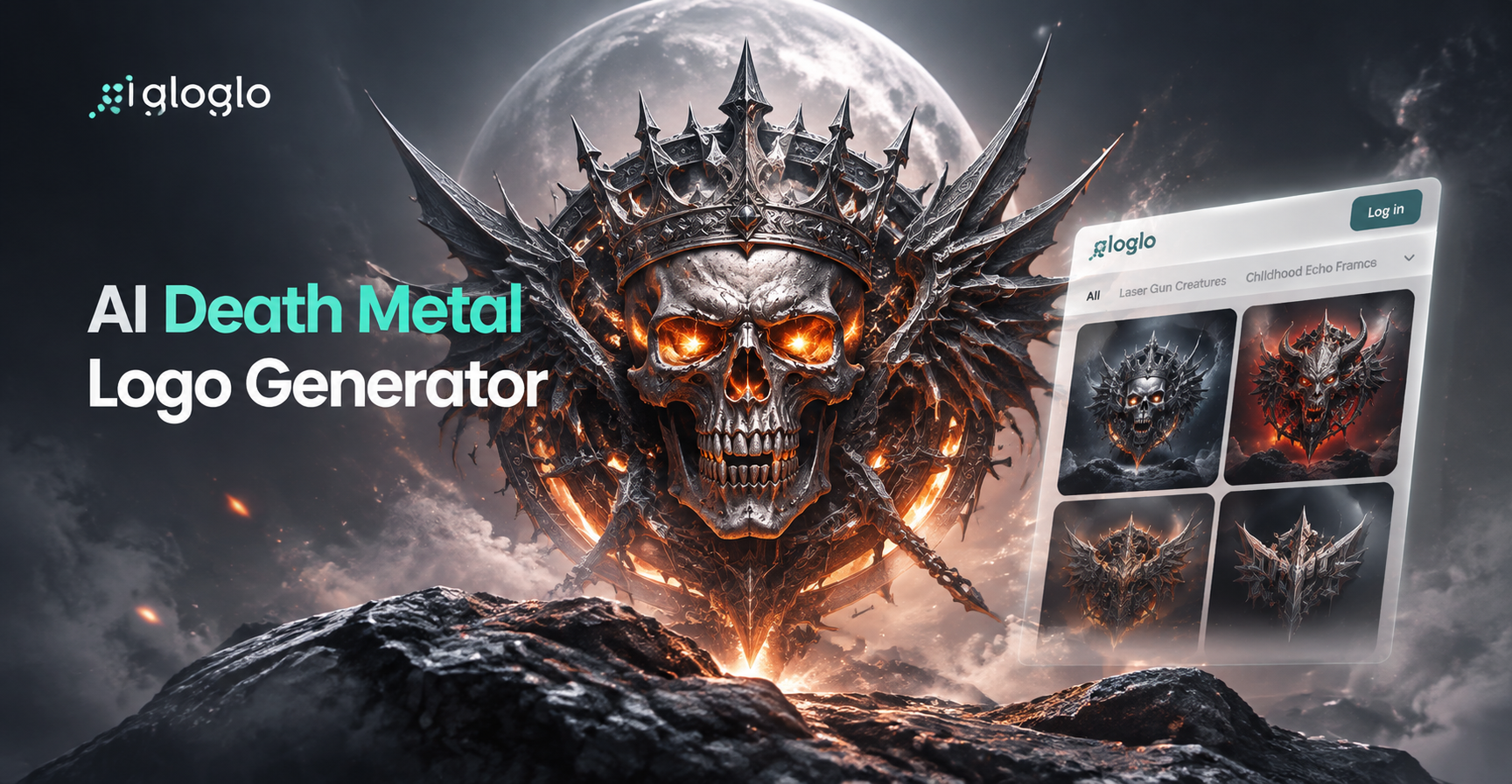
AI Death Metal Logo Generator: Create Brutal Band Logos
AI Captions Generator: Create Engaging Text for Videos
Best Retouch Photo Online: AI Portrait Magic in Seconds
Clothoff AI: Virtual Outfit Swap & Style Transformation
AI Death Metal Logo Generator: Create Brutal Band Logos
Start Creating With Pika Style Video Prompts
Download gloglo and turn your best prompt ideas into cinematic AI videos. Access millions of style filters, generate clips in seconds, and share them anywhere.

Start Creating With Pika Style Video Prompts
Download gloglo and turn your best prompt ideas into cinematic AI videos. Access millions of style filters, generate clips in seconds, and share them anywhere.