AI Split Photo Prompt
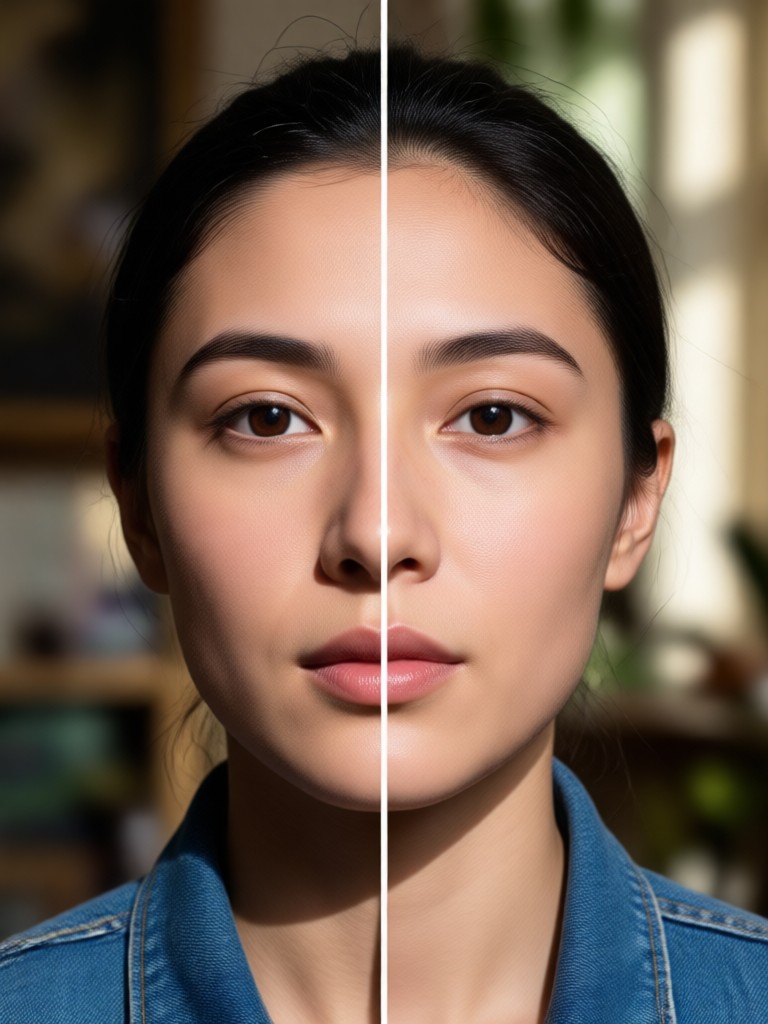
Choose the Split Photo Style That Fits Your Vision
Explore multiple AI filters designed for split photo prompts, from cinematic panels to anime transformations. Find the perfect style for your next creative edit.
Key Features of AI Split Photo Prompt
Turn one photo into a multi-panel story with simple text prompts. gloglo handles panel layout, style consistency, and high resolution output so you can focus on creative ideas.
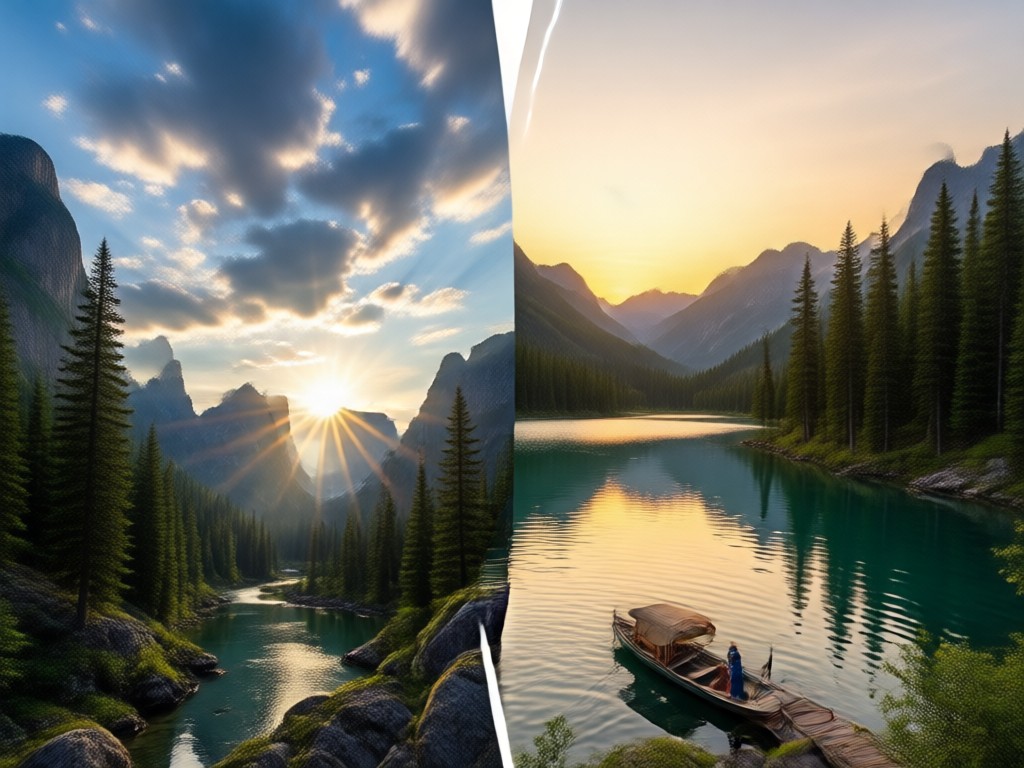
Prompt Driven Multi Panel Creation
Describe how many panels you want and what each panel should show. The AI keeps your subject consistent across the split photo layout.
Prompt Driven Multi Panel Creation
Describe how many panels you want and what each panel should show. The AI keeps your subject consistent across the split photo layout.
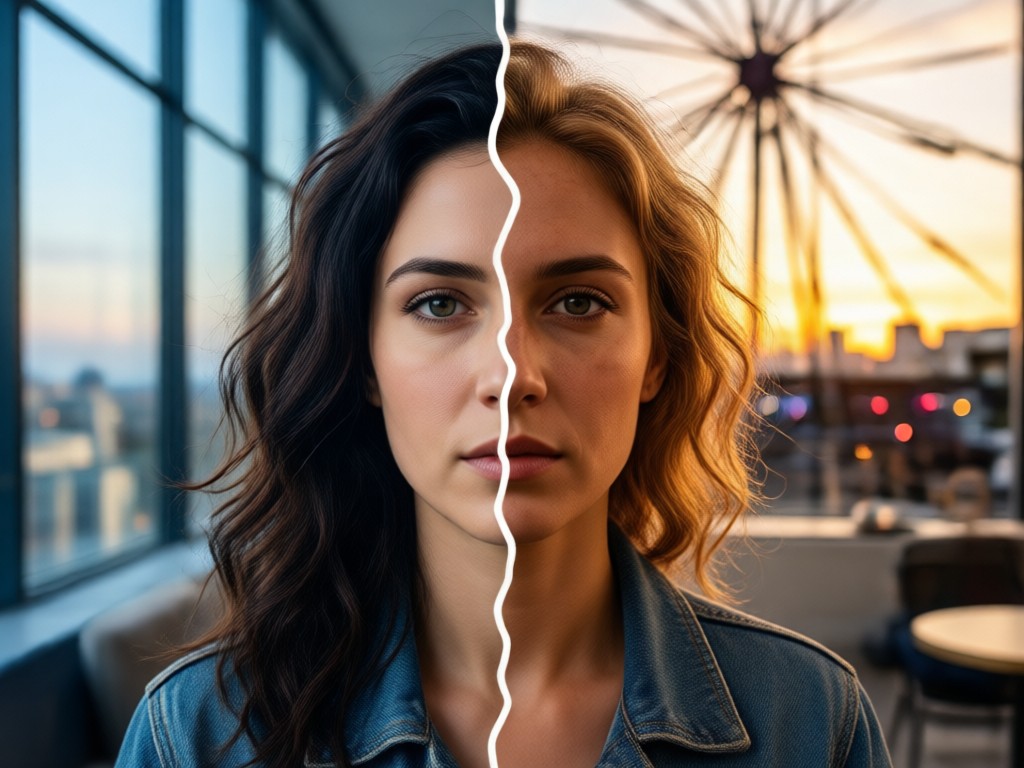
Style Transfer Across Panels
Apply one unified style to all panels or mix anime, cyberpunk, watercolor, and cinematic looks within the same split photo prompt.
Style Transfer Across Panels
Apply one unified style to all panels or mix anime, cyberpunk, watercolor, and cinematic looks within the same split photo prompt.
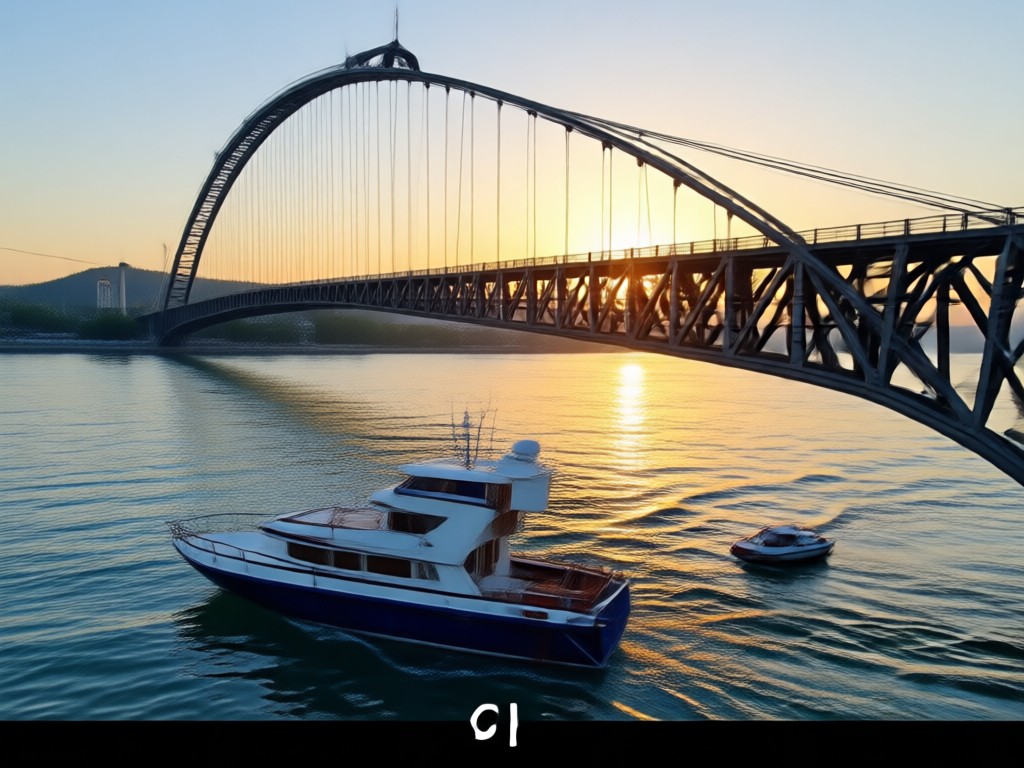
Social Ready Split Photo Exports
Save high resolution images and videos sized for Instagram, TikTok, and Pinterest. No extra editing app required after you generate.
Social Ready Split Photo Exports
Save high resolution images and videos sized for Instagram, TikTok, and Pinterest. No extra editing app required after you generate.
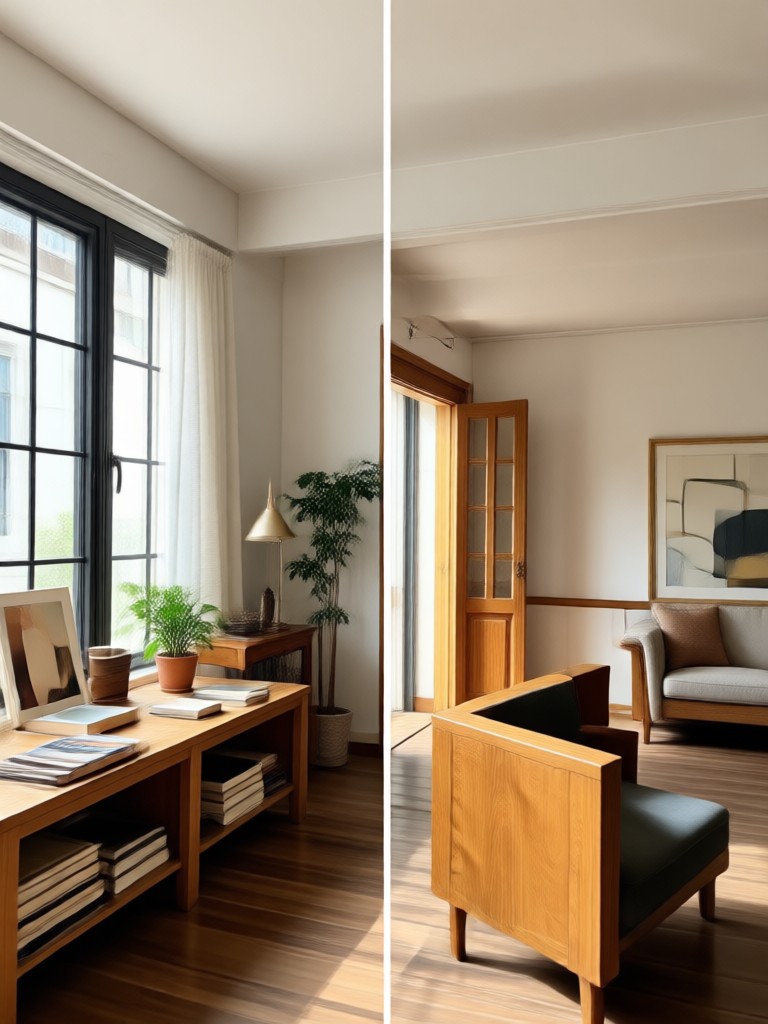
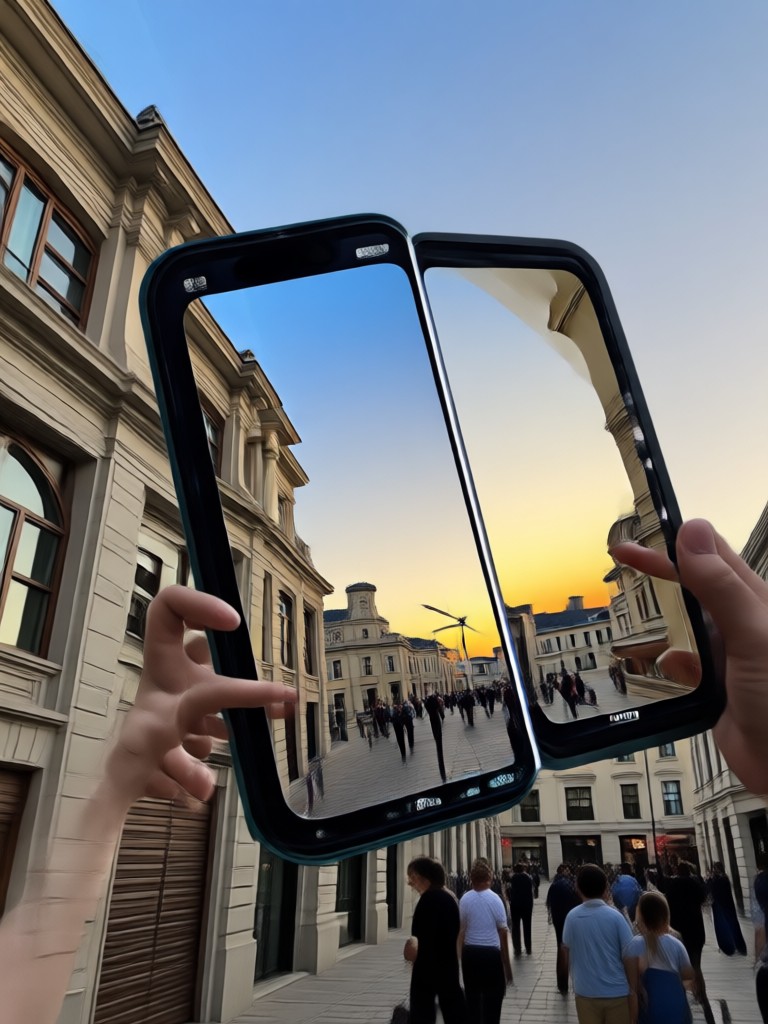
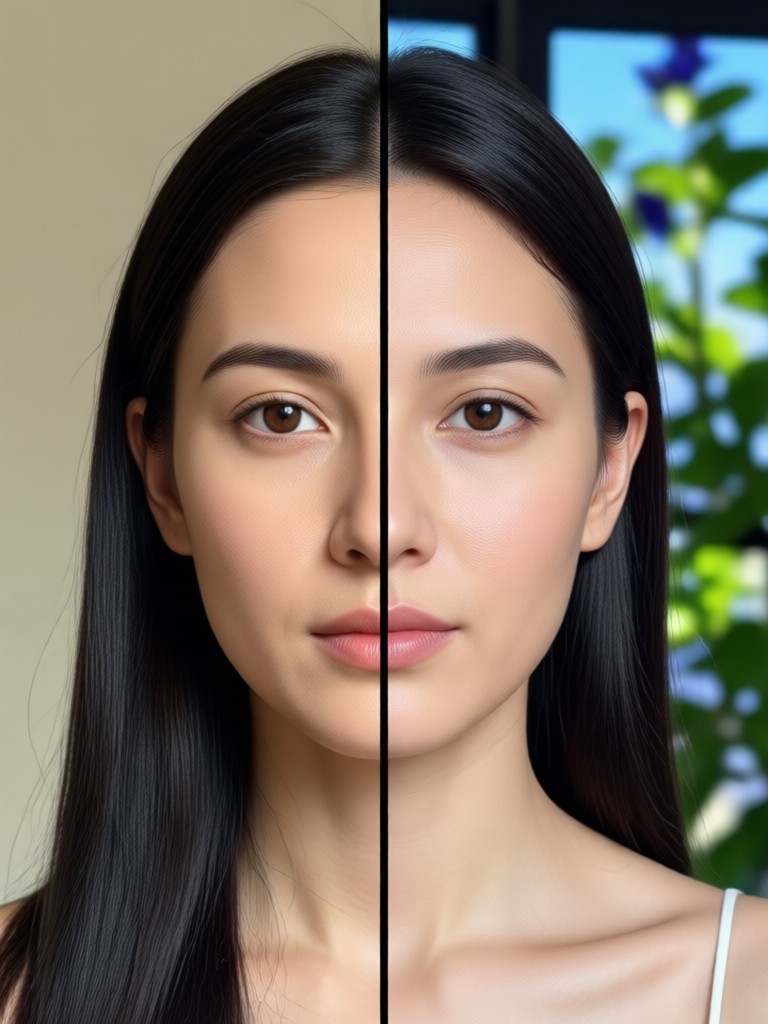
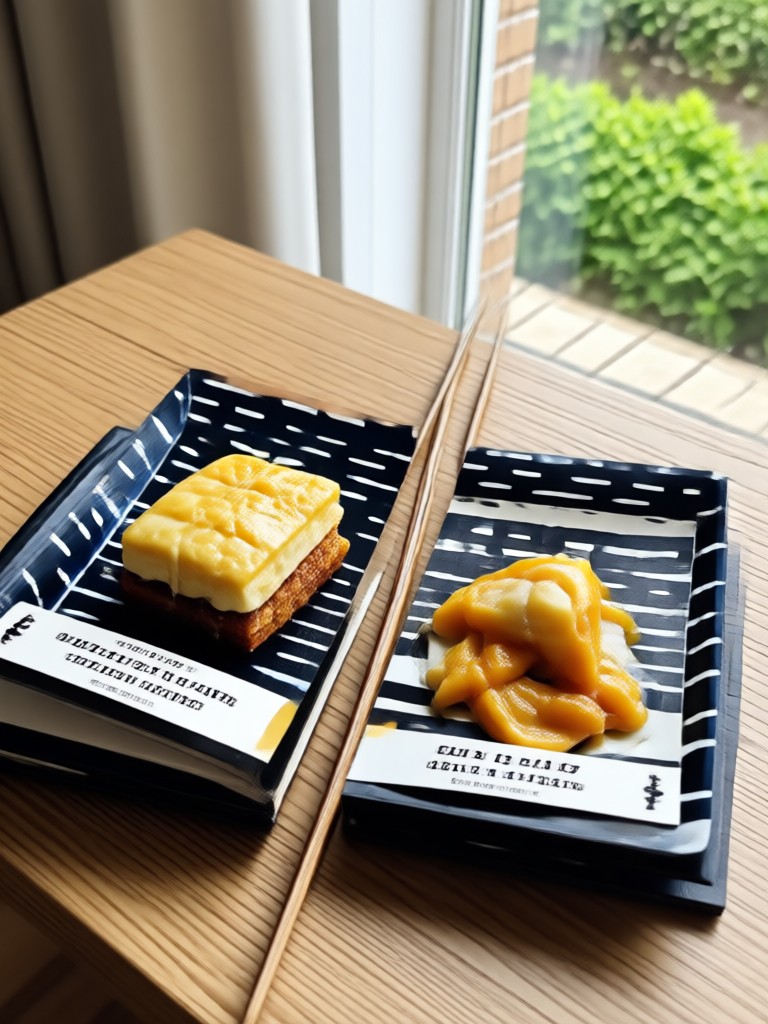
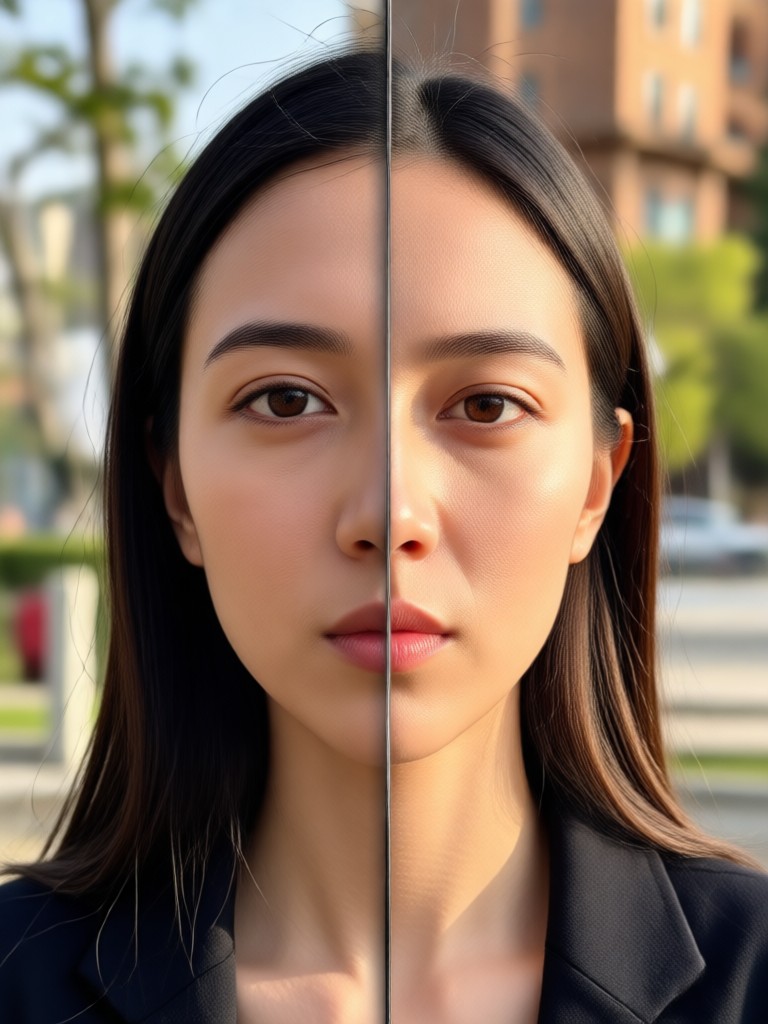
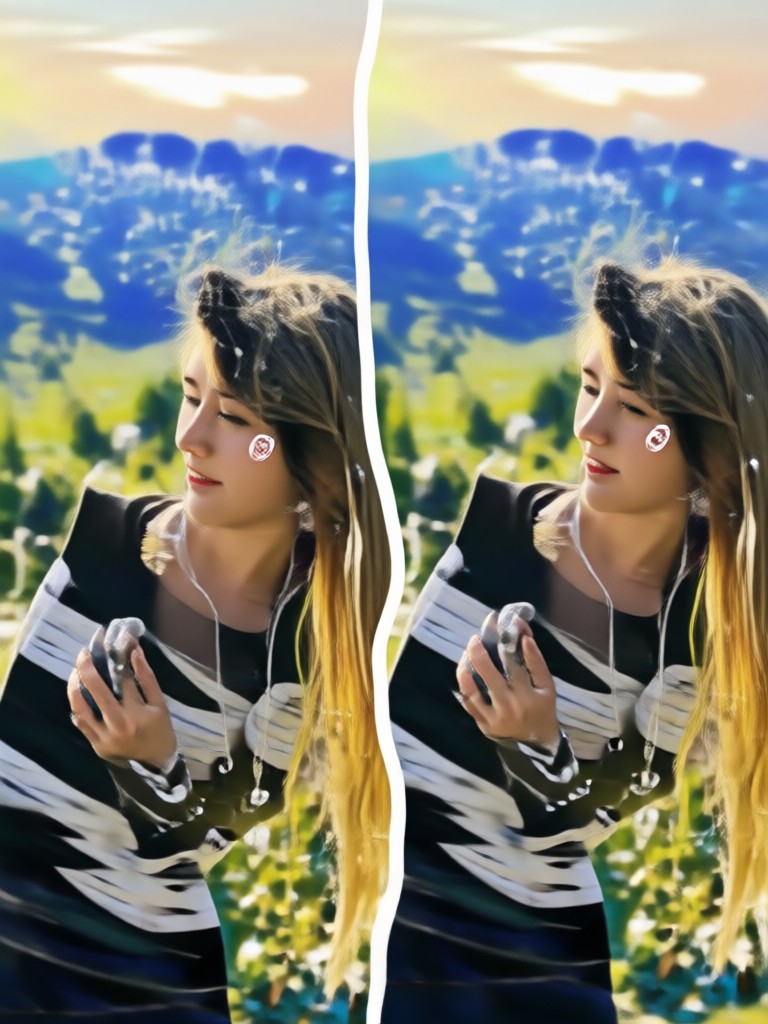
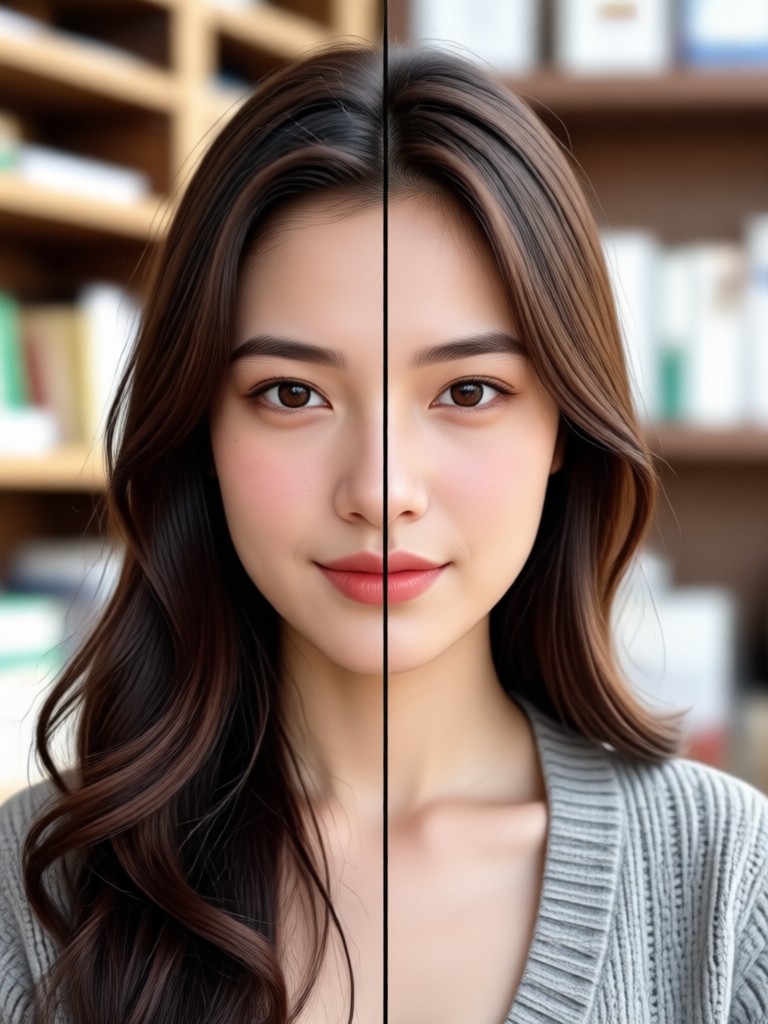
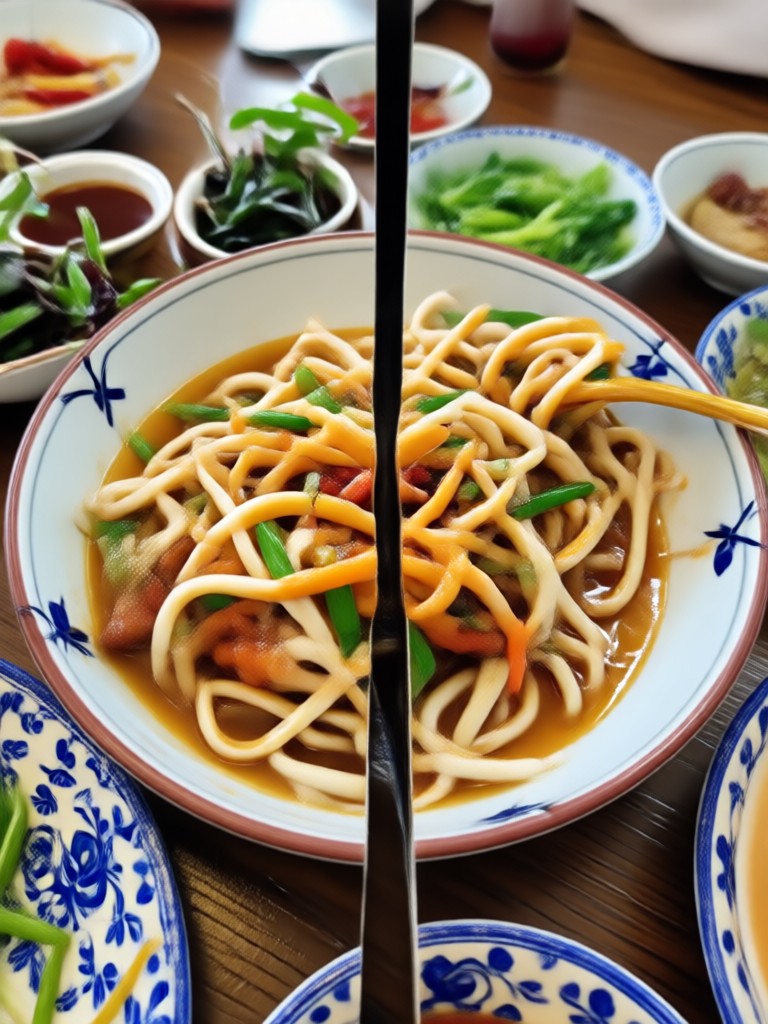
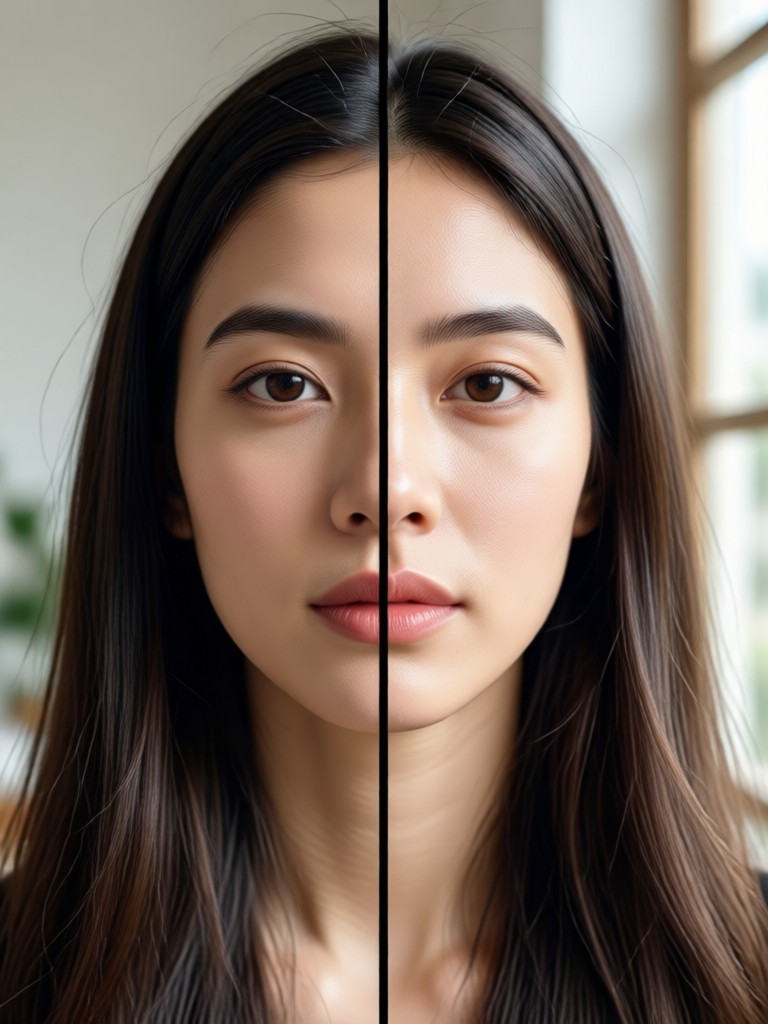
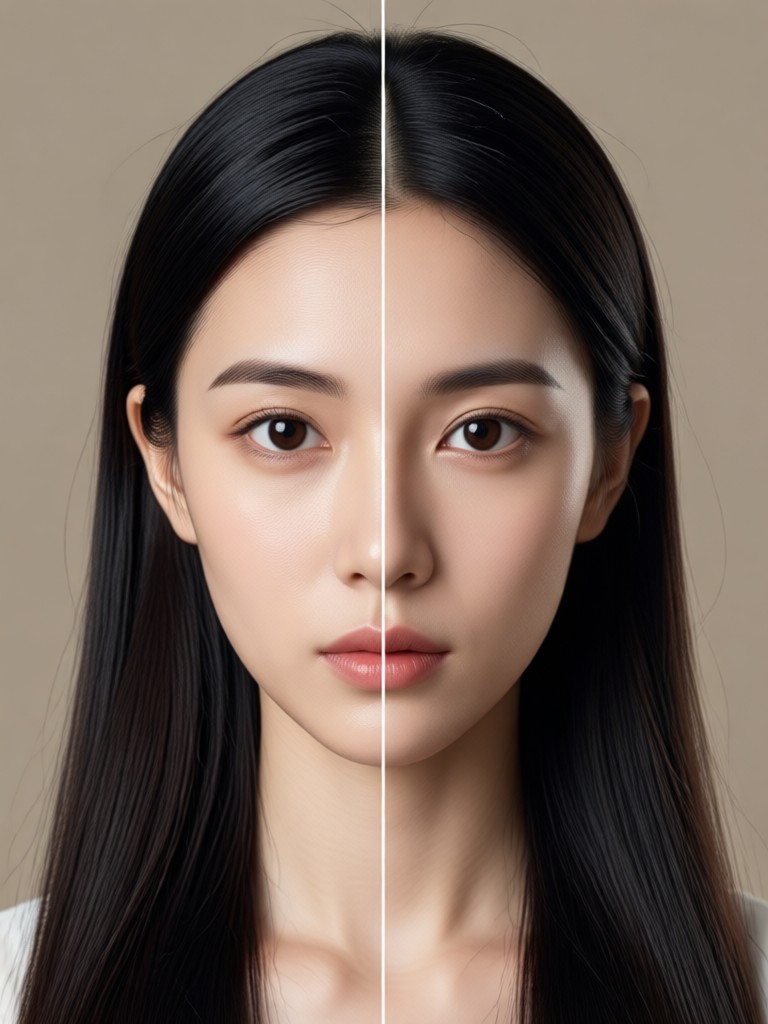
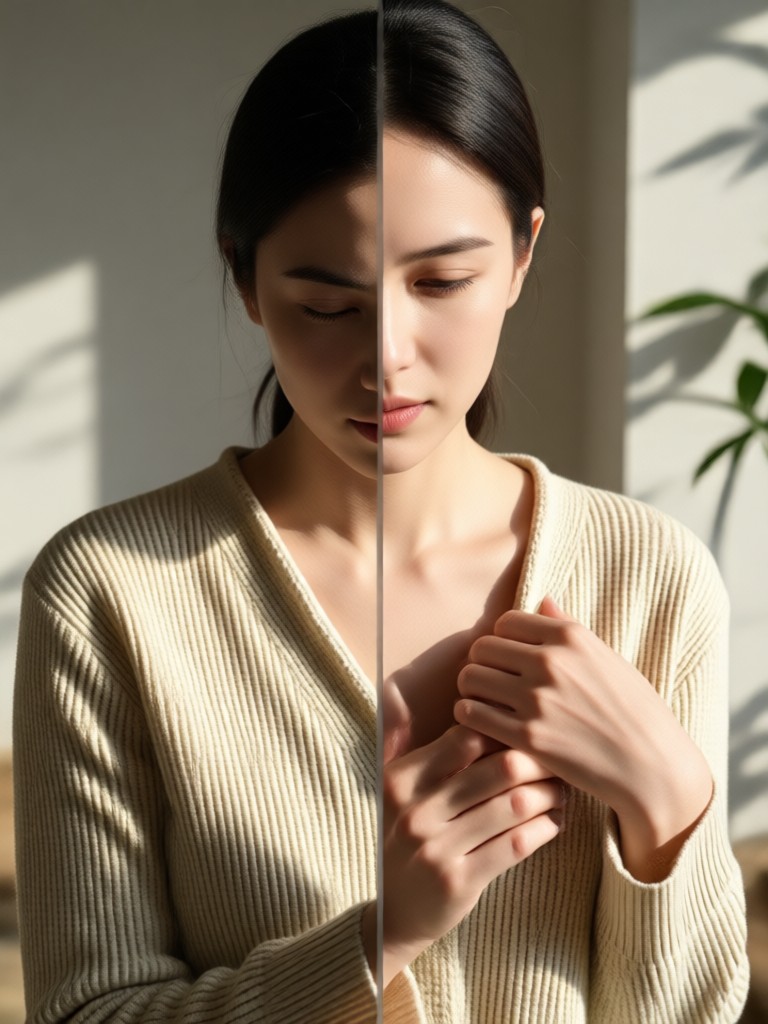
Explore AI Split Photo Creations
Browse stunning split photo images generated with simple prompts. See how creators use panel layouts, style transfers, and motion effects to turn one photo into a full visual story.
How to Create AI Split Photos from Prompts
Turn your split photo prompt into a finished multi-panel image in three simple steps using the gloglo app.

Step 01.
Download the gloglo app from Google Play to access all split photo prompt tools and filters.

Step 02.
Choose a split photo style template or type your own prompt to define panel count, mood, and style.

Step 03.
Generate your split photo image or animation, then download and share it directly to social media.
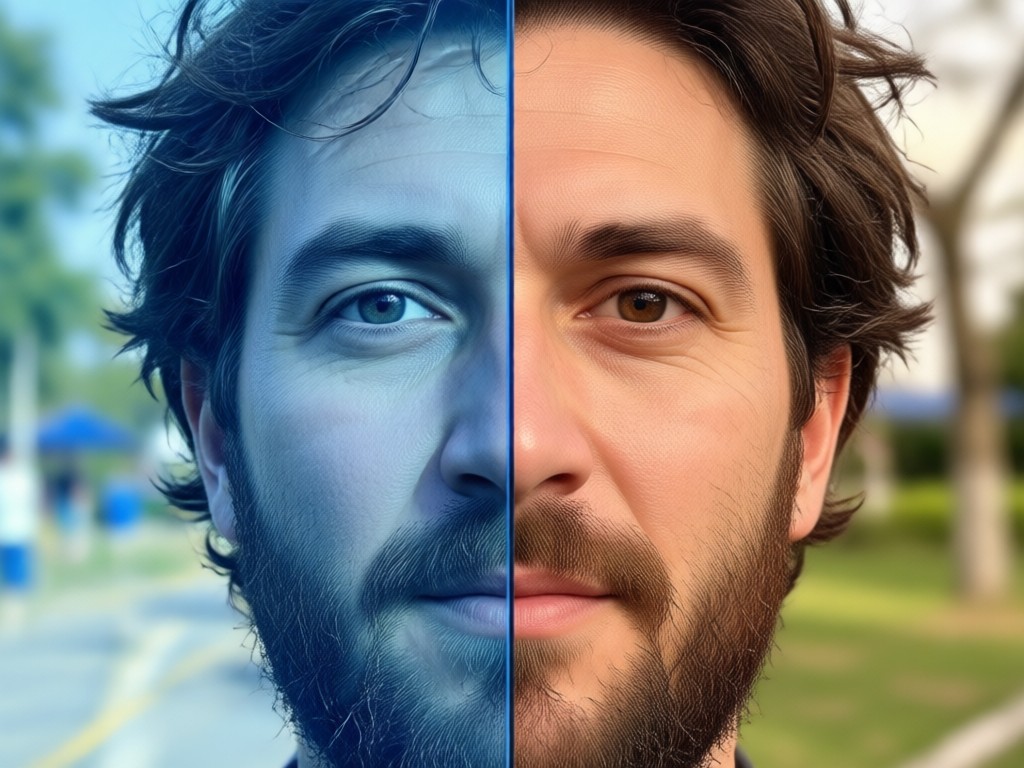
Why Use AI Split Photo Prompts
A single split photo prompt can replace hours of manual editing. gloglo keeps your subject consistent across every panel, offers thousands of style filters, and delivers high resolution results in seconds. Whether you need a social media carousel, a product grid, or a creative portrait series, the app makes multi-panel art effortless.
Why Use AI Split Photo Prompts
A single split photo prompt can replace hours of manual editing. gloglo keeps your subject consistent across every panel, offers thousands of style filters, and delivers high resolution results in seconds. Whether you need a social media carousel, a product grid, or a creative portrait series, the app makes multi-panel art effortless.
What Creators Say About AI Split Photo Prompts
Finally a split photo tool that just works
I typed a simple prompt and got a four panel portrait with perfect face consistency. It saved me hours of manual editing in Photoshop.
My engagement doubled with split panel edits
The split photo prompts made my carousel posts look professional and cohesive. My followers keep asking which app I use.
I made a full product grid in minutes
As a small business owner, I need quick visuals. gloglo let me create a six panel product split photo from one reference image without any design skills.
Frequently Asked Questions About AI Split Photo Prompts
Find clear answers about AI split photo prompts, supported styles, device requirements, and how to get the best results with gloglo.
More Topics You May Like
Explore more topics related to AI photo prompts and creative editing.
Kids Coloring Page Prompts: Best Ideas for Creative Fun
Pika AI Video Prompts: 50+ Creative Ideas to Try Free
AI Captions Generator: Create Engaging Text for Videos
Best Retouch Photo Online: AI Portrait Magic in Seconds
Kids Coloring Page Prompts: Best Ideas for Creative Fun
Pika AI Video Prompts: 50+ Creative Ideas to Try Free
AI Captions Generator: Create Engaging Text for Videos
Best Retouch Photo Online: AI Portrait Magic in Seconds
Ready to Create Your First Split Photo?
Download gloglo on Google Play and start turning simple prompts into stunning multi-panel images. No design skills needed, just your imagination.

Ready to Create Your First Split Photo?
Download gloglo on Google Play and start turning simple prompts into stunning multi-panel images. No design skills needed, just your imagination.