Best Retouch Photo Online
Top Photo Retouching Filters to Try
Explore popular AI photo retouch filters that smooth, brighten, and perfect your portraits in seconds.
Powerful AI Photo Retouching Tools
gloglo combines advanced AI with a massive filter library. Retouch portraits, enhance group photos, and restore old images without complex editing skills. Every tool is designed for instant, natural looking results.

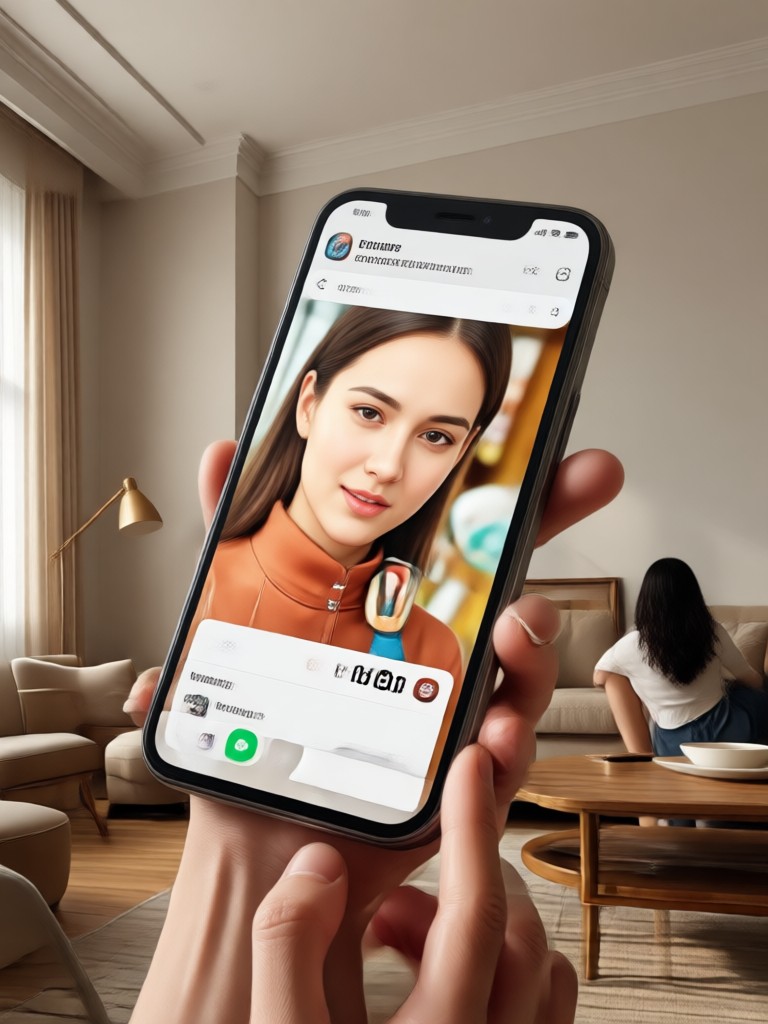
AI Face Retouch
Automatically detects faces and applies smooth skin, bright eyes, and balanced lighting. Perfect for selfies and portraits that need a natural polished finish. No manual masking required.
AI Face Retouch
Automatically detects faces and applies smooth skin, bright eyes, and balanced lighting. Perfect for selfies and portraits that need a natural polished finish. No manual masking required.
Group Photo Enhancement
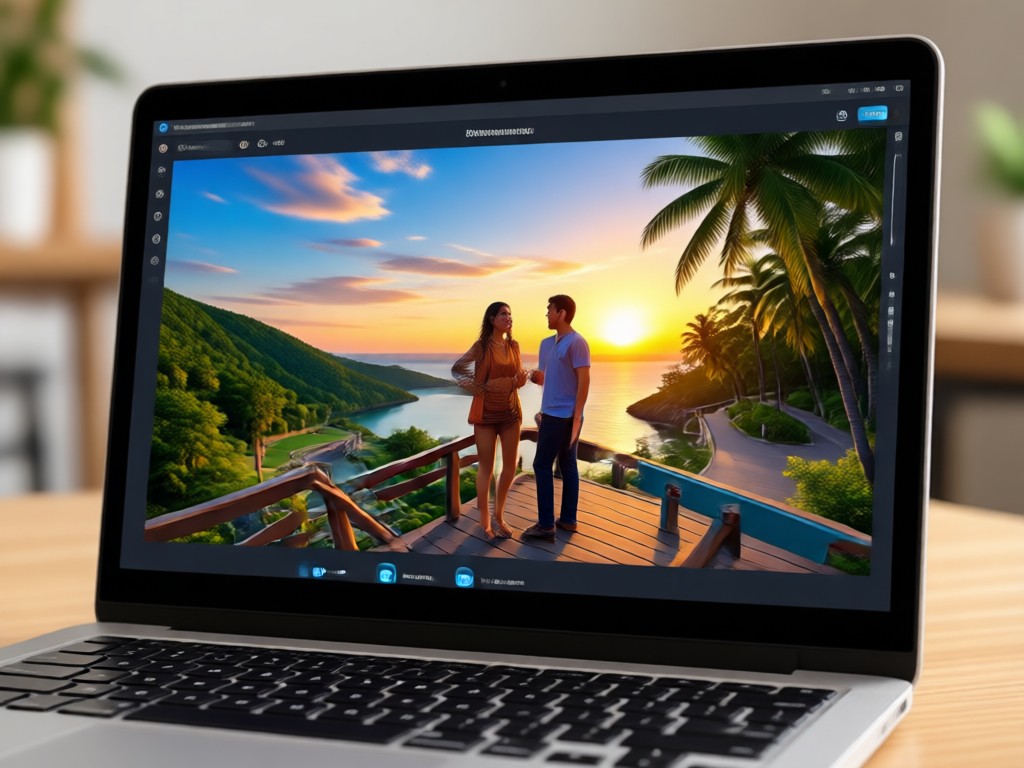
Our multi-person AI identifies and retouches every face separately. Skin tones stay balanced, expressions stay natural, and no one gets lost in the crowd. Ideal for team photos and family gatherings.
Group Photo Enhancement
Our multi-person AI identifies and retouches every face separately. Skin tones stay balanced, expressions stay natural, and no one gets lost in the crowd. Ideal for team photos and family gatherings.
Old Photo Restoration
Repair faded images, scratch marks, and blurry details in minutes. Add color back to black and white photos or give vintage prints a fresh digital glow. Your memories deserve a second life.
Old Photo Restoration
Repair faded images, scratch marks, and blurry details in minutes. Add color back to black and white photos or give vintage prints a fresh digital glow. Your memories deserve a second life.
Why Choose gloglo for Photo Retouching Online
Unlike complex desktop editors, gloglo retouches photos entirely within a mobile app. Just open the app, upload your photo, and tap a filter. AI handles skin smoothing, lighting correction, and detail sharpening while you relax. Results look natural, never over-processed, and are ready to share.
Why Choose gloglo for Photo Retouching Online
Unlike complex desktop editors, gloglo retouches photos entirely within a mobile app. Just open the app, upload your photo, and tap a filter. AI handles skin smoothing, lighting correction, and detail sharpening while you relax. Results look natural, never over-processed, and are ready to share.
How to Retouch Photos Online with AI
Retouch your photos in three simple steps using the gloglo AI photo editor. No design experience required.

Step 01.
Download the gloglo app from Google Play and open it on your phone. Sign in and go to the photo retouch section to get started.

Step 02.
Upload the photo you want to retouch. Choose from face retouch, skin smoothing, group enhancement, old photo repair, or beauty filters.

Step 03.
Tap generate and watch the AI retouch your photo. Preview the result, adjust if needed, then save or share directly to social media.
AI Retouched Photo Gallery
See real examples of AI photo retouching. From face smoothing to old photo restoration, explore the creative possibilities and imagine what gloglo can do for your images.
What Users Say About Our Photo Retouch App
Best retouch photo online tool I have tried
I used to spend hours in photo editors fixing skin and lighting. With gloglo, I upload a selfie, tap a filter, and it is done. My portraits look natural, not fake. The group photo retouch is also amazing.
My family photos have never looked better
I restored my parents wedding album using the old photo repair filter. The colors came back, scratches disappeared, and my mother actually cried when she saw the result. Totally worth downloading.
AI retouching that actually looks natural
Most retouch apps make faces look plastic. gloglo keeps my features real while smoothing skin and brightening eyes. I use it for all my LinkedIn headshots and social media posts now.
Frequently Asked Questions About Photo Retouching
Get clear answers about AI photo retouching, face enhancement, and how to retouch photos online with gloglo.
More Topics You May Like
Explore more topics you may like and discover fresh ideas tailored to your interests.
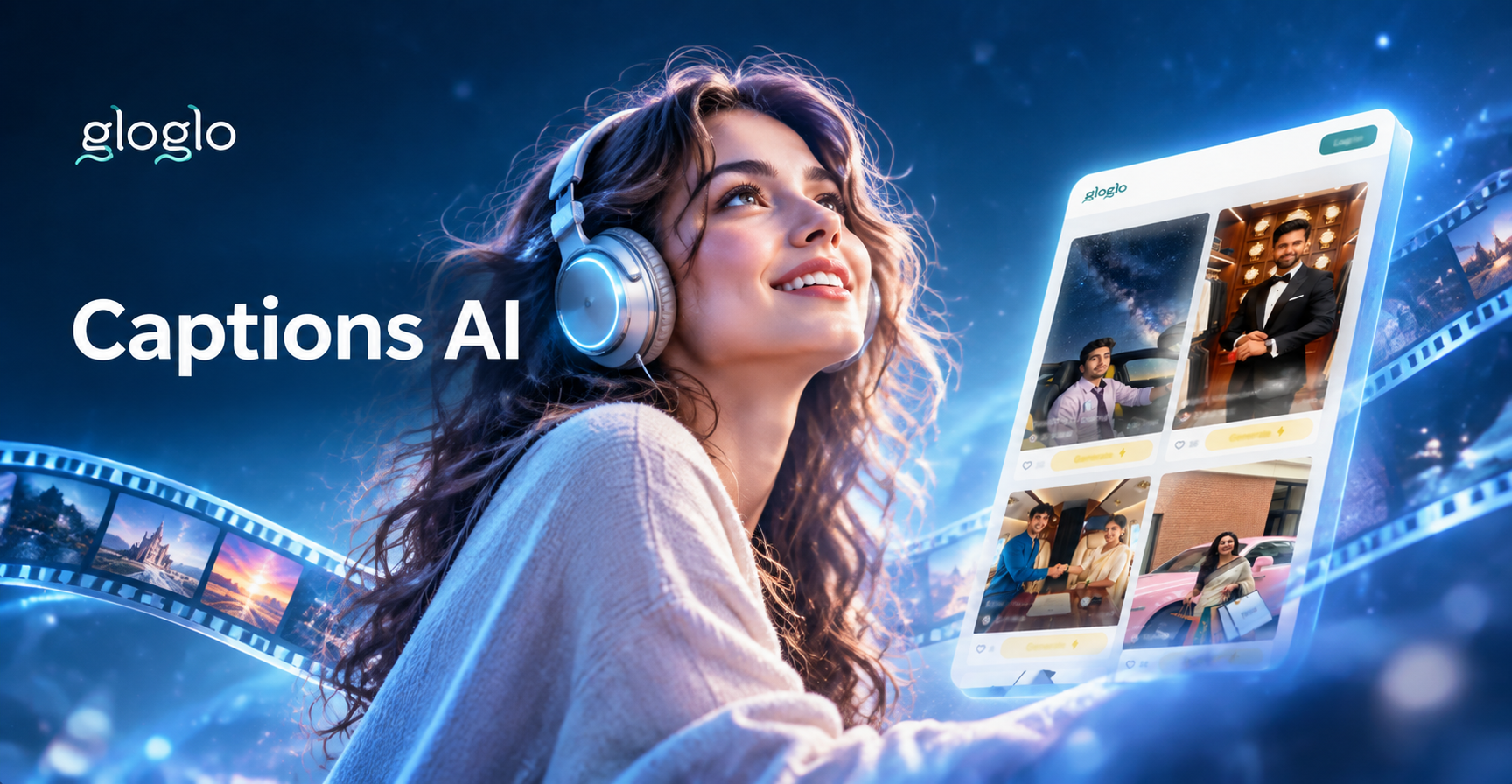
AI Captions Generator: Create Engaging Text for Videos
Generate engaging AI captions for social media videos and posts. Pick a tone, add keywords, and get ready-to-use captions with hashtags and calls to action. Download the app to start creating in seconds.

Best YouTube Alternatives: Top 8 Picks for Creators
Discover the top 8 YouTube alternatives for creators and turn ideas into videos with gloglo. Generate text to video, image to video, and multi person clips for any platform in seconds.
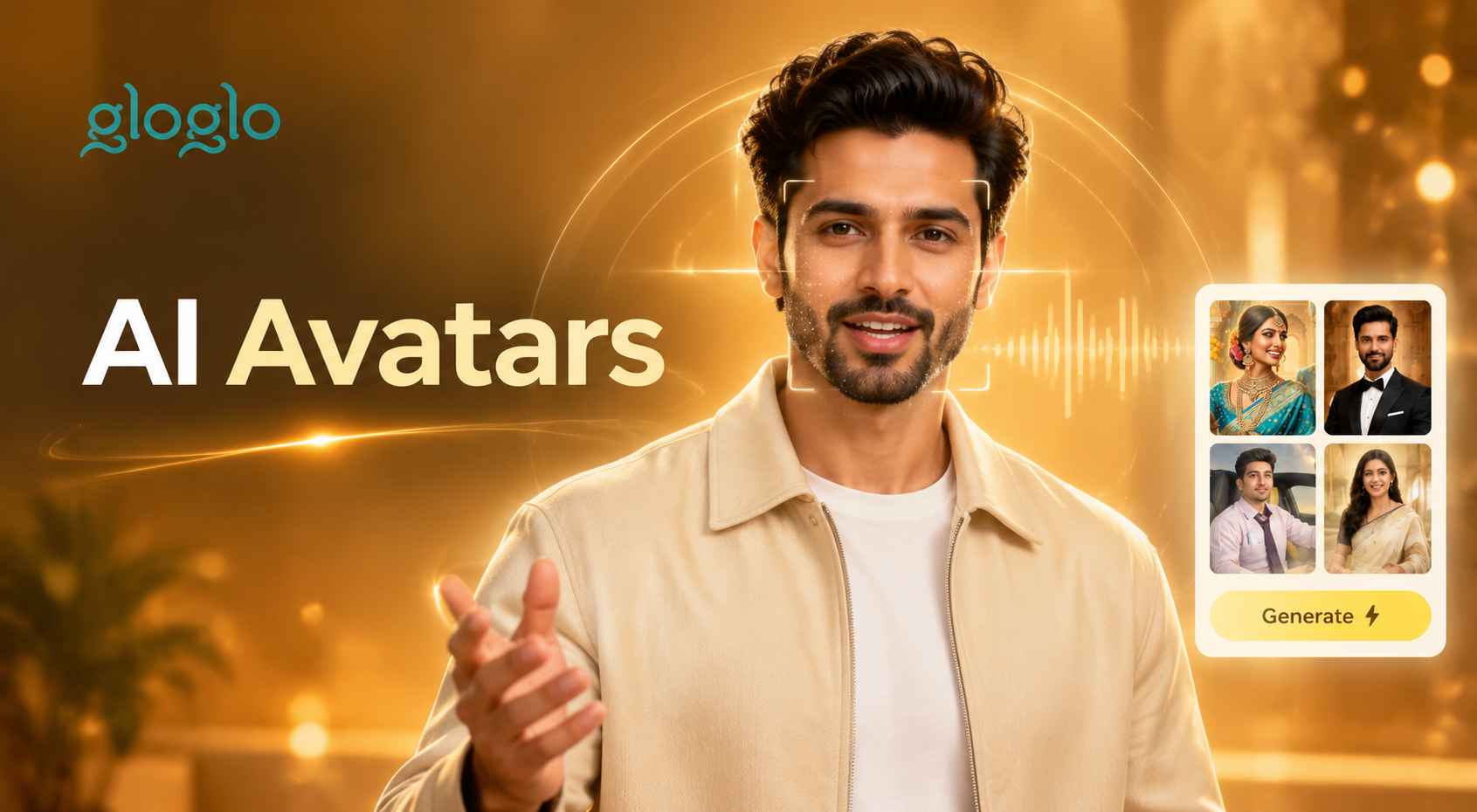
Heygen AI Prompts: Create AI Video Avatars & Talking Heads
Discover Heygen AI prompts for talking avatars, spokesperson videos, and AI video generation. Download gloglo, pick a style, and turn text or photos into dynamic videos.
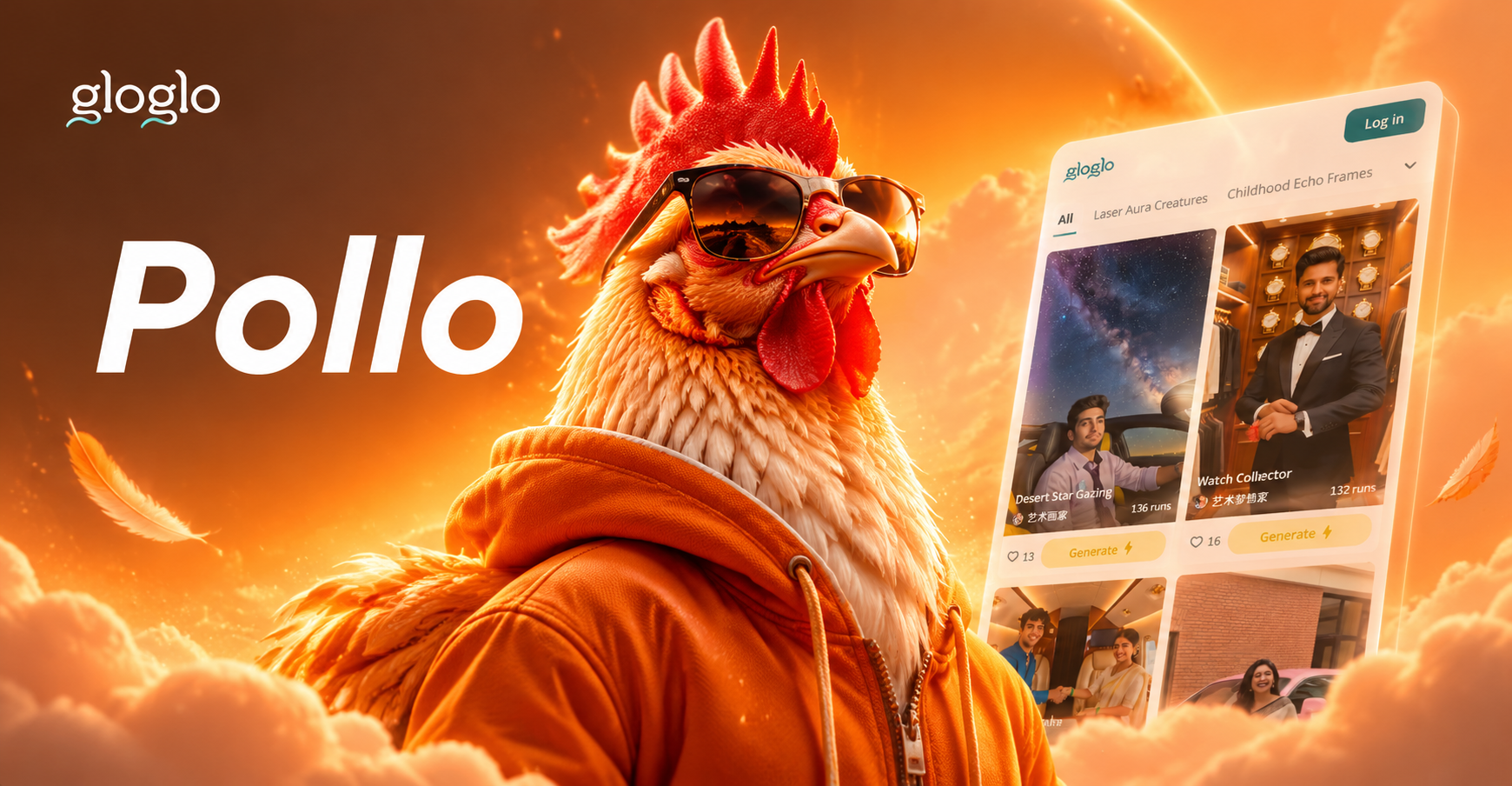
Create Fun Pollo AI Art with Creative Prompts
Explore Pollo AI prompts to generate playful, artistic chicken-themed images. Try these ready-to-use prompt ideas and turn simple text into stunning AI art with the gloglo app.
Ready to Retouch Your Photos Online?
Download gloglo and start retouching portraits, group photos, and old memories with AI. Natural results, instant processing, and zero design skills required.
Ready to Retouch Your Photos Online?
Download gloglo and start retouching portraits, group photos, and old memories with AI. Natural results, instant processing, and zero design skills required.