80S AI Generator: Turn Any Photo Into an 80s Masterpiece
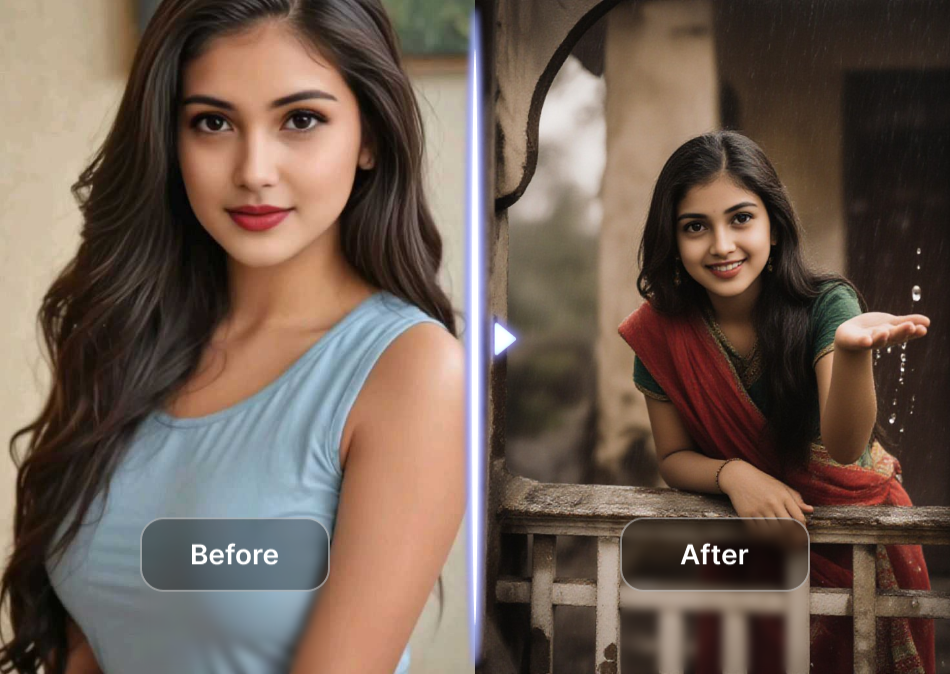
Choose Your 80s Style Filter
Browse the most popular 80s AI filters and find the retro aesthetic that matches your vibe. Each filter delivers a distinct period look, from neon synthwave to soft film grain.
What You Can Create with the 80S AI Generator
Pick a style and watch your photo transform into an authentic 1980s masterpiece. From neon synthwave to retro fashion edits, every filter captures a different slice of the decade.
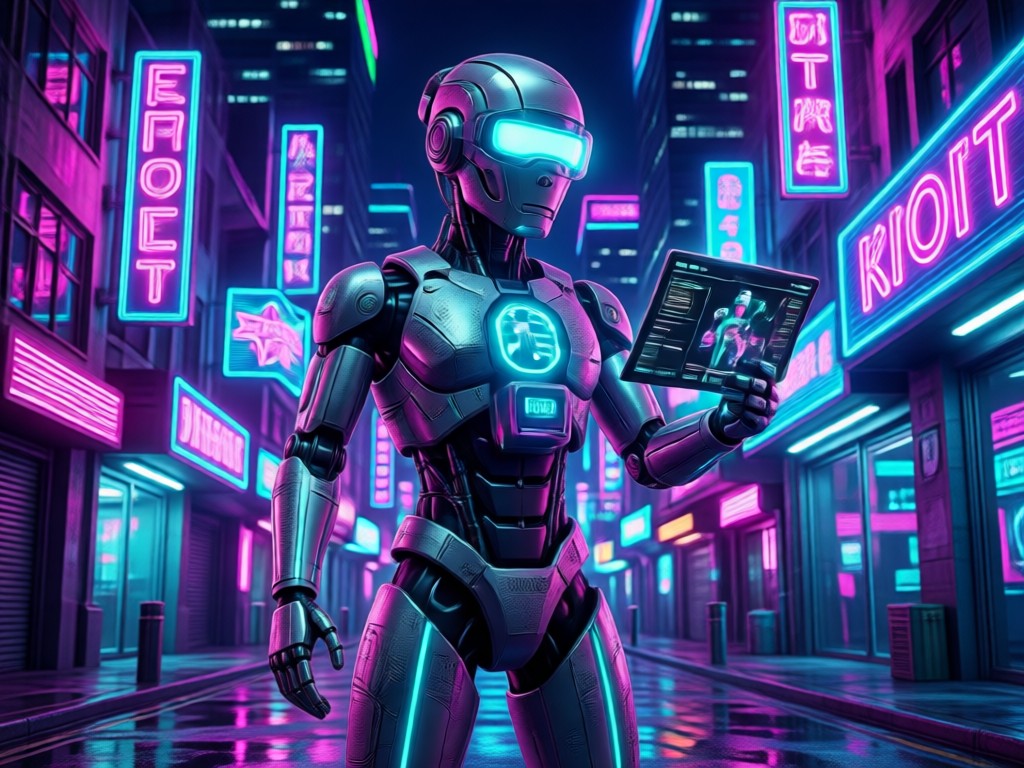
Synthwave Portrait
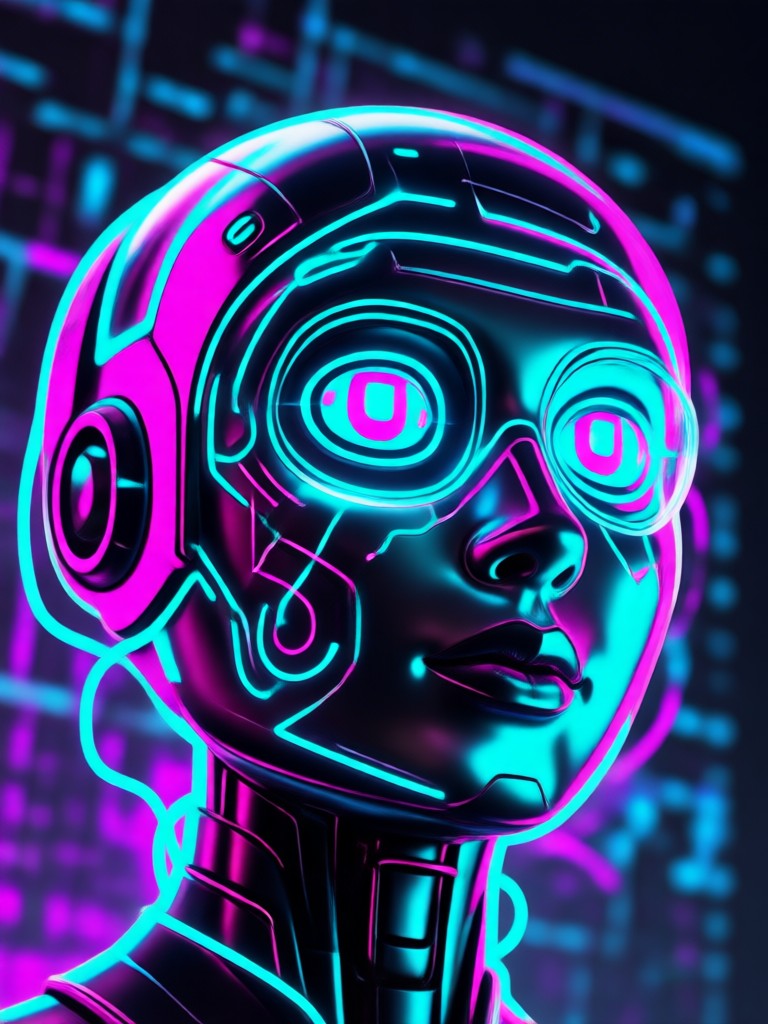
Turn your selfies into neon lit synthwave portraits with grid lines, purple and pink color palettes, and that unmistakable 80s music video energy.
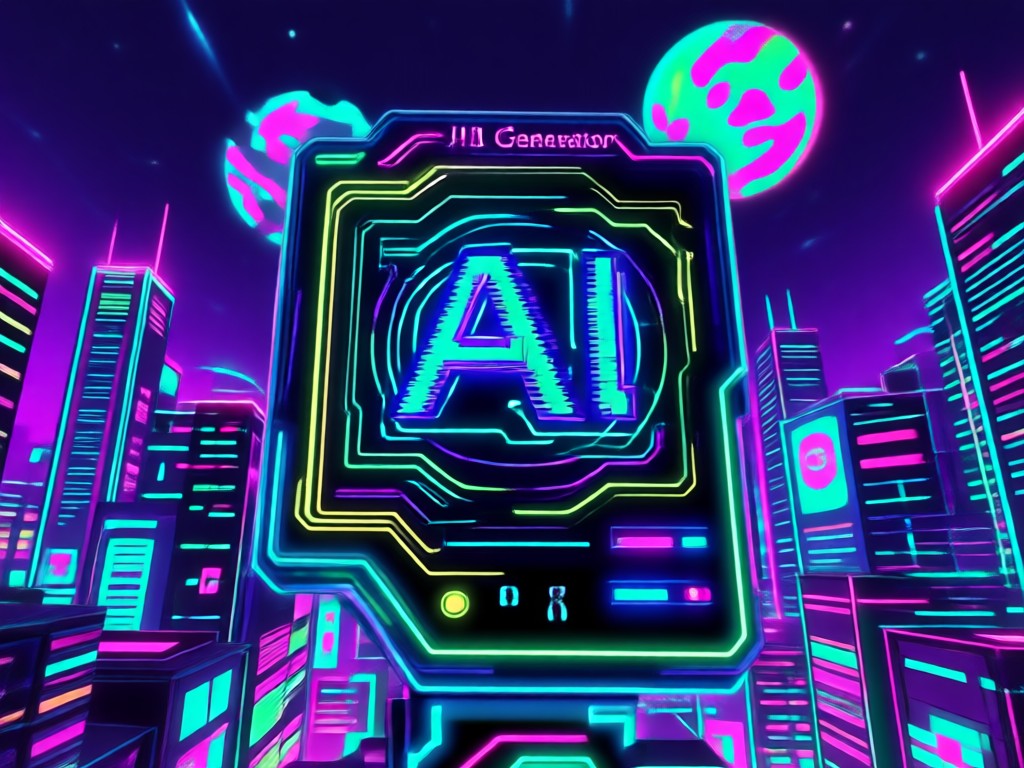
Vaporwave Aesthetic
Apply dreamy pastel tones, marble statue elements, and retro computer graphics to transform your images into authentic vaporwave art pieces.
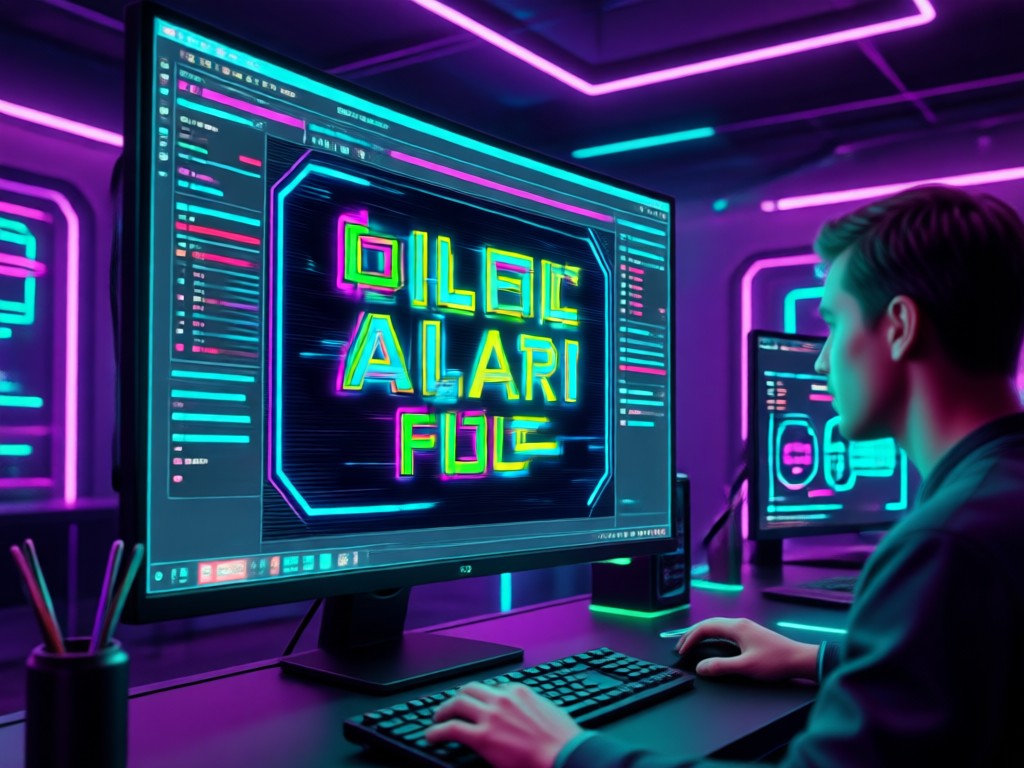
Retro Fashion Look
See yourself in classic 80s outfits from denim jackets and high waisted jeans to bold prints and shoulder pads, all applied automatically.
Popular 80s AI Styles to Try
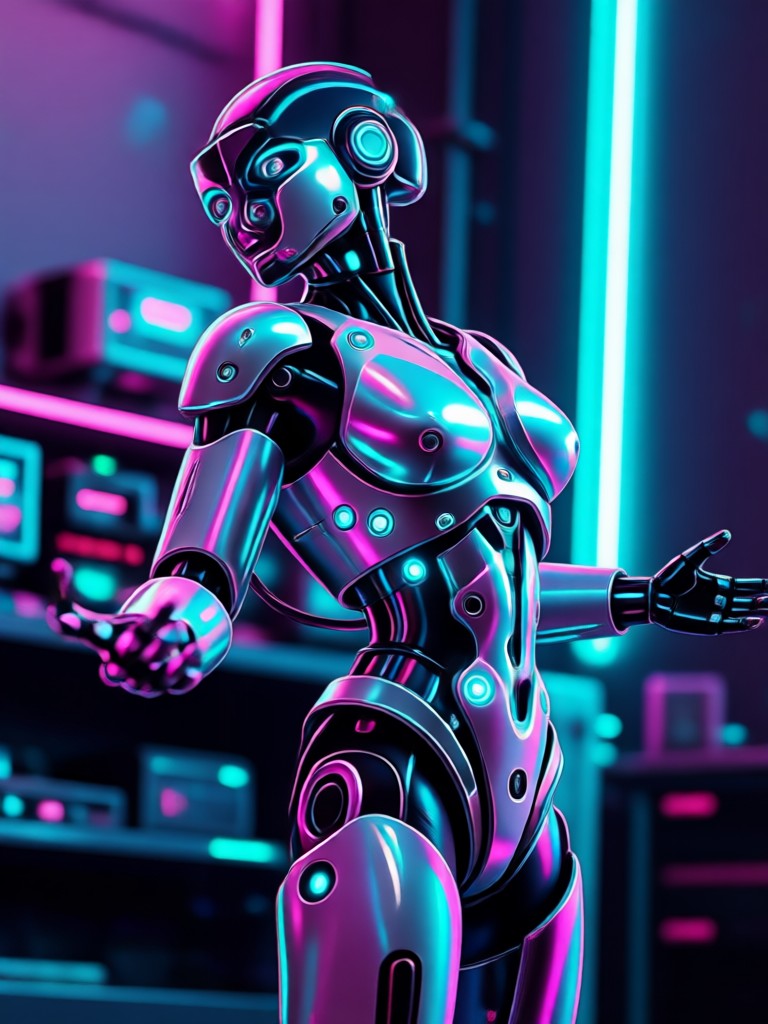
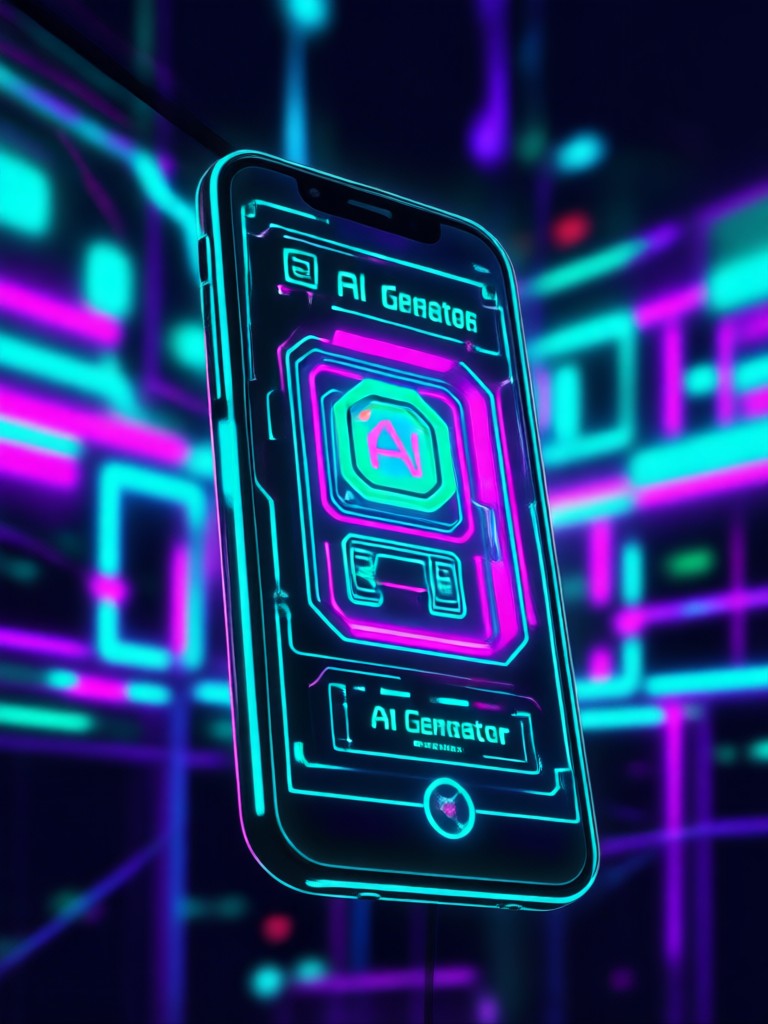
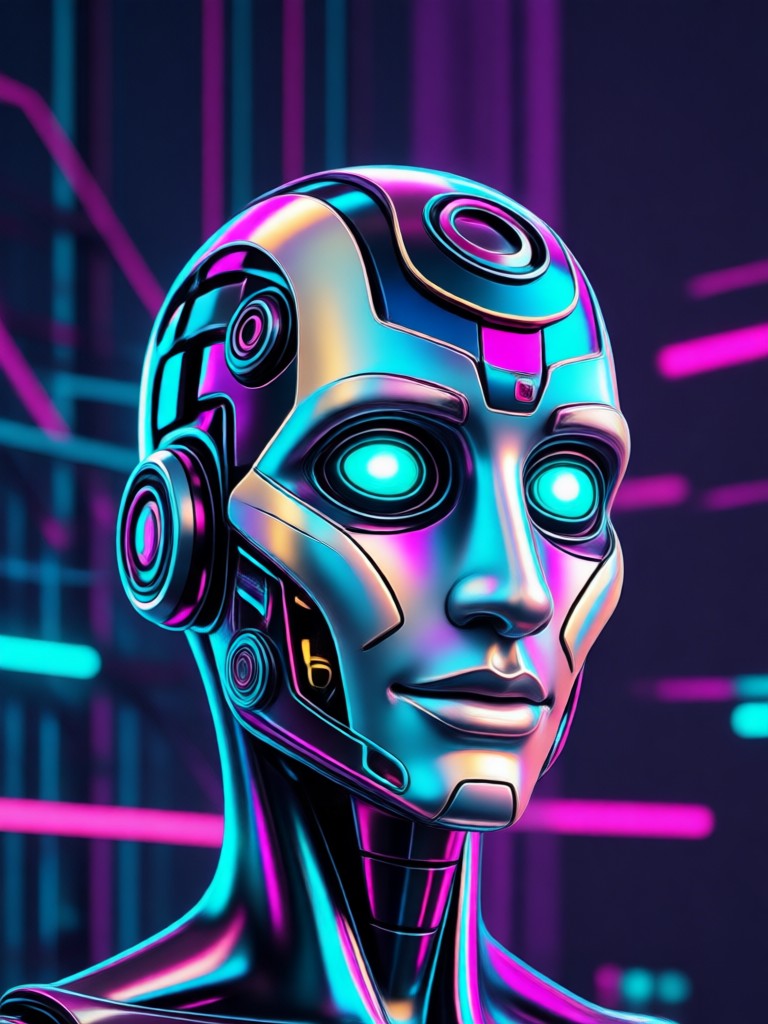
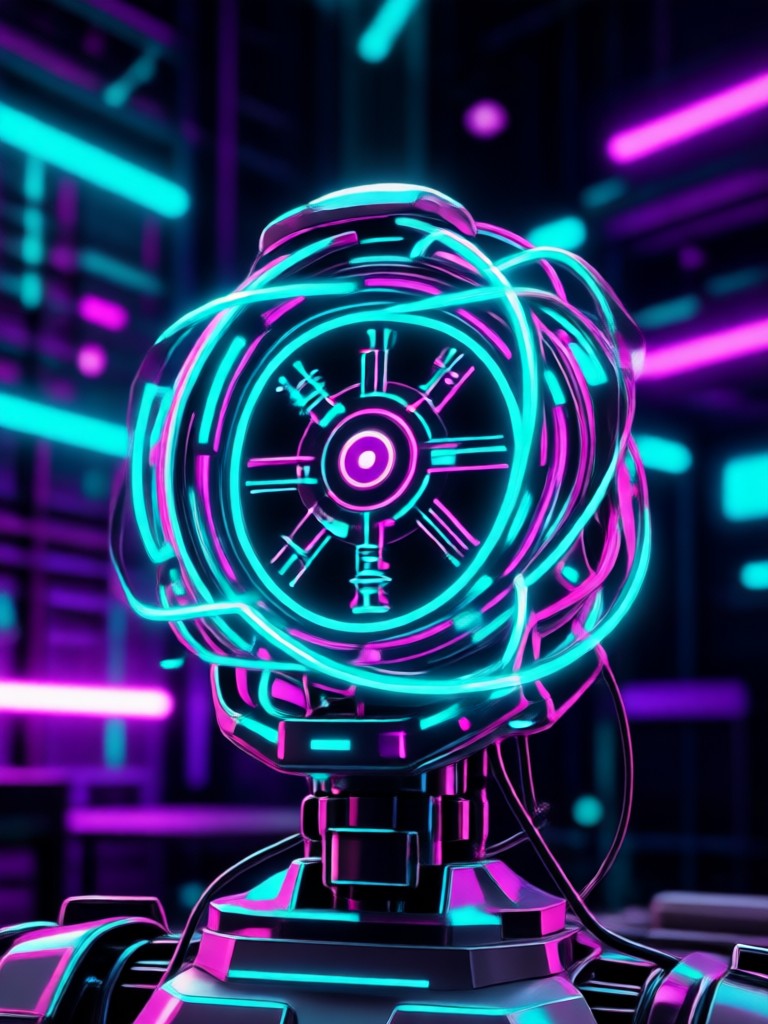
Explore five of the most requested 80s AI transformation styles. Each look captures a different side of the decade, from neon soaked cityscapes to soft focus film photography. Download the app to recreate these effects on your own photos.
How to Create 80s AI Images
Turn your regular photos into retro 80s masterpieces in three simple steps using the gloglo mobile app.

Step 01.
Download the gloglo app from Google Play and open it on your Android phone to get started.

Step 02.
Upload a photo and browse the dedicated 80s filter collection to find the retro style you love.

Step 03.
Generate your 80s image in seconds, then save it to your gallery or share it directly on social media.
Why Use an AI 80s Photo Generator
Bring the bold spirit of the 1980s back into your photos without any editing skills.
Nostalgia Meets Modern AI
The 80s look never really left. From fashion runways to music videos, the decade still shapes how we see style today. With gloglo 80S AI Generator you can recreate that feeling in your photos. The AI understands what makes an image feel authentically 1980s, including saturation, film grain, lighting, and period fashion silhouettes. Pick a neon synthwave portrait or a soft focus film photo, and the generator handles all the technical work.
Nostalgia Meets Modern AI
The 80s look never really left. From fashion runways to music videos, the decade still shapes how we see style today. With gloglo 80S AI Generator you can recreate that feeling in your photos. The AI understands what makes an image feel authentically 1980s, including saturation, film grain, lighting, and period fashion silhouettes. Pick a neon synthwave portrait or a soft focus film photo, and the generator handles all the technical work.
What People Say About the 80S AI Generator
My photos finally match my synthwave playlist
I used the 80s filter on my profile picture and it looks like an actual album cover from 1985. The neon effects are incredibly realistic and my face stayed exactly the same. I have tried other retro editing apps before and nothing comes close to the quality here.
Instant throwback for our whole group chat
We put our entire friend group through the 80s makeover and the results were hilarious in the best way. Everyone got period accurate outfits, the colors popped, and the AI handled seven faces in one photo without mixing anyone up. We have a new group chat photo permanently.
Zero editing skills needed, stunning results
I cannot use photo editing software to save my life, but this app makes me look like a pro. I uploaded a basic selfie, tapped the retro fashion filter, and downloaded a stunning 80s style portrait in under 30 seconds. The quality genuinely surprised me.
Frequently Asked Questions
Find clear answers to common questions about the 80S AI Generator and learn how to get the best retro results from your photos.
More Topics You May Like
Explore more retro and AI transformation topics to spark your next creative project.

Video Converter 4K: Upscale Clips to Ultra HD in Seconds
HDR Photo Converter: Turn Any Photo Into Stunning HDR
Convert Video To 4K Quality with AI in Seconds
Facebook Video to Mp3 Convert: Fast Audio Extraction
Video Converter 4K: Upscale Clips to Ultra HD in Seconds
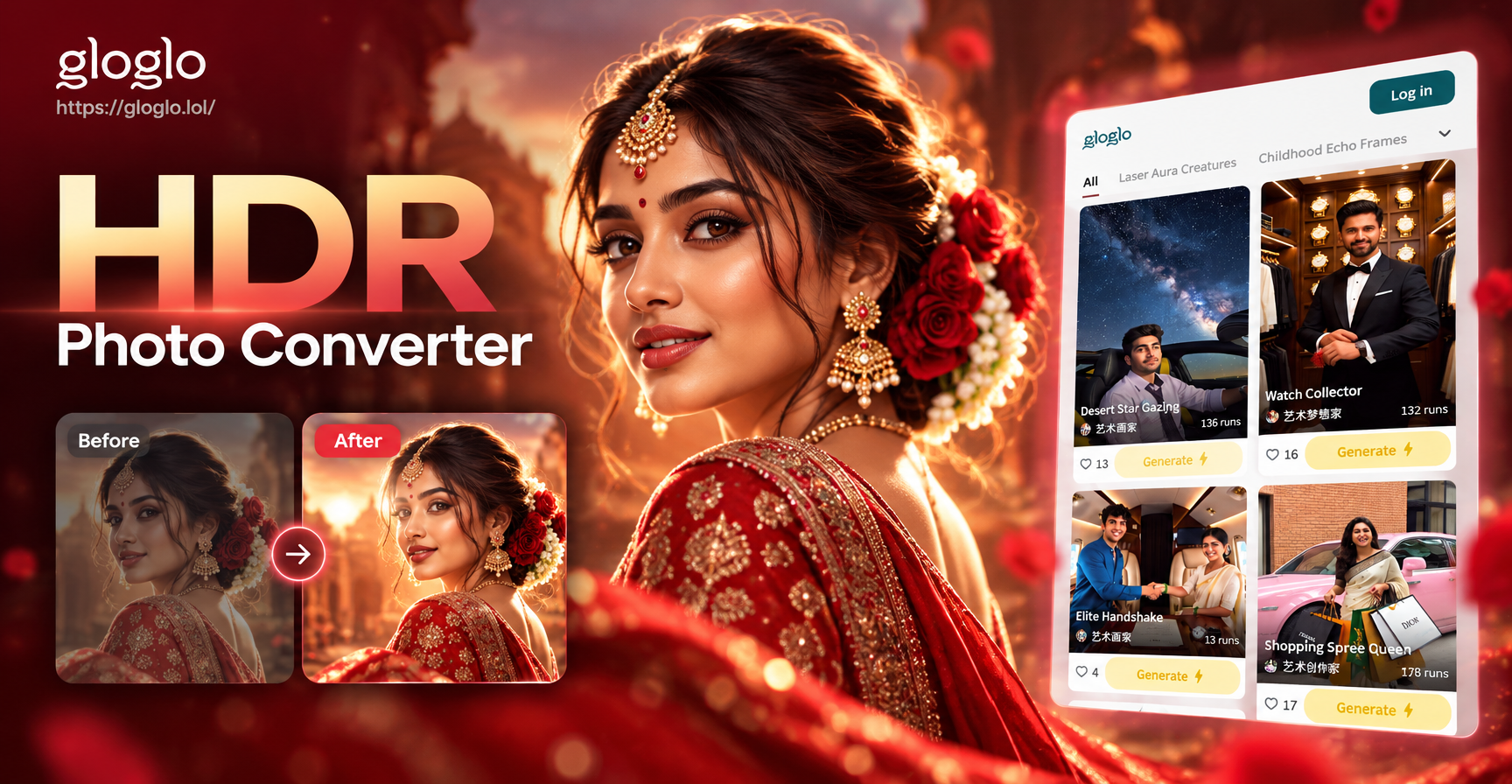
HDR Photo Converter: Turn Any Photo Into Stunning HDR
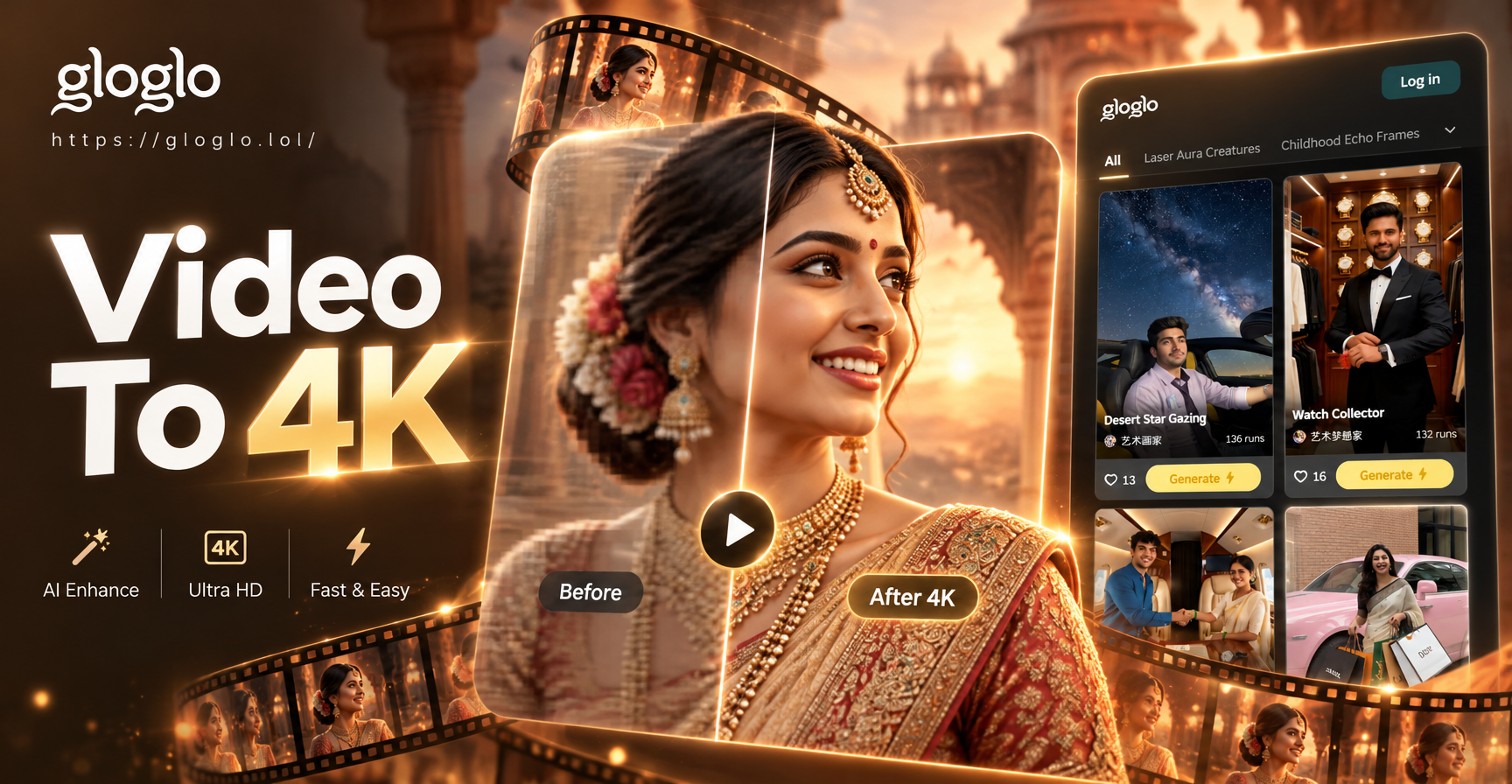
Convert Video To 4K Quality with AI in Seconds
Facebook Video to Mp3 Convert: Fast Audio Extraction
Create Your 80s Look Today
Download gloglo from Google Play and transform your photos into stunning retro 80s masterpieces. Pick from synthwave, vaporwave, and retro fashion filters and share your new look in seconds.
Create Your 80s Look Today
Download gloglo from Google Play and transform your photos into stunning retro 80s masterpieces. Pick from synthwave, vaporwave, and retro fashion filters and share your new look in seconds.