Video Converter 4K to Stunning Ultra HD
Choose the Perfect 4K Upscaling Filter
Explore multiple AI filters designed to convert and enhance videos to 4K resolution. From sharpness boosters to cinematic color grading, find the style that fits your content.
Powerful Video Converter 4K Features
gloglo transforms ordinary clips into stunning 4K videos with a few taps. Here is what you can do.
AI 4K Upscaling
Enhance low resolution footage to crisp 4K Ultra HD using advanced AI algorithms that add realistic detail and reduce noise. No manual settings needed.
Style Filters for Video
Apply over one million style templates to your video, including cinematic, anime, 3D, and realistic looks. Convert and stylize in one step.
Fast Batch Processing
Queue multiple videos and let the AI convert them to 4K simultaneously. Save time while maintaining consistent quality across every clip.
Why Choose gloglo as Your 4K Video Converter?
Most video converters simply resize frames and make everything blurry. gloglo uses generative AI to rebuild every pixel for true 4K sharpness. You get Hollywood level clarity without expensive editing software. Download the app and see the difference on your own clips.
Why Choose gloglo as Your 4K Video Converter?
Most video converters simply resize frames and make everything blurry. gloglo uses generative AI to rebuild every pixel for true 4K sharpness. You get Hollywood level clarity without expensive editing software. Download the app and see the difference on your own clips.
How to Convert Video to 4K in 3 Steps
Turning standard definition clips into Ultra HD is simple with gloglo. Just follow these steps.

Step 01.
Download the gloglo app from Google Play and open it on your phone. No account needed for your first 4K conversion.

Step 02.
Upload your video and pick a 4K upscaling filter or style template. Adjust the enhancement strength if you want.

Step 03.
Tap generate and let AI convert your video to 4K. Preview the result, then save or share it directly to social media.
4K Video Converter Results
Browse stunning before and after examples created with gloglo's AI video upscaler. See how ordinary clips become sharp Ultra HD masterpieces.
Download gloglo for Free
Get the AI 4K video converter that fits in your pocket. Available now on Google Play.

What Users Say About Video Converter 4K

Louis Yule
Converted my 720p drone footage to 4K and it looks professionally shot. The sharpness is unreal.

Mandy Sander
I use gloglo to upscale my old Instagram reels before reposting on YouTube. The quality boost is amazing.

Orville Garcia
Batch converted 20 client videos to 4K in one evening. Saved me hours of editing time.

Sam Green
The AI doesn't just stretch the image, it adds real detail. My low light clips finally look crisp.
Louis Yule
Converted my 720p drone footage to 4K and it looks professionally shot. The sharpness is unreal.
Mandy Sander
I use gloglo to upscale my old Instagram reels before reposting on YouTube. The quality boost is amazing.
Orville Garcia
Batch converted 20 client videos to 4K in one evening. Saved me hours of editing time.
Sam Green
The AI doesn't just stretch the image, it adds real detail. My low light clips finally look crisp.
Louis Yule
Converted my 720p drone footage to 4K and it looks professionally shot. The sharpness is unreal.
Mandy Sander
I use gloglo to upscale my old Instagram reels before reposting on YouTube. The quality boost is amazing.
Orville Garcia
Batch converted 20 client videos to 4K in one evening. Saved me hours of editing time.
Sam Green
The AI doesn't just stretch the image, it adds real detail. My low light clips finally look crisp.
Frequently Asked Questions About Video Converter 4K
Find clear answers to common questions about converting videos to 4K with gloglo.
More Topics You May Like
Explore more topics you may like and discover fresh ideas tailored to your interests.
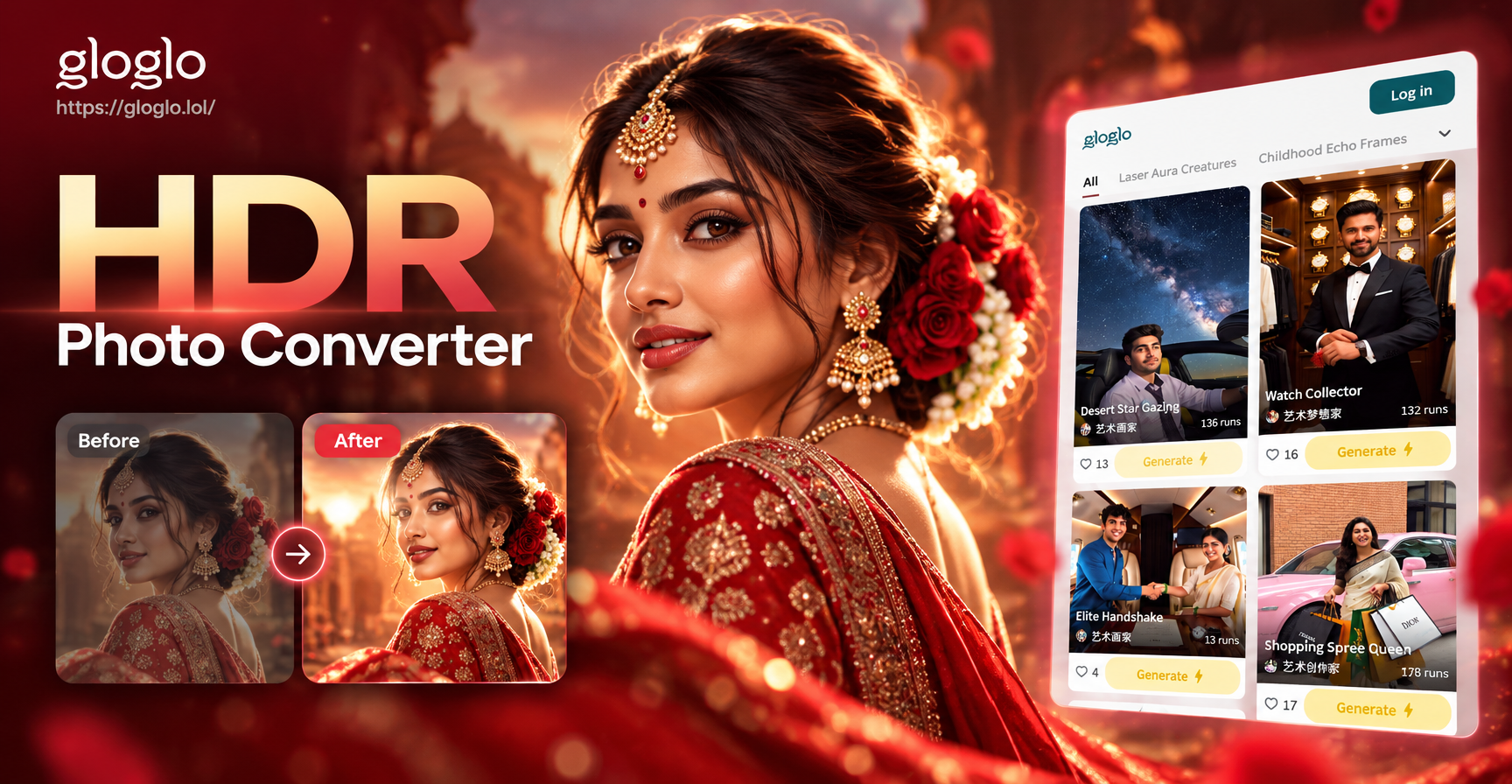
HDR Photo Converter: Turn Any Photo Into Stunning HDR
Turn ordinary photos into vibrant HDR images. Upload your photo, pick an HDR style, and let AI boost colors, contrast, and details instantly. No editing skills needed.
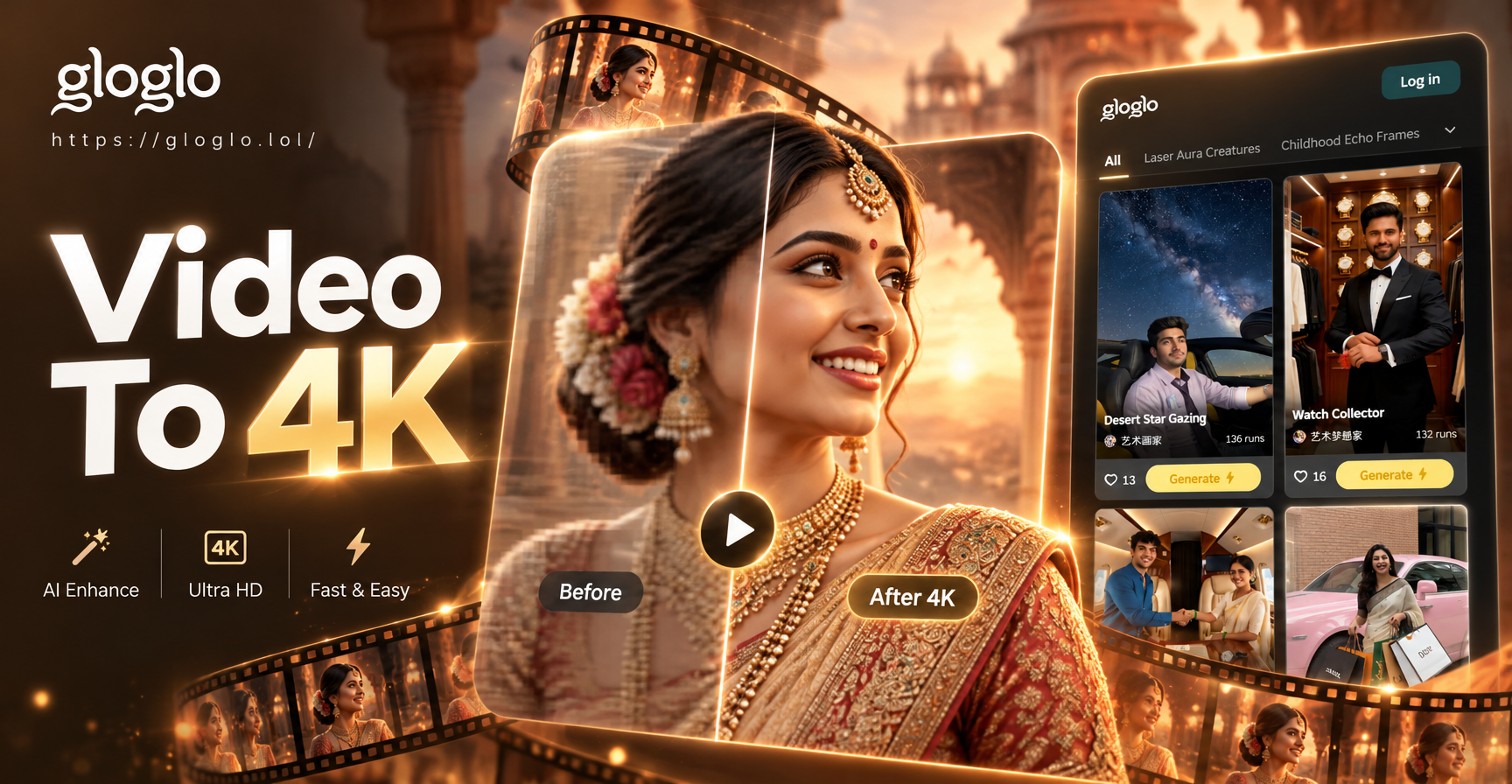
Convert Video To 4K Quality with AI in Seconds
Upscale your videos to 4K quality instantly with gloglo's AI video enhancer. Upload any clip, choose a style, and get sharp, detailed results in seconds. No skills needed. Download the app now.
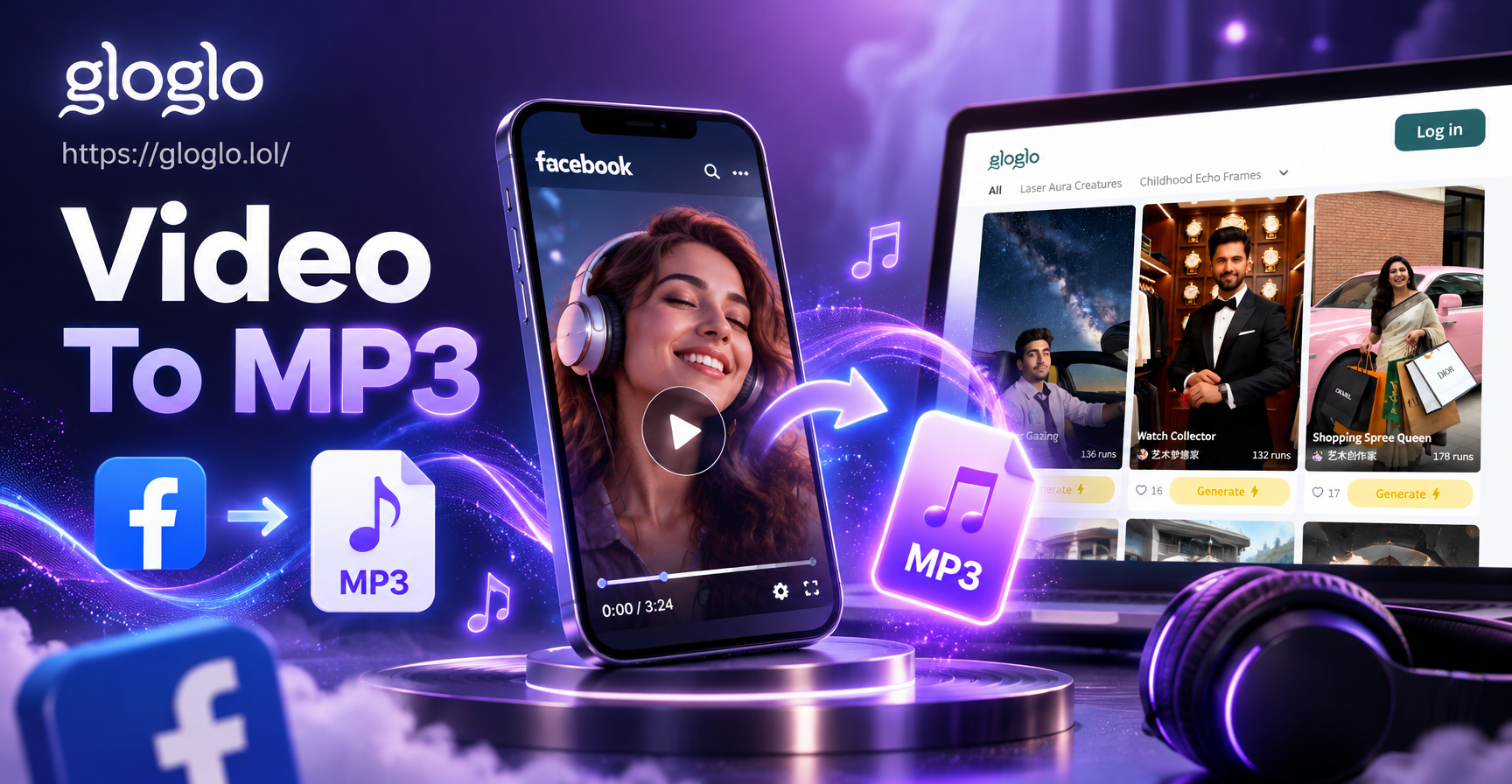
Facebook Video to Mp3 Convert: Fast Audio Extraction
Convert Facebook videos to high quality MP3 in seconds. Download gloglo to extract audio, enhance sound, and save files to your phone. No technical skills needed.
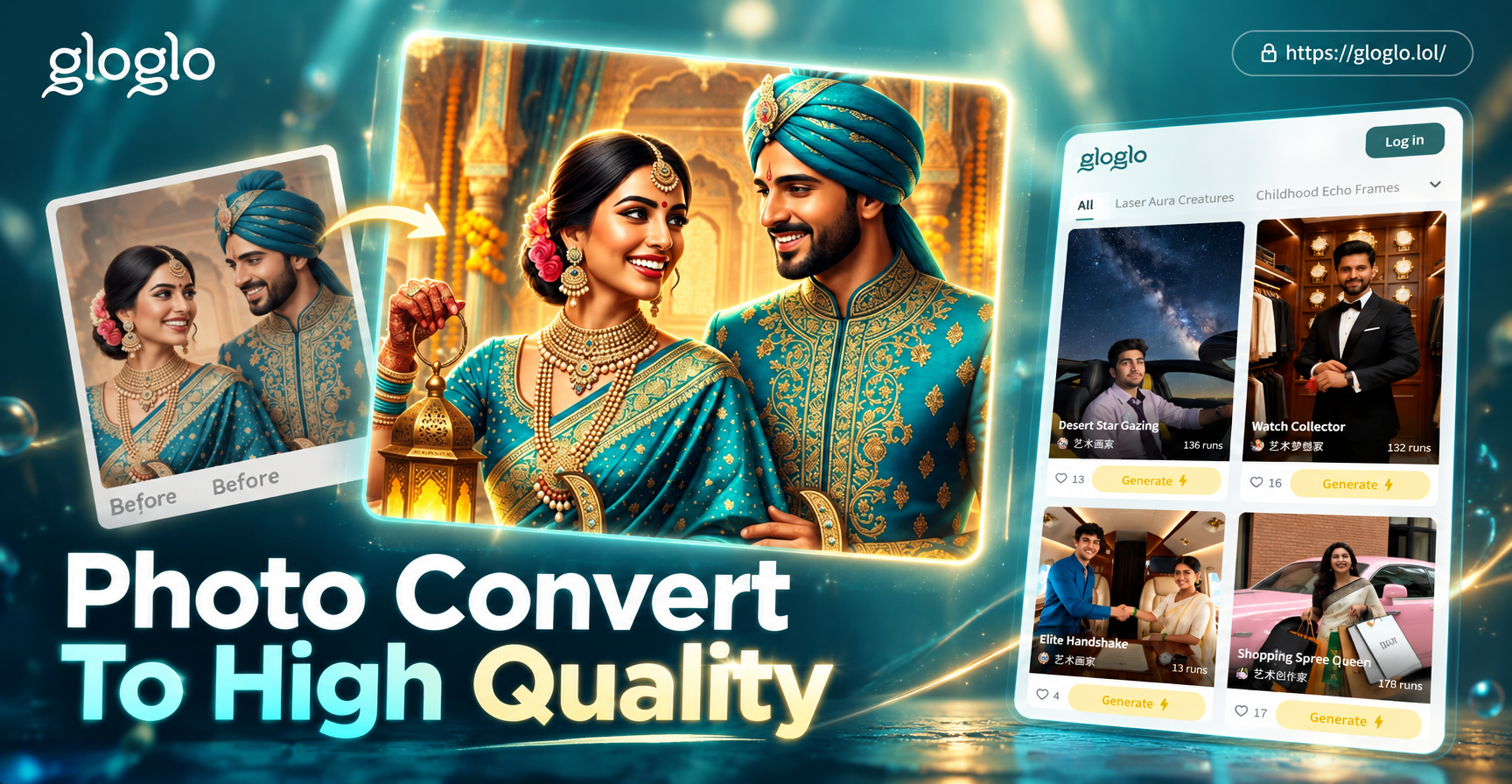
Turn Any Photo Into High Quality HD
Convert photo to high quality instantly. Upload any image, remove noise, upscale to HD, and enhance clarity. No design skills needed. Get stunning results in seconds.
Ready to Convert Your First 4K Video?
Download gloglo now and turn ordinary clips into Ultra HD masterpieces. Easy to use, no editing skills required.
Ready to Convert Your First 4K Video?
Download gloglo now and turn ordinary clips into Ultra HD masterpieces. Easy to use, no editing skills required.